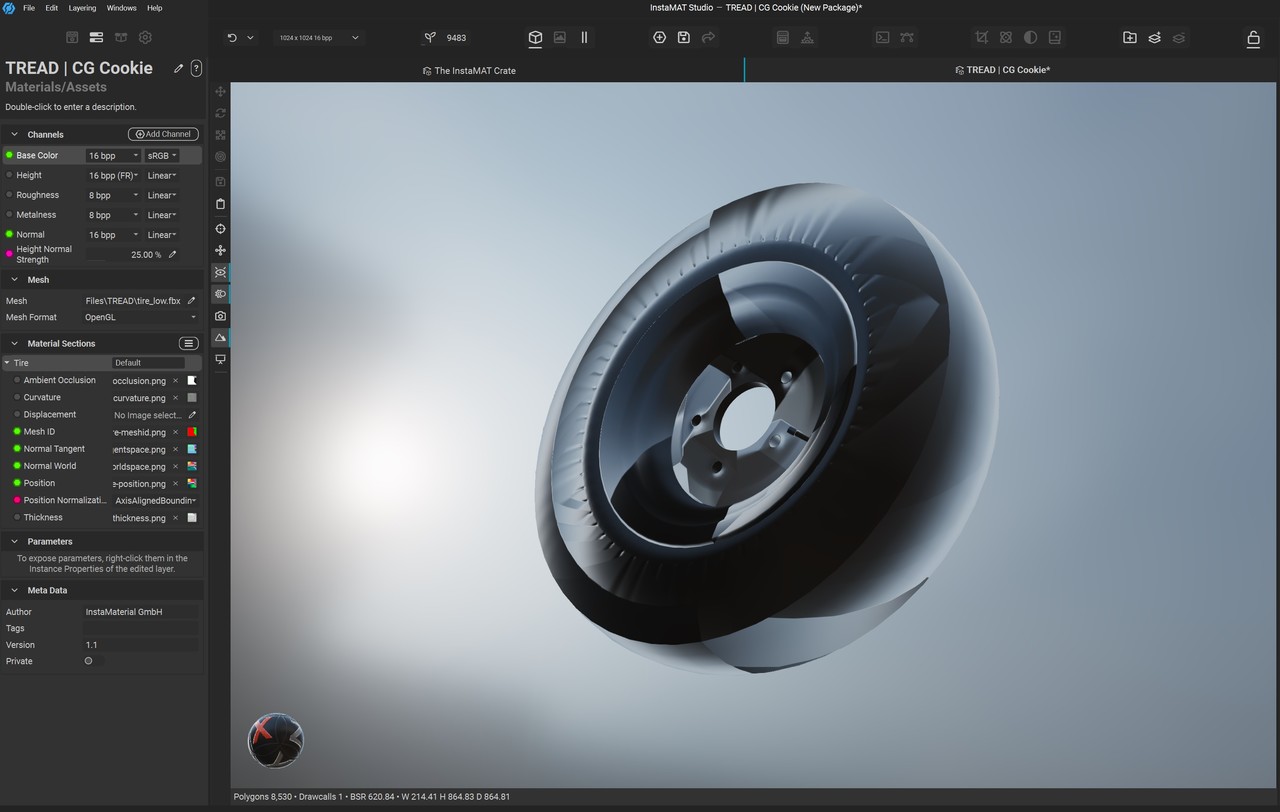
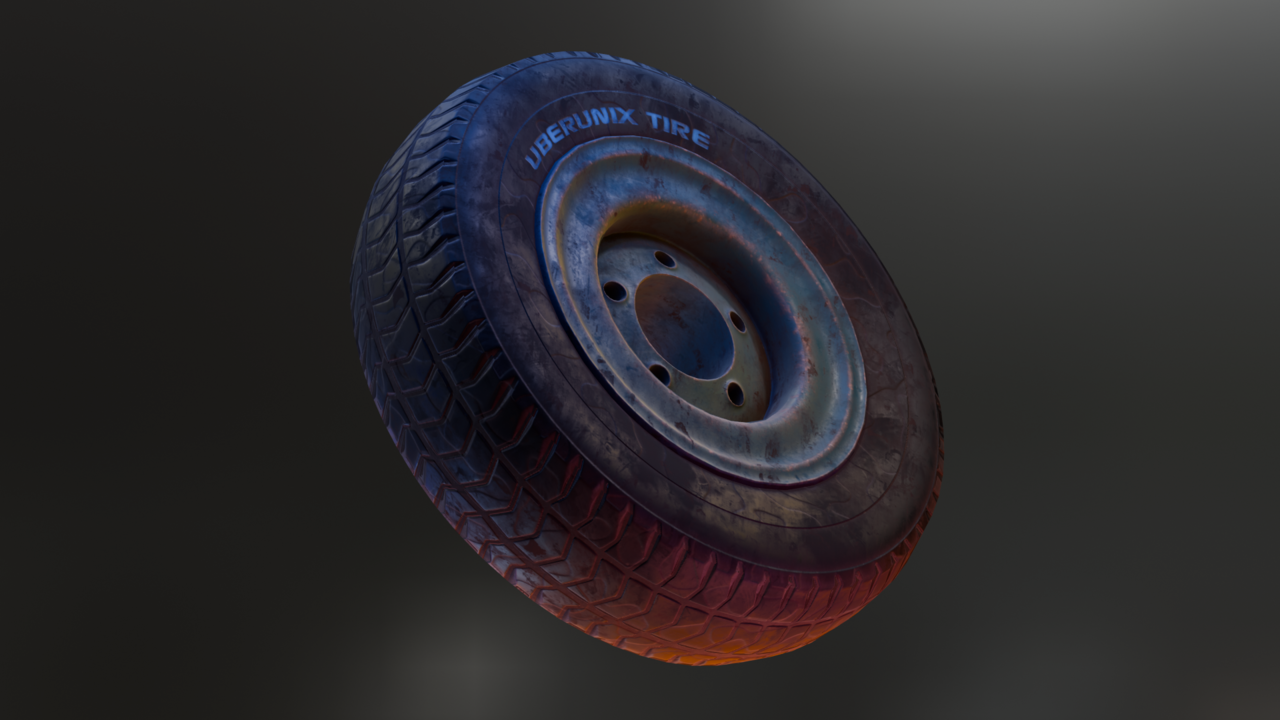
Hey @teldine! Not a problem, we will figure out what’s going on. Baking always presents issues, I seldom get it perfect on the first go and I’ve been doing it for years.
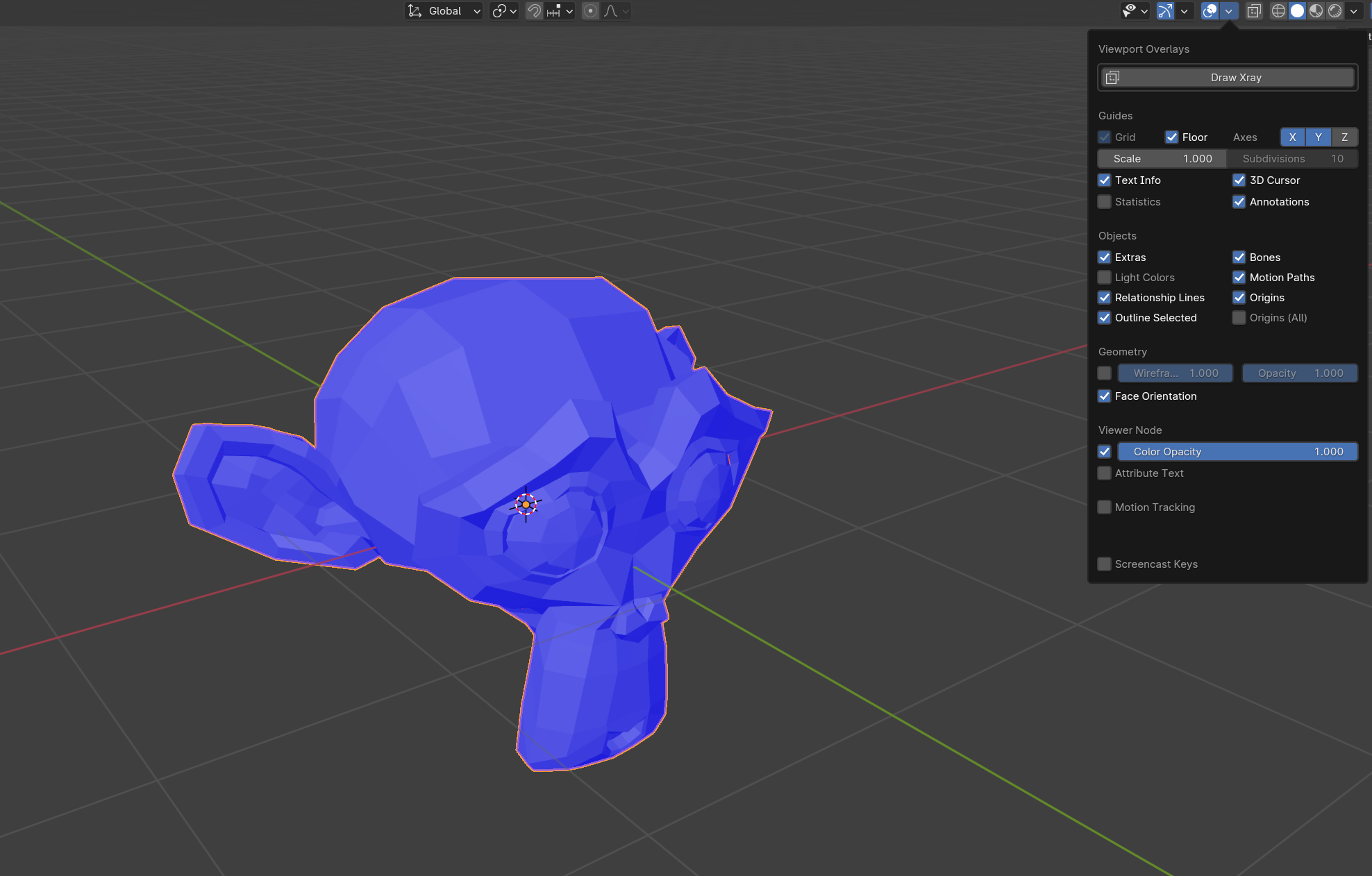
The first thing I usually check is the face orientation of both my low and high poly models in Blender. If you take a look, are you getting blue across all faces for both meshes? If any faces are red, that means the orientation of the faces (and therefor baking orientation) is the wrong direction which could produce weird results like your screenshot. Image below is ideally what we’d want to see!
If that is looking good, the next thing I would check is the naming conventions of your models. We want to make sure that the matching high and low poly versions have the same names, with the proper _high and _low suffixes at the end of them (i.e. tread_high and tread_low, air_cap_high and air_cap_low).
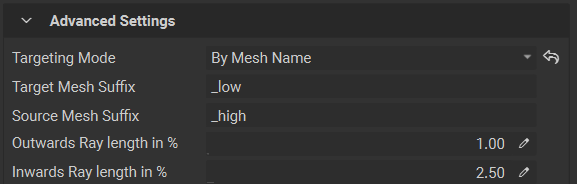
If that looks good in Blender, make sure we have our Mesh Baking dialog in InstaMAT set to targeting meshes By Mesh Name. This will make sure we get fewer baking errors related to baking the wrong information. You may also want to try setting the Ray Length to different values, depending on how large your model is you may need to provide your bake with larger distances to capture all of the details during baking.
In your screenshot it looks like it’s capturing some detail, but it’s hard to initially nail down what the exact issue could be! My initial thought would be that it has to do with the normals being flipped, but it may require a bit of back and forth to find the root of the issue. Take a look at these suggestions first, and let us know if that helps you so we can go from there if the issue doesn’t get resolved!
Cheers,
Chunck 🙂

.