
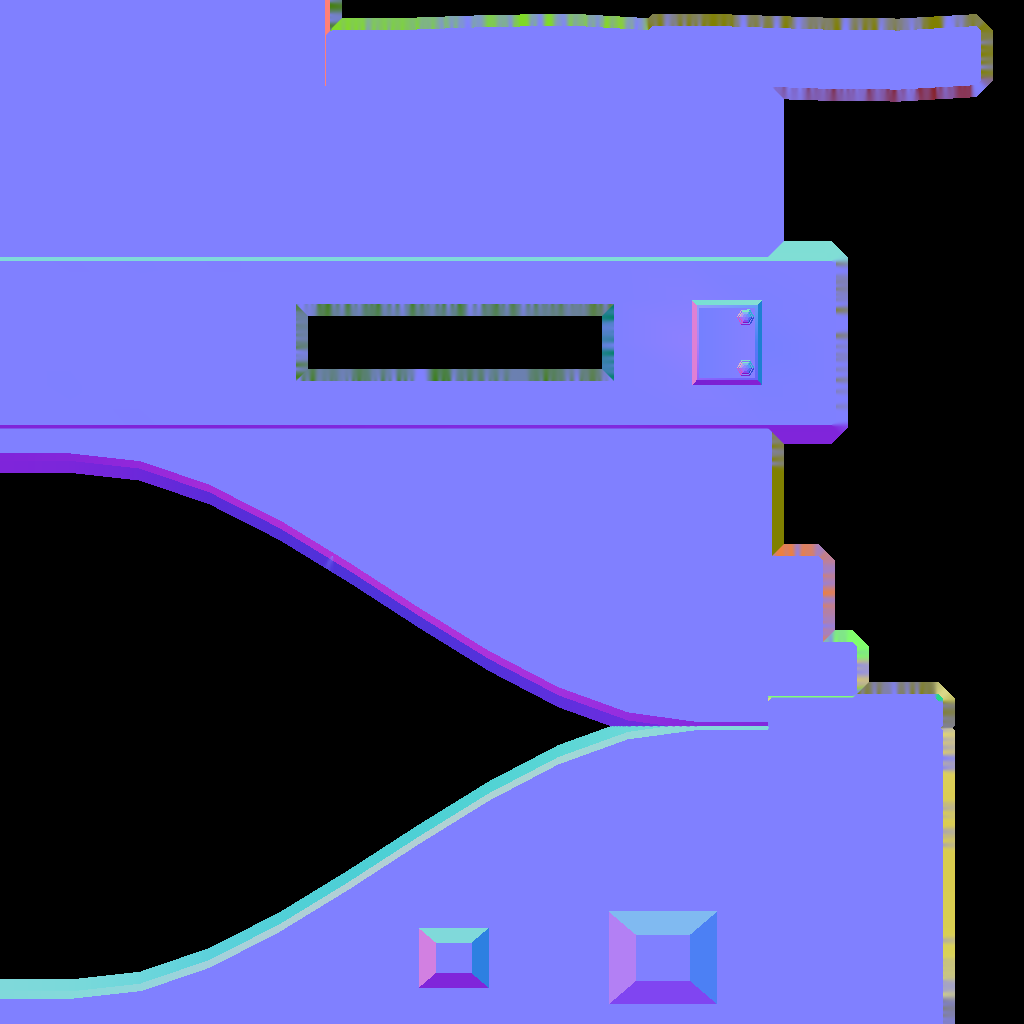
Messy green areas in normal map

Forum Archive Messy green areas in normal map

Viewing 6 posts - 1 through 6 (of 6 total)
  • Author
    Posts
  • #6849
    Hadas Noam
    Participant

      This course has been real helpful so far, I’m finally getting normal maps to work. Thank you!
      However I’m still getting those ugly green areas in the map. Any idea why and how can I fix them?
      It looks like a bevel in the map, but these are not areas I have bevel on either model. 

      #26075
      Jonathan Lampel
      Participant

        I’ve seen that a few times but I’m not quite sure what causes it yet. Mind if I look at your file? You can upload it at pasteall.org

        #26076
        Hadas Noam
        Participant

          Yes that would be great! I get this issue a lot.

          I’ve uploaded the file here: http://pasteall.org/blend/index.php?id=48688

          #26077
          Hadas Noam
          Participant

            Actually that file is wrong, sorry. I was trying to fix the issue with the cage function.

            This is the original one – http://pasteall.org/blend/index.php?id=48689

            #26078
            Jonathan Lampel
            Participant

              In both of the files the lowpoly was also set as the cage, so I cleared out that setting (which will use a default extrusion cage behind the scenes), and then lowered the extrusion so that it’s not so massive. 1 unit is really far away, so that might be what was giving you trouble. 

              #26079
              Hadas Noam
              Participant

                Ah I fixed this but since “clear” was unchecked, it kept the old mess every time. Clean now, thank you 🙂

              Viewing 6 posts - 1 through 6 (of 6 total)
              • The topic ‘Messy green areas in normal map’ is closed to new replies.