Mesh Problem

Forum Archive Mesh Problem

Viewing 9 posts - 1 through 9 (of 9 total)
  • Author
    Posts
  • #17799
    François Audiffren
    Participant

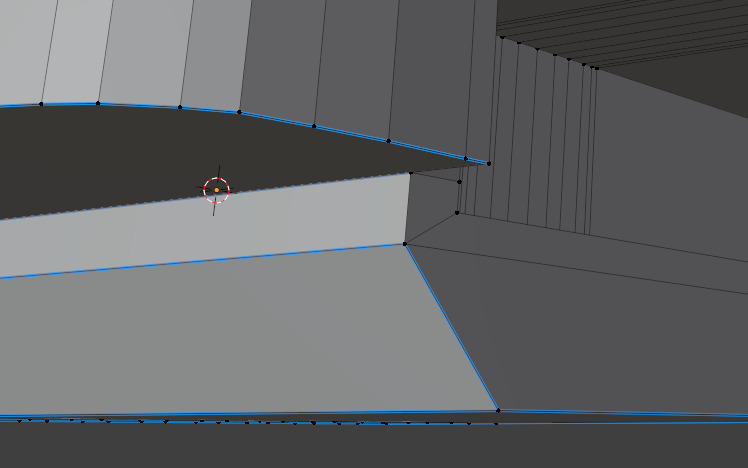
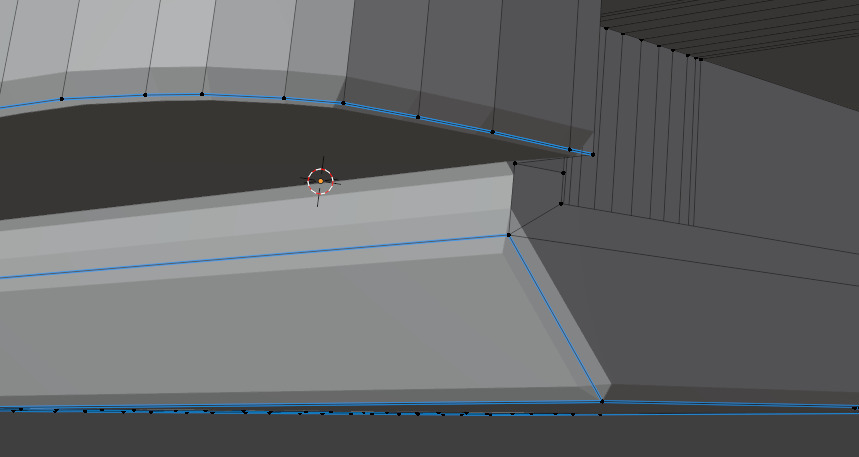
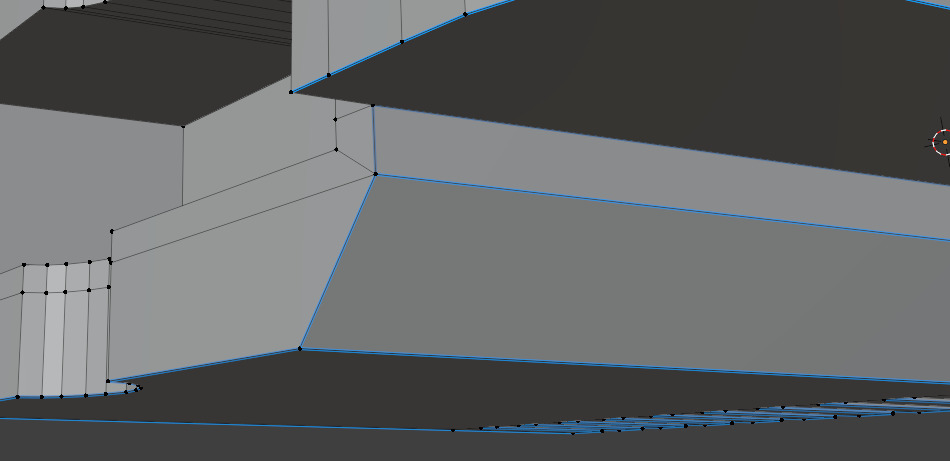
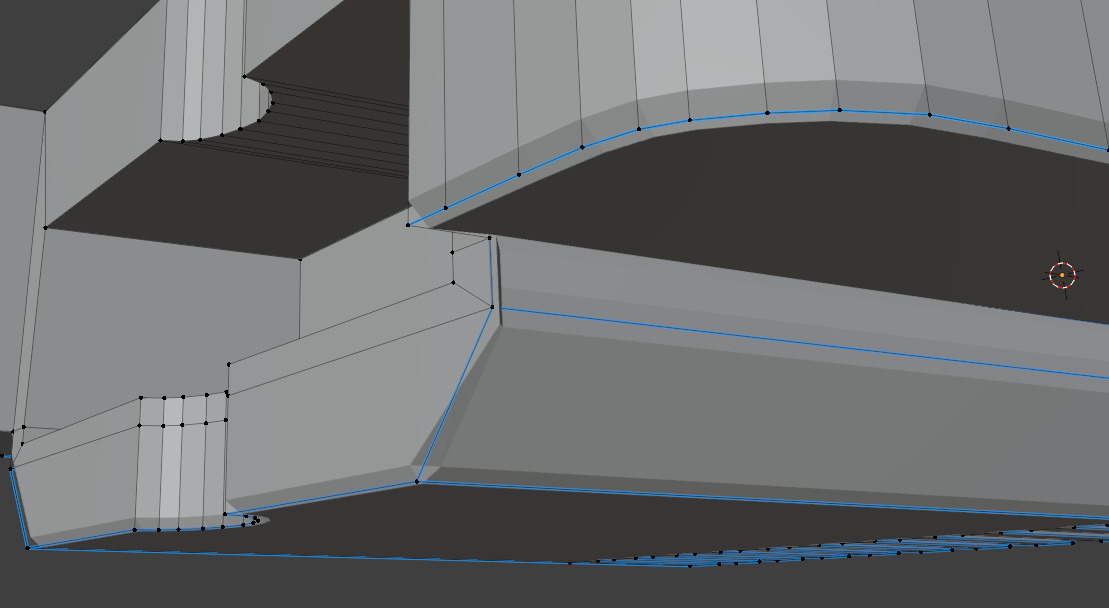
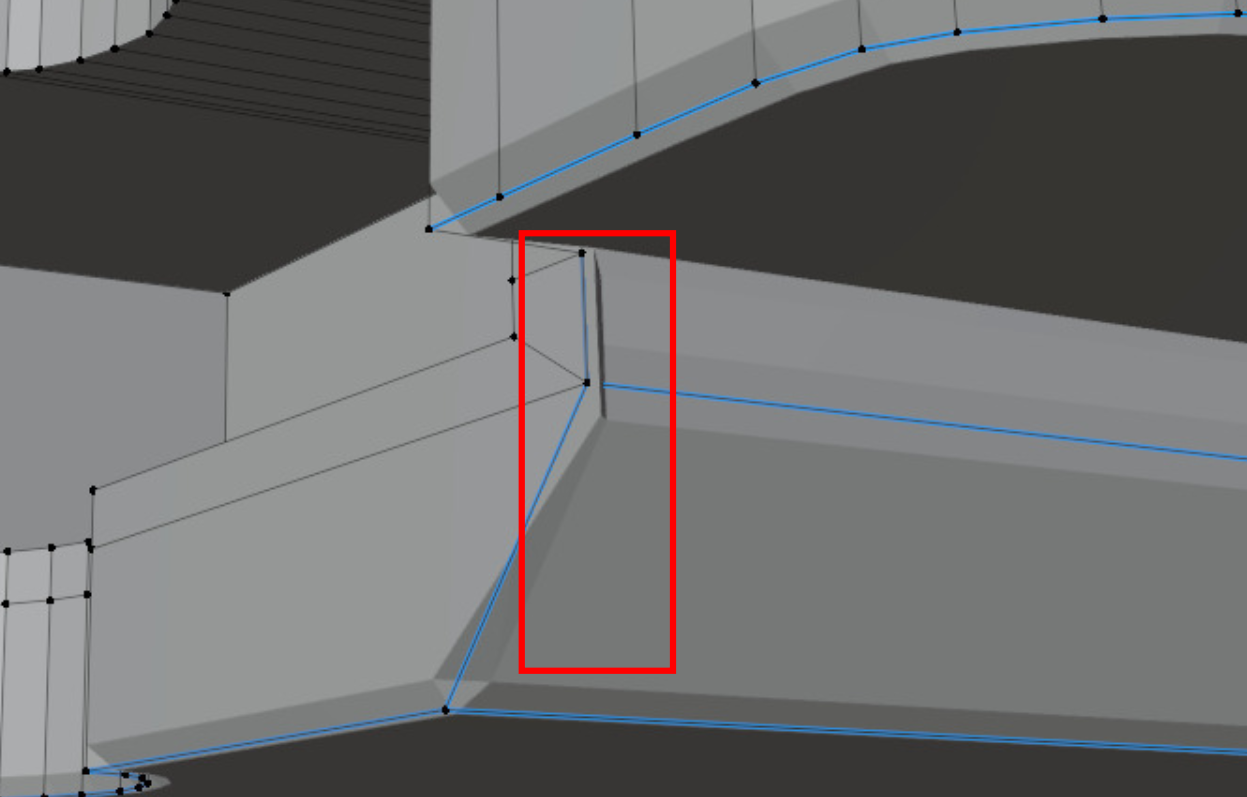
      I’m currently at lesson 4 “creating the cartridge” and I realized I’ve got mesh problems. I don’t understand where it comes from nor how can I fix it. Visually speaking, I see some edges but they don’t link to any vertices. 

      #85389
      Martin Bergwerf
      Participant

        Hi Francois @Scaldee ,

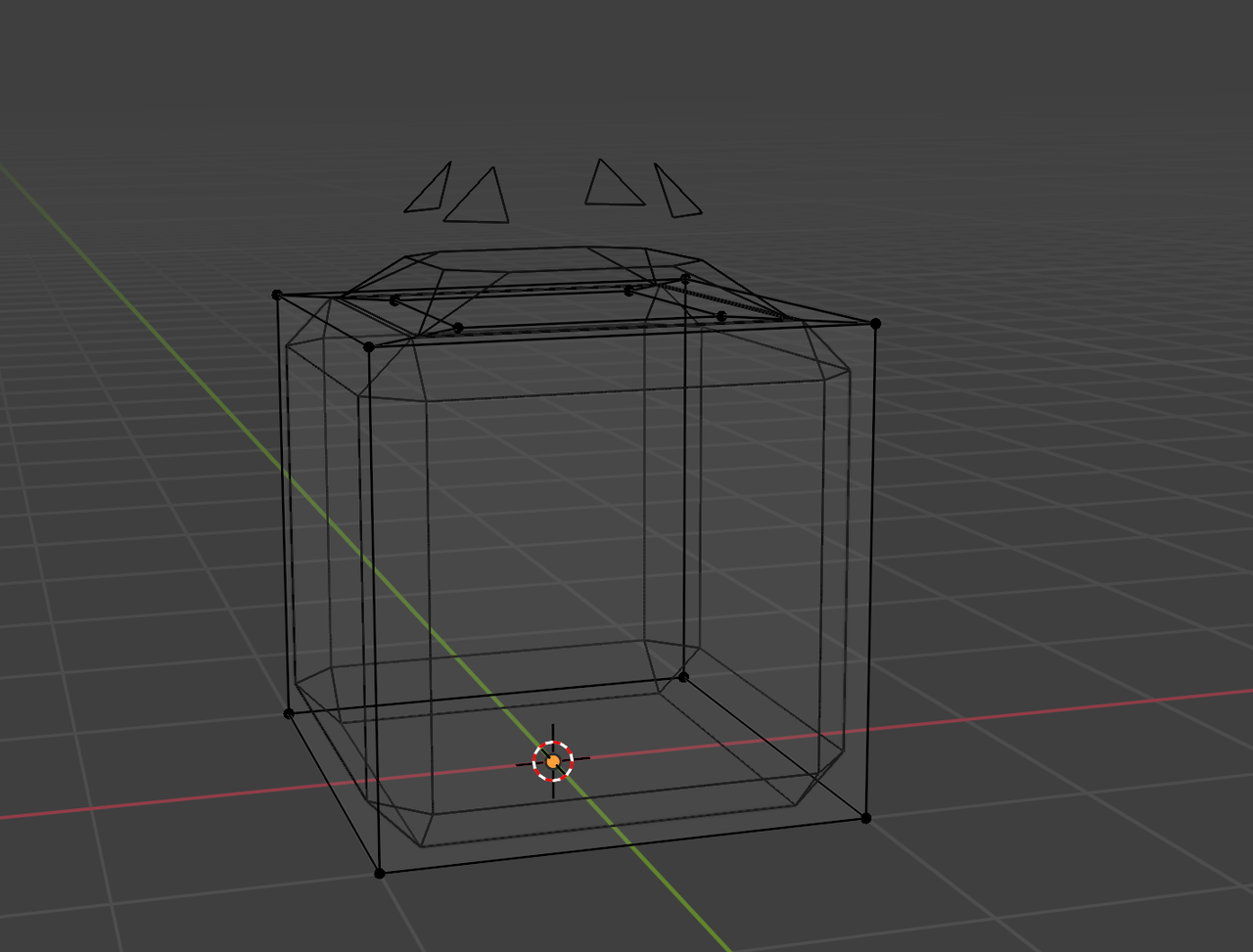
        That sounds like it’s just a visualisation of the Bevel Modifier. Something like:

        Bevel_01.png

        This is not a problem with your Mesh!

        Switch to Solid Mode or disable the Bevel Modifier in Edit Mode to see if it goes away.

        If you’re still thinking something is wrong, please post a Screenshot of the issue.

        #85390
        François Audiffren
        Participant

          Sorry I wanted to post screenshots in my initial message but the website wouldn’t let me for some reason. pb2.jpgpb1.jpgpb3.jpg

          #85391
          Martin Bergwerf
          Participant

            Yes, when you ask a question directly under a Lesson, the first post doesn’t accept images (this is a known bug, it will be fixed at some point).

            So this was not the problem I thought. It is caused by the Bevel Modifier…

            Check your Mesh for Double Vertices and make your Normals consistent (just in case).

            So: A (to Select all) then M > Merge > By Distance, followed by SHIFT+N.

            Maybe that doesn’t fix everything, but we’ll have a better starting point to troubleshoot, if necessary.

            #85392
            François Audiffren
            Participant

              Hi ! Thanks for the answer.

              Merging all vertices helped a little, I feel like it’s a bit more clean. However the area I showed in the screenshots is still a bit messy. clearly caused by the bevel modifier I think, when I activate / deactivate the realtime display in the viewport, I can see that the bevel is the problem. I wonder if maybe I accidentally applied the bevel weight to a vertex and / or an edge earlier in the process, and now that i’m trying to add weight again in this area it creates a problem.

              #85393
              François Audiffren
              Participant

                Here are both sides, unbevelled and bevellednb1.jpgb1.jpgnb2.jpgb2.jpg

                #85394
                Martin Bergwerf
                Participant

                  HI Francois @Scaldee ,

                  This:Bevel_02.png

                  looks like inconsistent Normals to me (SHIFT+N with everything Selected should fix that).

                  #85395
                  Adrian Bellworthy
                  Participant

                    Hey @Scaldee
                    Looks like you may still have some double vertices, try selecting a vertex where the issue is and move it with G to see if there is another vertex left behind.

                    Also select the edge where the issue is and check the Mean Bevel Weight under Edges Data is set to 1. It is quite common to mistakenly set the Mean Bevel Weight under Vertices Data by mistake.

                    Top Tip: 
                    When using edge tools (tools found in the edge dropdown menu), I like to use edge select mode. Sometimes when selecting vertices some unwanted edges may be selected, and it is easy to miss a vertex too.

                    #85396
                    Omar Domenech
                    Participant

                      Just a note, remember that Press Start is not super beginner friendly, it’s actually a bit complex. You can always go to the Basics course and the Fundamentals to really get modeling from the very start.

                      Blender Basics:

                      https://cgcookie.com/courses/blender-basics-an-introduction-to-blender-4-x

                      Fundamentals:

                      https://cgcookie.com/courses/fundamentals-of-3d-mesh-modeling-in-blender

                      Bootcamp:

                      https://cgcookie.com/courses/blender-mesh-modeling-bootcamp

                    Viewing 9 posts - 1 through 9 (of 9 total)
                    • The topic ‘Mesh Problem’ is closed to new replies.