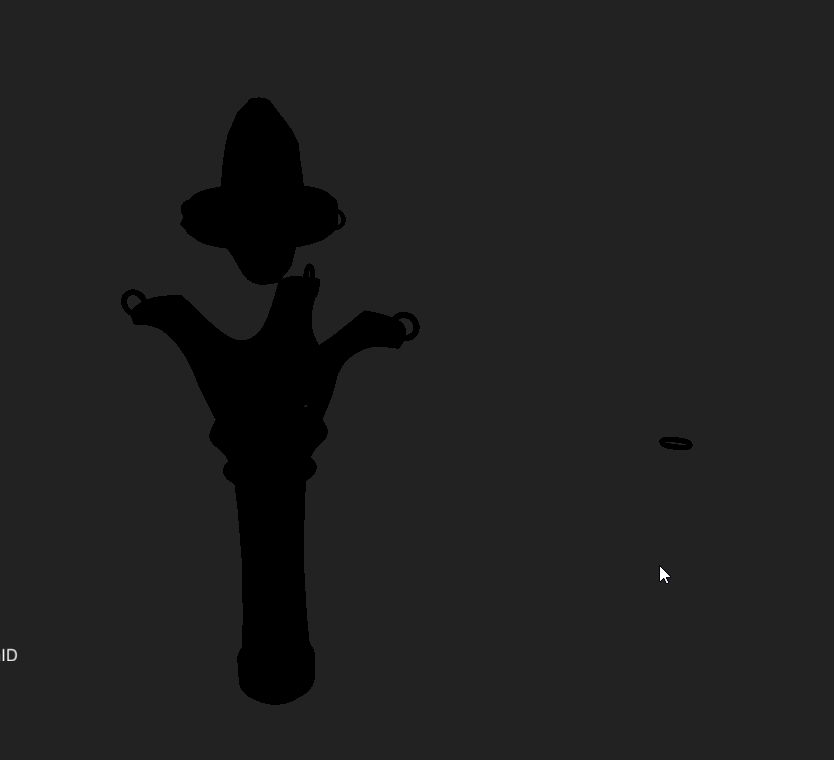
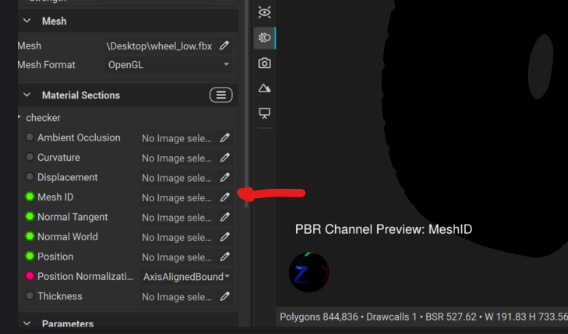
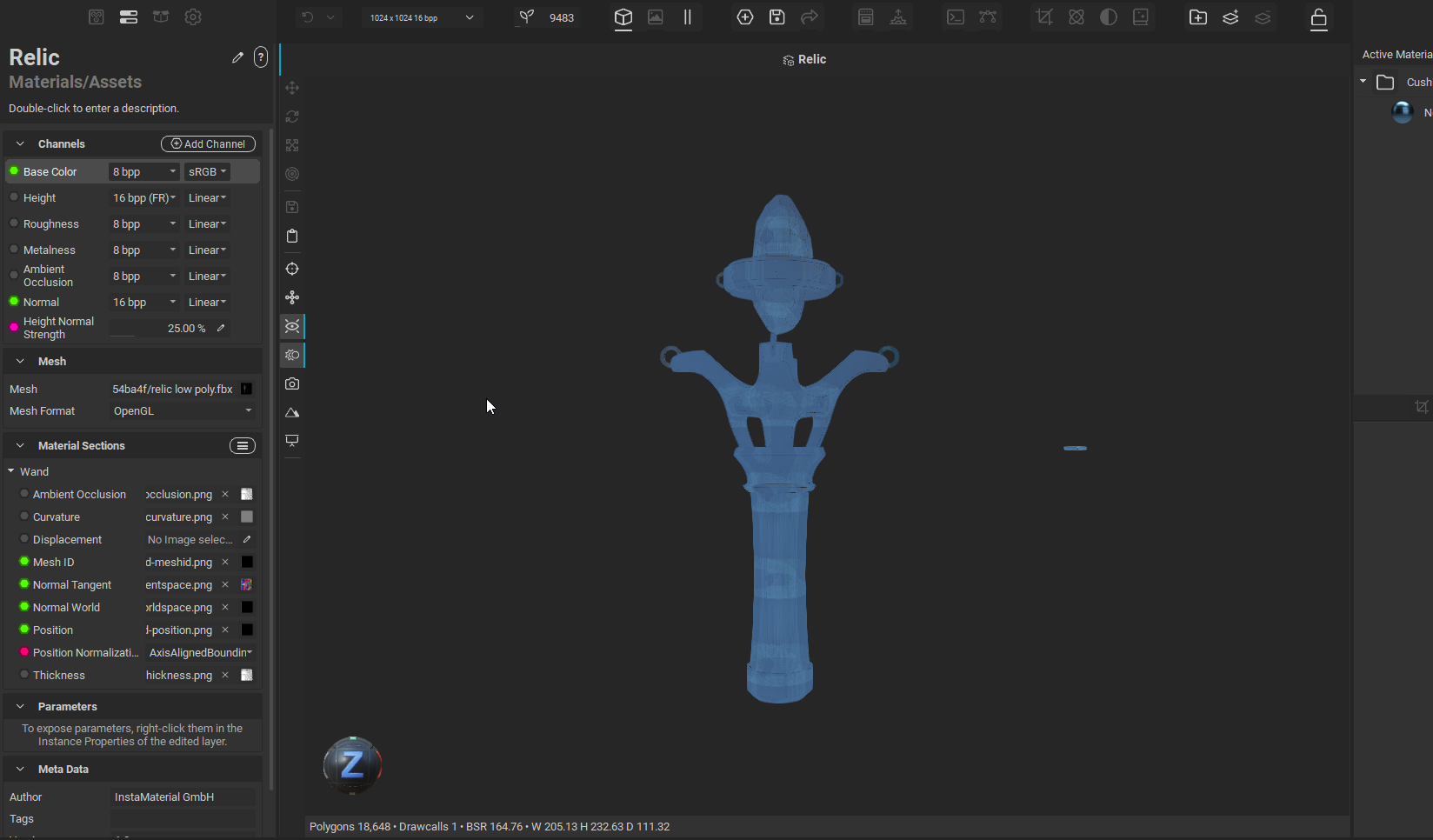
Hmmm, alright well it looks like a texture is slotted in that channel, however it looks like it and a couple other texture maps did not bake properly. For some of the other maps like the Ambient Occlusion, does it appear to have baked correctly? (You can check what it looks like on your model by pressing the “C” key and cycling through the baked textures).
The first thing I’ll recommend if you haven’t tried it already: Create a new InstaMAT project and try baking again. This could be an easy solution that may fix things without us having to get too deep into troubleshooting.
If you give that a go and things still are not working:
- Make sure that your high and low-poly models are in the same exact position when exporting from Blender
- Double check that both the models have their normals facing the correct way (we don’t want faces with inverted normals / backfaces showing)
- Make sure that you have both the High-poly and Low-poly models loaded into InstaMAT when you are in the baking panel
- Double check that the High-poly model file isn’t empty (I’ve done that a couple times…)
- In InstaMAT, play around with the ray settings to see if you need a greater ray distance
Like Omar had mentioned, it may be beneficial to retrace some of your steps leading up to this point in the series. Texture Baking is often a mistake that happened several steps prior, so it could very well be an issue that exists outside of InstaMAT. Give some of those ideas a try and I’ll be happy to continue troubleshooting with you if that doesn’t work! 🙂

.