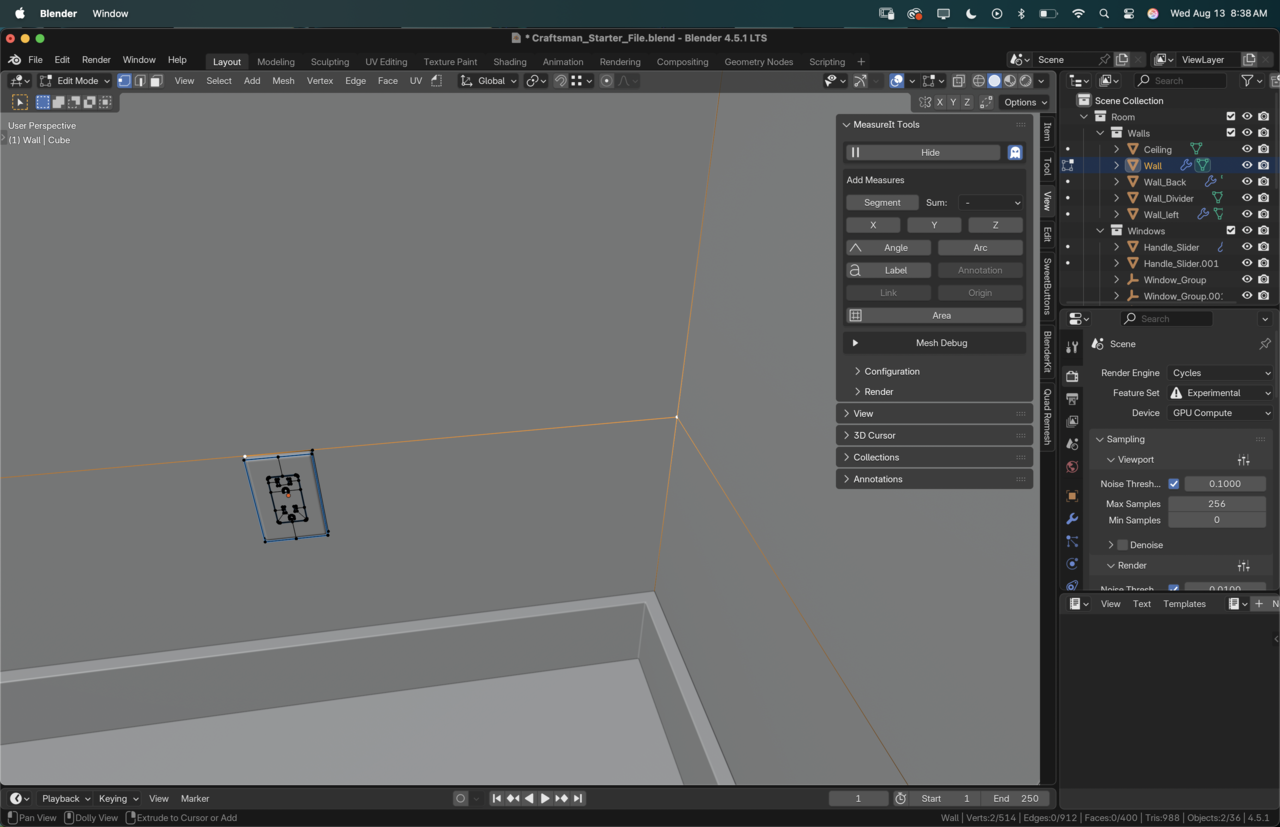
Sweet trick to measure from the top vertex to the floor! I never used those X,Y,Z buttons on Measure It!
Also learned that it only works towards the origin of the object, so measuring the outlet towards the floor didn’t really work. But that can be so helpful! Particularly for models that share the same origin.
On a side note: you can measure distances between objects in Measure It, though it has its quirks.
You must select the vertex you would like to measure it from, then in the other object select the vertex you wish to measure it to. Then select both in object mode and hit the button “Link”.
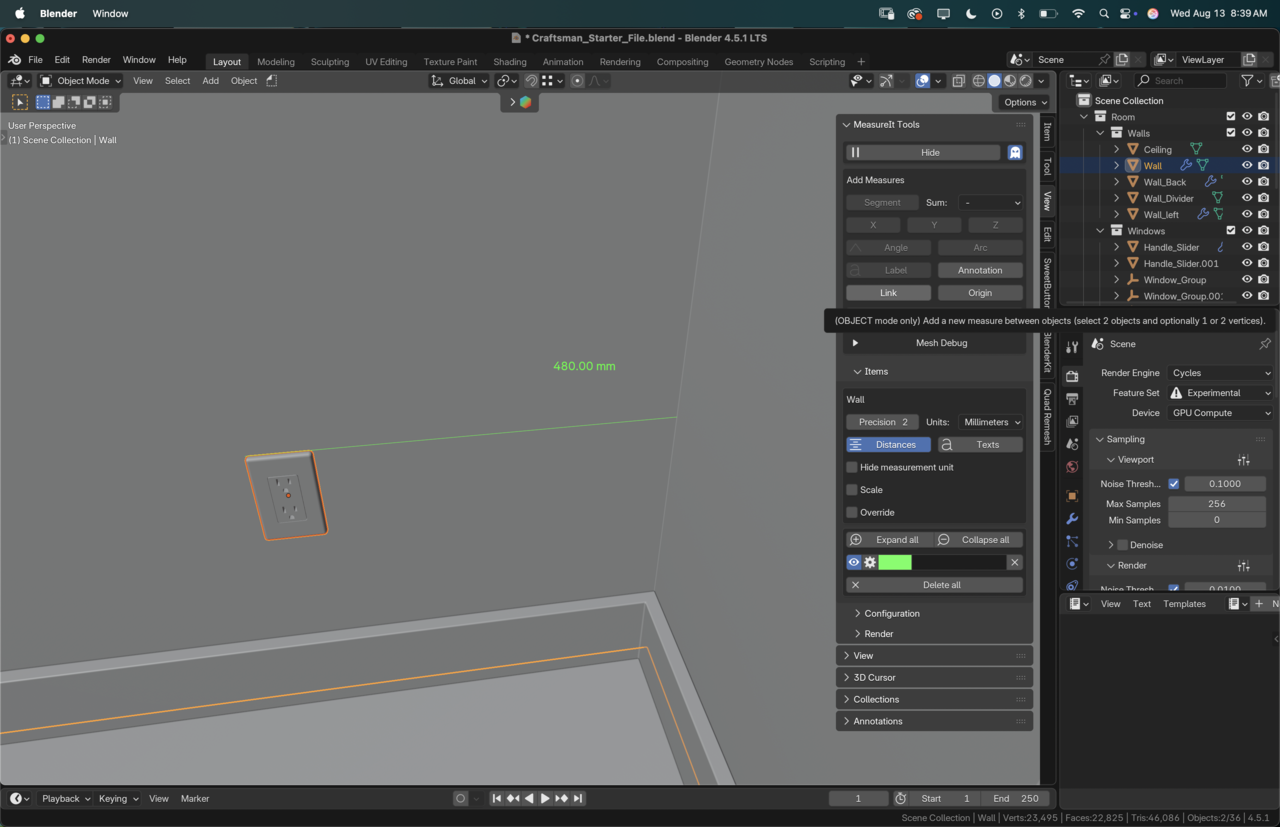
The downside is that if you don’t have vertices in the same plane you’ll end up with the actual distance, not limited to an axis. It’d be cool if both features were combined! It is handy if you do have vertices that already match and you don’t want to add any extra loop cuts to your model.

.


