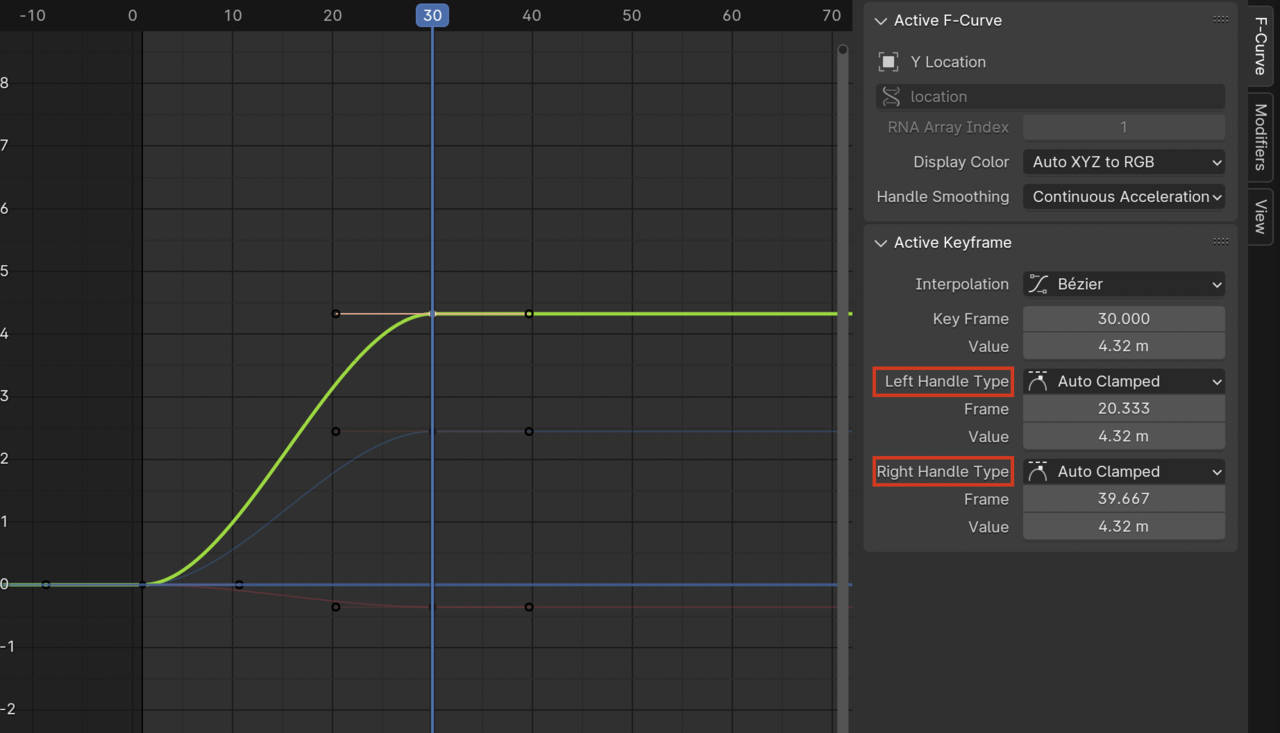
Wow, can we just copy and paste the ease with ctrl+c and ctrl+v? That’s mind blowing!
So, I’m not trying to copy the values, or the keyframes… I’m trying to match the easing. Let’s say I worked on a custom curve shape in the graph editor and now I want other elements to be in synch, but they have different values… sometimes even entirely different properties (say I want the rotation to match the translation). Is there a way to copy the curve shape (the incoming and outgoing velocities), or do we have to do it manually for each curve?
I tried showing it here (it’s After Effects though – hopefully it makes sense): https://youtu.be/pf-ojailWg0

.