Mantaflow cache type replay/live preview wont work fo me follow up

Forum Archive Mantaflow cache type replay/live preview wont work fo me follow up

Viewing 15 posts - 1 through 15 (of 23 total)
  • Author
    Posts
  • #11567
    jesse94
    Participant

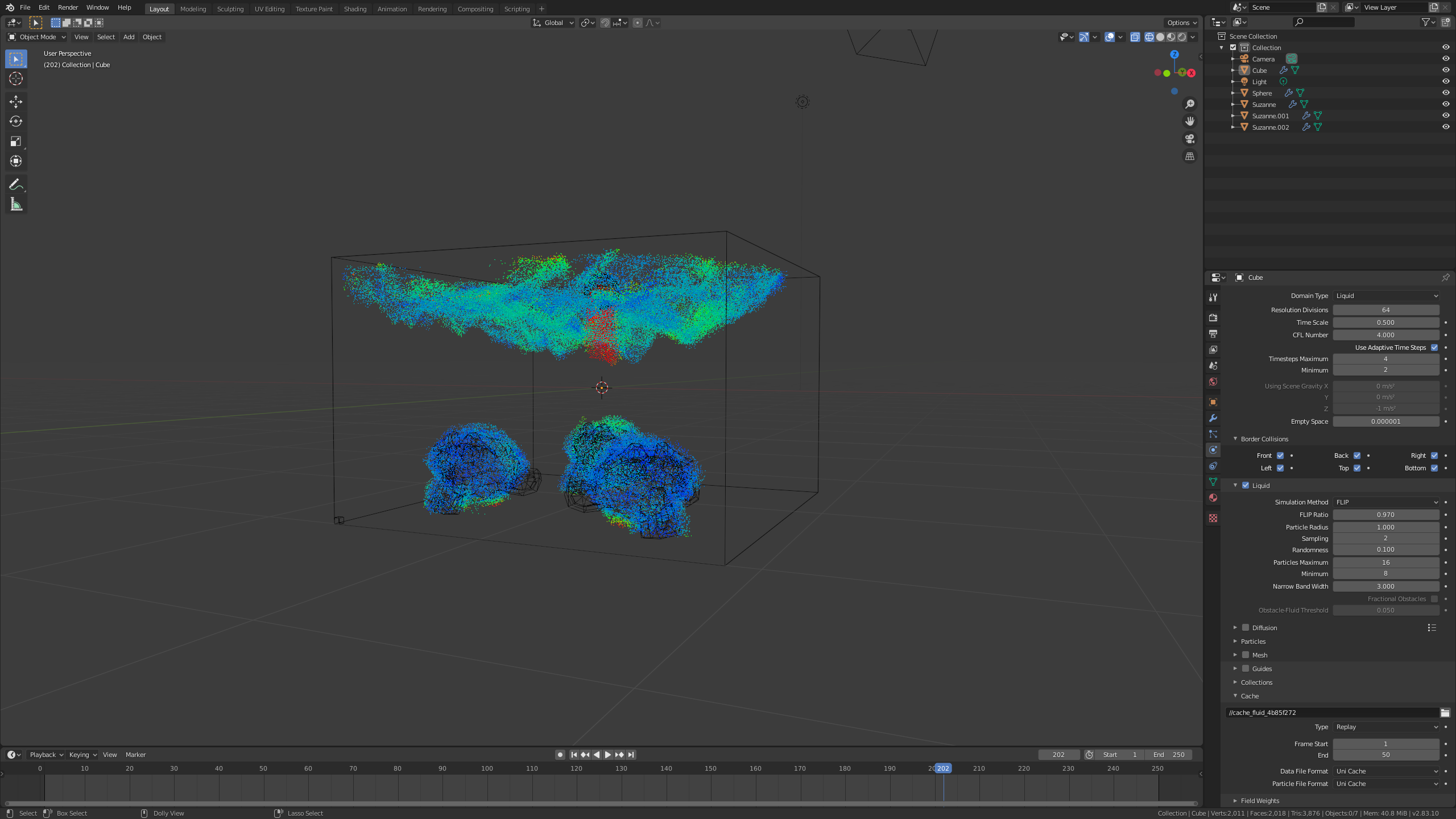
      This is a follow up post to my mantaflow cache type replay/ live preview not working for me. When it seemed like the cache type replay/live preview was working fine now I came across another problem at some point in the timeline the cache type replay/live preview will begin to float in the air and sick to the monkeys.

      #55307
      spikeyxxx
      Participant

        Try and delete your cache_fluid folder. Then try again. Play the animation starting from frame 1. With Replay, the cache is written according to the timeline, so first frame 1, then frame 2, etc.

        Do not look at what is happening at frame 173, before the simulation has reached that frame.

        #55308
        jesse94
        Participant

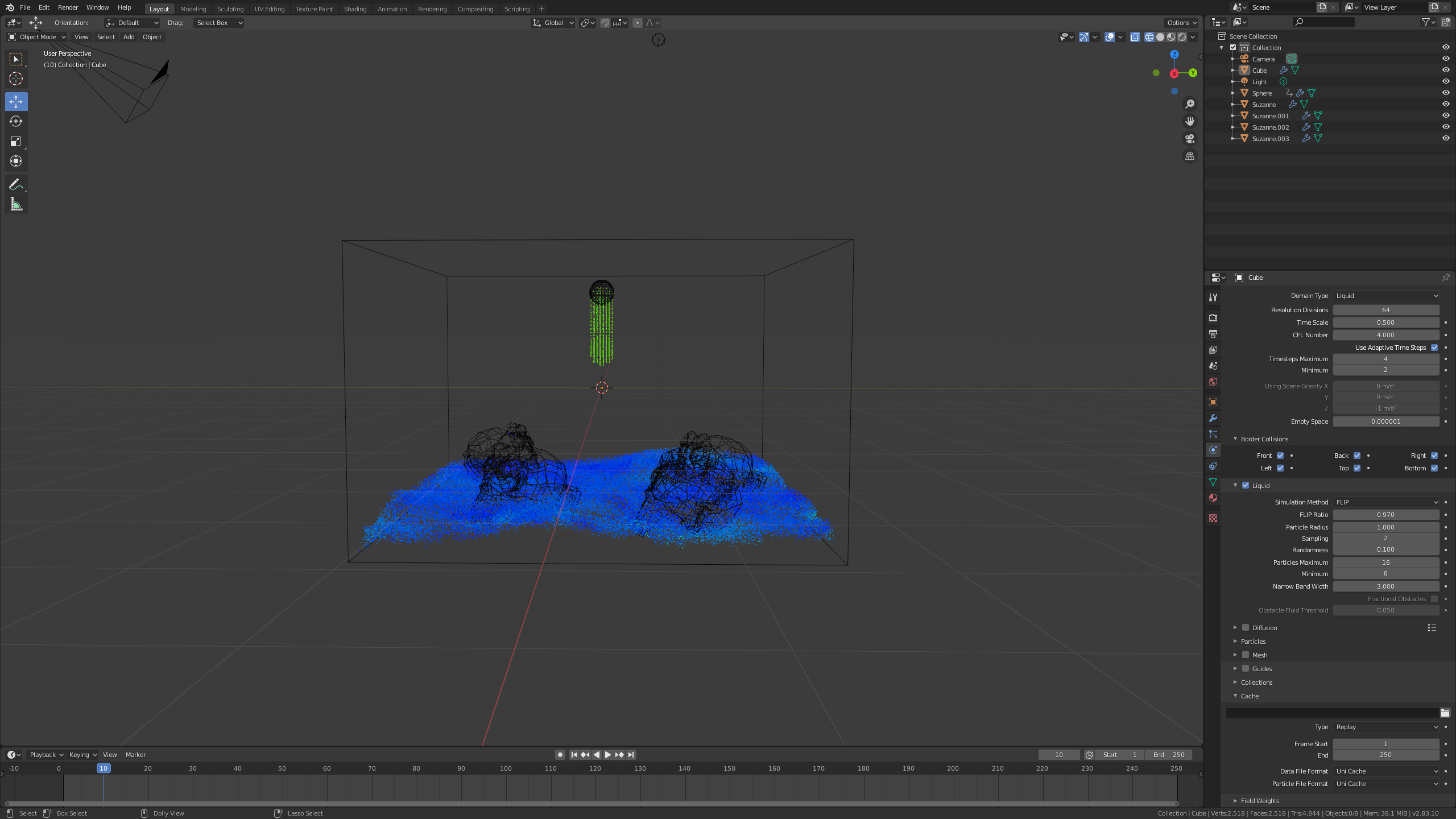
          I deleted my cache folder and made a new cache folder in it’s place and I selected the new cache folder in blender but it still didn’t work the live preview is gone completely now.    

          #55309
          spikeyxxx
          Participant

            NO idea why it doesn’t work for you.

            BTW the Mantaflow developer is here now: https://www.youtube.com/watch?v=jKBBgYZsfWE

            You can ask questions here:https://blender.community/c/today/sYdbbc/

            #55310
            jesse94
            Participant

              The layout of the website is kind of confusion to me how do you ask a question?   

              #55311
              jesse94
              Participant

                never mind I figured out the website now 

                #55312
                spikeyxxx
                Participant

                  HI jesse, I know now what is happening.

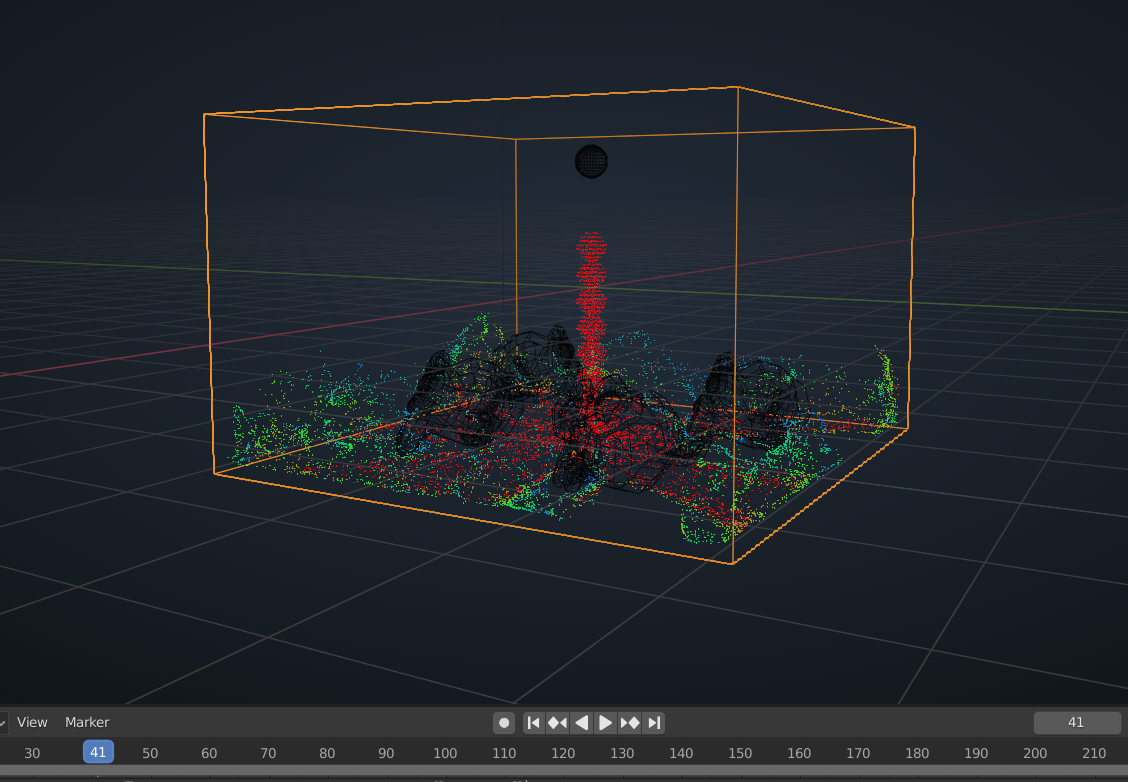
                  Mantaflow uses FLIP fluids. What you see is only the surface of the fluid. (The colors depict the speed of the water surface .)

                  because the water keeps flowing in the Domain, the Cube is filling up with water and the surface of the water rises. Also around the monkeys the water is treated as a surface. That is what you see. If I remember correctly, CGGeek turned of the ‘Use Inflow’ at frame 41 or so. That is why his Domain didn’t fill up completely and the water surface didn’t rise up so high;)

                  #55313
                  jesse94
                  Participant

                    thanks for letting me know

                    #55314
                    shan jay
                    Participant

                      @spikeyxxx  is a Great Fellow

                      #55315
                      jesse94
                      Participant

                        I started a new blend file and I animated the inflow but that still didn’t work. What am I missing?. Here’s the same link I replaced the old blend file and cache folder with the new ones I even added a video to show what happens on my side of the screen just in case it’s different on your side . https://drive.google.com/drive/folders/1A0zCrSXXVFM26l2wyijriq3486anbTap?usp=sharing

                        #55316
                        spikeyxxx
                        Participant

                          Well, that is mysterious! In your mp4 nothing is happening at all…..

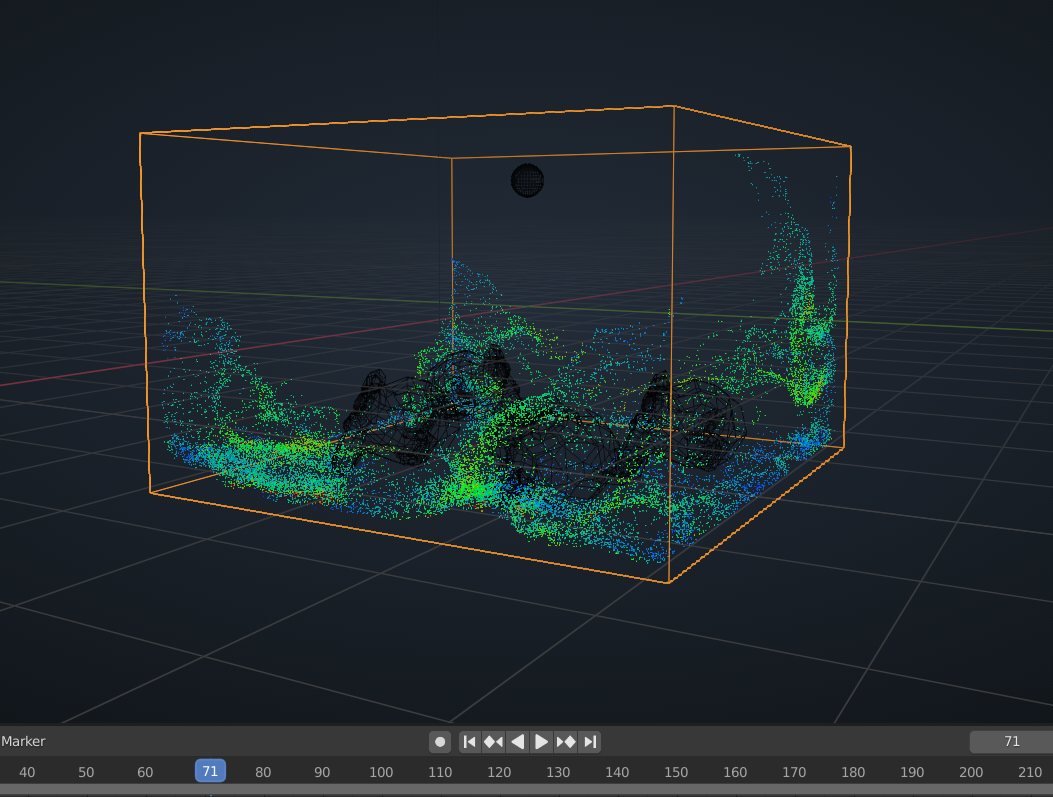
                          I opened your file, went to Frame 1. Changed the Liquid Sampling to 1 and then back to 2. (Simply change any setting and then change it back, to clear the cache.) Played the animation and everything worked as expected:

                          All the way from frame 1 to 250, without any glitches or anything.

                          So, honestly I have no idea what is wrong. (I’d like to know, though…)

                          #55317
                          jesse94
                          Participant

                            did you deleted the cache folder and made a new one before you changed the setting and changed them back?

                            #55318
                            spikeyxxx
                            Participant

                              I didn’t download your cache folder seperately, just opened your .blend file and cleared the cache like I mentioned above.

                              #55319
                              jesse94
                              Participant

                                I played around with the  blend file some more.  When I delete the cache folder in the cache bar in blender and I run the simulation the live preview will show and the inflow will fall down to the ground but when you go back to frame 1 the live preview will still be there and the inflow will fill the domain again. 

                                #55320
                                spikeyxxx
                                Participant

                                  Hey Jesse, in the cache bar is not the folder, but the path to the folder. Do not delete that.

                                  Either delete the folder itself on your hard drive (should be next to your .blend. Blender will create a new one when playing the simulation), or, easier, just clear its content by changing a value in your Domain settings and then changing it back to what it was.

                                Viewing 15 posts - 1 through 15 (of 23 total)
                                • The topic ‘Mantaflow cache type replay/live preview wont work fo me follow up’ is closed to new replies.