Low contrast and pixelated DISP-A

Forum Archive Low contrast and pixelated DISP-A

Viewing 10 posts - 1 through 10 (of 10 total)
  • Author
    Posts
  • #15825
    autobodhi
    Participant

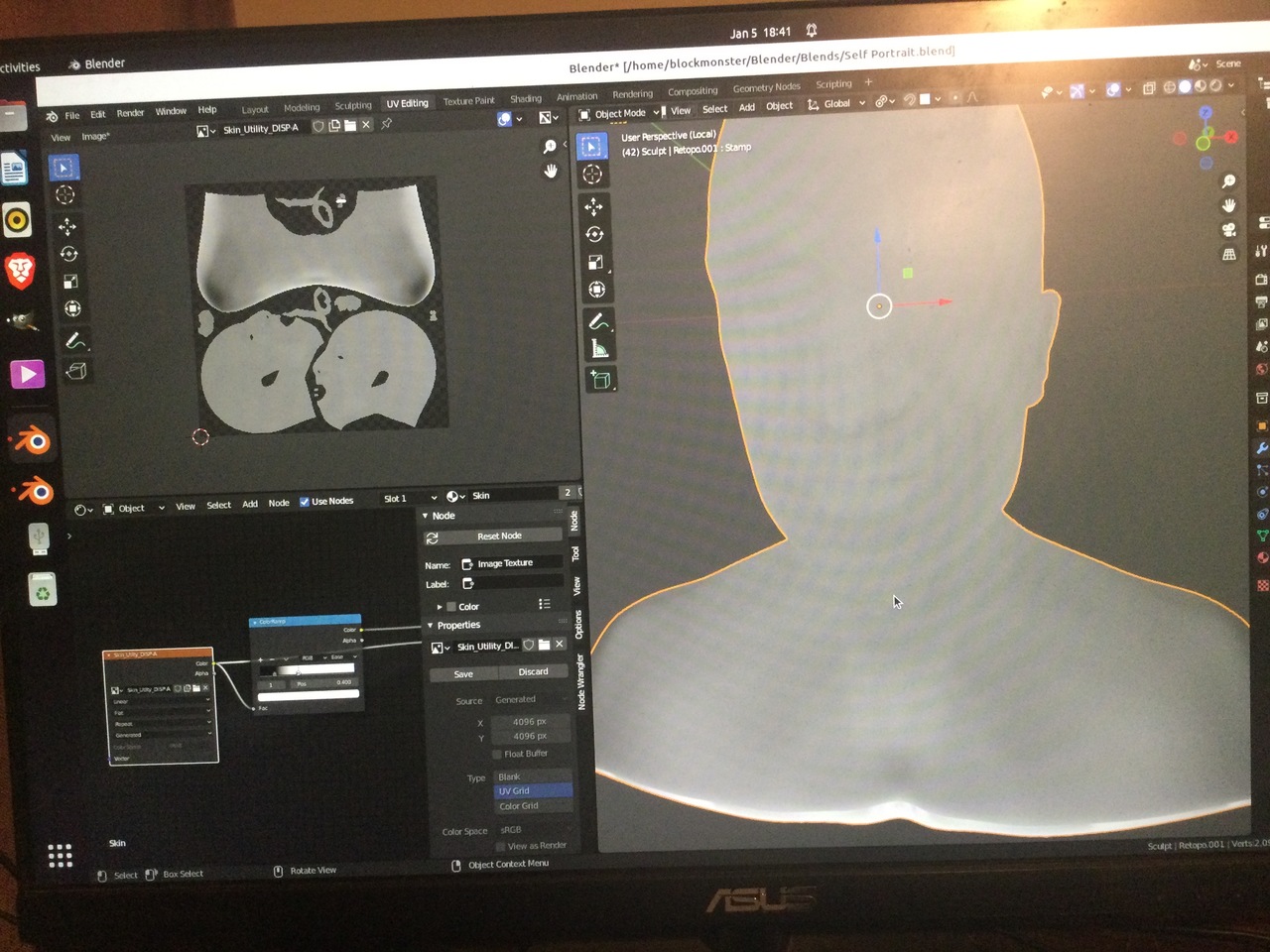
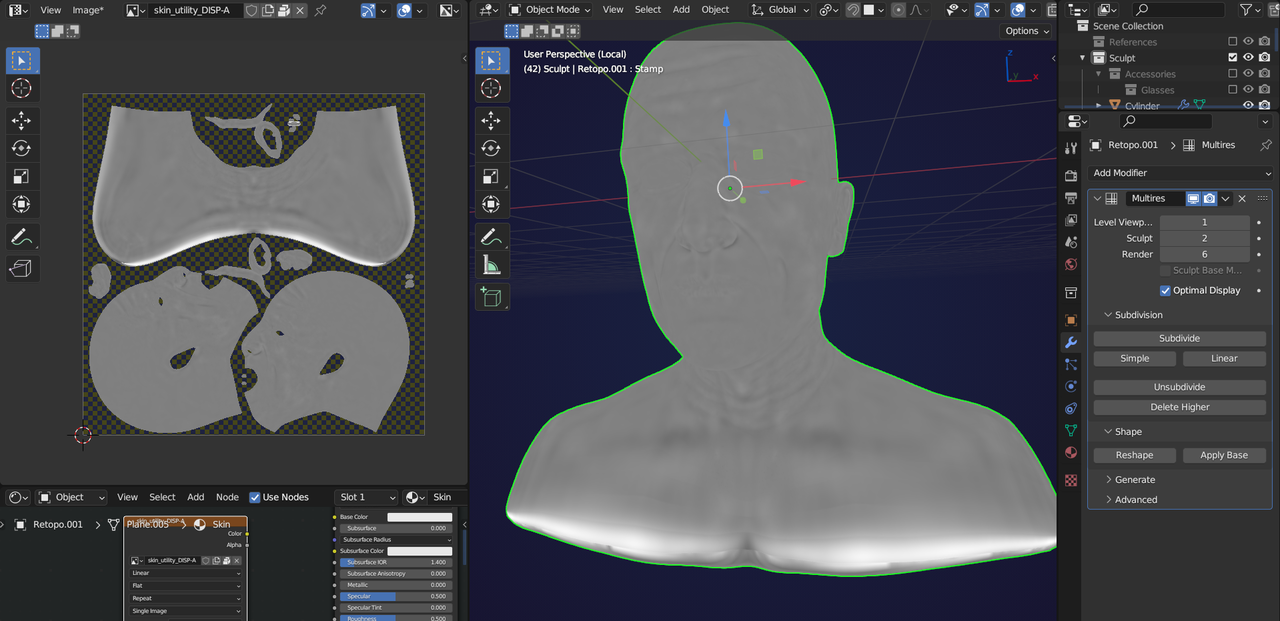
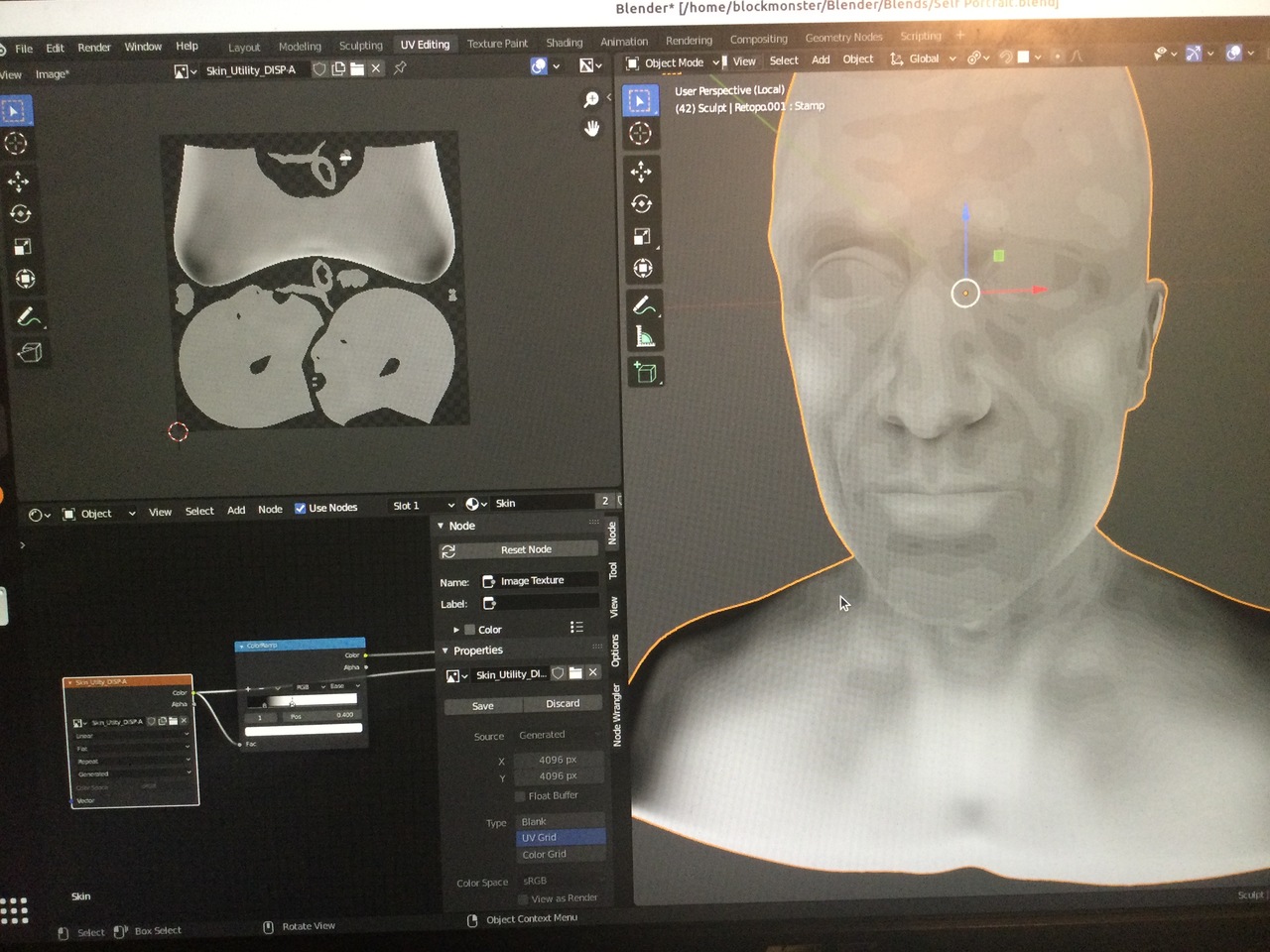
      Hi, my first utility bake comes out with almost no detail and what is there is pixelated.  Tried the color ramp trick but it doesn’t ad much contrast and the pixelated look is really bad.  I’ve been playing around with different builds including 2.93 and can’5 get it working.  Any ideas?  Edit: heres the .blend https://www.dropbox.com/s/twe1whj45f62iss/Self%20Portrait.blend?dl=02D-CA15D7D97155.jpeg7F-AD9F973C5A54.jpeg

      #77053
      Martin Bergwerf
      Participant

        Hi @autobodhi ,

        Please don’t post photos of your screen. Use screenshots instead. Linux has some great applications for that, but in Blender you can also go to Window > Save Screenshot.

        Even better in this case would be to provide a link to your .blend file (via Dropbox, Googledrive or so). Please include the relevant Images (or simply go to File > External Data > Pack Resources).

        #77054
        autobodhi
        Participant

          Thanks, I will add a .blend soon.  My computer is not connected to wifi.  I use my ipad for discord.  Hence the picture.  

          #77055
          Omar Domenech
          Participant

            Sometimes it has happened to me that due to the viewport shaded I have selected, when sculpting it can seem that I have fine details in my sculpted model, when in reality I have broad features. I guess try changing your viewport shading lighting to one that gives you another perspective on what you’re doing. it could be that that’s what happening to you. 

            #77056
            autobodhi
            Participant

              Thanks man, I’m pretty sure thats not the issue, I uploaded the blend here if anyone wants to take a peak.  https://www.dropbox.com/s/twe1whj45f62iss/Self%20Portrait.blend?dl=0

              #77057
              Martin Bergwerf
              Participant

                Hi @autobodhi ,

                You seem to have made a mistake (one that I have seen before):

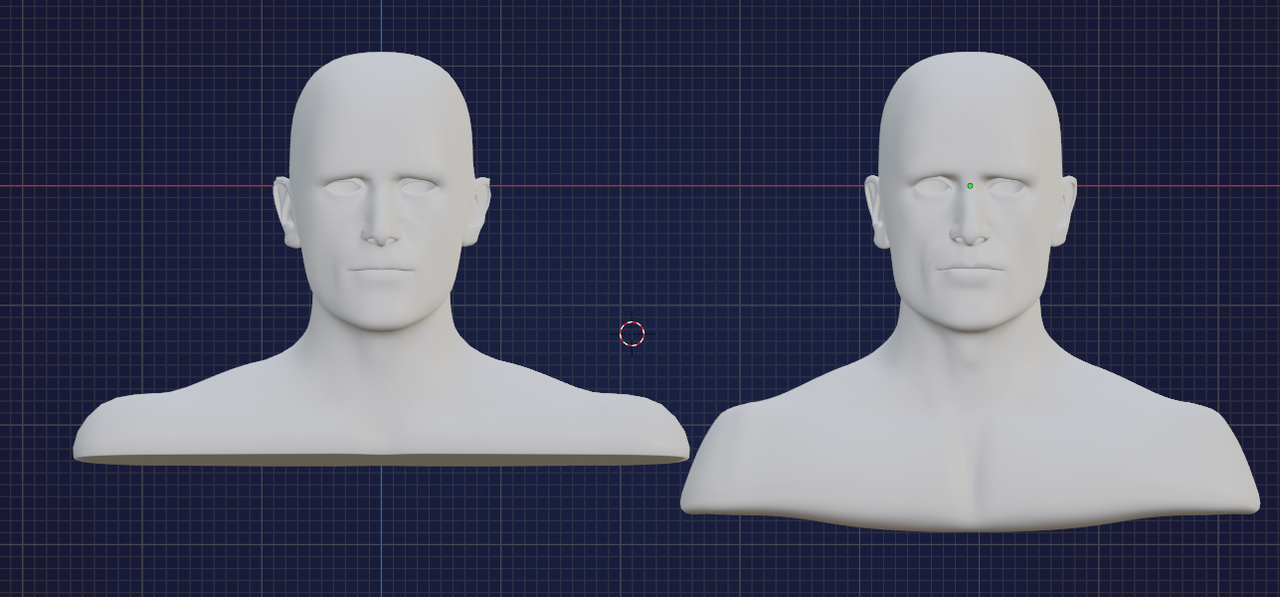
                look at the difference between level 0 and level 1:

                Disp-A.png

                (If you Bake a Displacement from Render 6 to Viewport 1, you’ll get a better result.)

                I do not know of an easy way to fix this. Maybe @theluthier can help, but I’m afraid you’ll have to re-do a lot of work…

                #77058
                autobodhi
                Participant

                  I did tried baking between 6 and 1 and got the same result.

                  #77059
                  Martin Bergwerf
                  Participant

                    Well, that is weird; I got this:

                    Bake.png

                    #77060
                    Martin Bergwerf
                    Participant

                      But anyway, that is not the solution to your problem!

                      #77061
                      autobodhi
                      Participant

                        As you say, that is not the solution to my problem.   

                      Viewing 10 posts - 1 through 10 (of 10 total)
                      • The topic ‘Low contrast and pixelated DISP-A’ is closed to new replies.