Looks very bad and i dont know how to fix

Forum Archive Looks very bad and i dont know how to fix

Viewing 13 posts - 1 through 13 (of 13 total)
  • Author
    Posts
  • #17630
    Oskar Erikpers
    Participant

      After baking the light with the resolution 40,40,10 in the IrradianceVolume i get very many black spots around in the scene. It is not looking right, i dont know what is wrong, is it possible to attatch a picture so i can show my problem?

      #84654
      Oskar Erikpers
      Participant

        probleminblender.png

        #84655
        Adrian Bellworthy
        Participant

          That is the viewport denoise, higher samples will eliminate this blotchy look.

          Denoiser works by averaging the pixels color from surrounding pixels, if the sample count is too low the you get this blotchy result.
          I don’t use the denoiser in the viewport, it is better to work with a slightly noisy image than this.

          #84656
          Omar Domenech
          Participant

            Another thing that might be going on is that the orbs in the irradiance volume might be picking up parts of the scene that are shrouded in darkness, maybe the go beyond the wall and they are returning those black sploshes. Also be sure that they aren’t inside geometry, because that is very dark also and will return black information.

            #84657
            Oskar Erikpers
            Participant

              024-03-01 184327.png
              Is this the setting you are talking about? Because after changing it I still have the same issue ,and do I need to bake the lights again after changing these settings to make it change?

              #84658
              Oskar Erikpers
              Participant

                blendr.png

                so the dots cant go into any geometry does that mean they cant be inside the ducts and pillars? Because when i turn up the resolution that is hard to avoid. So is the solution to this just turning down the resolution in the IrradianceVolume?

                #84659
                Omar Domenech
                Participant

                  Given the fact that your ceiling is clean, I still think I has to do with your volume intersecting with geometry and returning bad data. The two or three lessons in the fundamentals should clear that up for you:

                  https://cgcookie.com/lessons/irradiance-volume-render-properties

                  #84660
                  Oskar Erikpers
                  Participant

                    I have played around baking the light for a while now and i still get the same result, i try to avoid colliding the IrradianceVolume with other objects and it looks like nothing is inside any other mesh however i still get the same result, i have tuned the settings and everything but i still get the same problem as before. Is it possible to attatch the blender file here, i was thinking if some of you could spot the problem. Im fairly new to blender so i am not the best when it comes these light settings in evee.

                    #84661
                    Martin Bergwerf
                    Participant

                      Hi Oskar,

                      You can upload your .blend to Dropbox, Googledrive, or any other file sharing service and post a link here.

                      #84662
                      Omar Domenech
                      Participant

                        Yes, upload your file and post the link. Be sure to include any external data needed such as image textures you are using. In Blender you can go to File and External Data and Pack Data.

                        #84663
                        Oskar Erikpers
                        Participant
                          #84664
                          Martin Bergwerf
                          Participant

                            hi Oskar,

                            I am Rendering a heavy scene right now, after that I will have a look.

                            What Blender Version have you used for this, btw.?

                            #84665
                            Omar Domenech
                            Participant

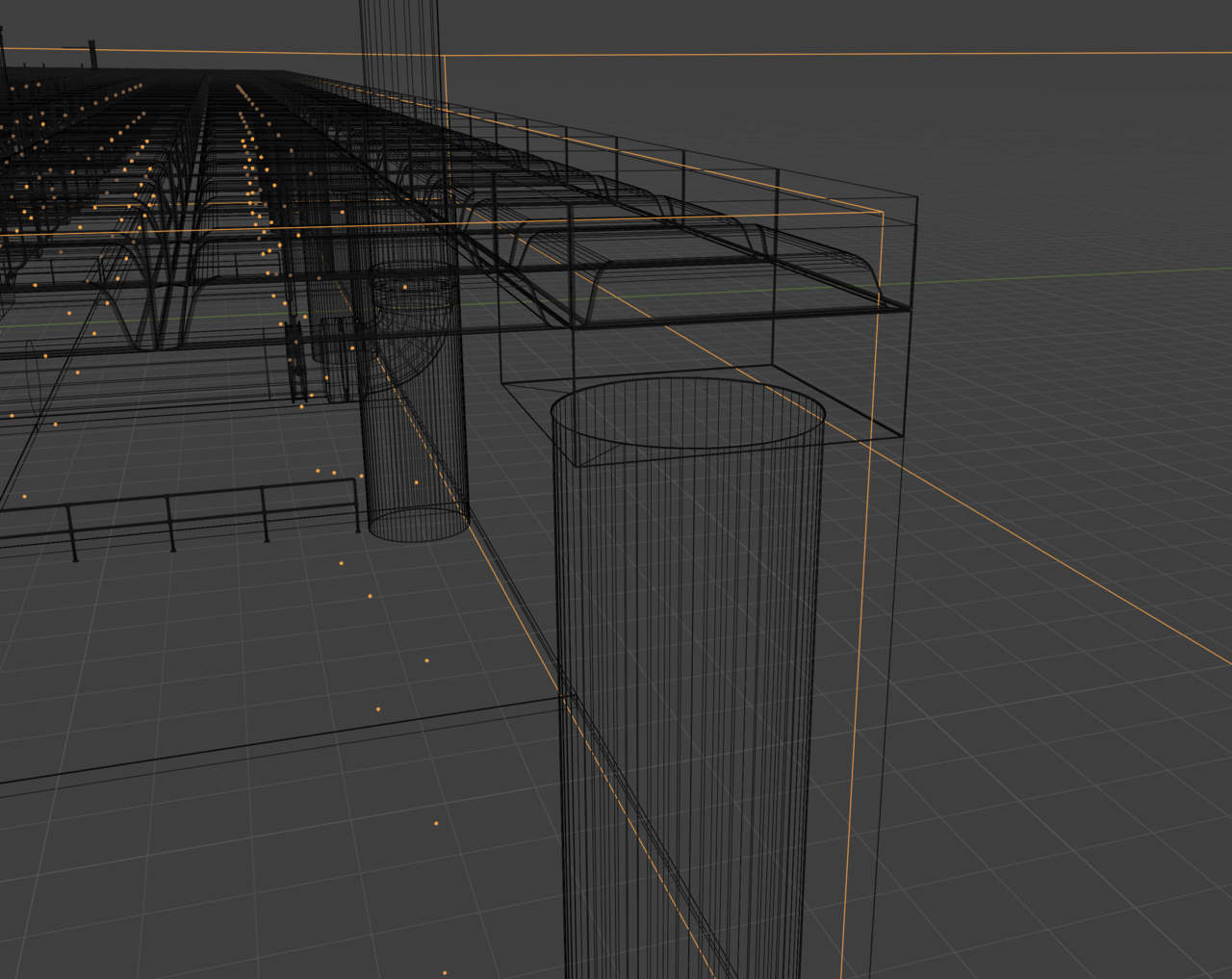
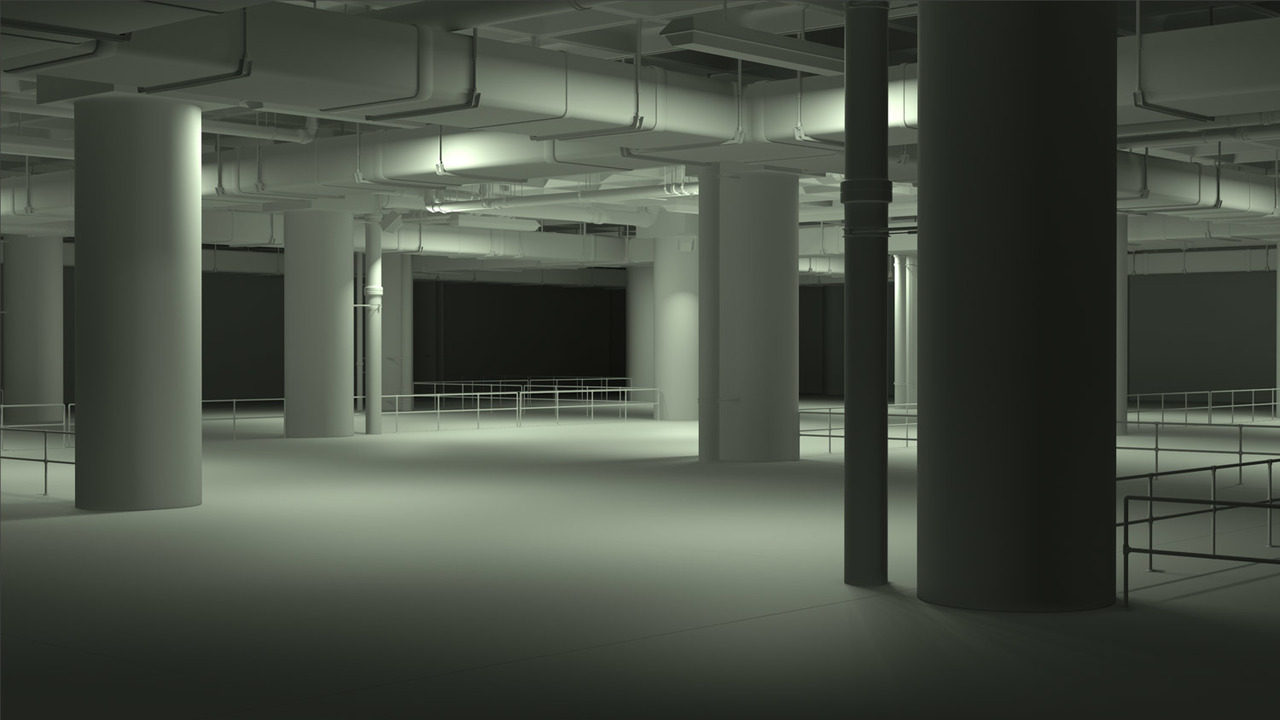
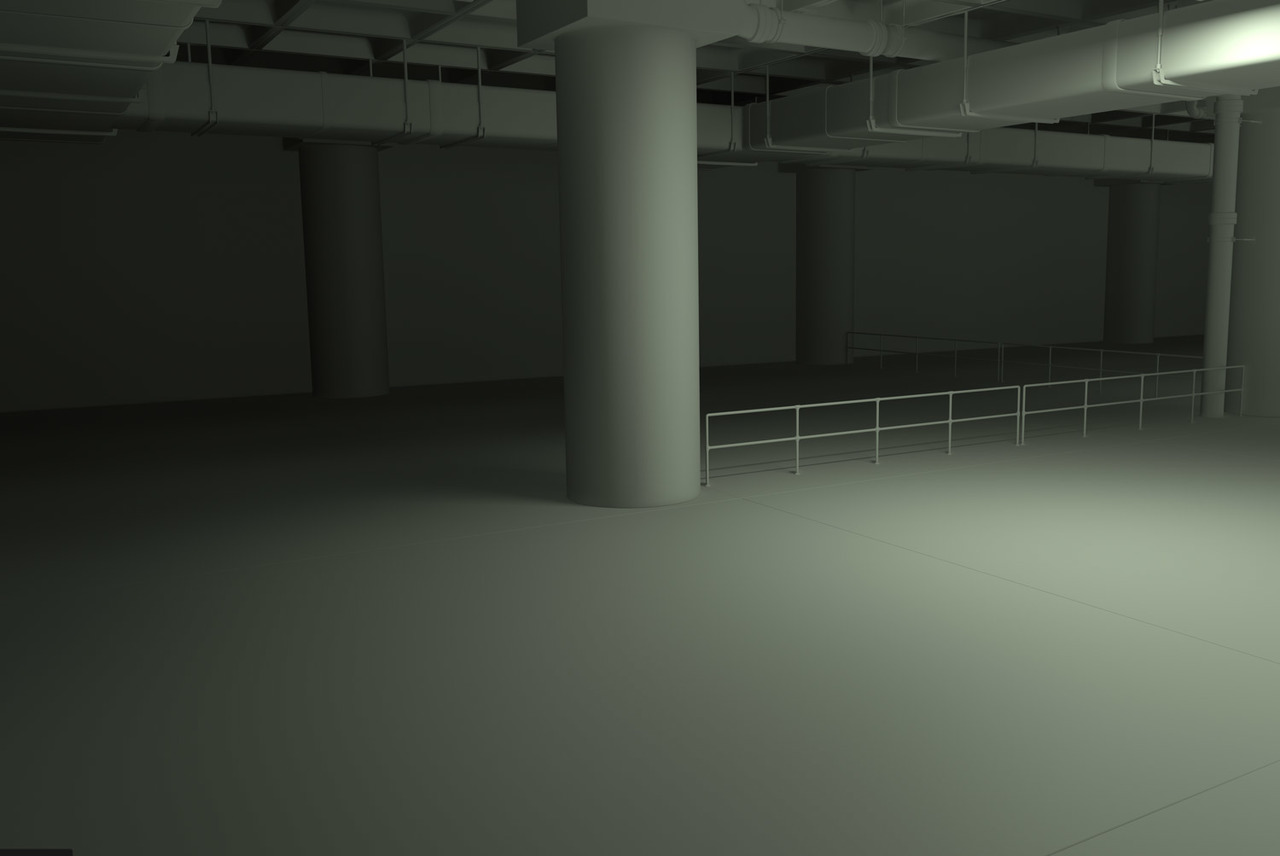
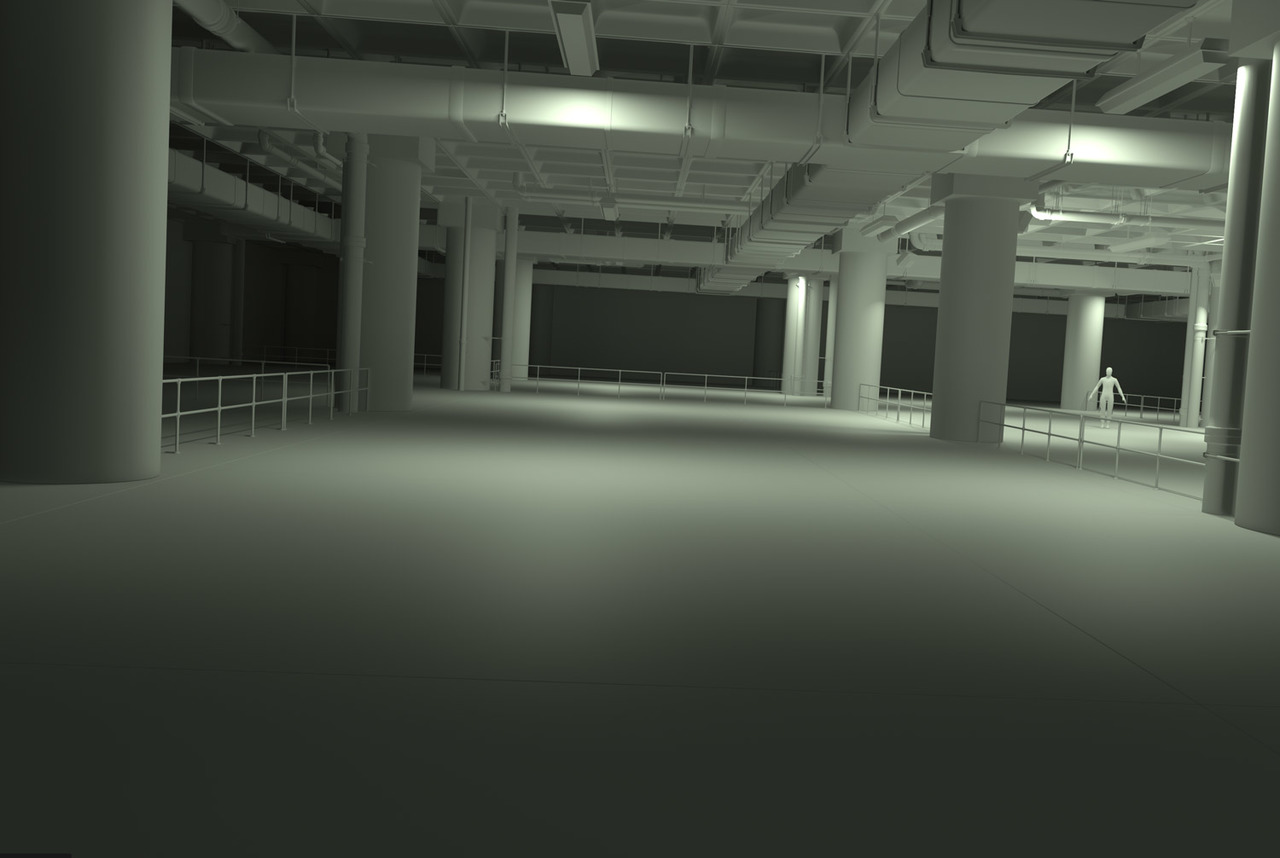
                              Hello Oskar. It’s just a matter of scaling the irradiance volume to fit inside the environment, if you let it span to the outside it will pick out parts that are undesired in its calculation, do that and they’ll come out sparkly clean:

                              rradiance-Volume.png

                              Shot-11.jpg

                              Shot-22.jpg

                              Shot-33.jpg

                            Viewing 13 posts - 1 through 13 (of 13 total)
                            • The topic ‘Looks very bad and i dont know how to fix’ is closed to new replies.