Long Inquiry About the front curve of the revolver !

Forum Archive Long Inquiry About the front curve of the revolver !

Viewing 5 posts - 1 through 5 (of 5 total)
  • Author
    Posts
  • #8625
    Boula Azmy
    Participant

      Hello, Jonathan … hope you are doing very well !

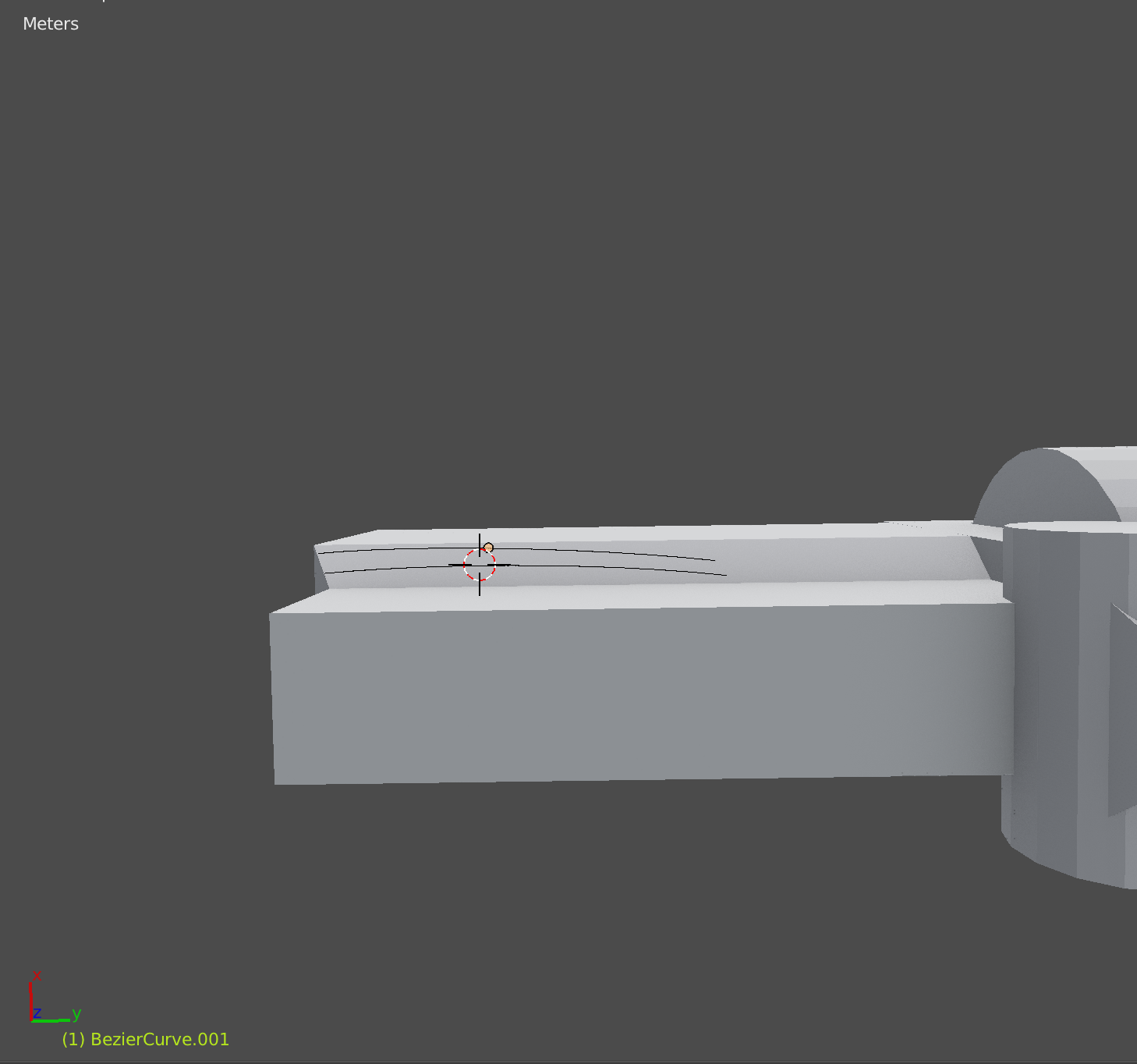
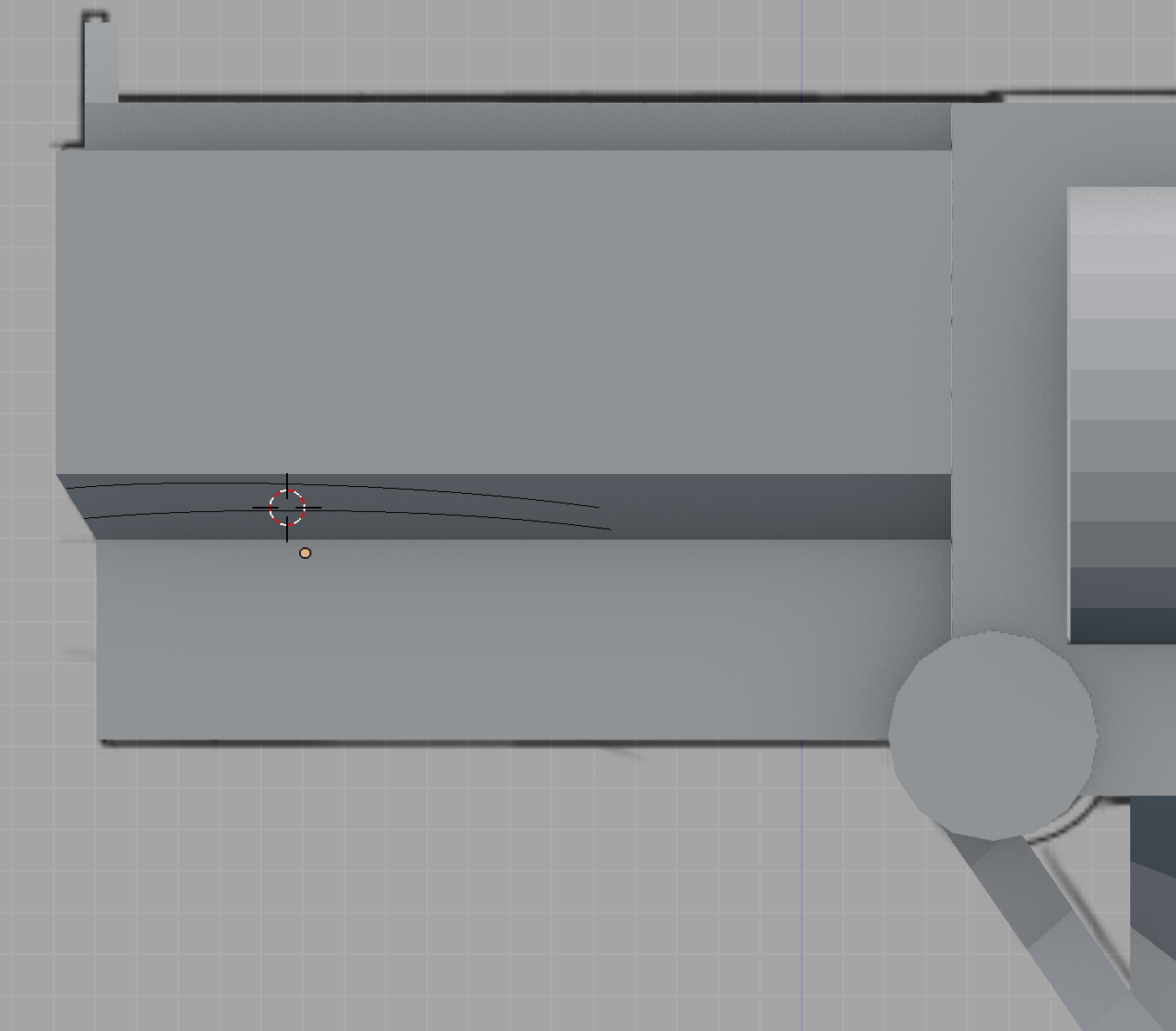
      I wonder about if there another technical way to make the front curve to perfection … i know the skill you make me learn from you using Inset tool and i already make a good curve by tweaking it bunch of time but it’s kinda not 100% looking curve (i am kinda perfectionist person) … i just want if there other ways whether i use modifiers/another method or even loop tool because no technique like that on YouTube actually, so any help !

      for example:
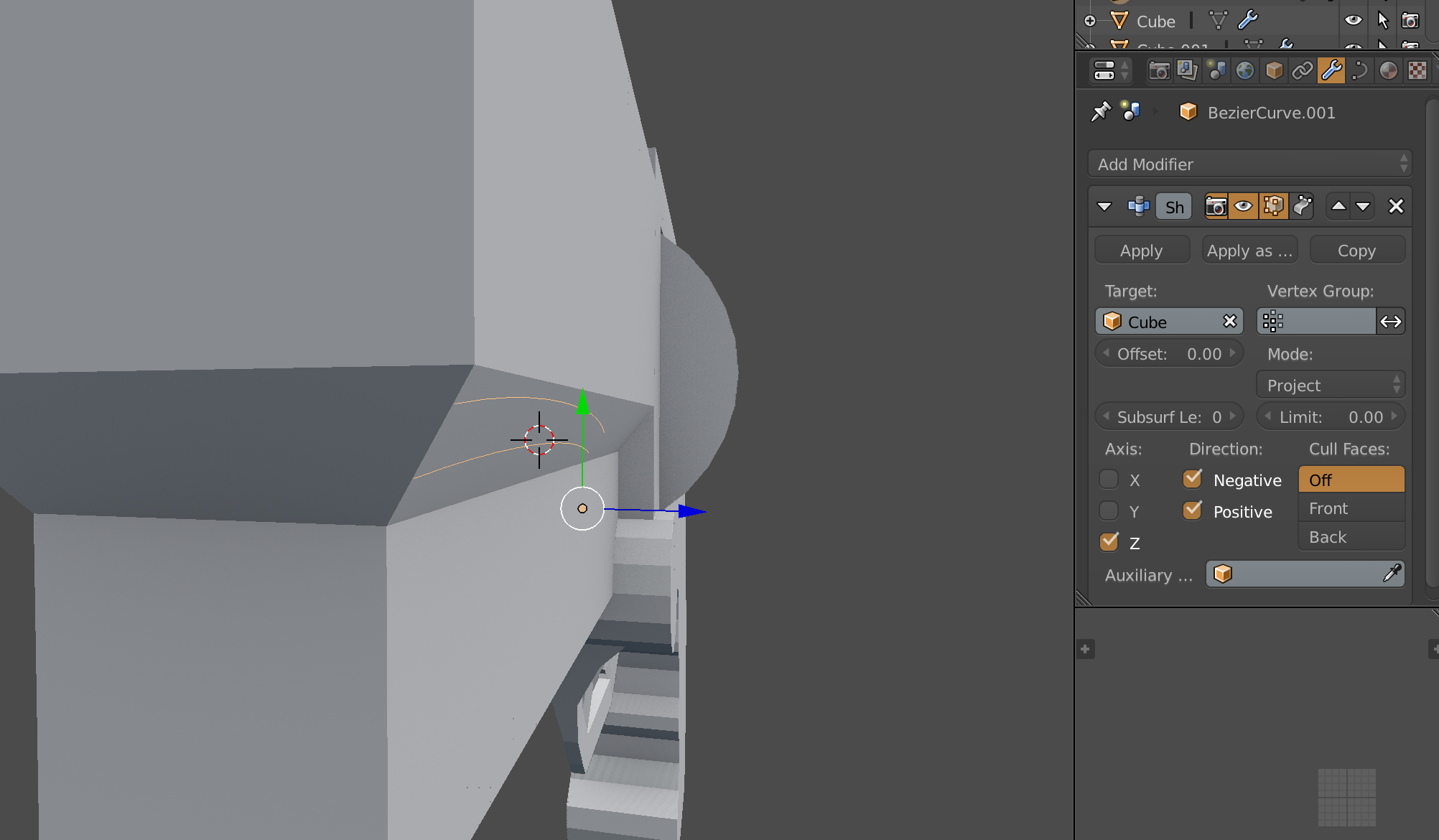
      what about if i add shift + A : bezier curve and then using shrink wrap modifier and project it on the curve place but again the manipulation to it will be hands made when trying to inset some faces towards & outwards and it could be almost 70% curve inset ..so what the most efficient solution you recommend me to make ?

      and here are the prototypes with thinking of adding 2 bezier curves:


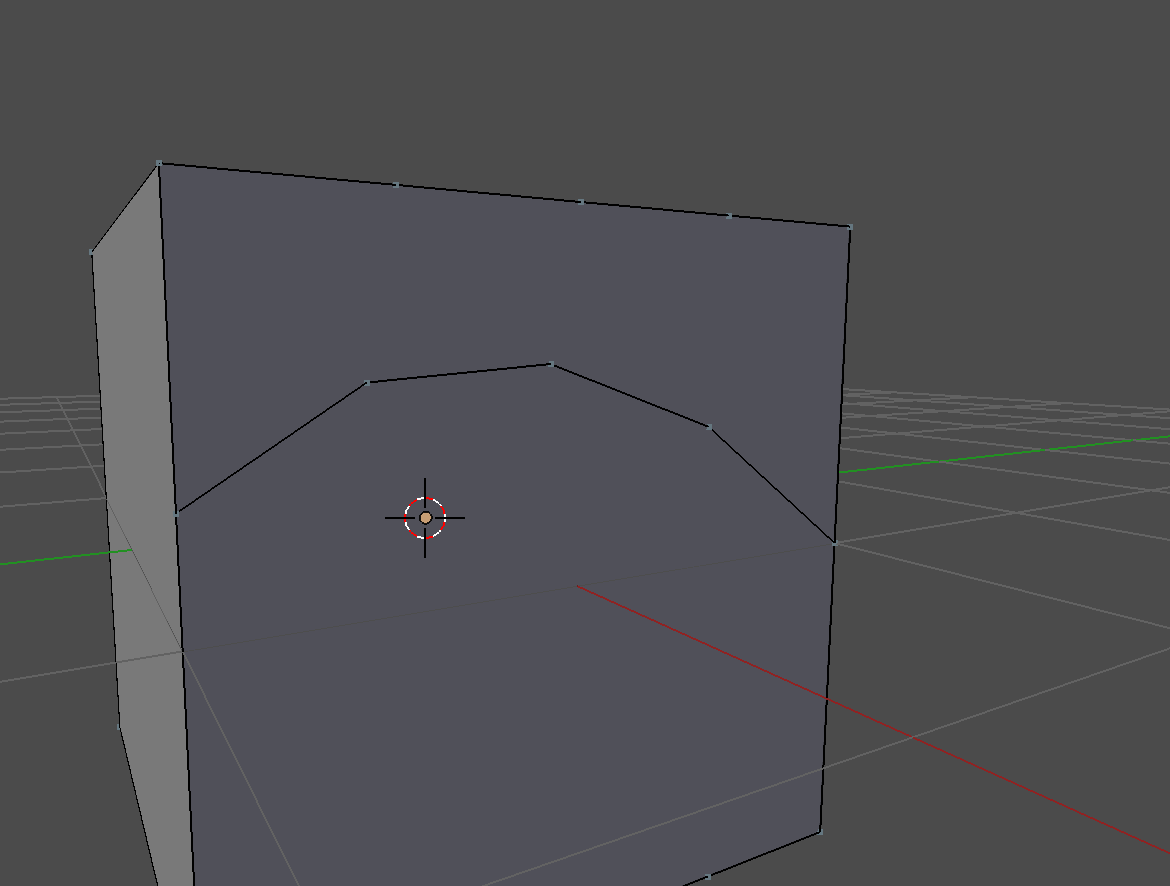
      And if that technique works (make curve , convert it to mesh to be able to join to the gun front object mesh), then another problem arise that both meshes are joined together but not linked, i try to make F to fill gap between vertices or even J to join them but neither of them works as i want to inset that curve inwards, here is another example you can view it (only if you recommend me to try & use curves solution):
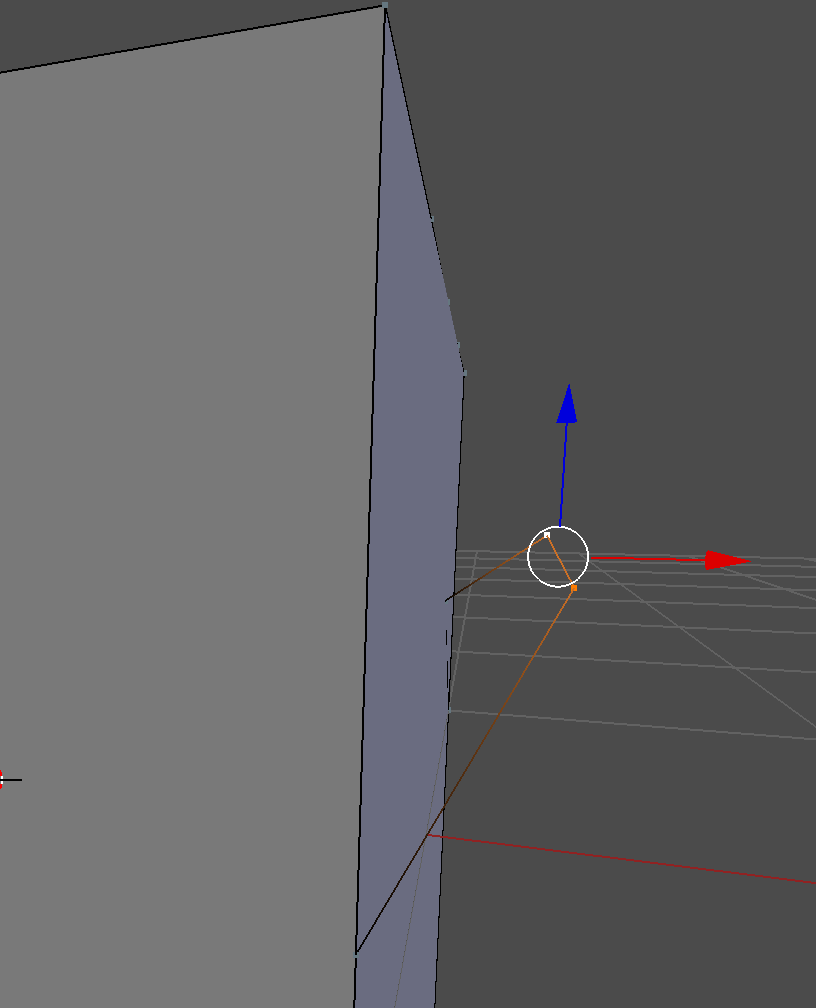
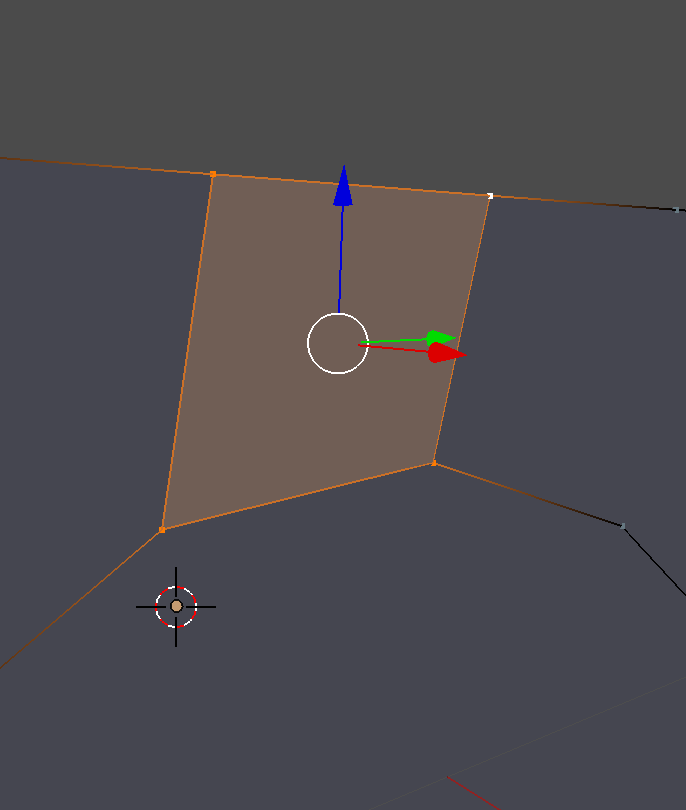
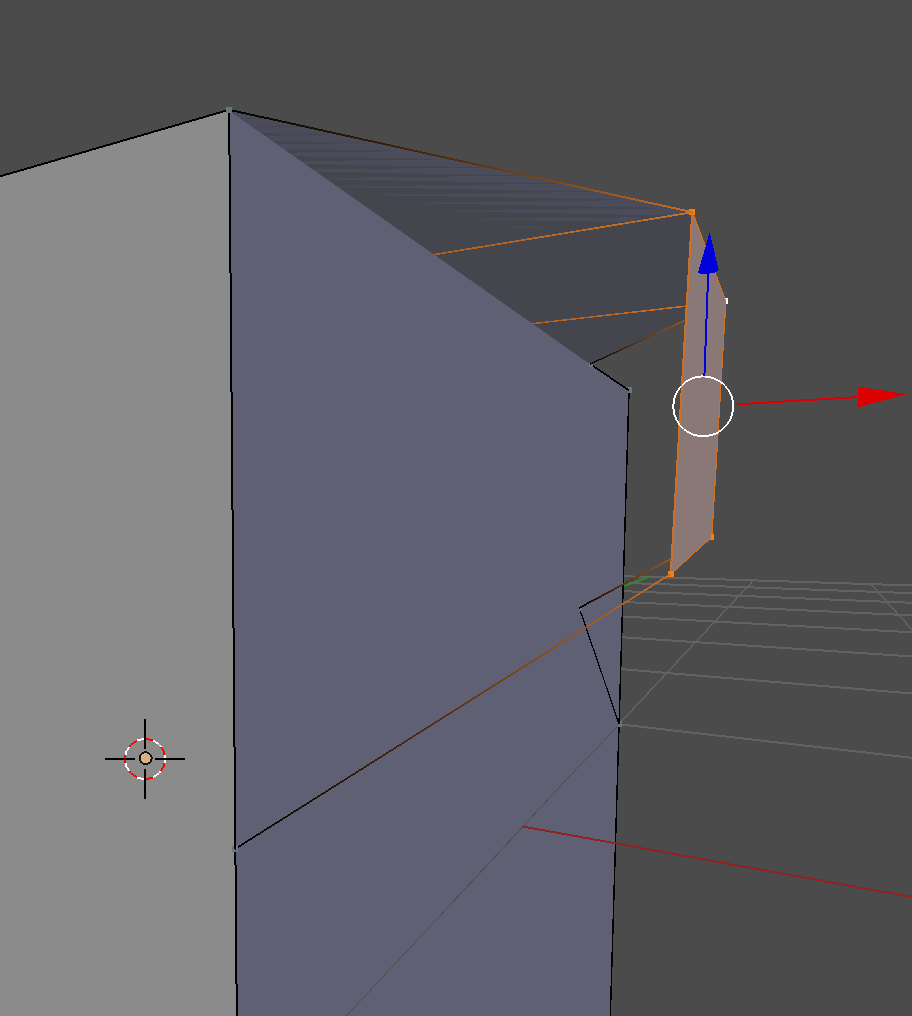
      Wheew ! 😅i’ve already finished my inquiry about that problem , another way to fix it , any recommendations , problem solving techniques.

      hope you don’t have a headache of my question xD 😊

      #29052
      Jonathan Lampel
      Participant

        Hey @boulagab ! For the solution you showed you’d just need to delete the big face underneath and then fill in the gaps including the new edge. A option would be to extrude out the curve after you convert it to a mesh and then use the Boolean modifier to slice the topology into the face. 

        You could also give this addon a try, which lets you manipulate edge loops as if they were curves: https://www.blendermarket.com/products/bezier-mesh-shaper 

        Hope that helps!

        #29053
        Boula Azmy
        Participant

          @jlampel thank you very much for your algorithms techniques, i have tried both of them and they work for me as i expect

          but i have got one more additional solution as i learn sculpting within all courses in parallel and i’ve discover another solution and need your opinion about it …

          if i turned the front of the gun and use Multi-resolution modifier and maybe i try:

          1- within sculpt add-on technique i could use to easily mask that area and sculpt it in shape of curve
          2- another solution, if i just draw a simple curve using curve tool or even draw sculpt brush and also try to subtract it from the surface

          Are these methods technically applied in industrial companies or even Are these methods efficient to be applied in todays work ?

          #29054
          Jonathan Lampel
          Participant

            @boulagab I would try to not use multi-resolution for this one. Sculpting is a perfectly good method that is used by a lot of companies, but if you’re going to do it then you’ll need to do it for the whole gun and not just this one part of this one piece. It’s a simple enough problem that it’s not worth all that heavy geometry which will make the rest of the modeling more difficult. Hope that helps!

            #29055
            Boula Azmy
            Participant

              okay! got it and understand it very well!
              It obviously helps 👌🏻

            Viewing 5 posts - 1 through 5 (of 5 total)
            • The topic ‘Long Inquiry About the front curve of the revolver !’ is closed to new replies.