Locking Sculpt Plane in Blender 2.9x?

Forum Archive Locking Sculpt Plane in Blender 2.9x?

Viewing 7 posts - 1 through 7 (of 7 total)
  • Author
    Posts
  • #13413
    Ingmar Franz
    Participant

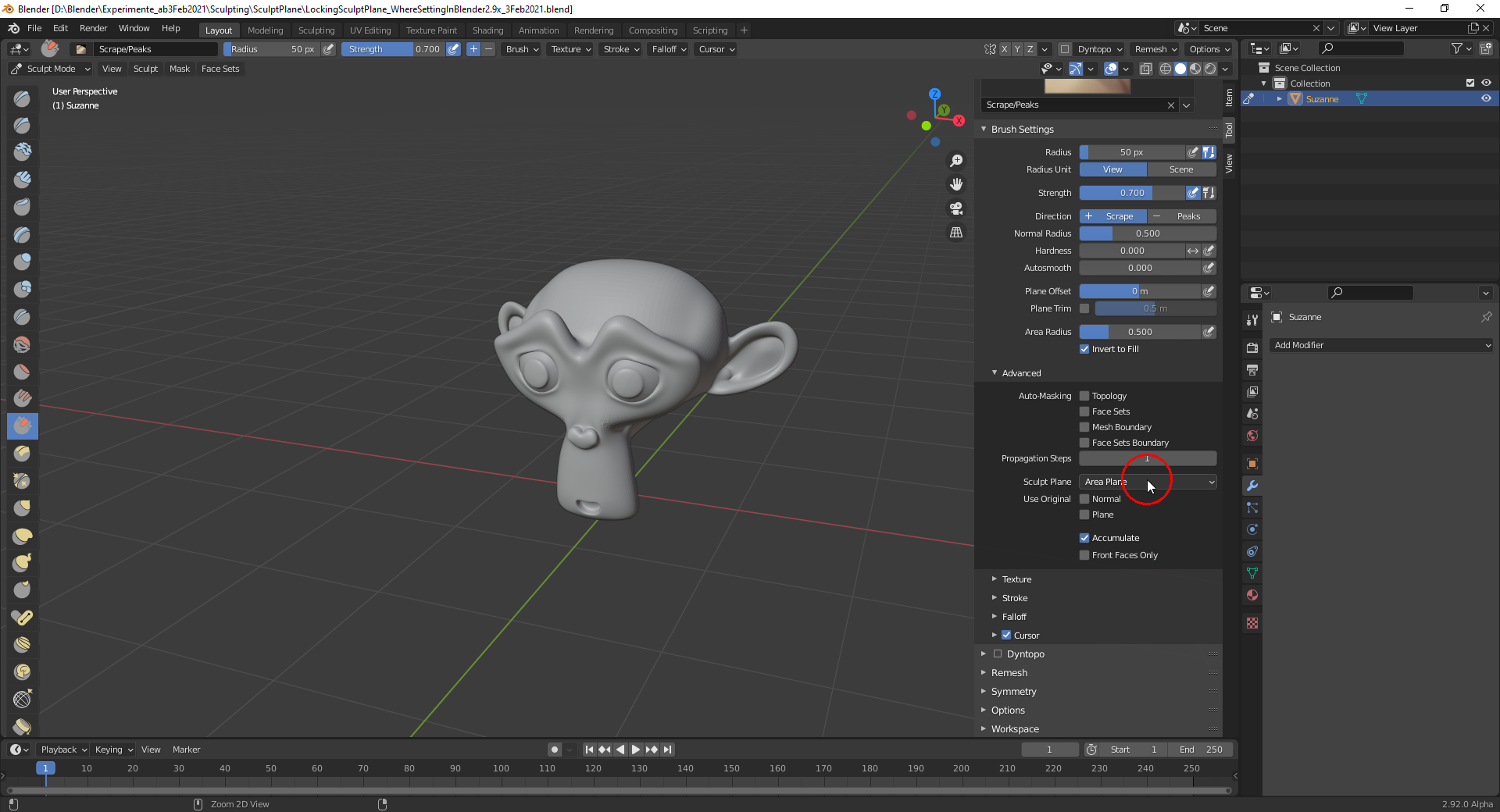
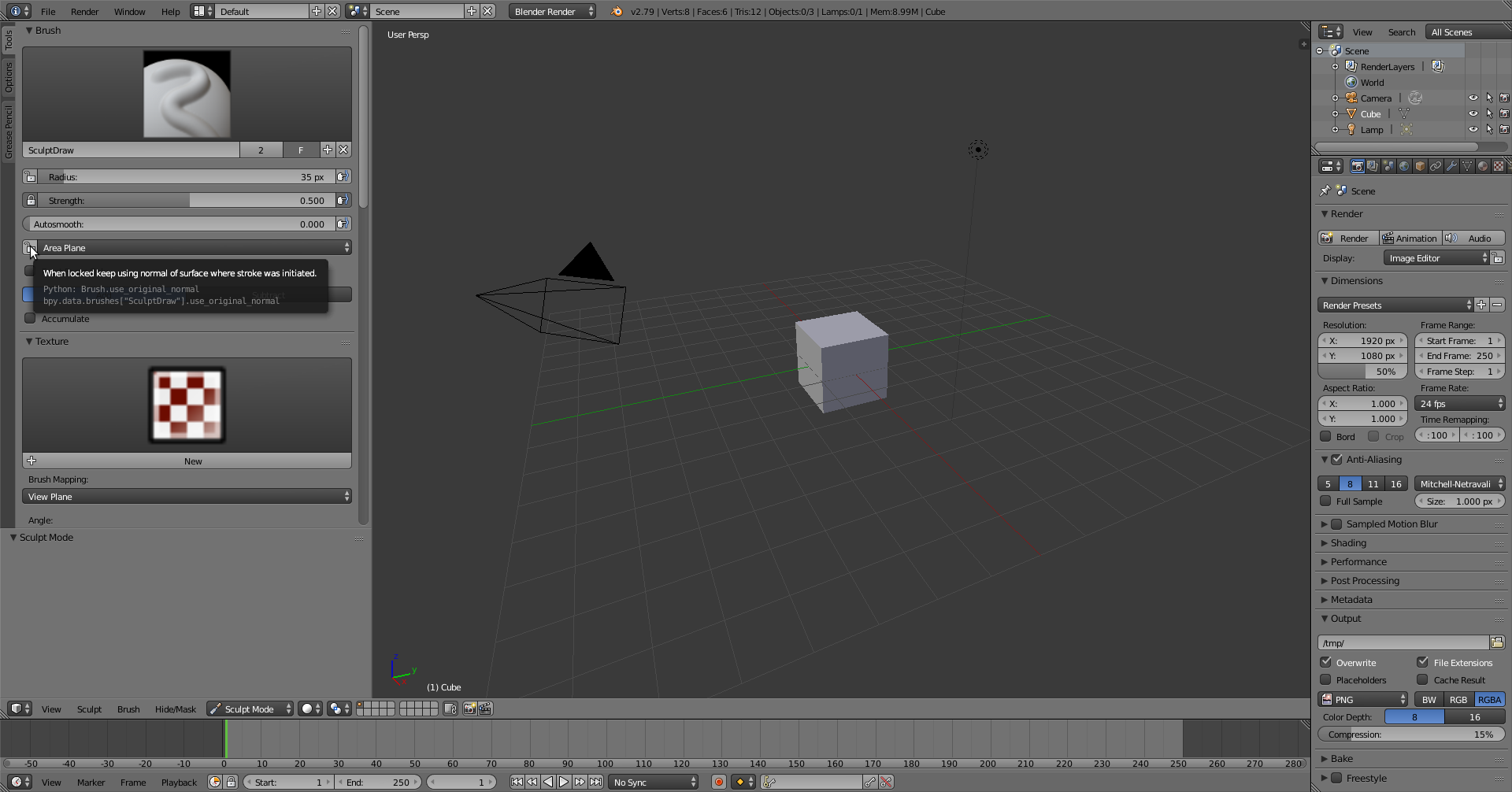
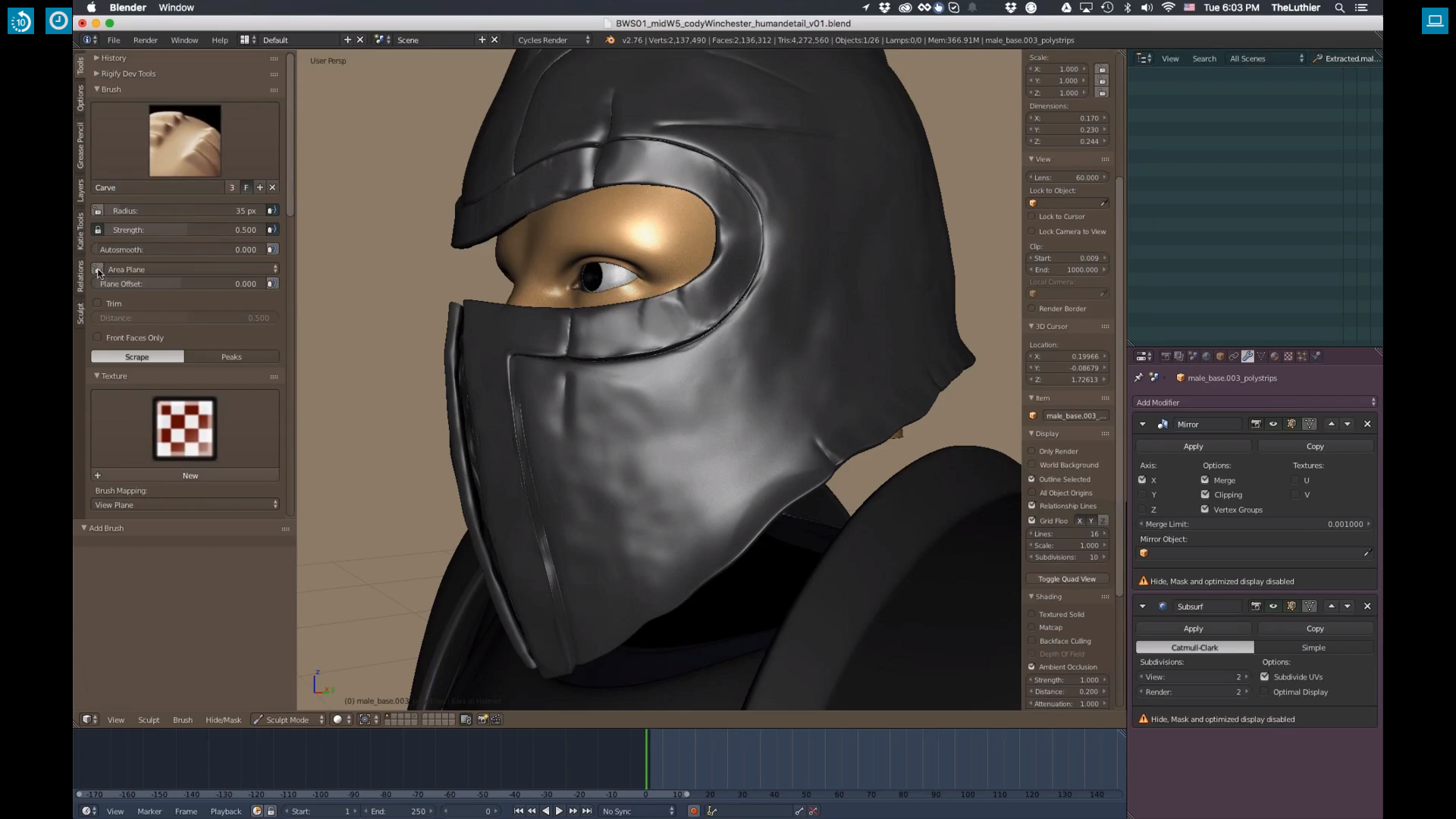
      I’m wondering where I can lock the “Sculpt Plane” in Blender 2.9x as you did it here in Blender 2.76:

      Blender 2.92 Alpha:

      How does it work? 

      #62696
      Ingmar Franz
      Participant

        Could I say that the “Locking” in Blender 2.76 takes a “Sample” of the “Topology” under the “Brush” at the beginning of the “Stroke” and used these “Parameters” for the whole “Stroke” instead of continuously resampling the “Topology” for each “Brush (Movement) Step” ?
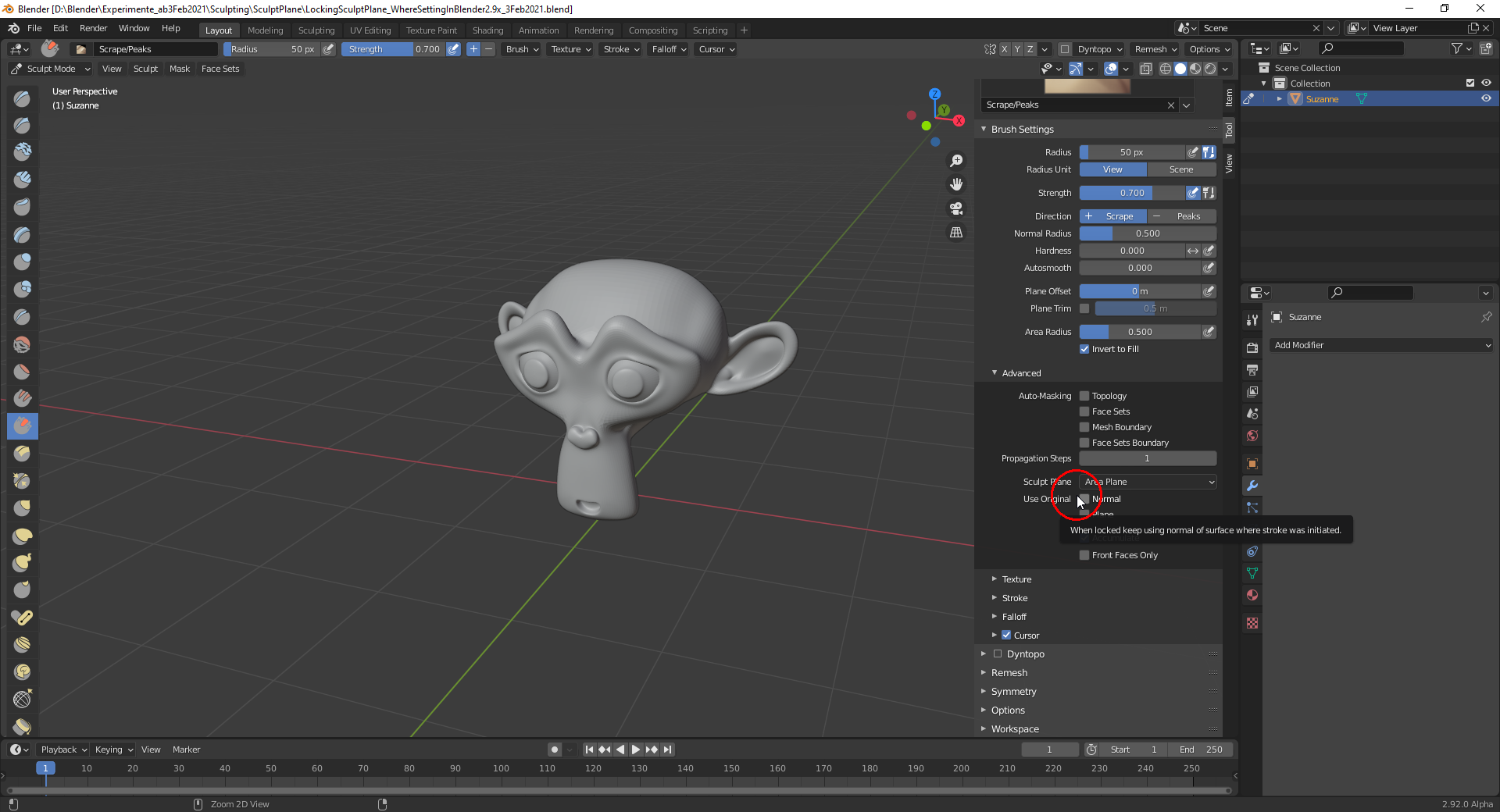
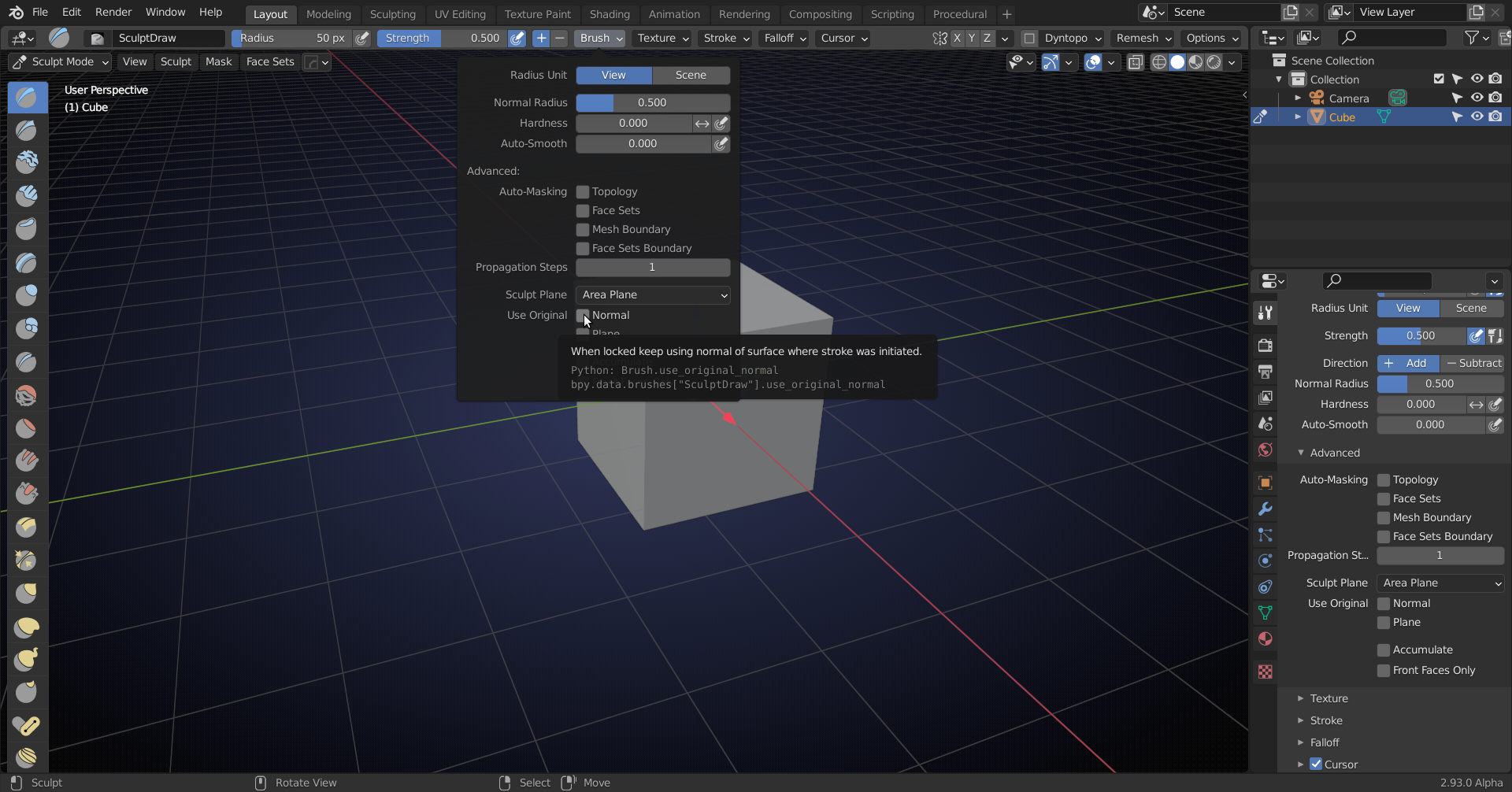
        There seems to be a “Locking” as the “Quick Tip” for “Use Original Normal” suggests:

        But the “When locked …” of that “Quick Tip” also suggests in my opinion that the “Locking” has to be set elsewhere.

        #62697
        spikeyxxx
        Participant

          Using Original Normal (that is: checking the box) does the same as locking the Area Plane in 2.7.

          Same Tooltip and same Python code.

          It seems that they changed the UI, but kept the old Tooltip, which makes it hard to understand that Tooltip 😉

          Someone should change that (sounds like an easy thing to do).

          #62698
          Ingmar Franz
          Participant

            Thanks, @spikeyxxx 😀! Is this “Locked Normal” still an “Averaged Normal” when set to “Area Plane”? And what is this “Plane”  setting just below “Normal” for? I don’t have a clear visualization in mind that shows the effect. It seems that it can be activated additionally to the “Normal” setting.

            #62699
            spikeyxxx
            Participant

              I honestly do not know 😉 I’m not much of a sculptor (yet?).

              You should ask the specialist @theluthier .

              #62700
              Kent Trammell
              Participant

                @duerer In recent months I too have been bumbling around with this particular group of settings. The Normal and Plane checkboxes are very similar to each other. Which makes it hard to understand / describe their difference and separating them kinda makes this group of settings a bit convoluted to me compared to the previous version.

                But as far as I can tell the Normal setting is like a “soft lock” on the brush for “faceting” the sculptures surface. The Plane option is more like a “hard lock”. Lately I will fiddle with both until I get the behavior I want.

                #62701
                Ingmar Franz
                Participant

                  Thanks, @theluthier! Blender 2.81.16 already had this setting but the “Blender 2.81 Manual” here doesn’t even list it.😀.  But your explanations make sense. I will play a little bit with it in order to get a feeling for it 😉! 

                Viewing 7 posts - 1 through 7 (of 7 total)
                • The topic ‘Locking Sculpt Plane in Blender 2.9x?’ is closed to new replies.