lineart split the vertex

Forum Archive lineart split the vertex

Viewing 10 posts - 1 through 10 (of 10 total)
  • Author
    Posts
  • #16912
    Hery Suryono
    Participant

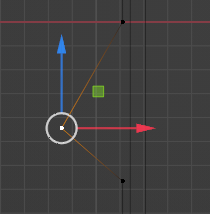
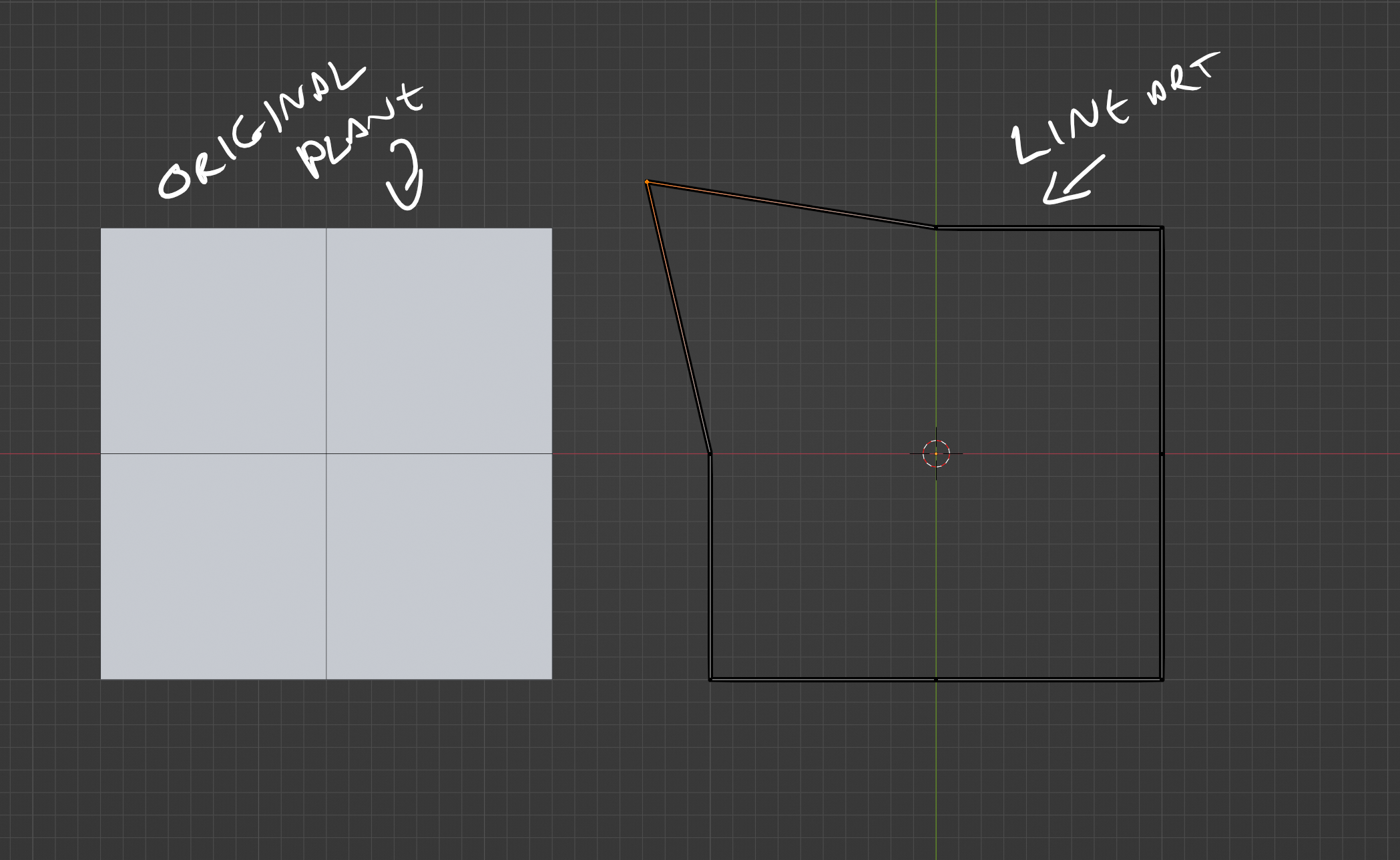
      when i create a lineart object from plane mesh,

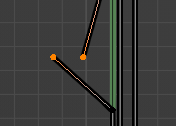
      one of the vertex end up split into two vertices thus the loop is broken

      i delete the lineart and repeat the process but still got same issue

      I try merge the vertices on grease pencil edit mode but instead of merge two become one it create an edge between them


      anyone can advise me how to avoid this thing or maybe workaround please

      Thank you

      #81387
      Martin Bergwerf
      Participant

        I can’t be sure, but it sounds like that Vertex was already split in your Mesh. If you go back to your Mesh and M > Merge by Distance, before Converting it, that might solve it…hopefully.

        Merge in Grease Pencil Edit Mode indeed creates a new stroke with the selected stroke points (says the Tooltip).

        #81388
        Hery Suryono
        Participant

          Thank you for the answer.
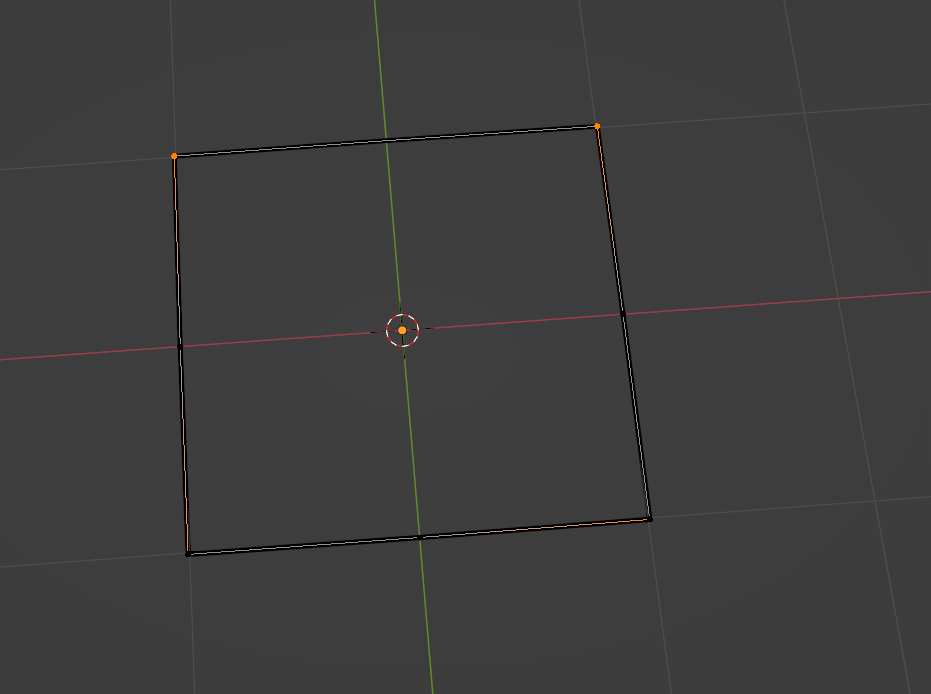
          I did try that and did not help, as you can see from my first picture, it originally one vertex in my mesh 

          #81389
          Martin Bergwerf
          Participant

            That’s the thing…you can’t see from that picture if it’s one, or two Vertices…

            But you are right:

            GP.png

            It shouldn’t be doing that, right? …Or maybe it’s expected behavior?

            Paul might know.

            #81390
            Martin Bergwerf
            Participant

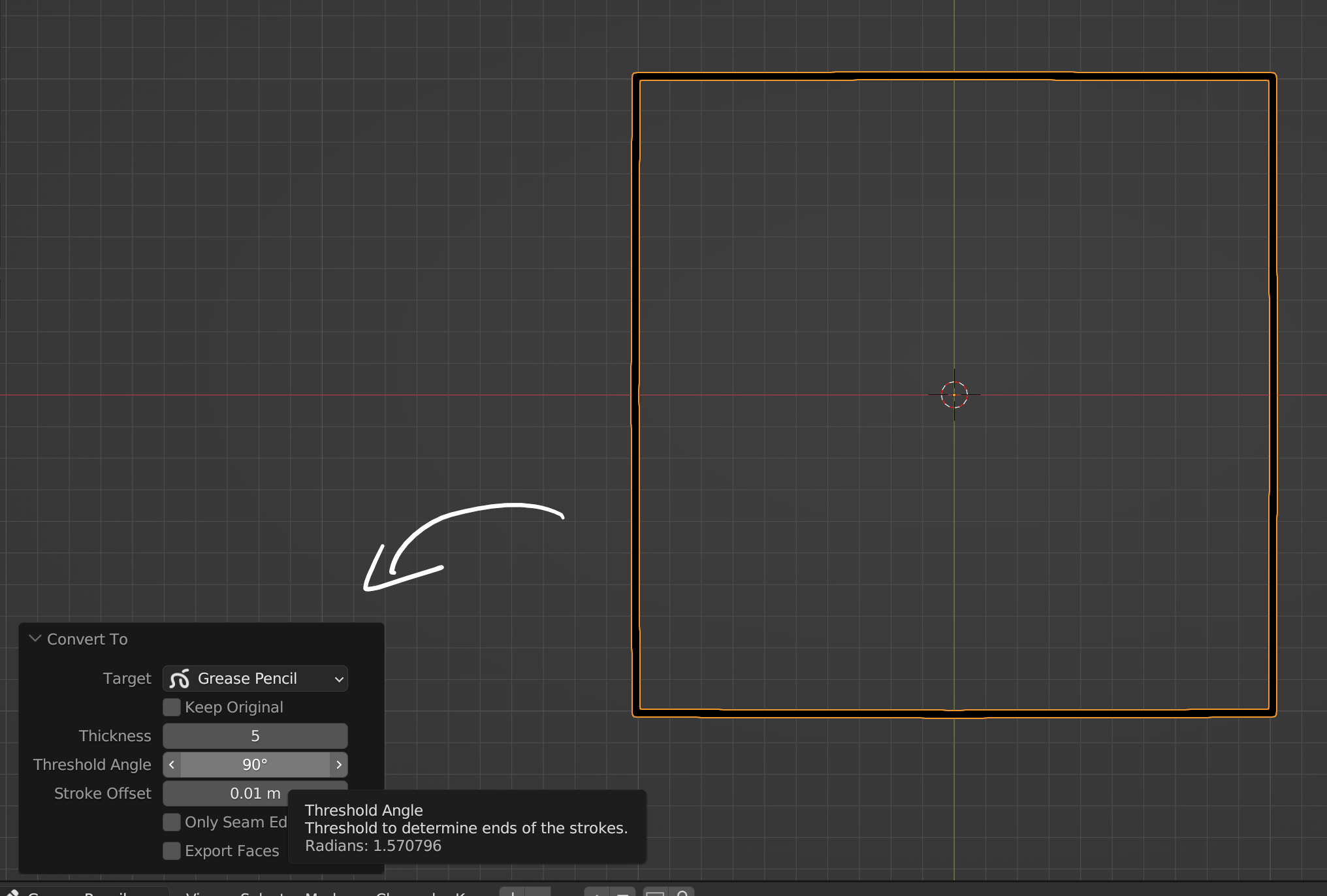
              Oh, wait, there is a Treshold Angle and the default is 70°…raising that (Last Operation Panel) should help:

              GP_01.png

              #81391
              Hery Suryono
              Participant

                Hi would you able to advise how to convert the mesh to grease pencil object please.
                thanks

                #81392
                Martin Bergwerf
                Participant

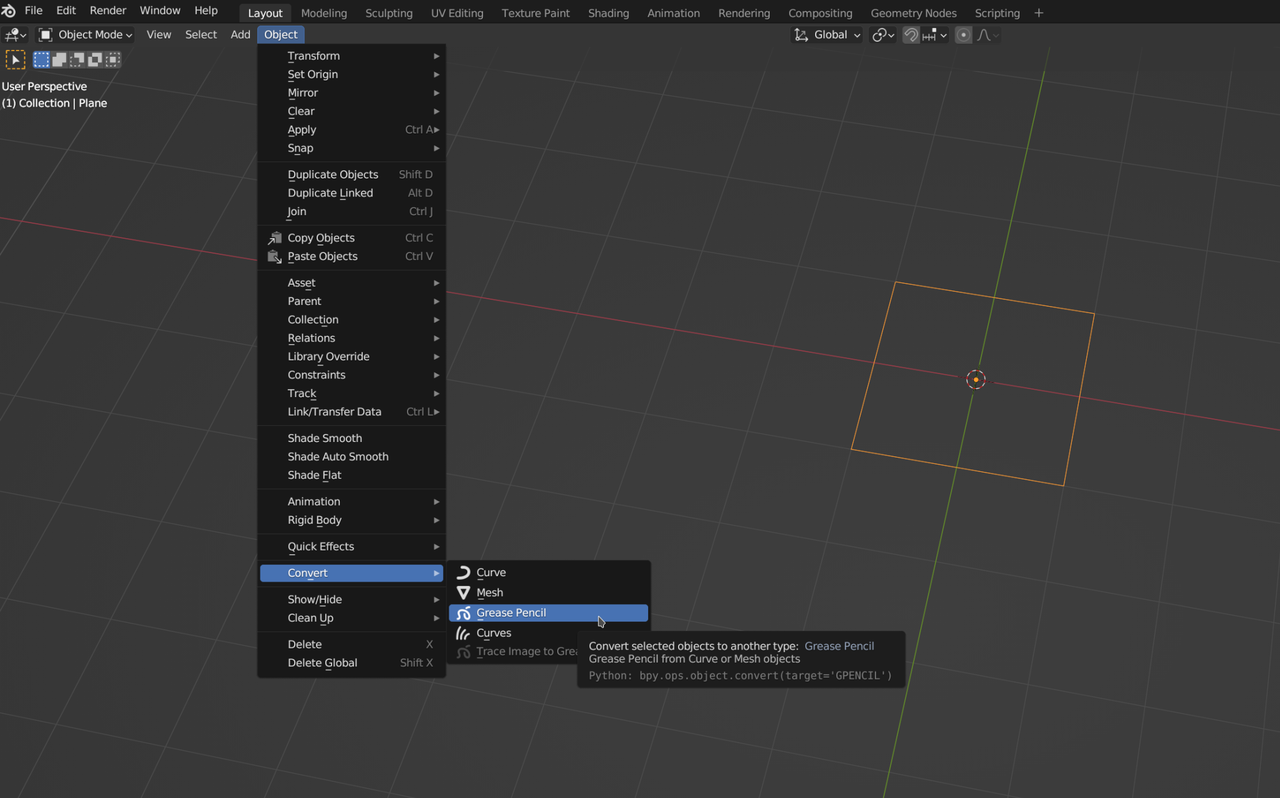
                  This is how I do it:

                  GP_02.png

                  Then immediately go to your Adjust Last Operations (also available with the F9 hotkey).

                  #81393
                  Paul Caggegi
                  Participant

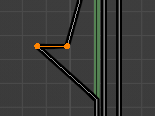
                    Hi, apologies for the late reply. Ok, lots of what’s been said above will work. Note that Grease Pencil object won’t behave exactly like meshes or curves, sometimes vertices and edges are going to double up. However the above should be fairly straight forward. Here’s a couple of ways you can do this:

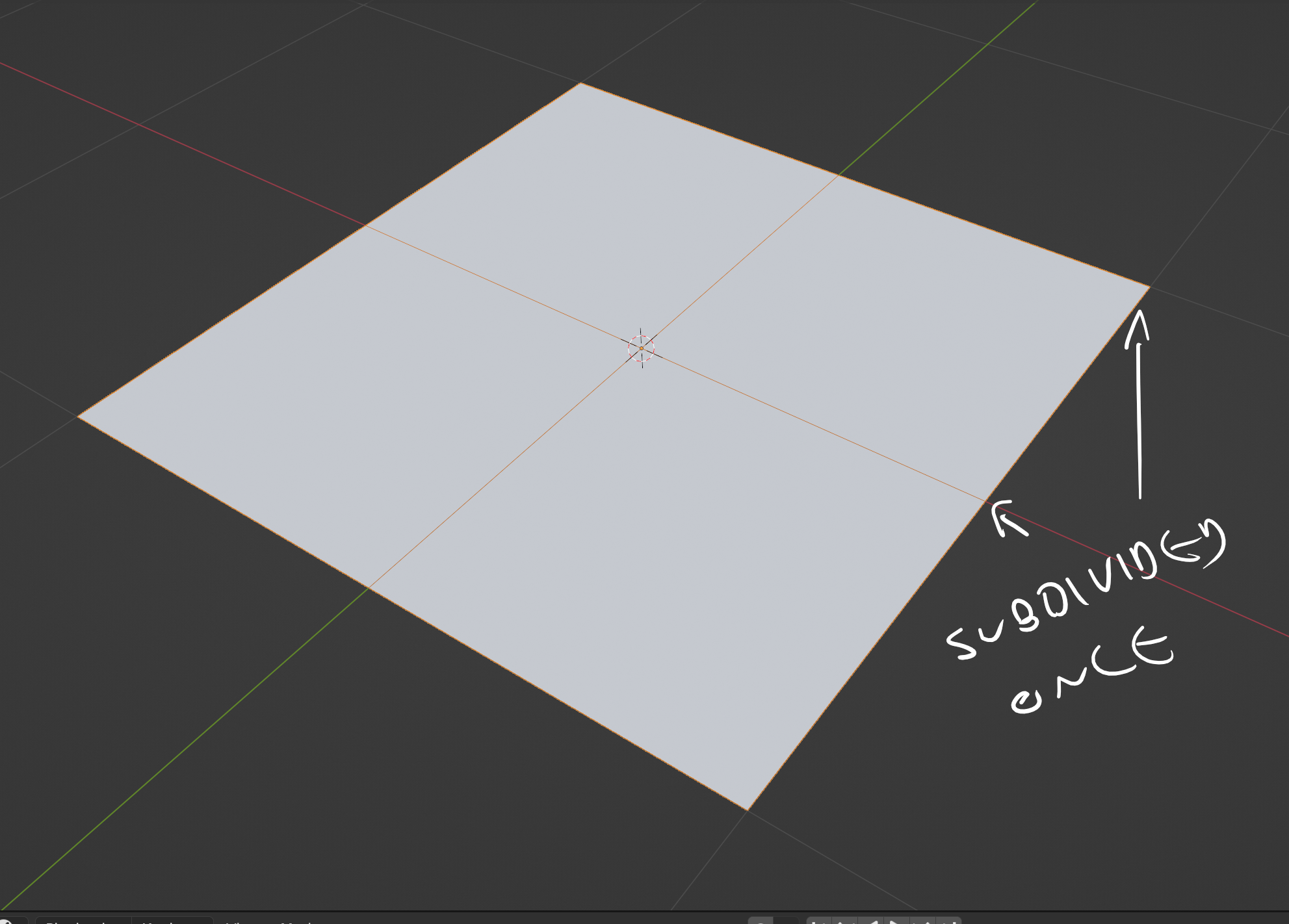
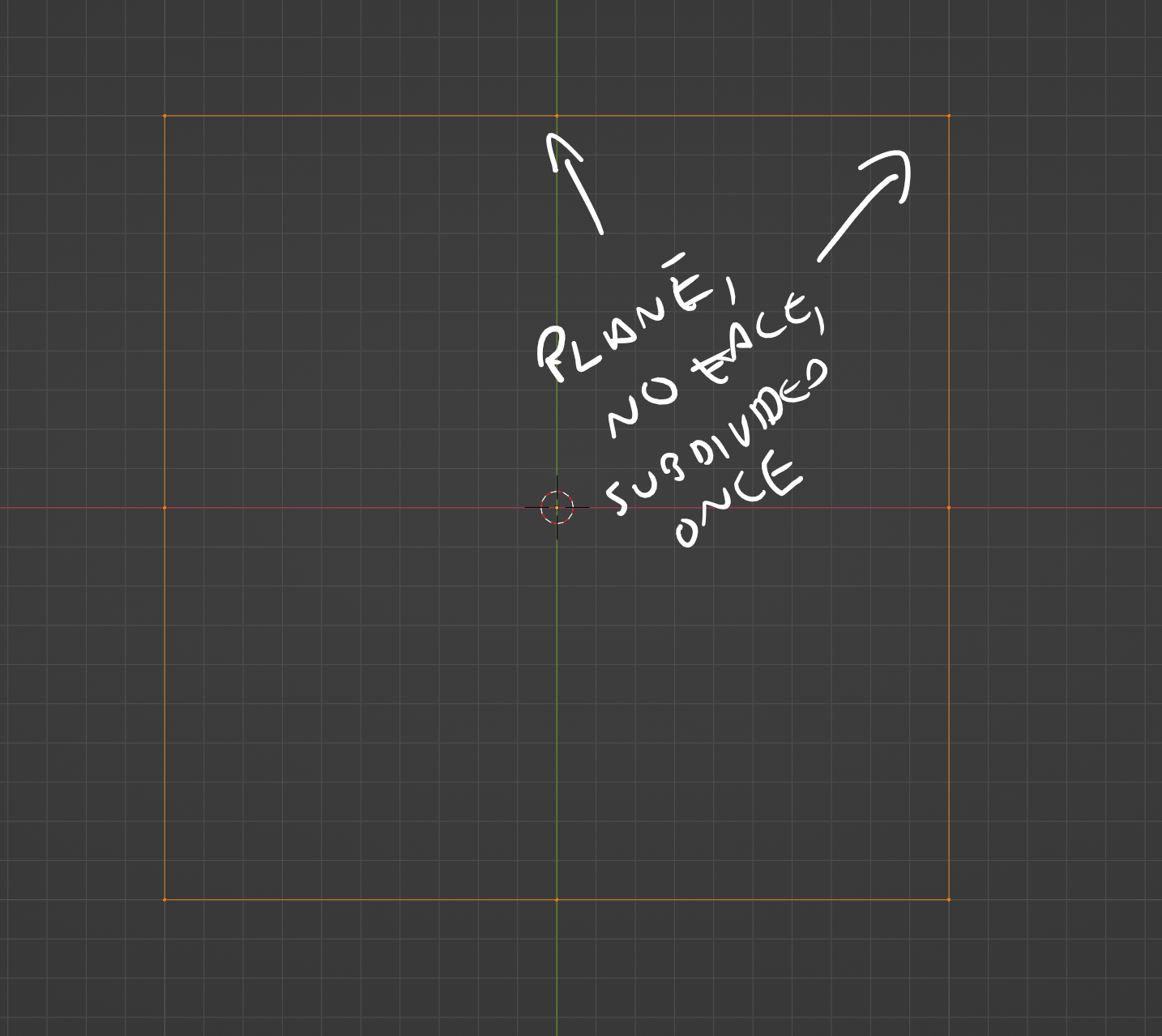
                    Take a plane, delete only the face, then subdivide once (so I can get what you had in your picture):
                    In Object mode, right-click to bring up your Object context menu, select Convert To>>Grease Pencil
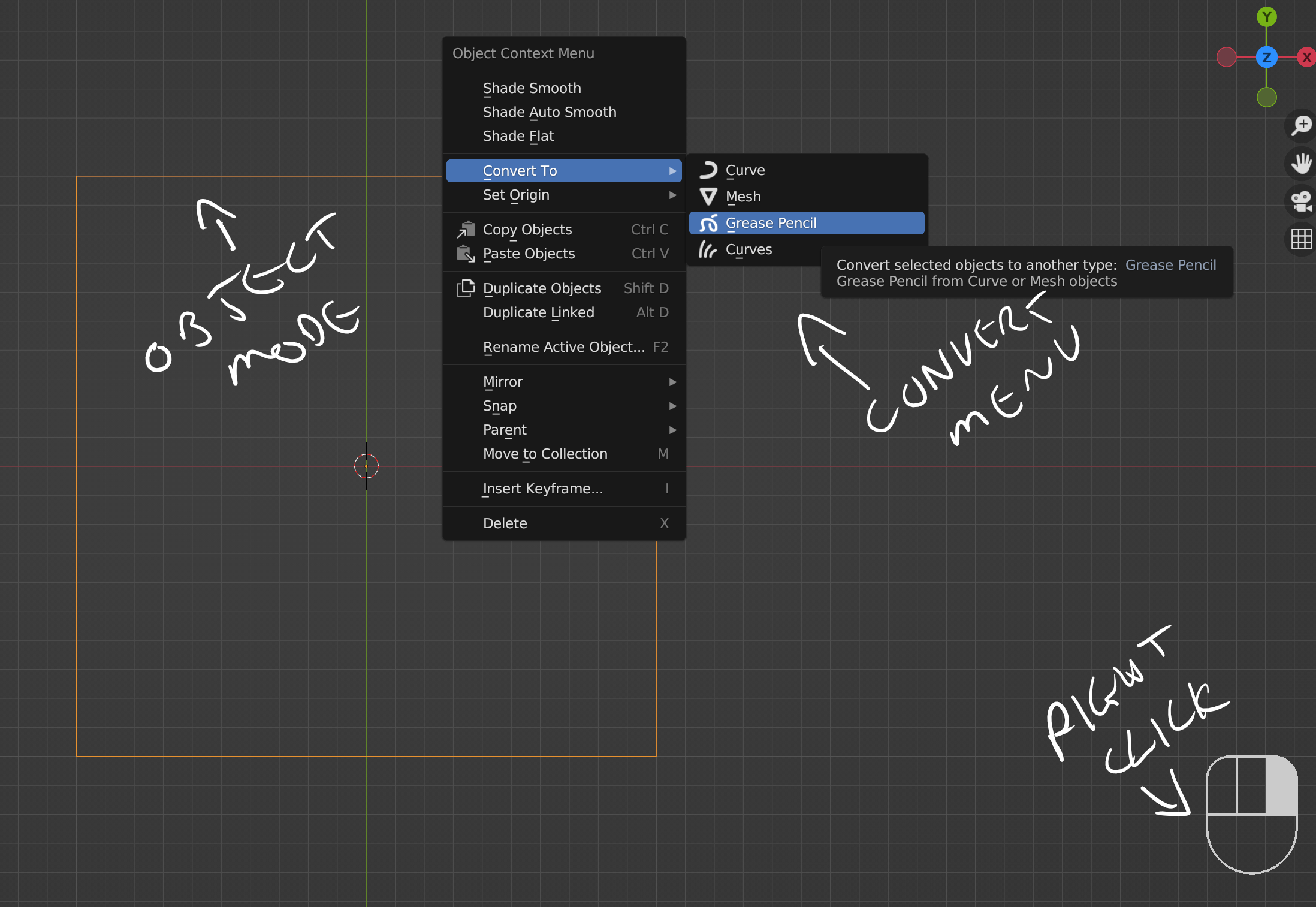
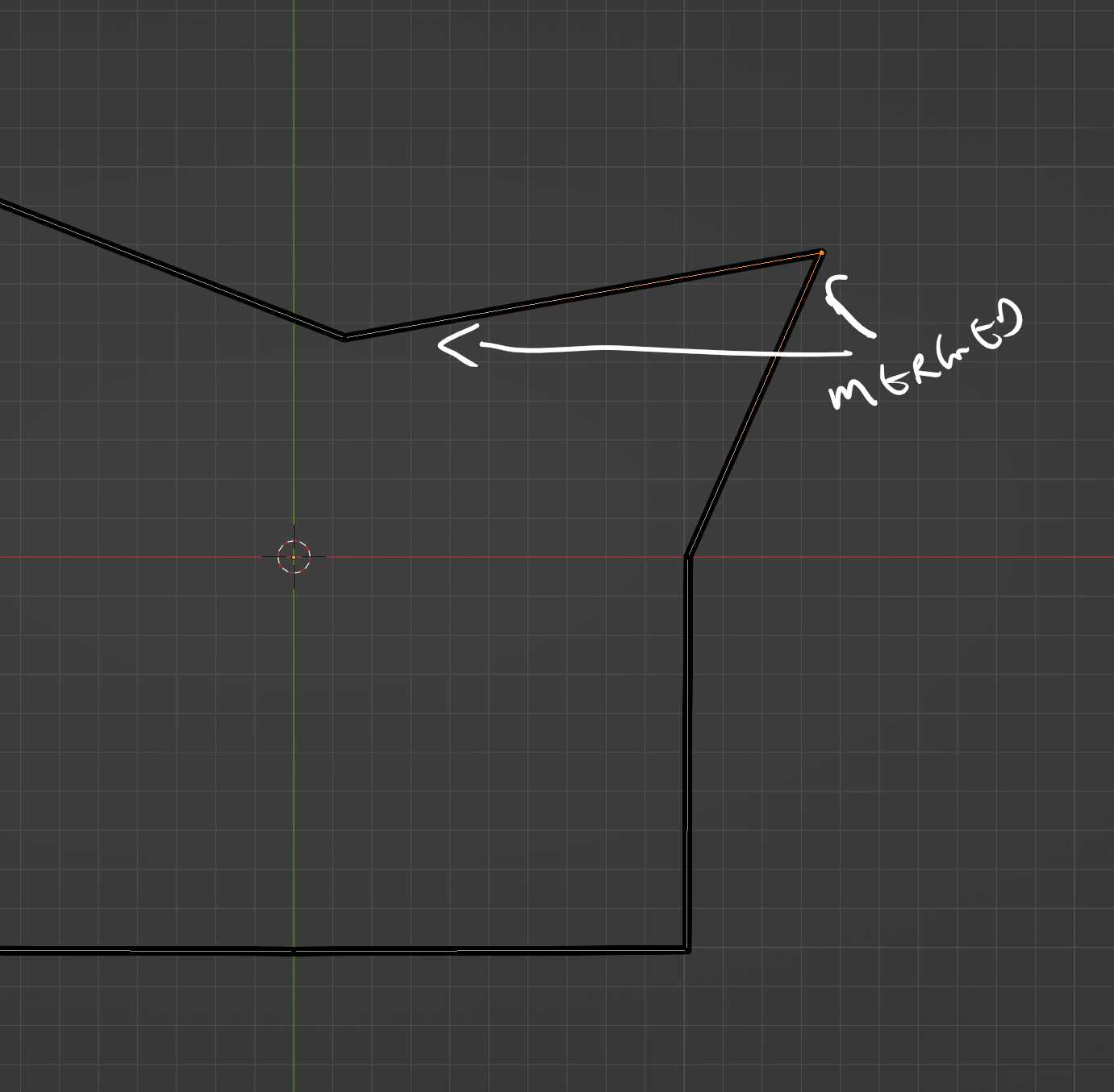
                    Tinker with the Convert To menu that pops up as soon as you do this – it might be collapsed, so just open maximize it to see the settings. Threshold Angle should fix your issue – 90+ degrees should be enough for this example. Anything lower will assume the stroke ends and a new stroke begins (hence the double up). You can also give this thickness, do an offset, and if you had any faces, you can also export those! (This has been an update since I released Panels FYI)
                    Merged points.
                    #81394
                    Paul Caggegi
                    Participant

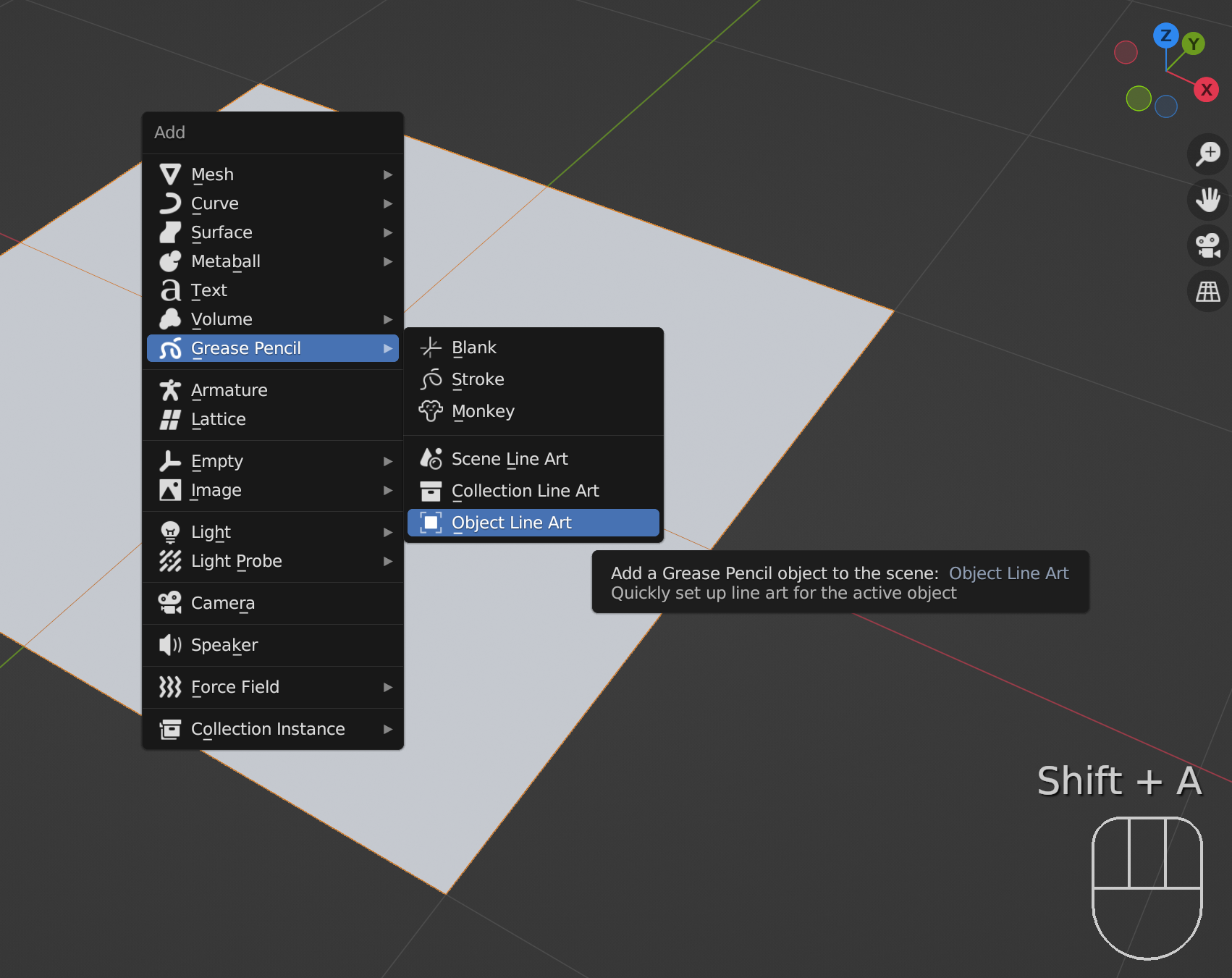
                      Another way you could do the same thing: Here is a plane, subdivided once – no faces removed.

                      Shift-A to add an Grease Pencil>>Object Line Art

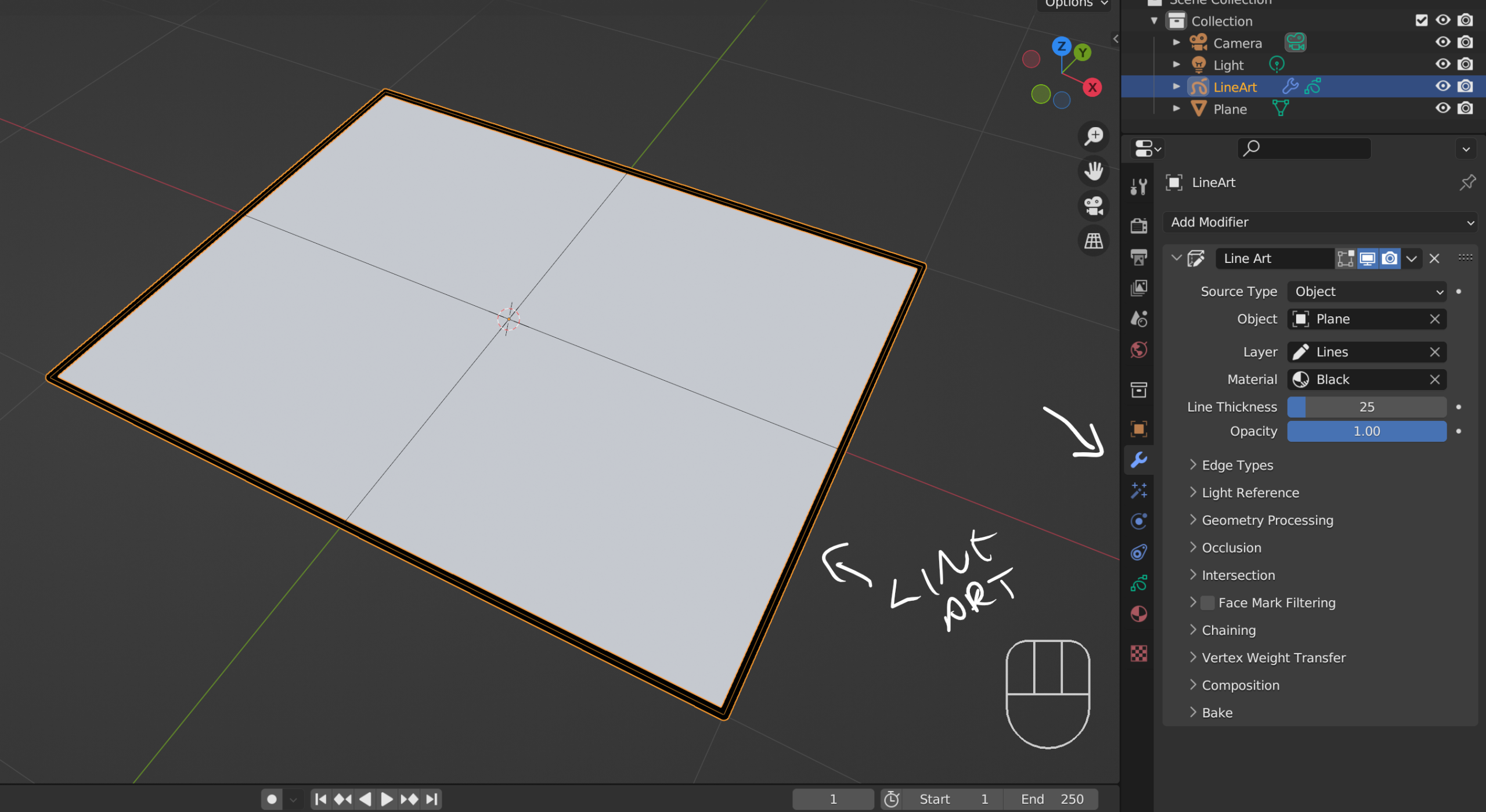
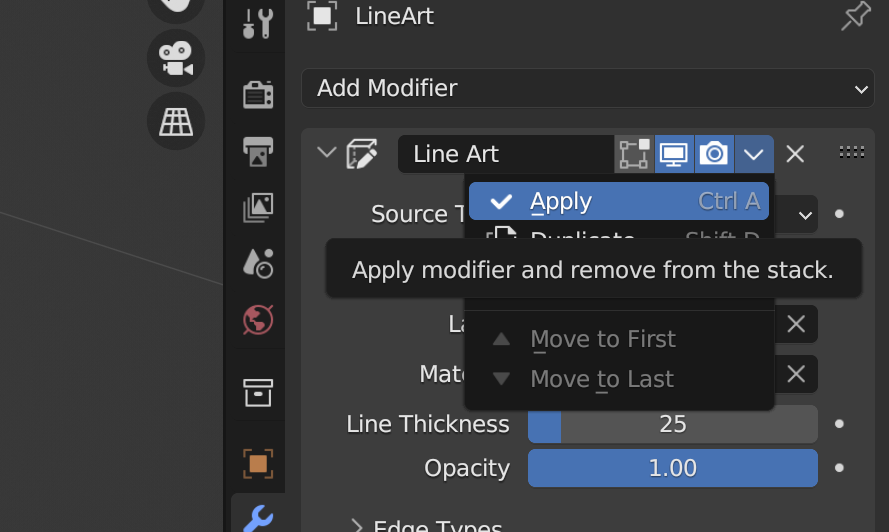
                      Under your modifier properties for the newly created Lineart Grease Pencil, tinker with any settings you need to, so you can adjust any thickness, materials, etc (optional)

                      Then Apply the modifier.

                      Your new Grease Pencil Object should have consistent “geometry” which matches the subdivision of the original plane.

                      #81395
                      Hery Suryono
                      Participant

                        Thanks Paul and Martin for your help,

                        I will try to re do the tutorial classes and try both suggestion.

                      Viewing 10 posts - 1 through 10 (of 10 total)
                      • The topic ‘lineart split the vertex’ is closed to new replies.