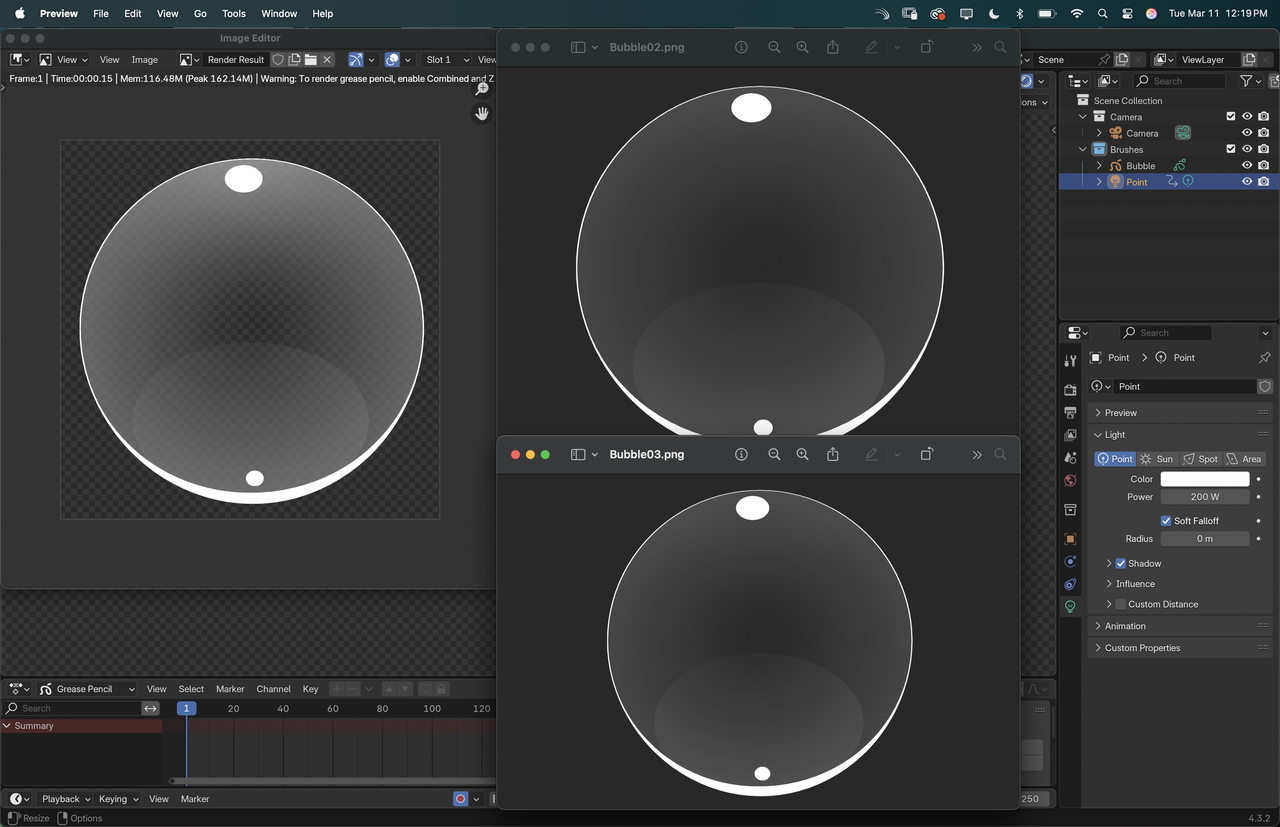
4.2.7 is out!? (Updates LTS for marking purposes). I am assuming you fixed the issue?
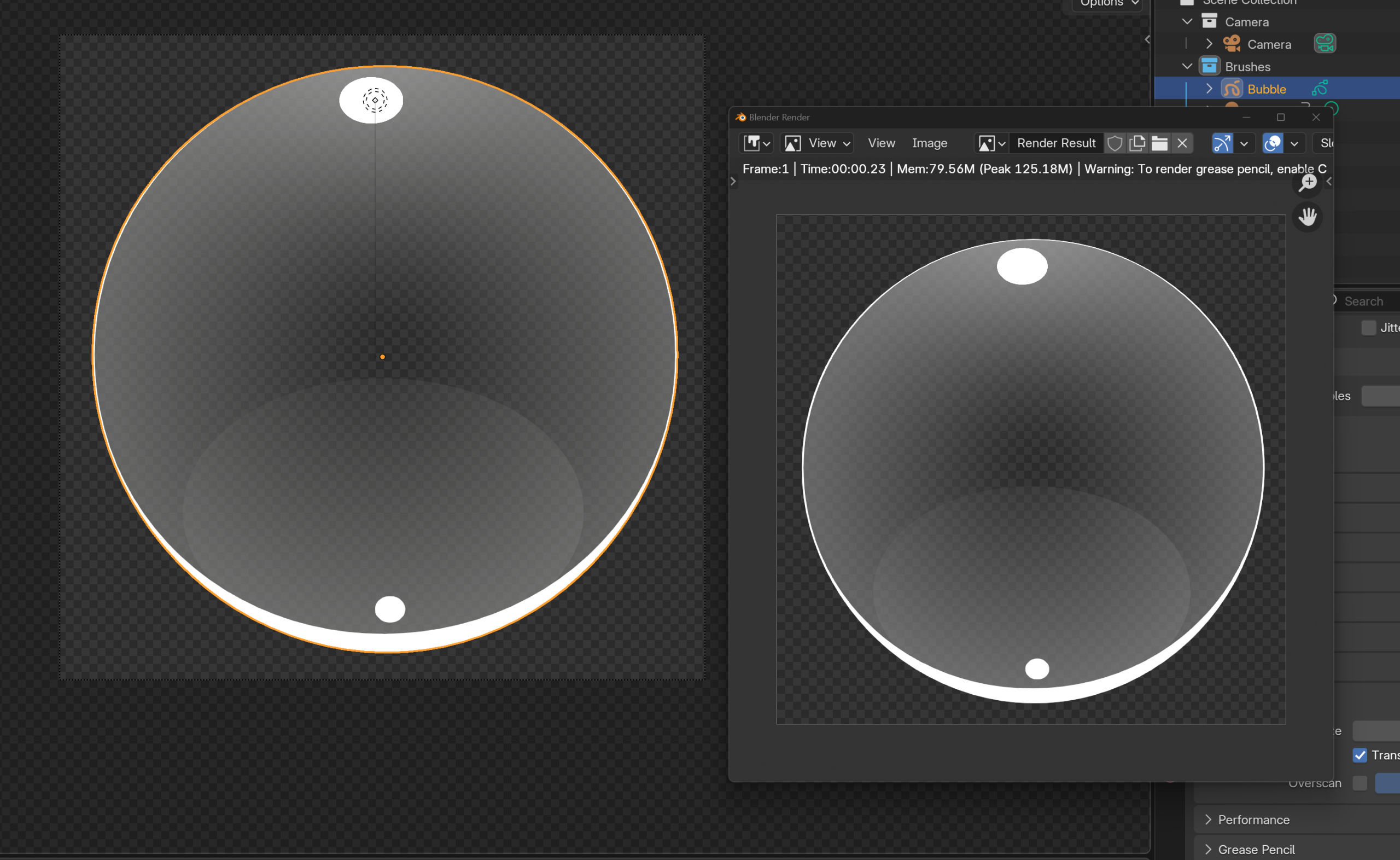
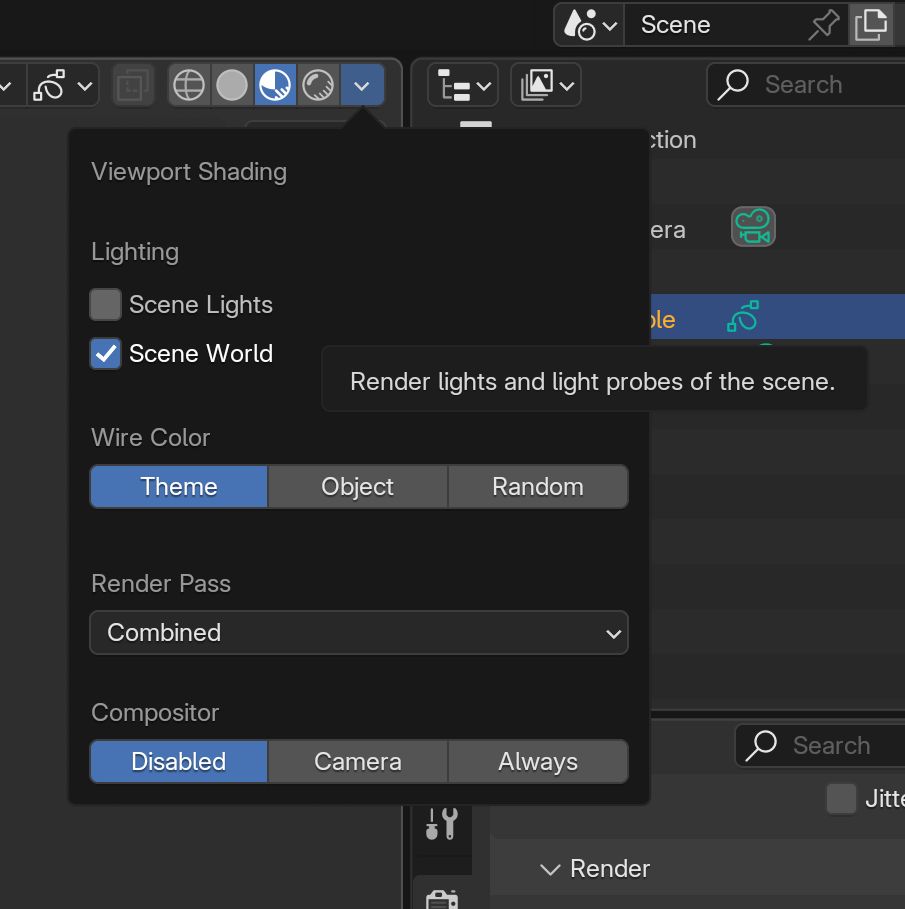
You may have found the answer already (I’m going through the list of alerts here) but in case you haven’t, Material Preview can has Scene Lights and Scene World toggles – Lights can sometimes be toggled off by default.
Whereas Rendered Viewport shading generally has everything toggled on
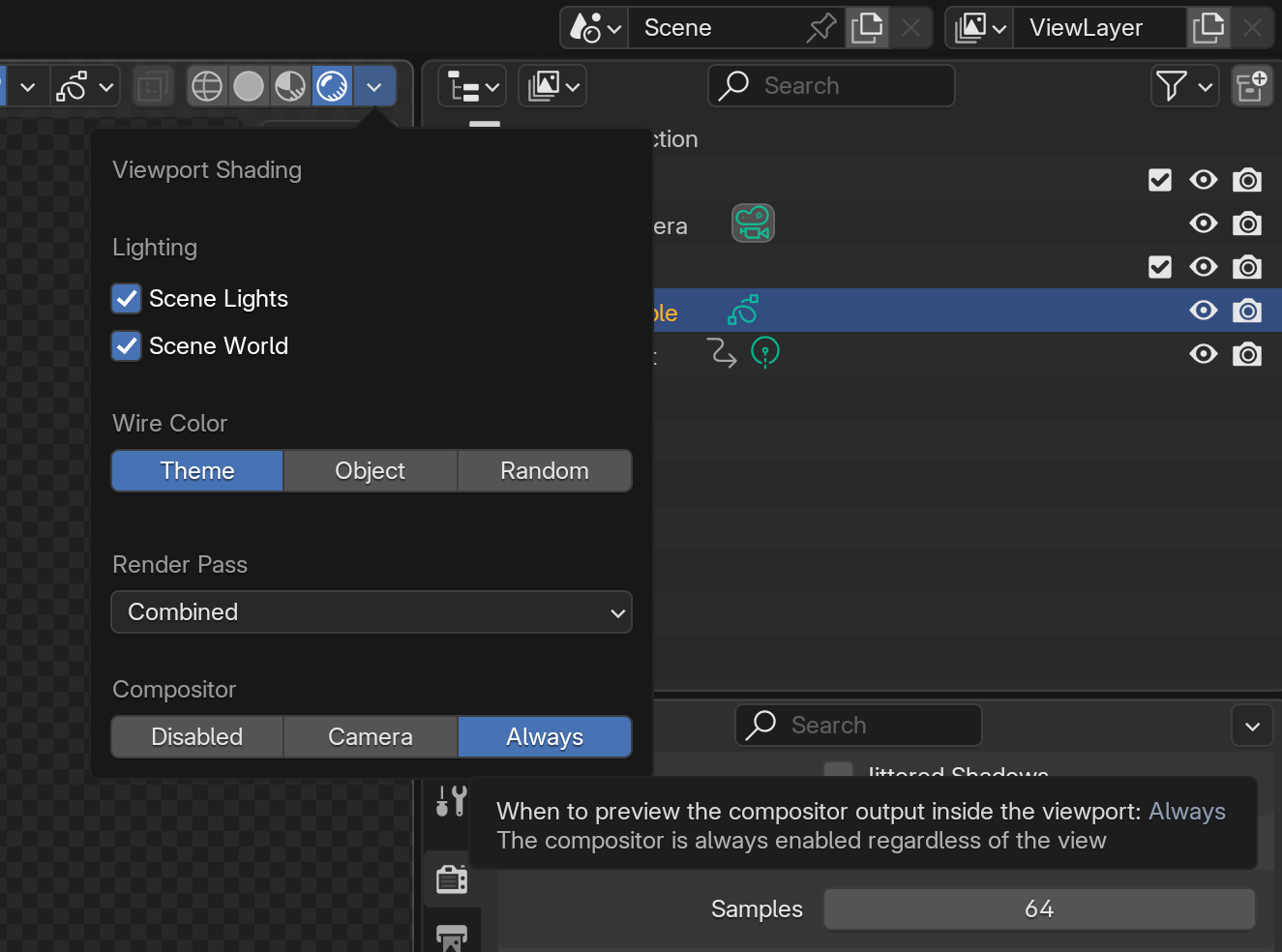
If you’re using the compositor, you can also preview in Rendered mode what the composited version will look like by enabling “Camera” or “Always” in the Compositor section of the viewport settings.
The reason for this, is that lighting, effects, compositing – all take up memory. Sometimes you want to work with a close approximation (which is faster) and then you have a setting which will show you what it looks like before you render (Rendered view).
It depends on what is going to slow down your machine. I typically have Scene Lights enabled in Material Preview, but not Scene World, and the Compositor is disabled. In Rendered Preview, I have everything.
Note too that effects will ONLY show in Rendered view, as will depth of field effects – should you come across those in future.

.