Light power does not match with video (Blender 3.0 difference?)

Forum Archive Light power does not match with video (Blender 3.0 difference?)

Viewing 2 posts - 1 through 2 (of 2 total)
  • Author
    Posts
  • #14835
    michael57
    Participant

      This has been bothering me since starting this course using blender 3.0, but when I place the point light or any light really, it always is to dim or dark, causing me to up the wattage to an insane degree to have it match what I see on the screen.

      Here’s what I get when I place the light near the exact location and brightness in the video:
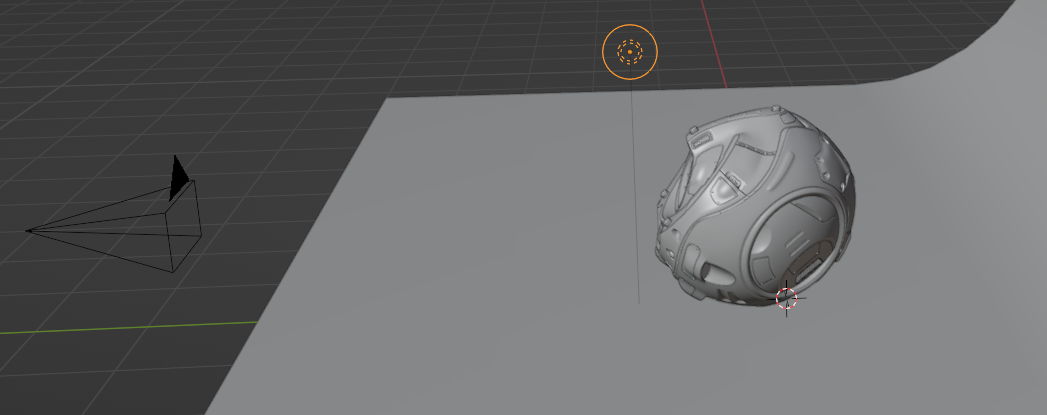
      The placement
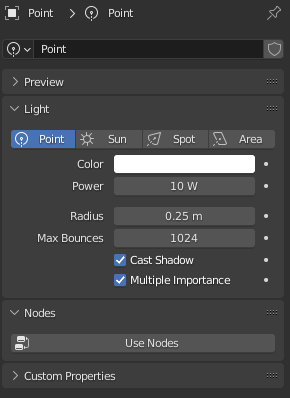
      The settings:

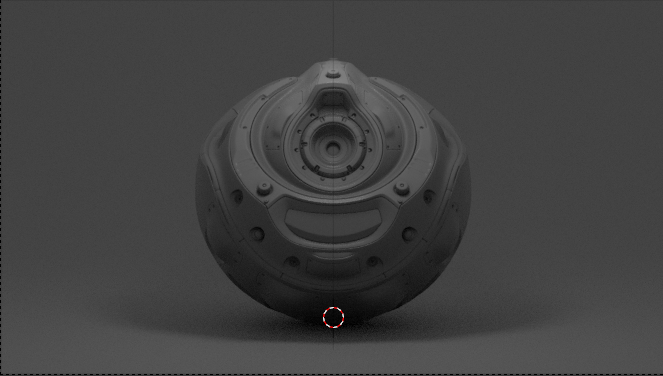
      The result:

      Same result but I jacked up the wattage on the point light to 900 W:
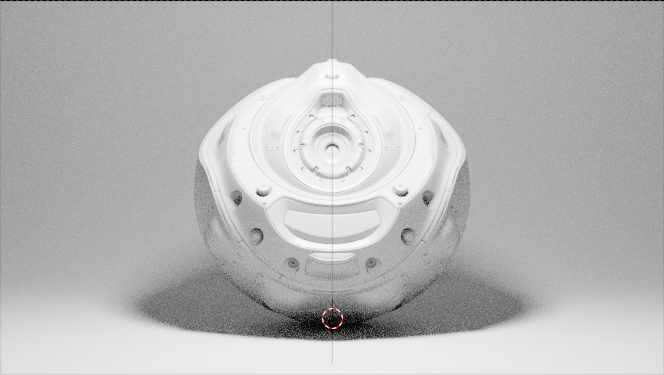
      This is making me go insane and I don’t know why it’s behaving like this! I have the Extra Lights – Photometric Lighting Addon installed. is that screwing it up? (setting exposure doesn’t seem to help ether.)

      Any suggestions on what is going on will be great!

      #73326
      Jonathan Lampel
      Participant

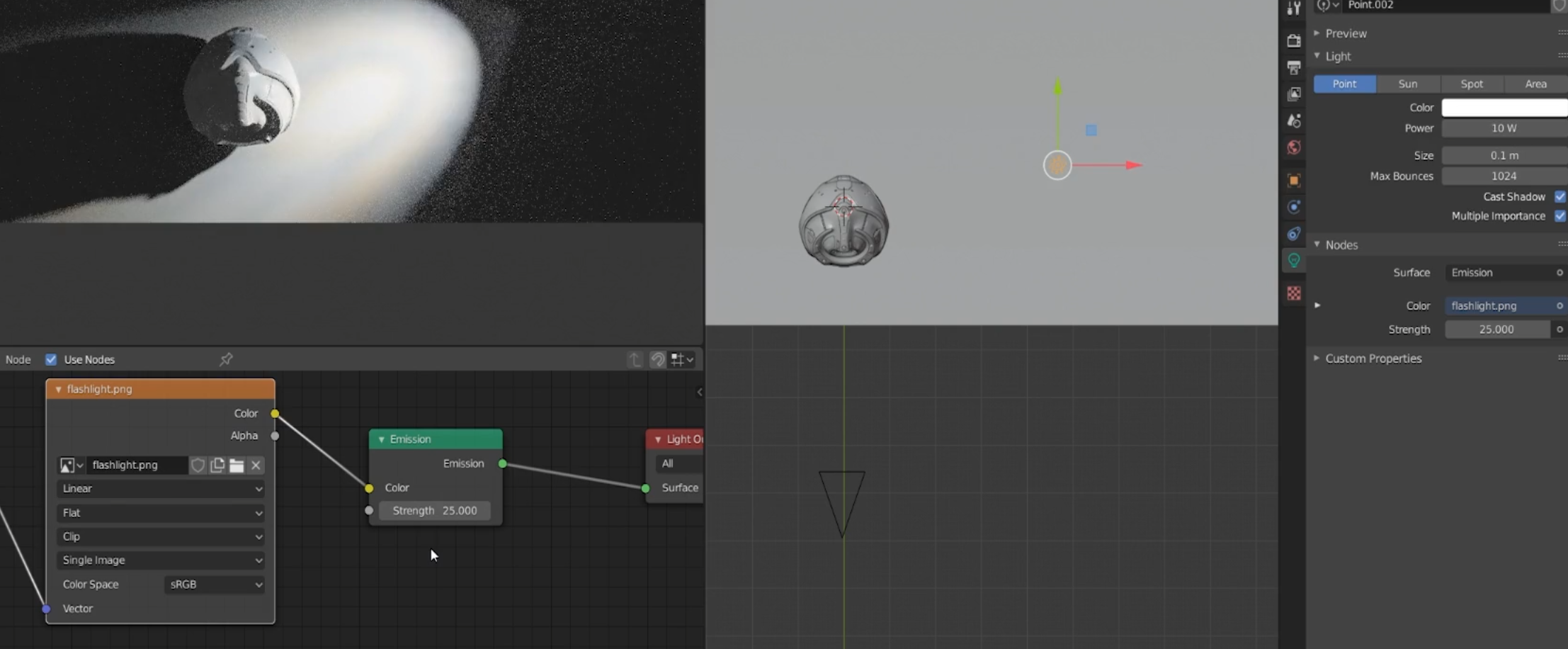
        I’m not sure if it’s every light in the video, but after going back through it I noticed that I have nodes enabled for some of them and the emission strength is set pretty high: 

        Edit: Actually, after checking the file itself I noticed that the exposure is set to 5 and nodes are off at the start. It still appears the same in 3.0.

      Viewing 2 posts - 1 through 2 (of 2 total)
      • The topic ‘Light power does not match with video (Blender 3.0 difference?)’ is closed to new replies.