Lifeform’s Polybook for Core Modeling

Forum Archive Lifeform’s Polybook for Core Modeling

Viewing 14 posts - 1 through 14 (of 14 total)
  • Author
    Posts
  • #21121
    Martijn van Loon
    Participant

      I happened to see a youtube short about two ways of making circles, so I tried those on here as well, then wanted to challenge myself a little more and used some of the newly taught moves to make a double cross thingy.
      FinishedRender.png

      #98522
      Omar Domenech
      Participant

        Nice crosshairs detail.

        #98523
        spikeyxxx
        Participant

          Well done!

          #98524
          Mathew Tran
          Participant

            How did you go about making the crosses? I assume subdivide and inset in an x shape?

            #98525
            Martin Bergwerf
            Participant

              Hi Matthew @Ichitran ,

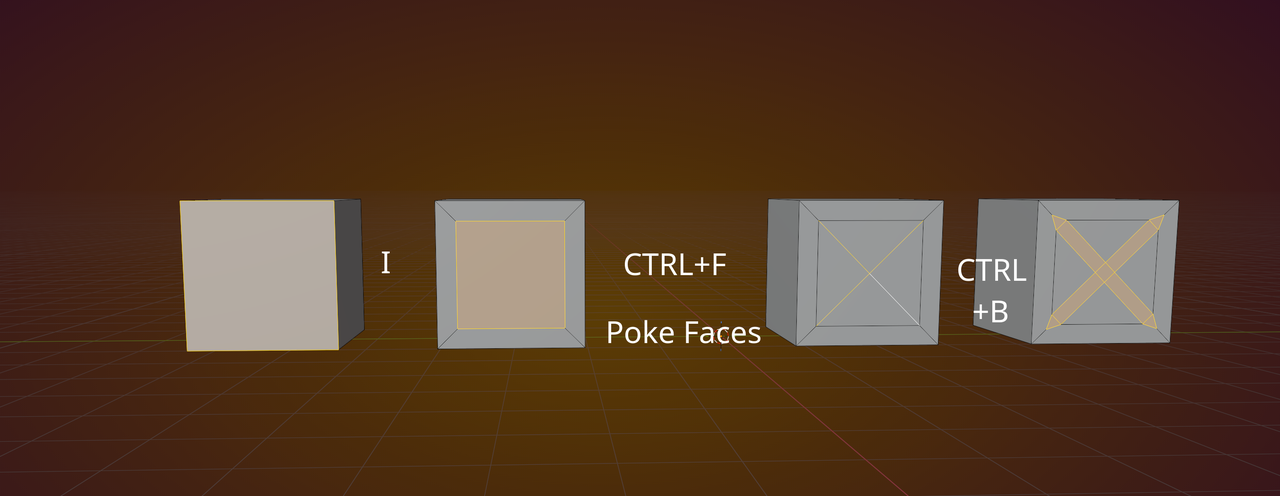
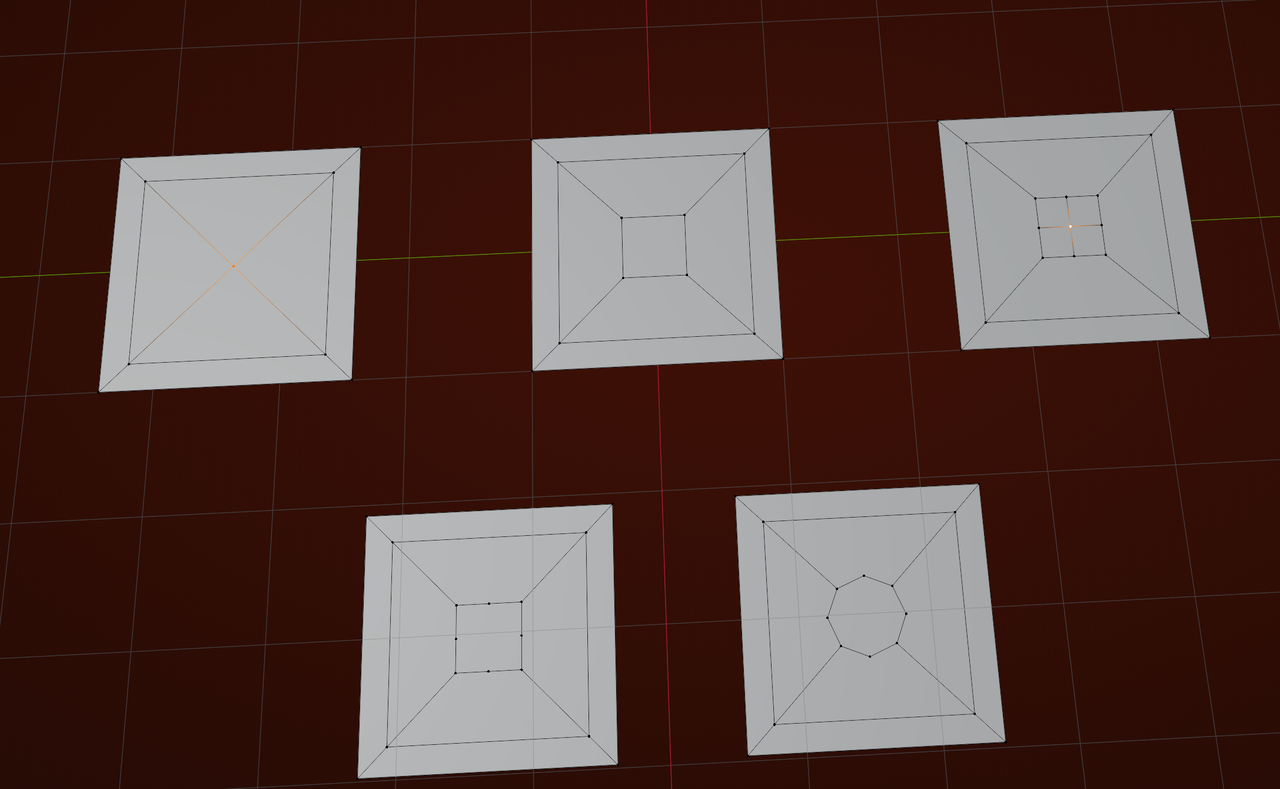
              Don’t know how @Lifeform did it of course, but here is 1 possible way:

              Cross_00.png

              So, Inset, Poke Faces, Select the cross Edges, Bevel.

              #98526
              Omar Domenech
              Participant

                I suspect booleans. I’m thinking shapes cut through the mesh making that circled X detail. But we’ll see what Lifefrom says. 

                #98527
                Martijn van Loon
                Participant

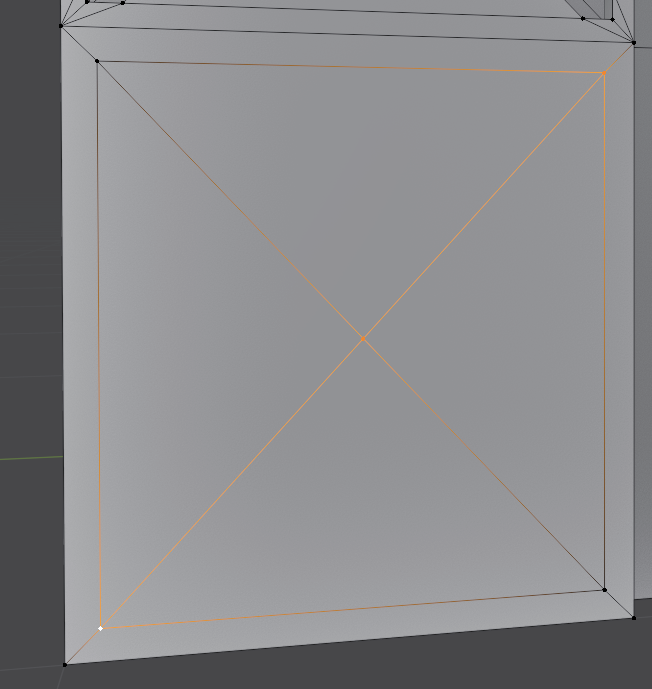
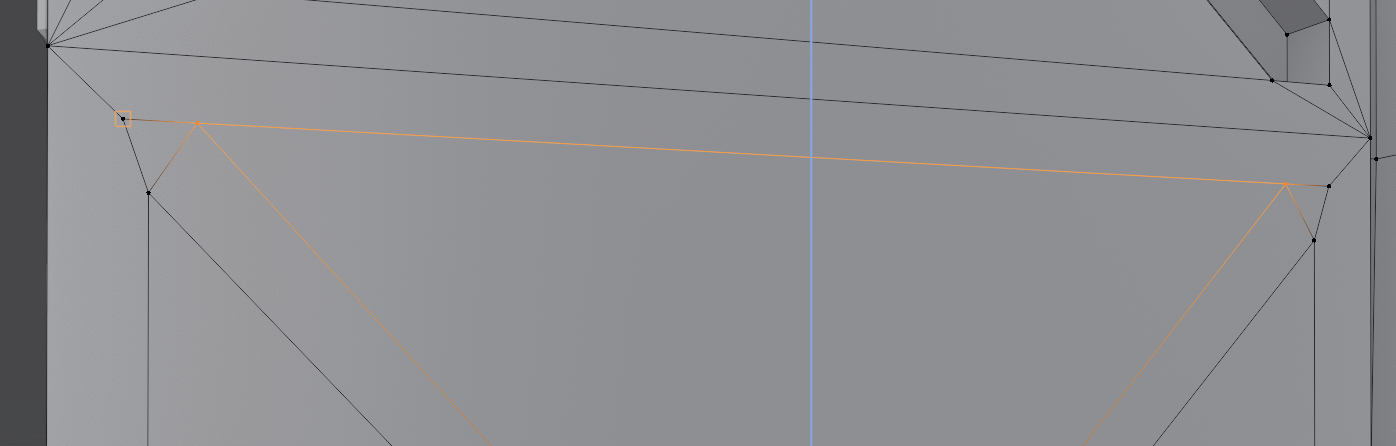
                  Martin is correct in the initial cross! Although I didn’t do poke faces, but manually connected the vertices with J. Poke faces is a better option, so thanks for posting that!

                  Then I manually aligned/snapped these verts to the outside so we have a square outer loop again before extruding out the X

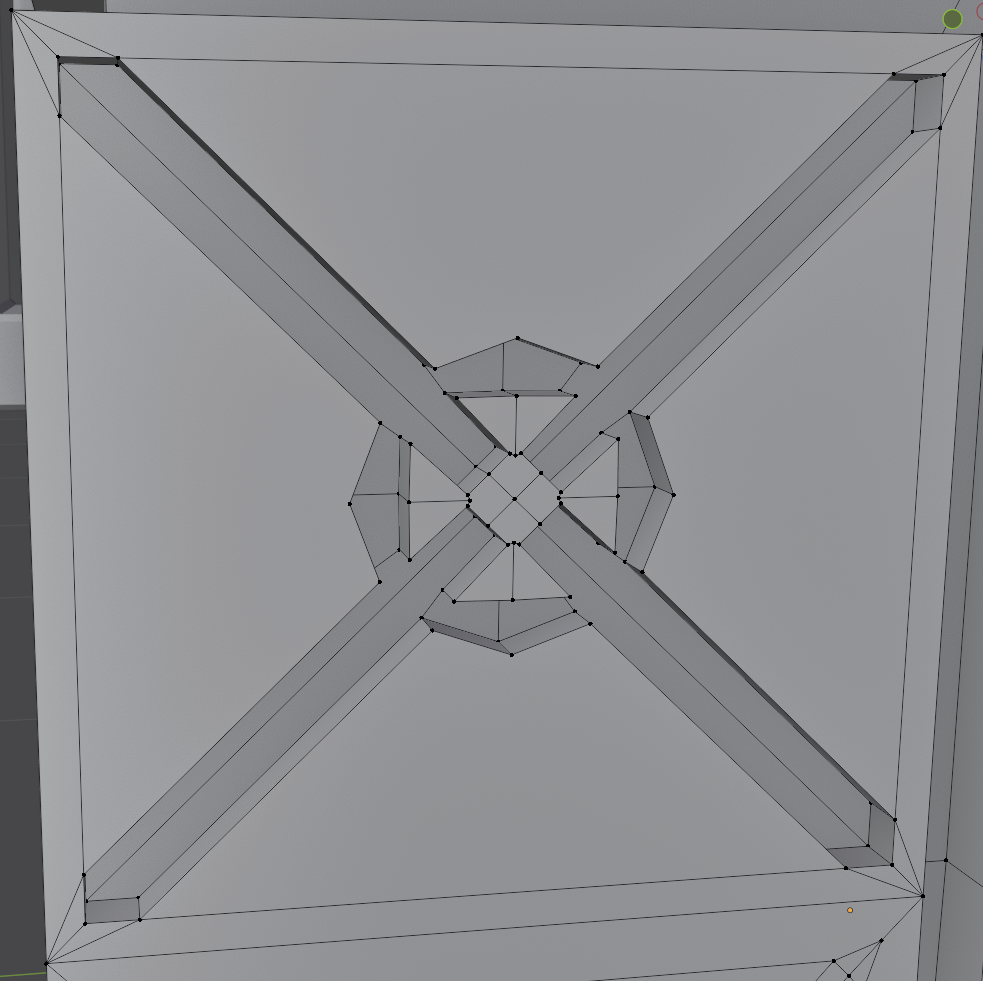
                  The cross was also a combination of bevels and extrusions, and I think the loop tool circle, but for the life of me I can’t seem to recreate what I did last night, hahaha. So here’s the way the edit view looks at least

                  #98528
                  Martijn van Loon
                  Participant

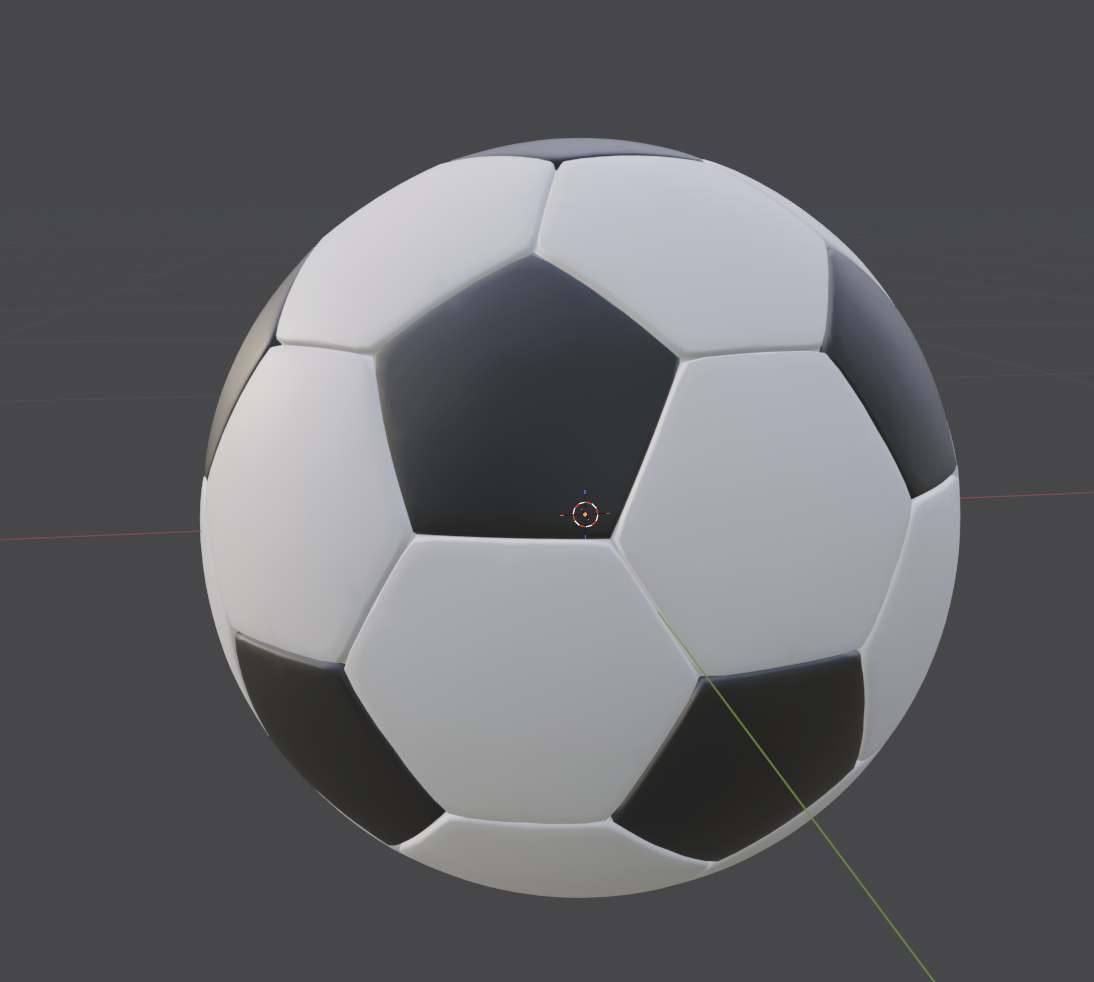
                    I also managed to follow along with the football in the selection videos. For some reason, the similar selection worked better for me than it did in the video. Maybe because I’m on 5.0, or maybe I just accidentally hit a better value.
                    Either way, super cool and useful info in that one.

                    #98529
                    Martin Bergwerf
                    Participant

                      For the circle, maybe something like this, Bevel the center Vertex (SHIFT+CTRL+B), Subdivide, Dissolve the center Vertex (CTRL+X), then Loop Tools > Circle:

                      Cross_01.png

                      Not exactly what you did probably, but still.

                      #98530
                      Martijn van Loon
                      Participant

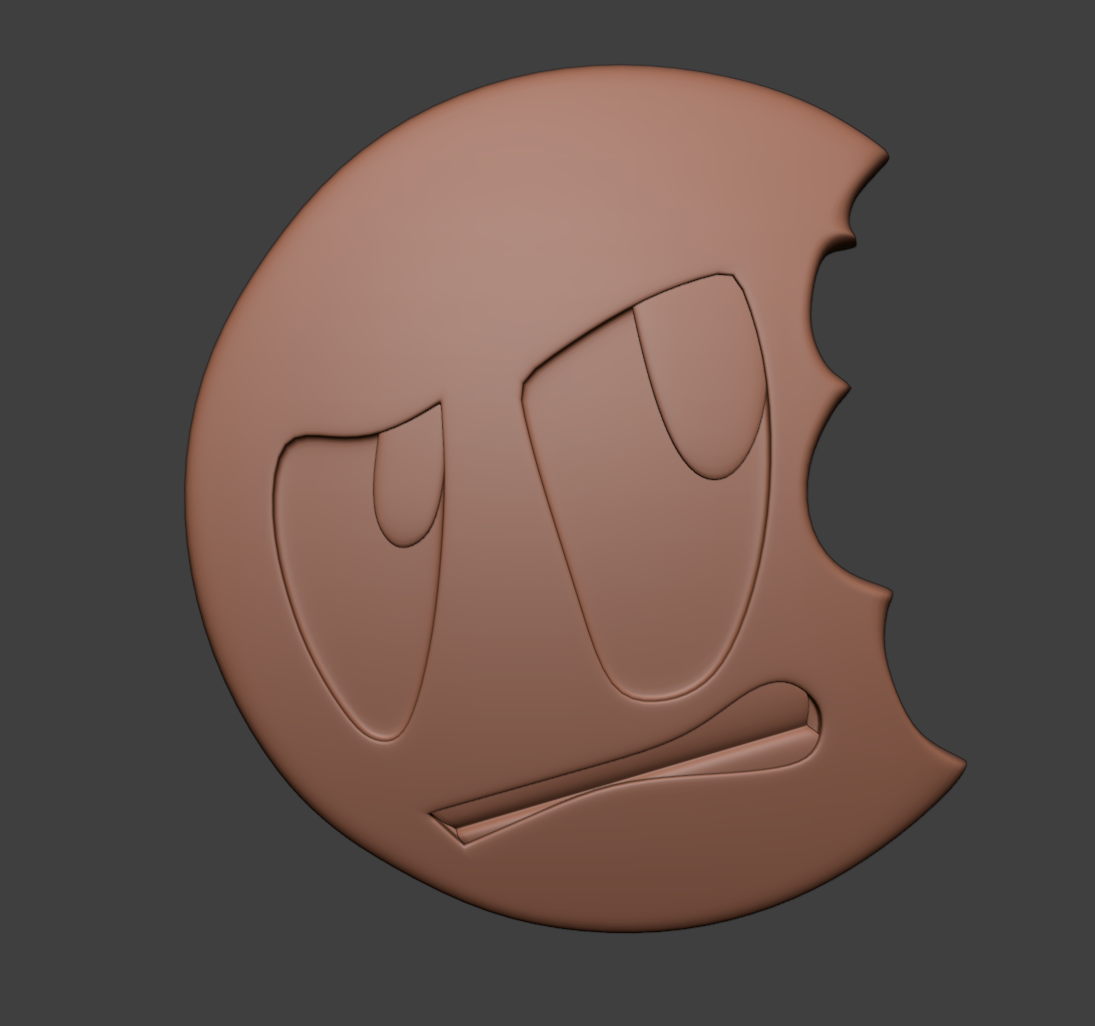
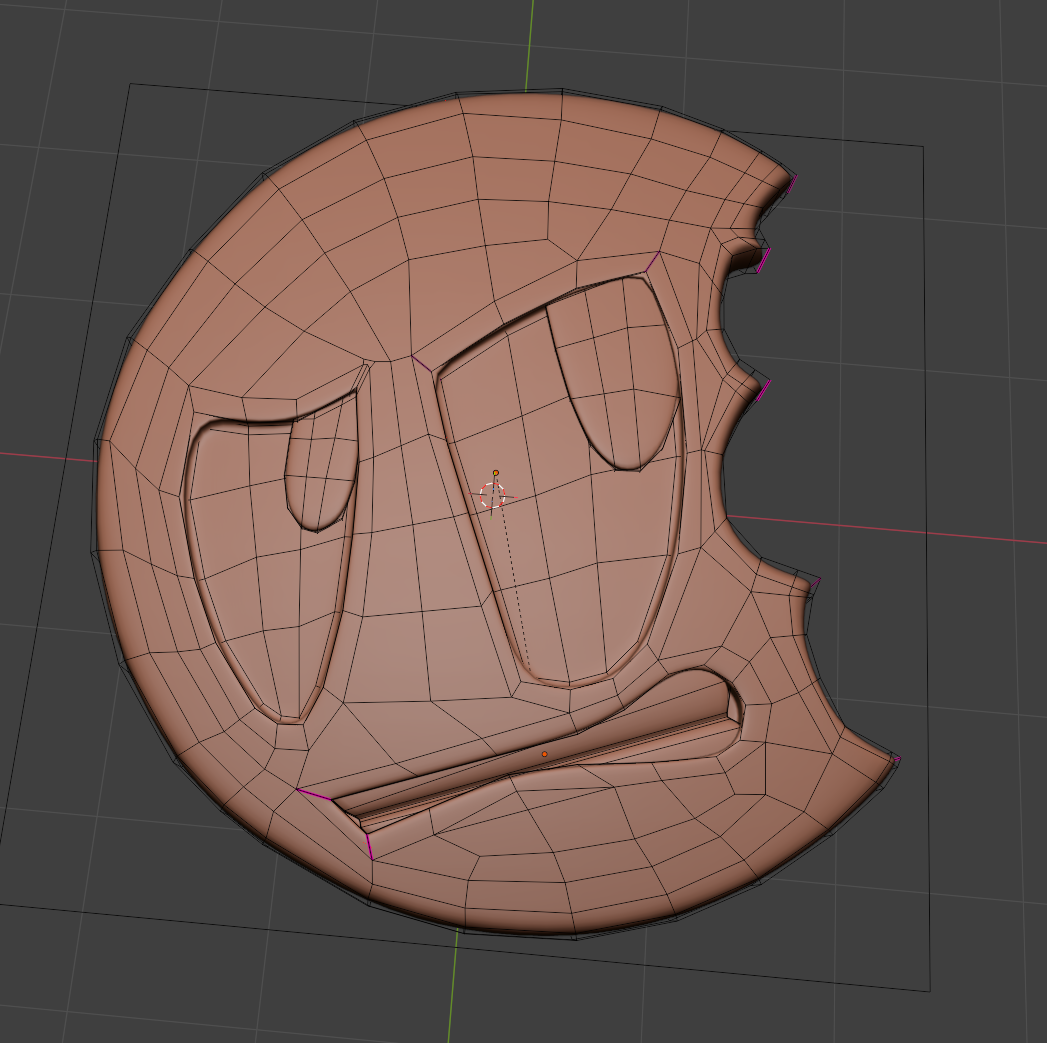
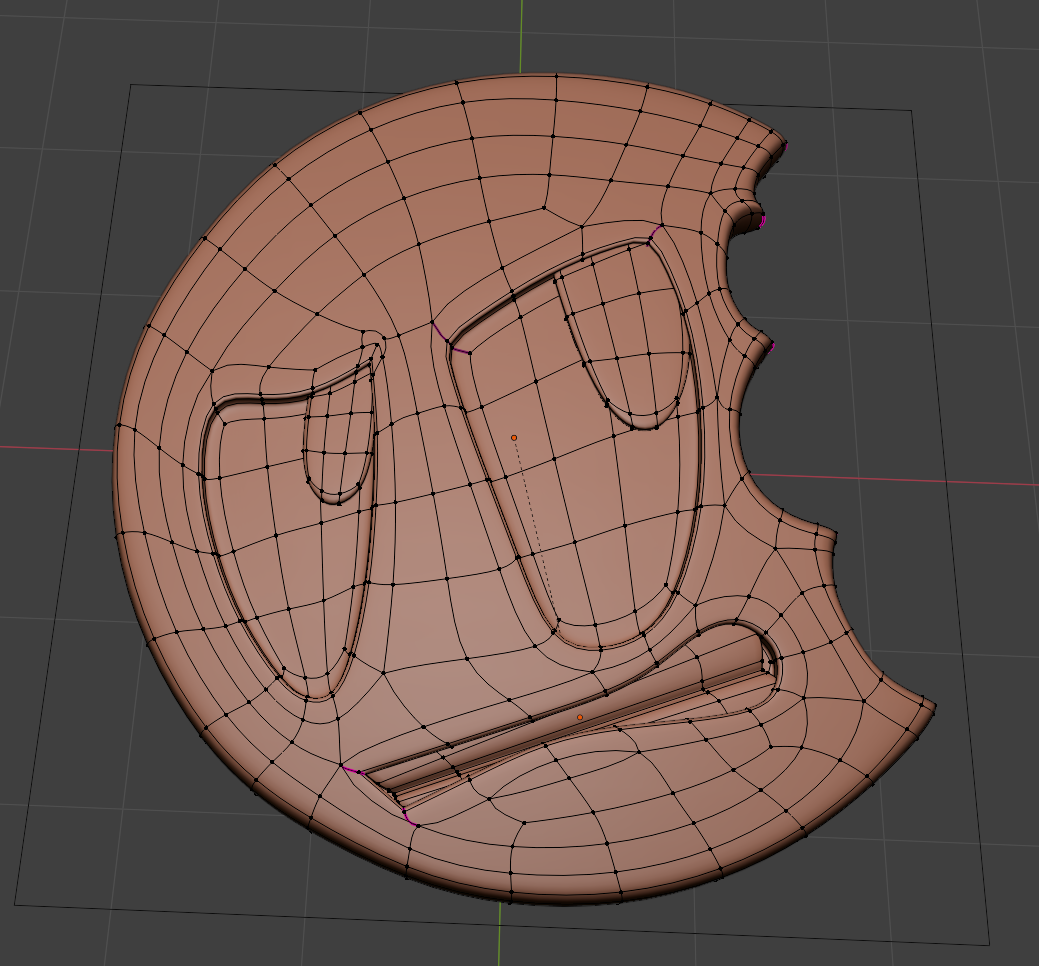
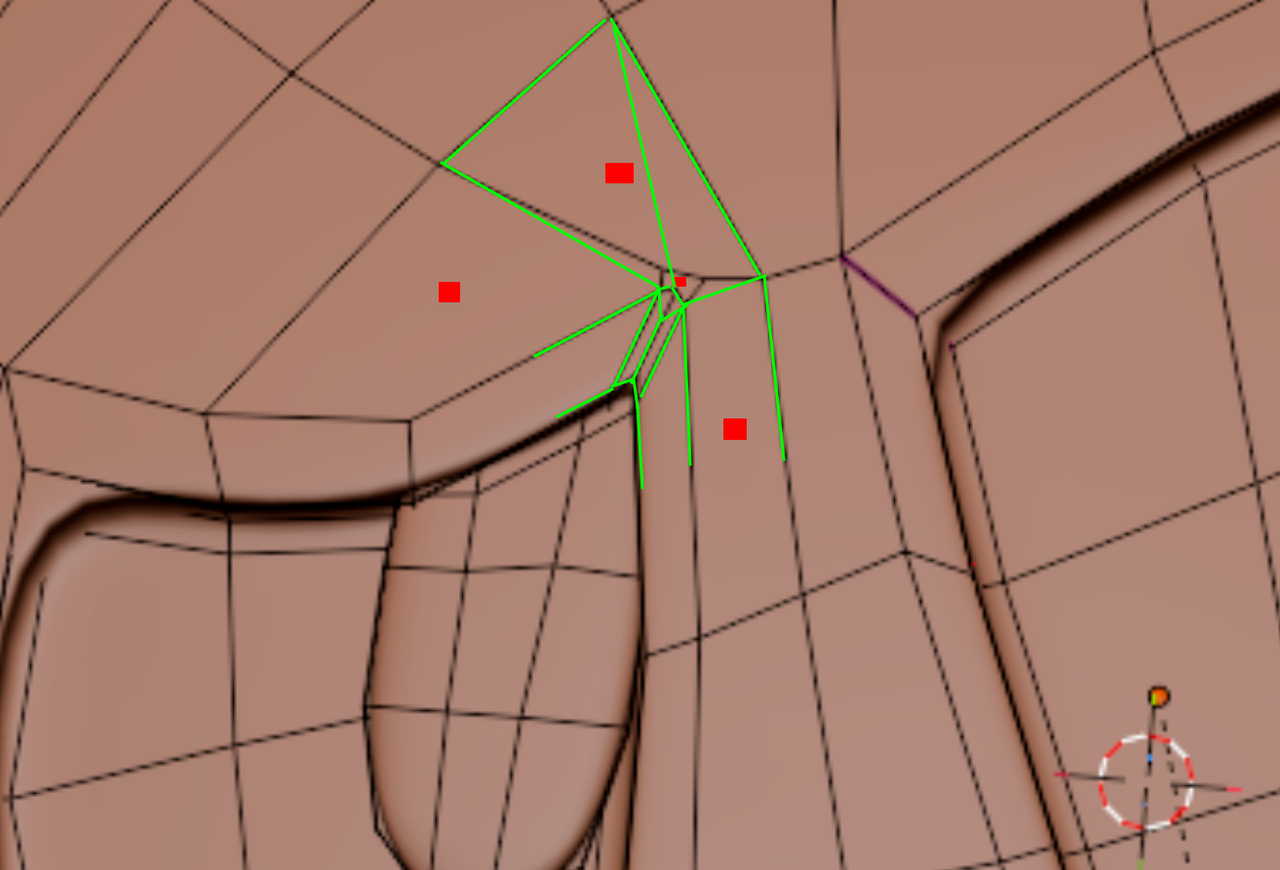
                        Finished the cookie logo. I ended up with slightly different topology in places, maybe a bit more wasteful in my vertex count. 
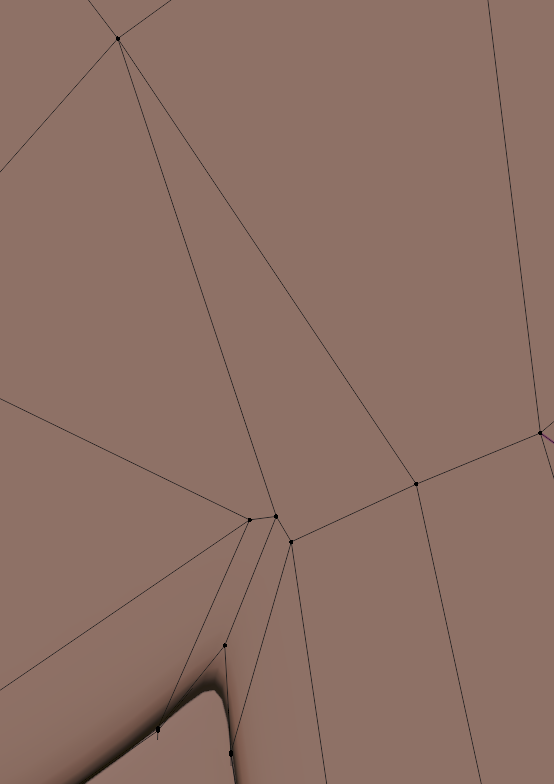
                        I also ended up making a bevel for the deepest corner of the eyes since the crease I made first was leaving a nasty artifact. 
                         SolidView.pngWireFrame.pngCagedWireframe.png

                        #98531
                        Martin Bergwerf
                        Participant

                          Looking good!

                          You did create a few NGons in that corner, which isn’t a big deal in this case, because the area is flat, but it could have been avoided, for instance like this:

                          NGons_00.png

                          #98532
                          Martijn van Loon
                          Participant

                            Ah dang, I missed those That bevel was the last thing I did, and I didn’t check. Thanks for pointing them out 🙂

                            #98533
                            Martin Bergwerf
                            Participant

                              Excellent @Lifeform!

                              #98534
                              Martijn van Loon
                              Participant

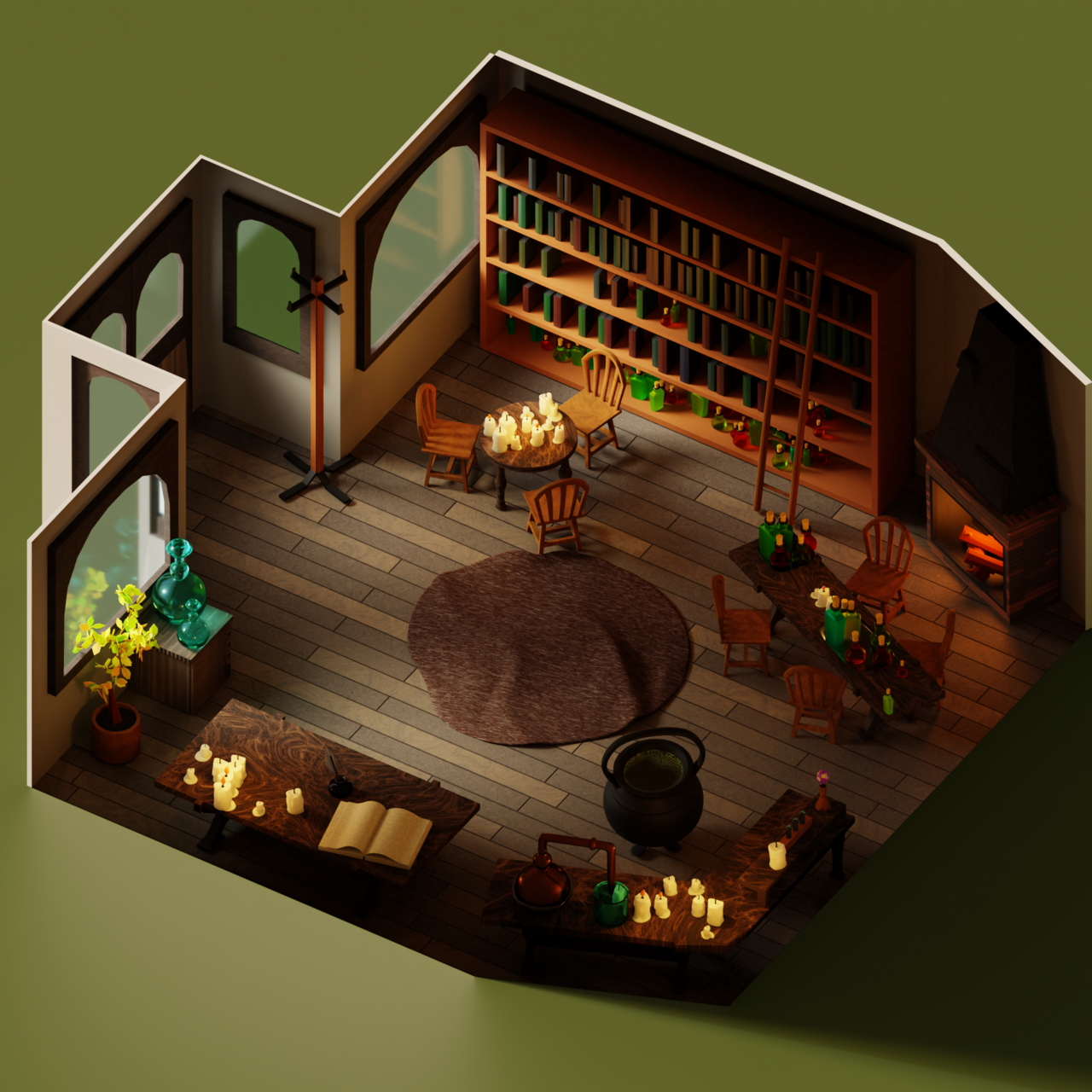
                                This was fun. I spent quite a lot of time on this, and a lot of that was on texturing even though I only used default texture nodes for everything other than the foam in the cauldron, for which I used a free coffee foam texture.

                                Everything in the scene is made by me, I used a lot of “scatter on surface” and arrays to fill the scene.
                                I think most everything is reasonably set up, although I did have some issues with geometry around the the windows/doors, curved table, the chairs, and the folded open book. I also unnecessarily added a wax blob to the bigger candle via a boolean which I regretted immediately because of how bad the geometry turned out from that.24-30200-16jt88n.png
                              Viewing 14 posts - 1 through 14 (of 14 total)
                              • The topic ‘Lifeform’s Polybook for Core Modeling’ is closed to new replies.