
Jay’s Blender Progress
Forum Archive › Jay’s Blender Progress
- This topic has 17 replies, 3 voices, and was last updated 2 years, 11 months ago by
Martin Bergwerf.
-
AuthorPosts
-
September 7, 2023 at 11:54 pm #16853
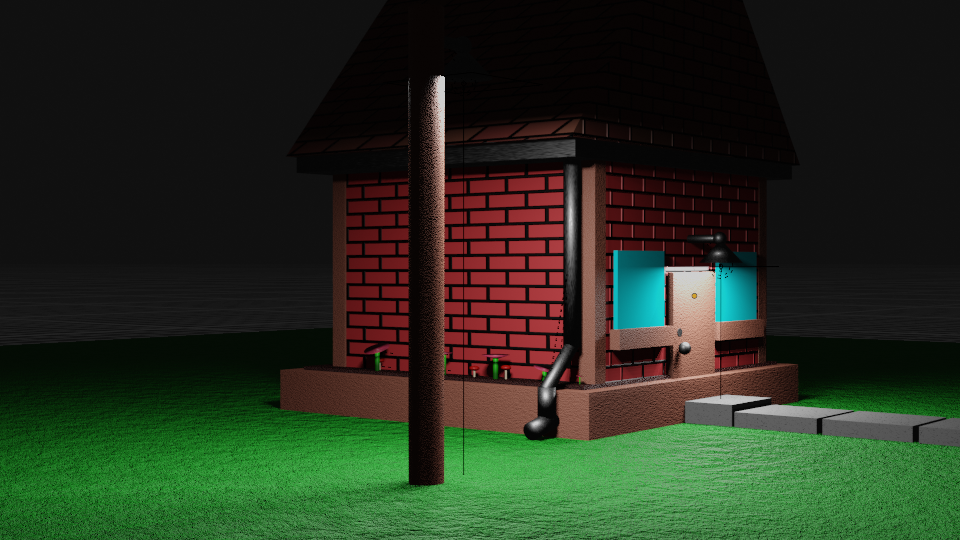
I just started Jonathan’s Fundamentals course and this is my primitives exercise. Definitely not my first scene in Blender but I had some fun with it. I figured I’d post it and start this thread. I’m excited to watch my progress as I continue here at CG Cookie!
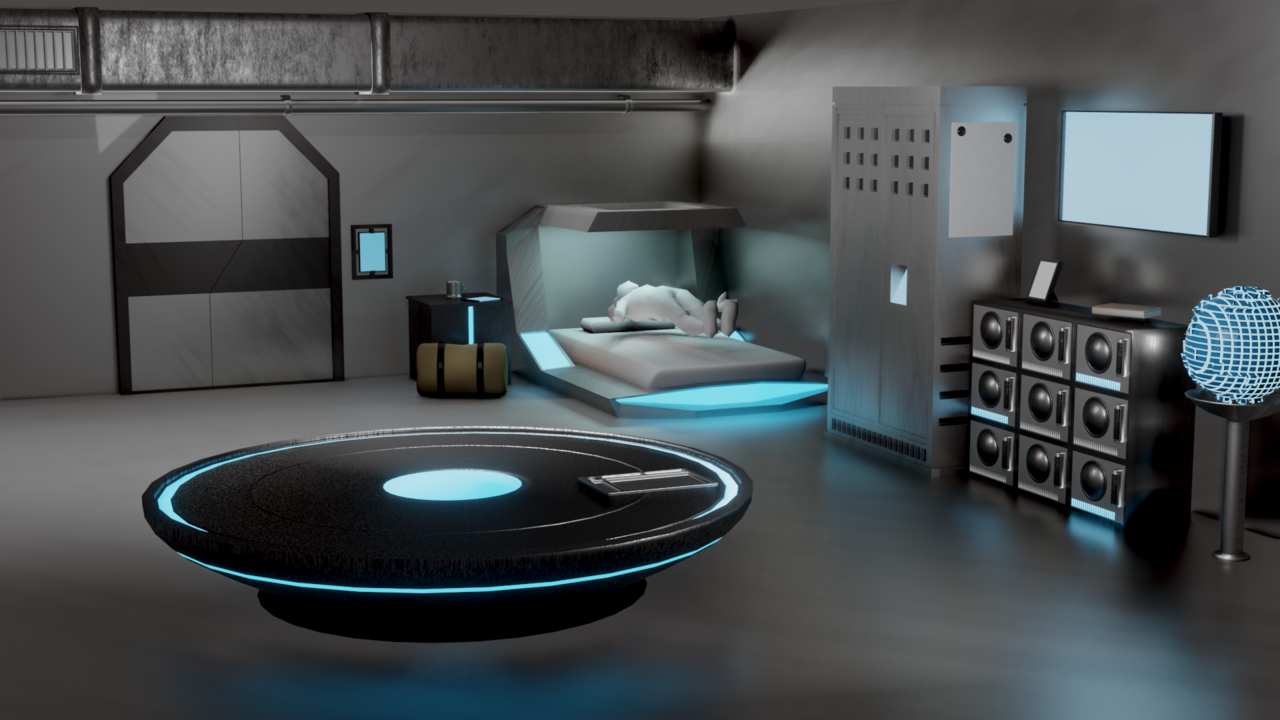
I’ve also completed Kent’s course on 3D Industrial Environments. Here’s my version:
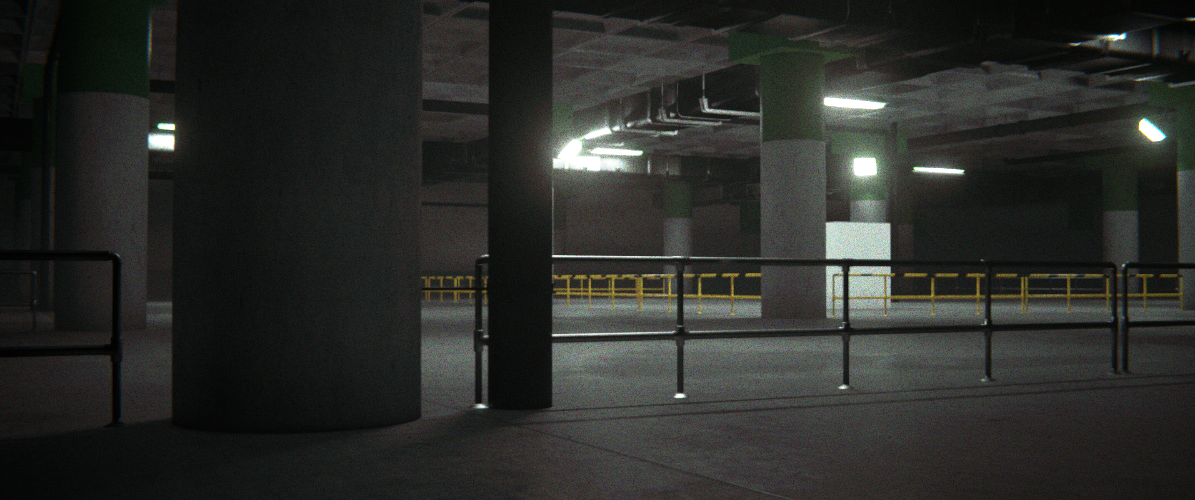
I followed pretty close to him through the whole thing and I feel like this image represents the quality limits of my current hardware (I’m on an older machine running 2.93). I can get a little better but not enough to really make it worth waiting for. This isn’t too bad though! I loved this course 🙂
September 8, 2023 at 1:25 am #81123Well done Josh!
The environment scene can definitely be a challenge on older hardware 😉
Looking forward to see more of your work.
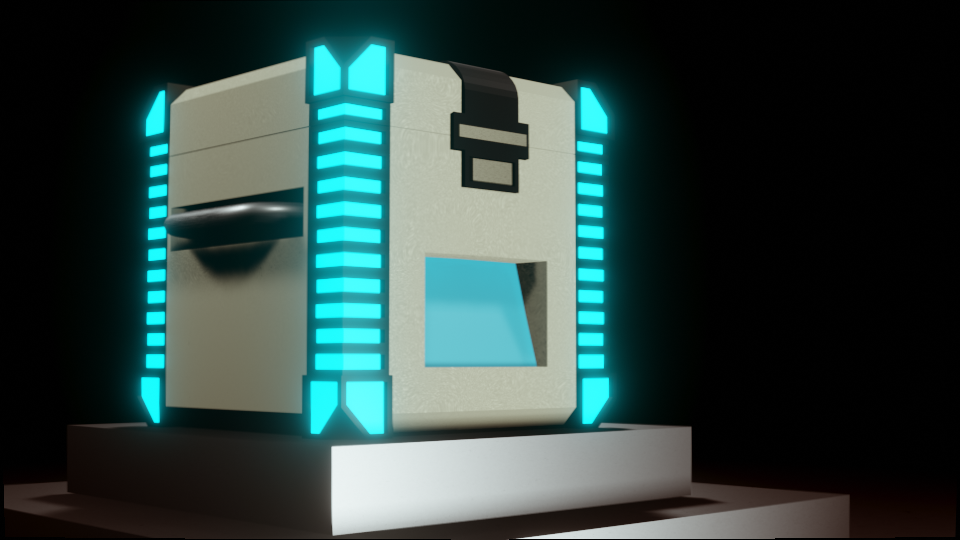
September 8, 2023 at 7:43 am #81124Here’s my take on the sci-fi crate from the fundamentals course. I know it doesn’t have to be textured. It really sells the presentation better though and that’s something I’m working on.
 September 8, 2023 at 10:58 am #81125
Very cool Josh 👍🏼 (or is it Jay?)
I am missing a bit of so-called low frequency detail though.
And the emissive corners make the top ‘flap’ look somewhat flat.
Still, a nice presentation!
September 8, 2023 at 6:46 pm #81126Thanks for the critique Martin 🙂 My real name is Josh but I usually go by Jay online. My gamer tags are all variations of “jaydawg” lol
I’m not sure what you mean by “low-frequency detail”. Could you give an example?
September 8, 2023 at 6:56 pm #81127Hi Jay,
So, probably the great Gleb Alexandrov can explain this better than I can: https://www.youtube.com/watch?v=qMH_J_vcoqE
(low frequency might not even be the official term, but it’s simply about the size of the details; large, medium and small)
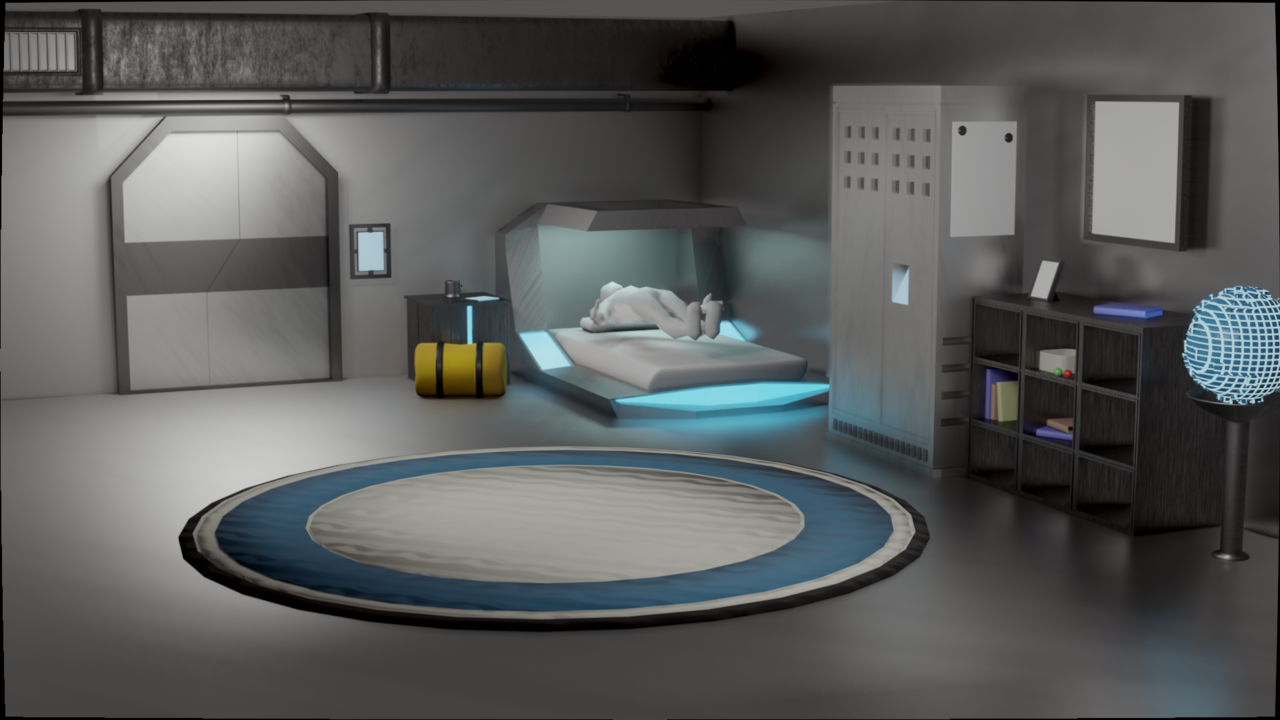
September 9, 2023 at 8:10 pm #81128Thanks that video made a lot of sense. I tried to keep some of that in mind as I made this submission for the low-poly room exercise.
 September 10, 2023 at 2:12 am #81129
Nice one Jay!
I absolutely love the bed 💯
The combination of some modern assets and scf-fi is ….interesting.
September 10, 2023 at 6:04 am #81130That’s a cool room, one of the most original ones for sure. Great one Josh.
September 10, 2023 at 8:07 am #81131Thanks guys! I guess I did kind of break with the theme didn’t I? I think I was just trying to fill up space. I think this fixes it some though.
 September 10, 2023 at 8:16 am #81132
Even better now!
September 26, 2023 at 4:24 am #81133Here’s my submission for the Fundamentals of Texturing course procedural lava project. This is a smaller version of the actual submission to save on space. This is also my first project on my new computer. It’s certainly not ideal, but I managed to get through this project. And I look forward to doing more.
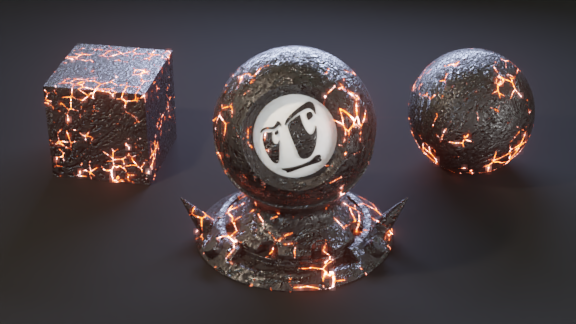
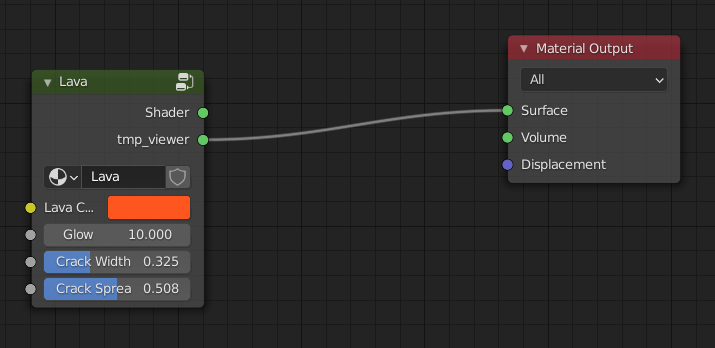
I made this a single group node that controls the color, glow, width and spread of the lava/cracks.
It has a base layer for the rock, another for the cracks, one for the flecks, and then an emission shader that gets mixed in with the crack layer’s output as the factor.
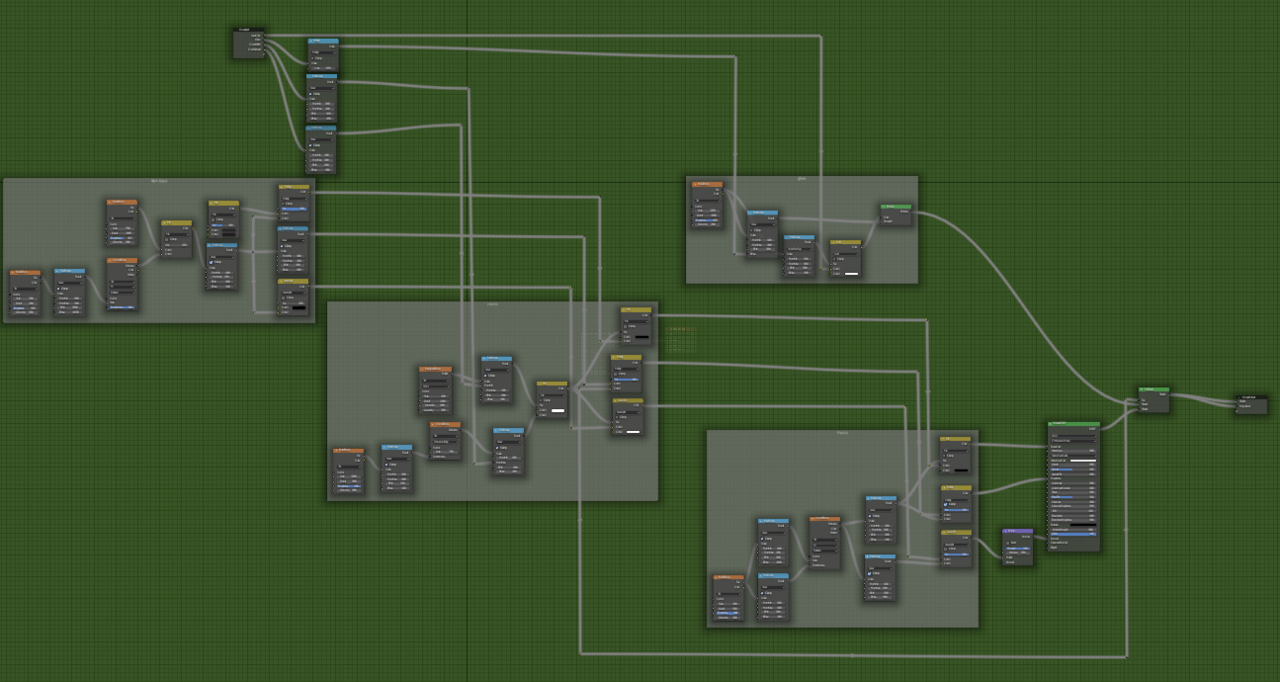
I had to start this over a number of times, sometimes because what I was trying just wasn’t working and a few times because Blender crashed and I realized I hadn’t saved in… two hours? But every time, I understood what I was doing a little better, and I think it came out better for it. I learned a lot from this project, so I’m really happy with it.
September 26, 2023 at 4:49 am #81134That’s looking good!
Maybe the lava ‘lines’ are a bit too straight and too uniform in thickness? But you have a nice Crack Width input in you Node Group, so you can feed a random value in there (a Noise Texture with a Map Range, for instance…)
September 26, 2023 at 7:20 am #81135It’s a great result. I like the black parts of the molten lava made rock, feels very hard rock 🤘🏼
September 26, 2023 at 10:47 pm #81136Thanks 🙂 I tried your suggestion, Martin, but plugging the noise in there really just thinned everything out. I managed to figure it out, though. I just needed to adjust what was going into the randomness of the Voronoi texture that controls the cracks.
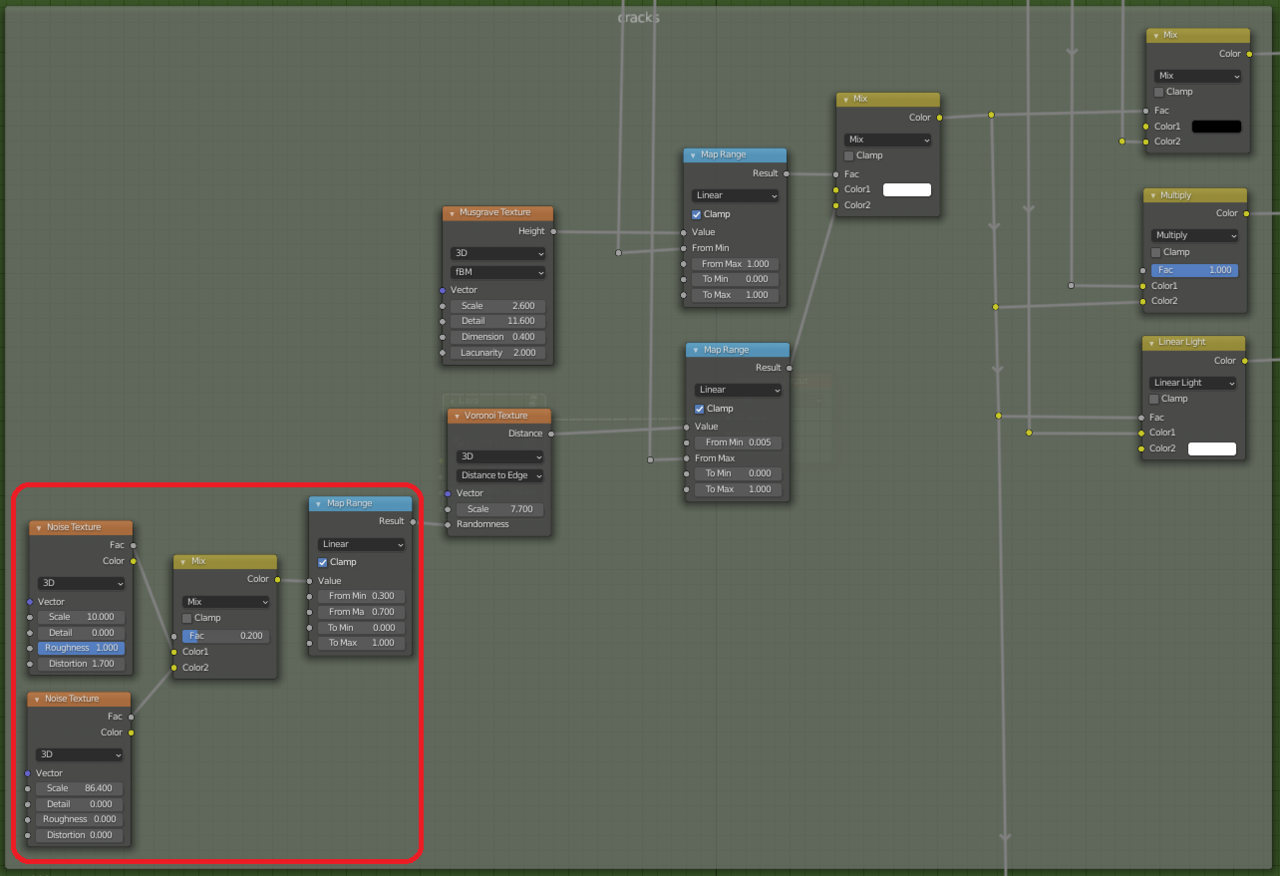
The top noise texture here adds some curve to the lines and the bottom one breaks them up a little. It took me a minute to figure out where exactly to plug these in, but once I found it, it made sense. I ended up with this:
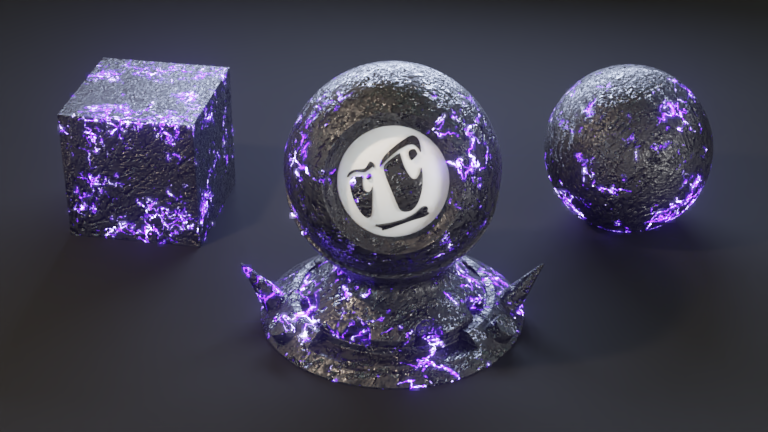
I really like the hard rock feel, too, Omar. And it looks really cool animated, too – it looks like it’s getting ready to explode. 😀
-
AuthorPosts


- The topic ‘Jay’s Blender Progress’ is closed to new replies.