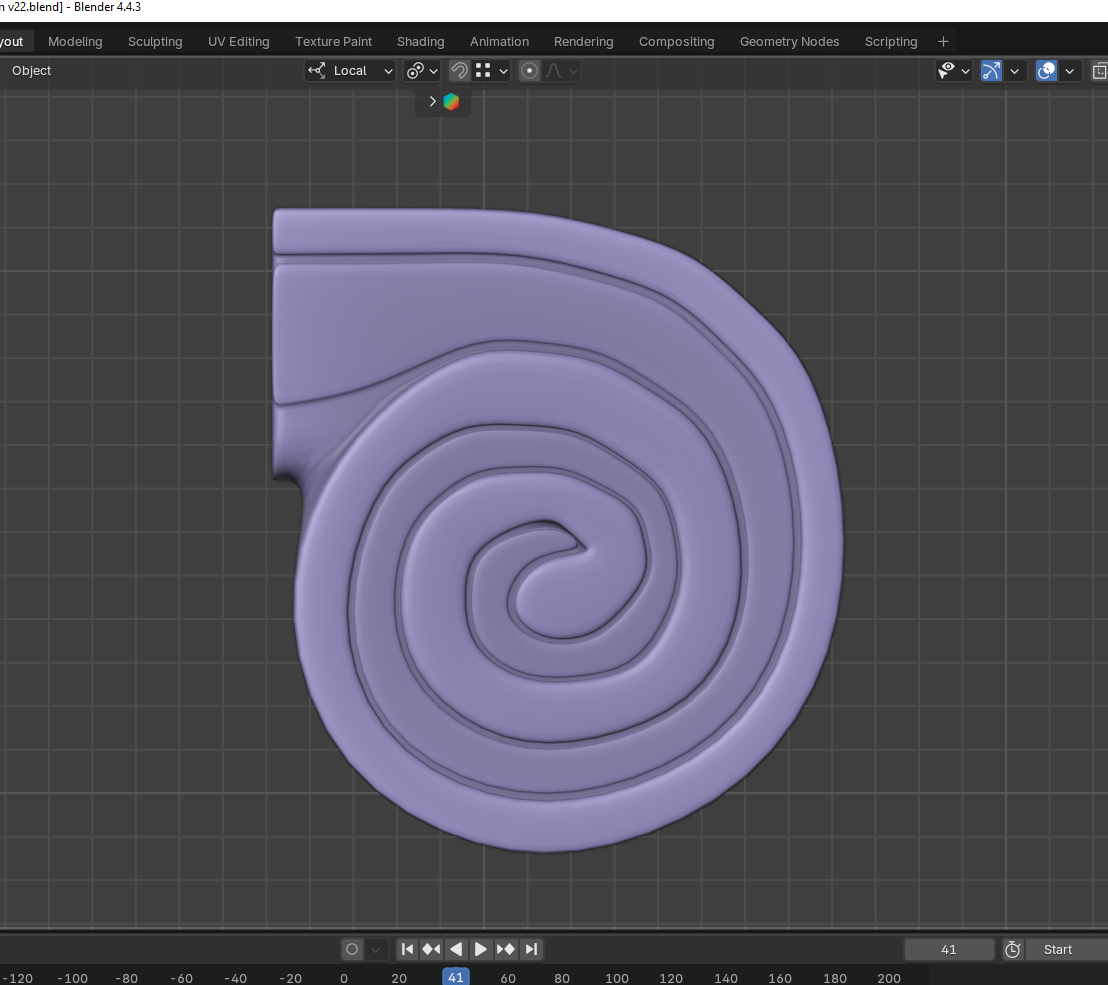
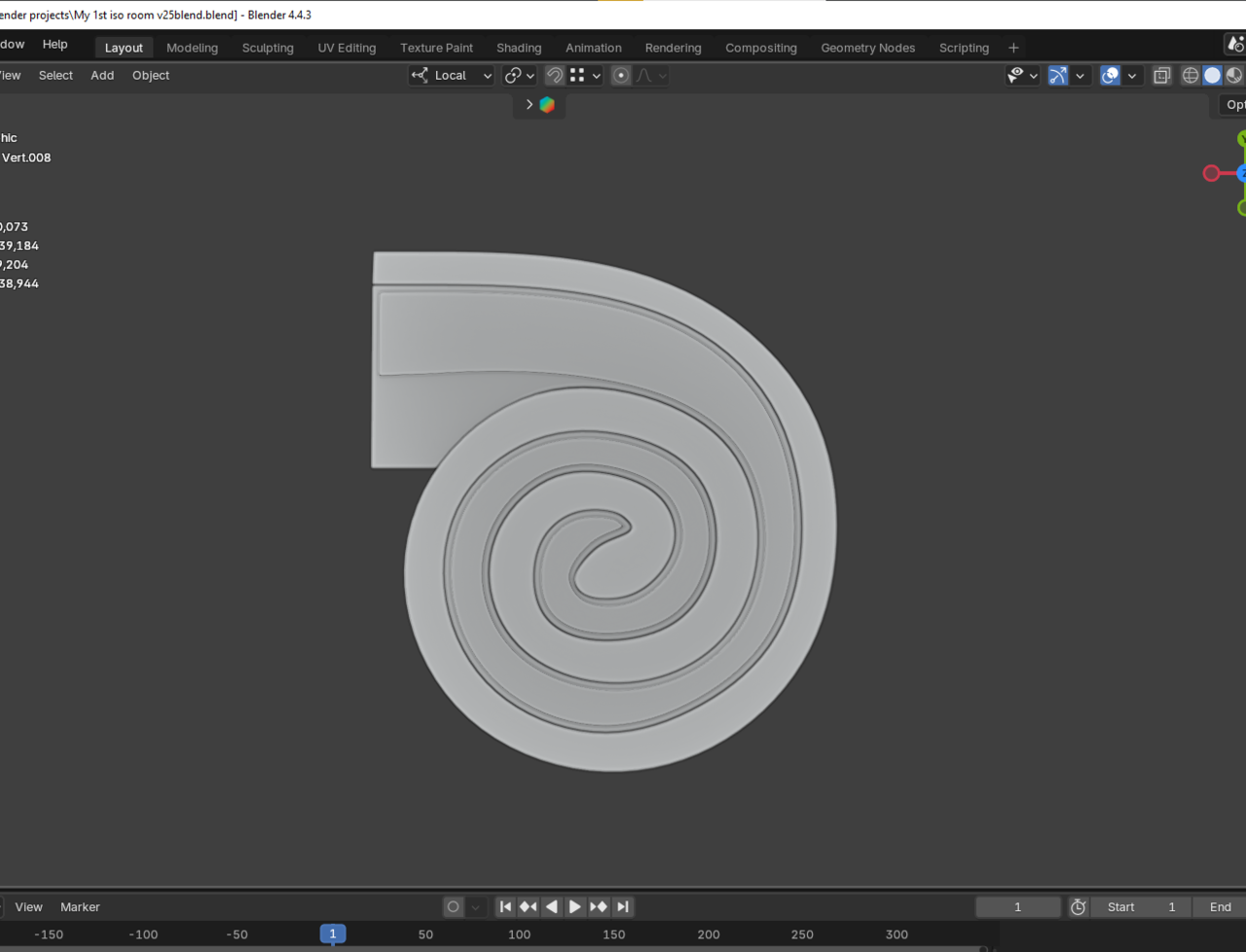
Is this type of overlaping mesh a problem?

Forum Archive Is this type of overlaping mesh a problem?

Viewing 12 posts - 1 through 12 (of 12 total)
  • Author
    Posts
  • #21260
    Deb kanta Guin
    Participant

      026-01-17 203108.png026-01-17 203137.png

      #99204
      Martin Bergwerf
      Participant

        You mean that intersecting Geometry, Deb?

        Well, if you can’t see it, it’s totally fine.

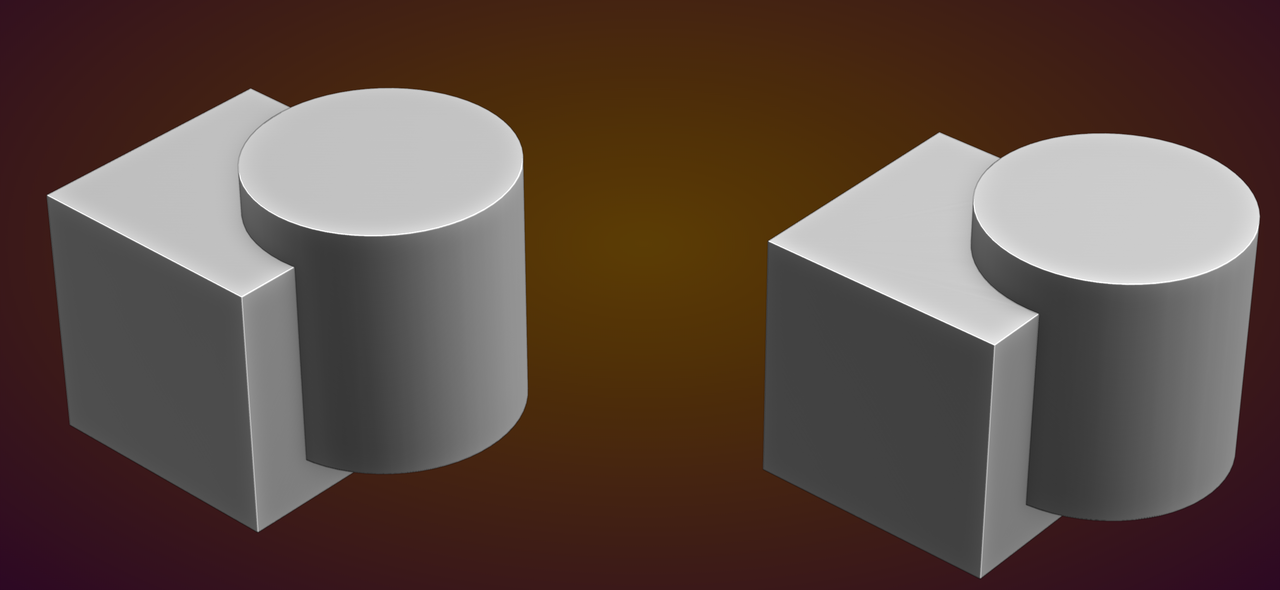
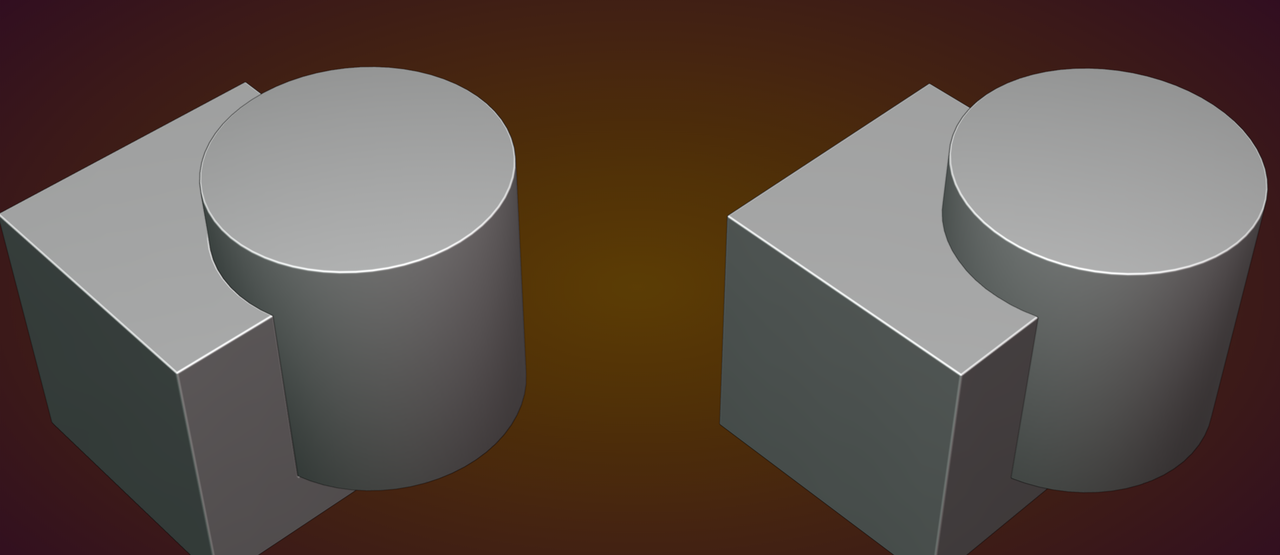
        Here’s an example of two Meshes, where one is intersecting and the other is not. can you tell which is which?

        Intersecting_00.png

        #99205
        Martin Bergwerf
        Participant

          If you want to Bevel the parts, it will make a noticeable difference though:

          Intersecting_01.png

          #99206
          Deb kanta Guin
          Participant

            Thank u martin…i dont need bavel also its not a important piece but i can just use the shading tabs bavel (Cycle off course) if needed…..Thank u again martin..

            #99207
            Deb kanta Guin
            Participant

              Also, thanks for reminding me of the word ‘intersecting’ haha

              #99208
              Martin Bergwerf
              Participant

                Even with the Bevel Node, you will get a different result, depending on whether the Meshes are intersecting or not.

                So, it all comes down to how visible it’s going to be, versus how much work it is to ‘fix’ it.

                In general it is not recommended, but if you can get away with it, why not.

                #99209
                Deb kanta Guin
                Participant

                  Okay Martin, thank you very much. I really need to clear a few things up now. Here’s what’s happening:

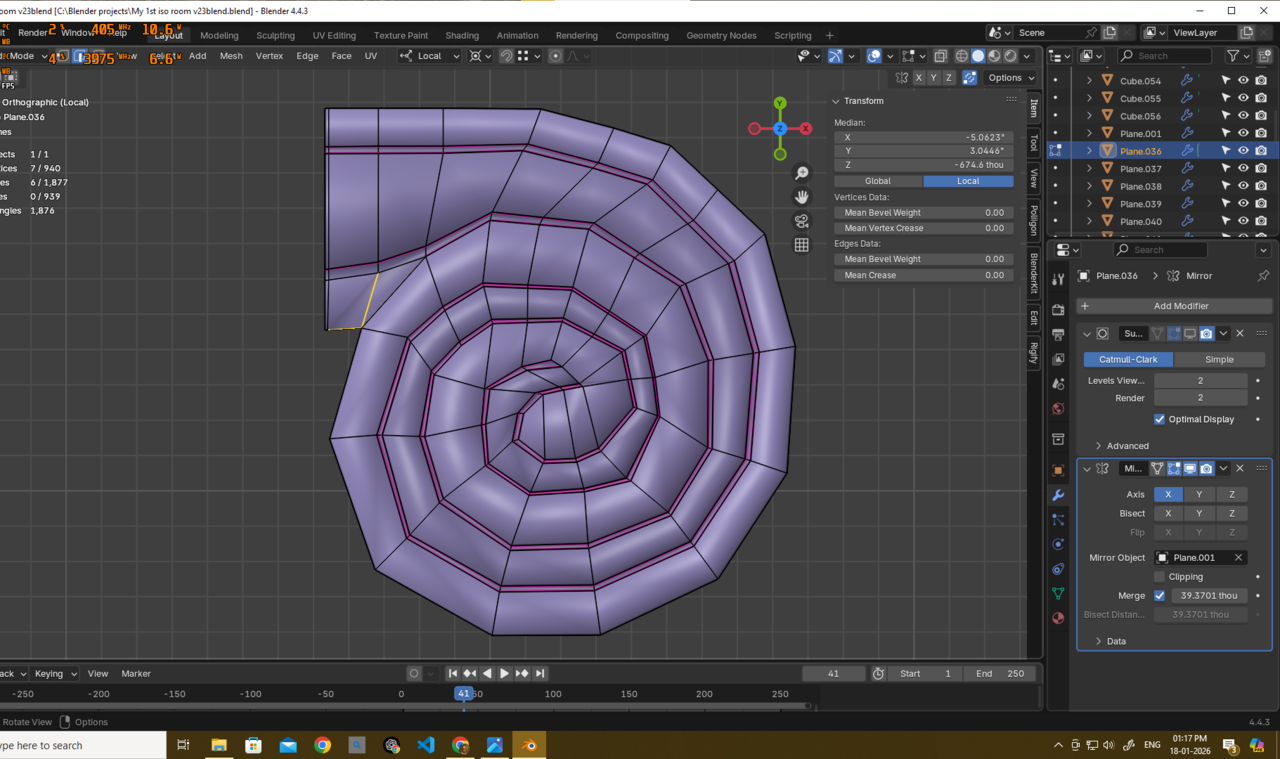
                  First, I wasn’t able to model this as a single mesh because it was creating a 6-edge pole in a very tight area also baveling things was messy026-01-18 131653.png026-01-18 131707.png
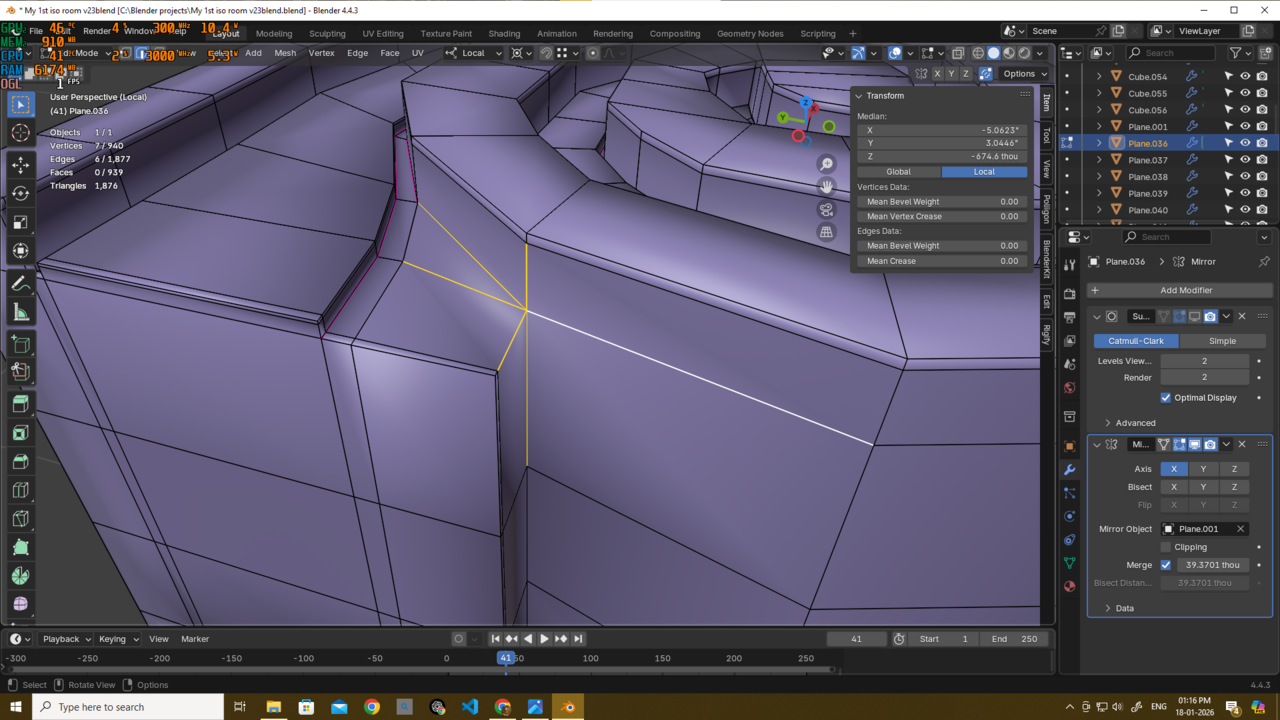
                  and I couldn’t figure out how to resolve it properly. That’s why I ended up creating two separate meshes.026-01-18 132020.png

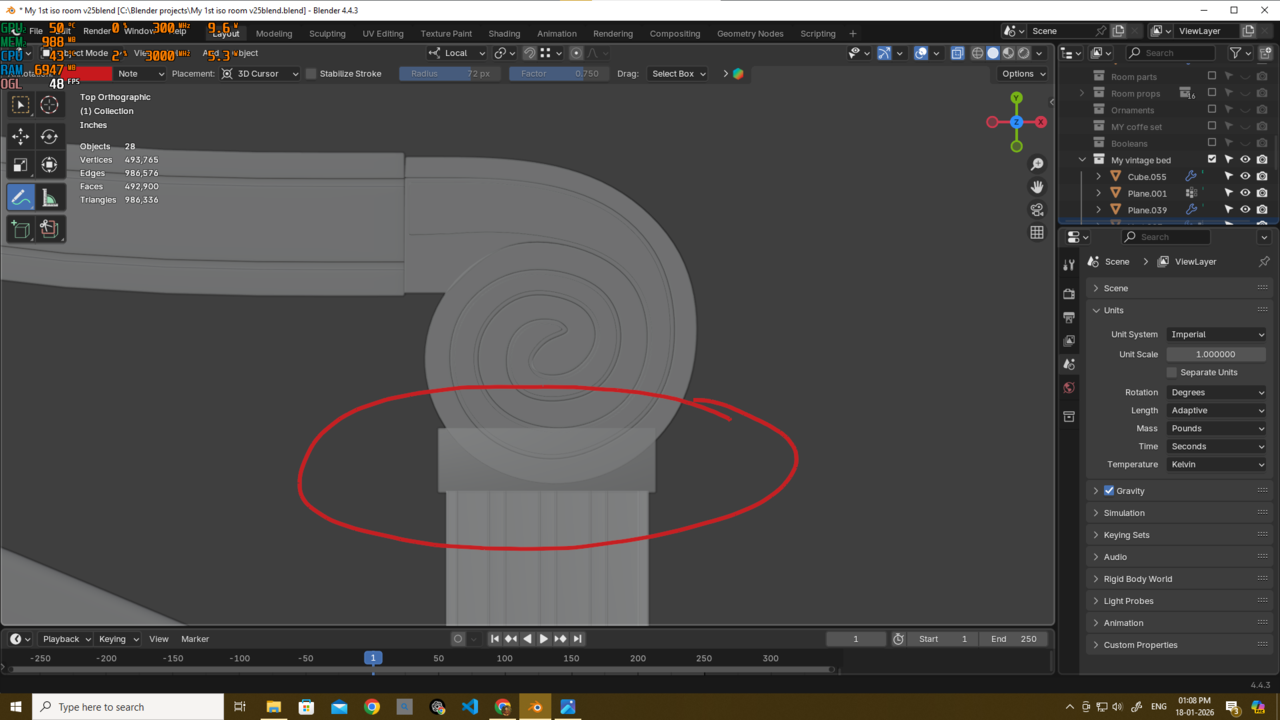
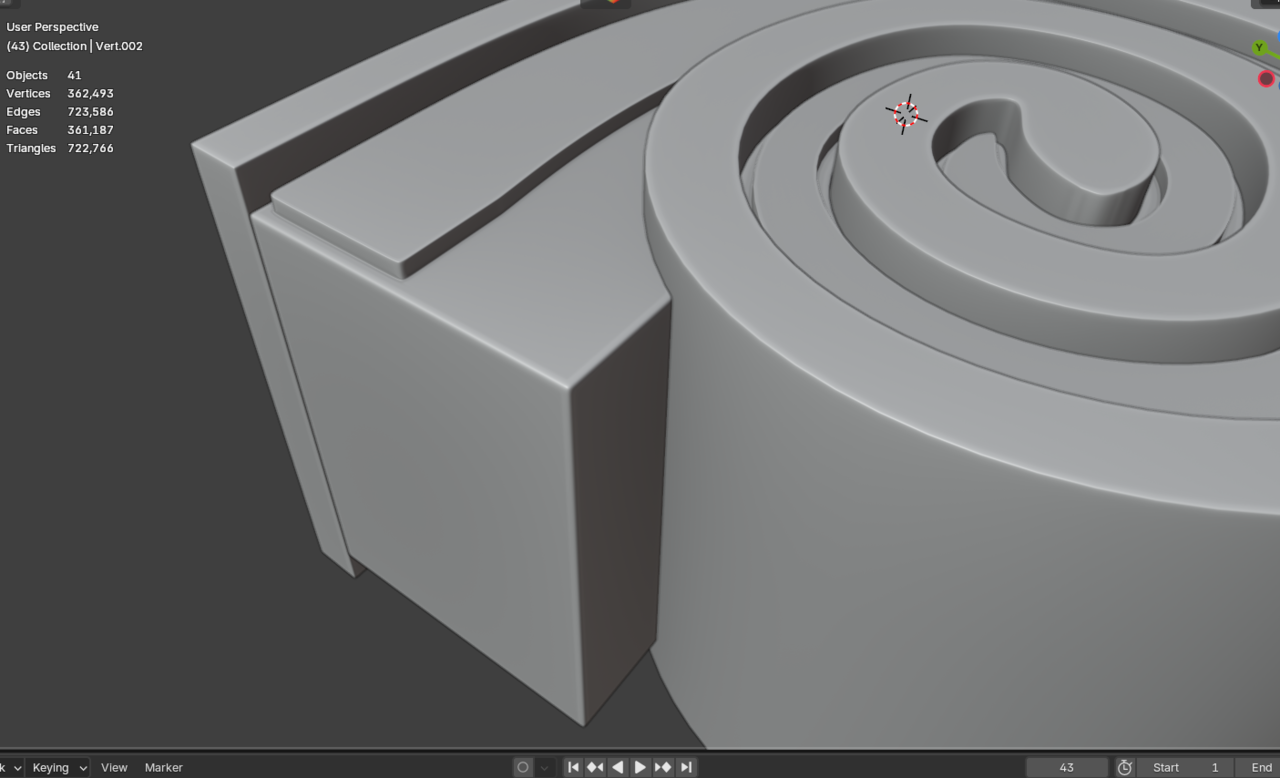
                  Because of that—and probably due to some incorrect vertex placement—I’m now facing alignment issues between the parts.
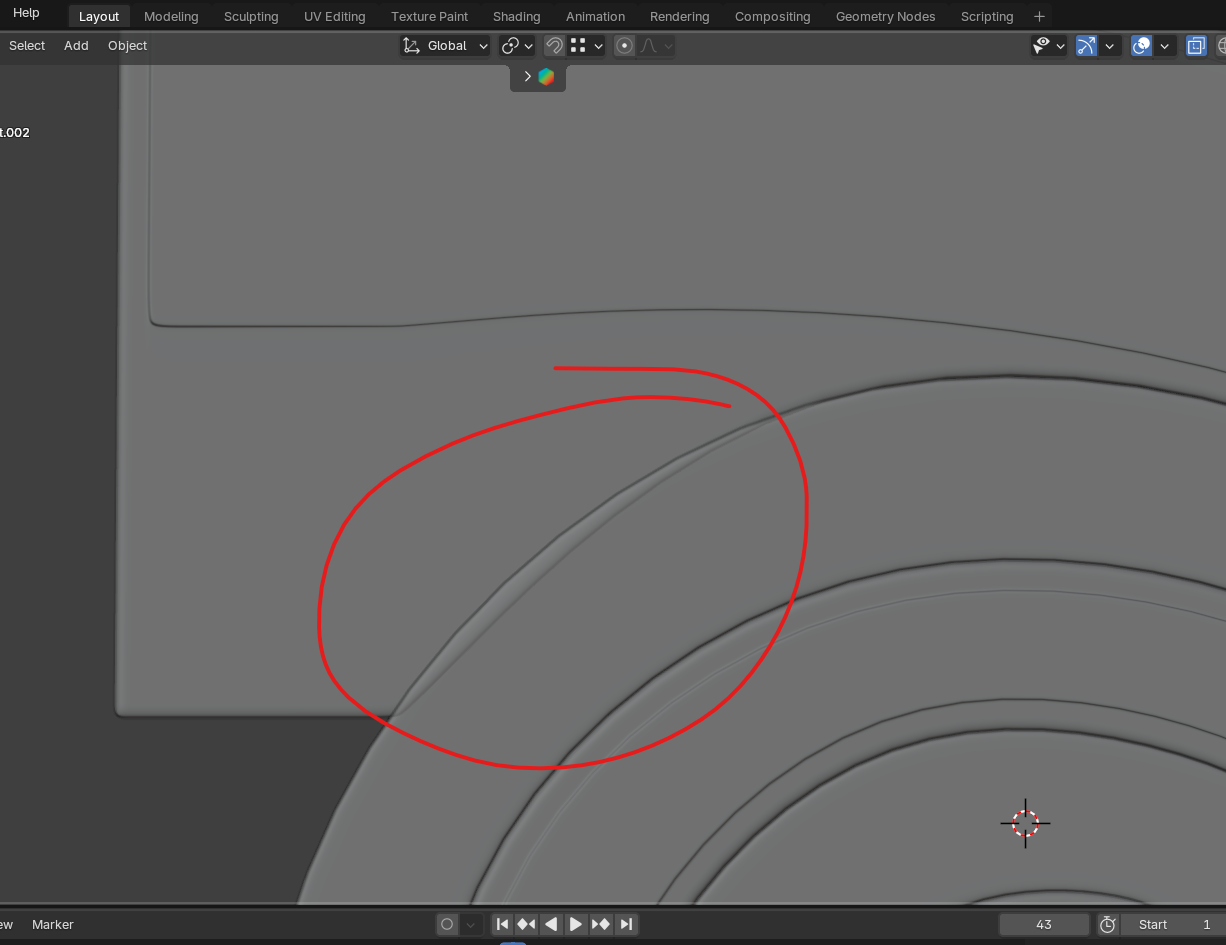
                  026-01-17 203108.png

                  As you can see here, I’m using this as a completely static object, only as a decorative element.
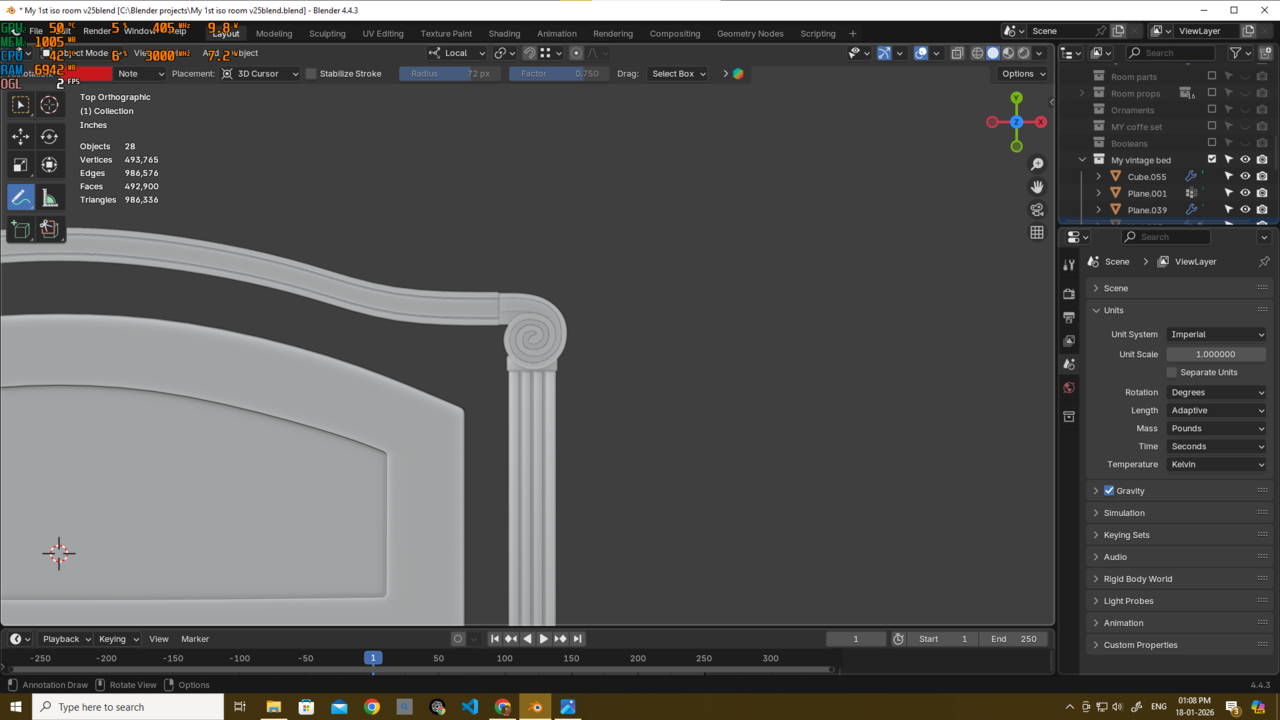
                  026-01-18 130816.png

                  026-01-18 130842.pngPlease let me know what I should do now.

                  Do I need to fix anything at this stage?

                  And if yes, how should I fix it without introducing bad practices?

                  #99210
                  Deb kanta Guin
                  Participant

                    Someone else also pointed out that if a mesh does what it’s supposed to do and looks correct, then it’s fine. But if the asset is meant to move and the topology breaks during deformation, that’s when it actually needs fixing.

                    What do u think about this? i also want to hear ur oppinion

                    #99211
                    Charles
                    Participant

                      I would stick with a single mesh. Avoid the pole by adding supporting edges either side of this join. Where it gets complex is doing so in a contained way without propagating loop cuts all around the model. I have to say you have some very fine loop cuts that really should be removed but they are possibly there due to propagation from other loop cuts you’ve made. You need to keep on top of these or the model will become very difficult to manage

                      #99212
                      Deb kanta Guin
                      Participant

                        Thank you very much, @thehomme. I understand your point and really appreciate it.

                        For now, I don’t think I’ll spend more time on this part, since I’ve already rebuilt the whole piece again. I was actually moving forward, but I kept looking back and rebuilding it because there were some shading issues around that pole. That’s why I redid it. Now it’s looking good, and since it’s not causing any problems, I think I can finally move forward and finish the model—I’m very close to the end.
                        Thanks again for your insight, I really appreciate it 😊
                        Old 
                        026-01-19 112402.png
                        new
                        026-01-19 112606.png
                        #99213
                        Martin Bergwerf
                        Participant

                          That looks good now!

                          #99214
                          Deb kanta Guin
                          Participant

                            Haha thank u martin….

                          Viewing 12 posts - 1 through 12 (of 12 total)
                          • The topic ‘Is this type of overlaping mesh a problem?’ is closed to new replies.