This is the result of me doing an additive boolean between a stretched cylinder and a bowl shape.
I tried everything(everything i know that is), but the shading issue persists.
I think i got a good idea why, as well: booleans on curved surfaces, overlapping bevel, extremely stretched, awfully tight shapes.
I tried giving the cutter more geometry as well, but it clashes with the bevel modifier. The standard boolean fix doesn’t help either, since it either changes the curvature of the mesh, or creates new shading issues (basically taking the poles from one place to the other) support loops dont help either.
Maybe my approach to creating the shape is wrong, but this is the best i can come up with (additive boolean), since i want there to be a merged effect.
Here’s the horrible, horrible shading that plagued me for the past 10 hours.
(blender file added (in its unfixed state, since anything i did made it worse), any direction helps…I can’t ask anyone to try their hand at this mess, but if you wanna give it a go? the standard way to fix boolean, namely merging vert, support loops, pulling geometry so it is a bit more relaxed doesnt help) what a mess.
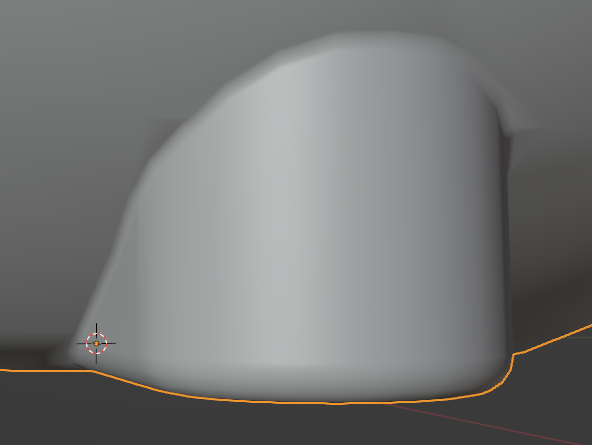

.


