
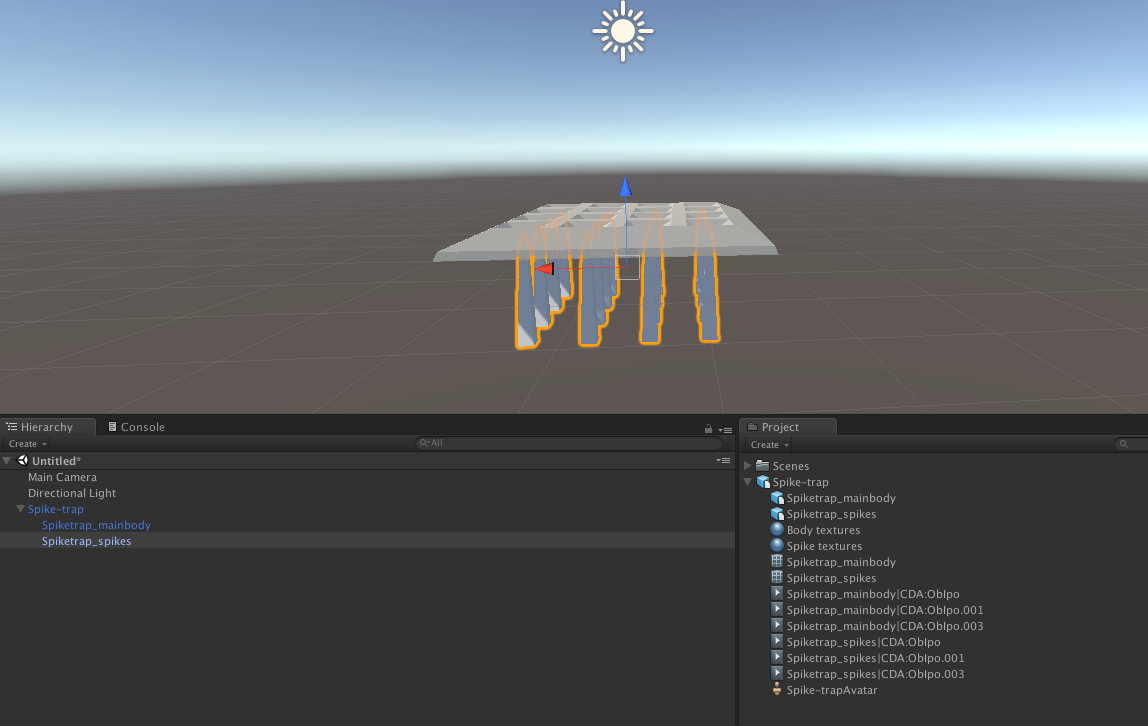
Is it possible to divide every element in asset package to single pieces?
- This topic has 2 replies, 2 voices, and was last updated 8 years, 5 months ago by
.
Viewing 3 posts - 1 through 3 (of 3 total)



Viewing 3 posts - 1 through 3 (of 3 total)
- The topic ‘Is it possible to divide every element in asset package to single pieces?’ is closed to new replies.