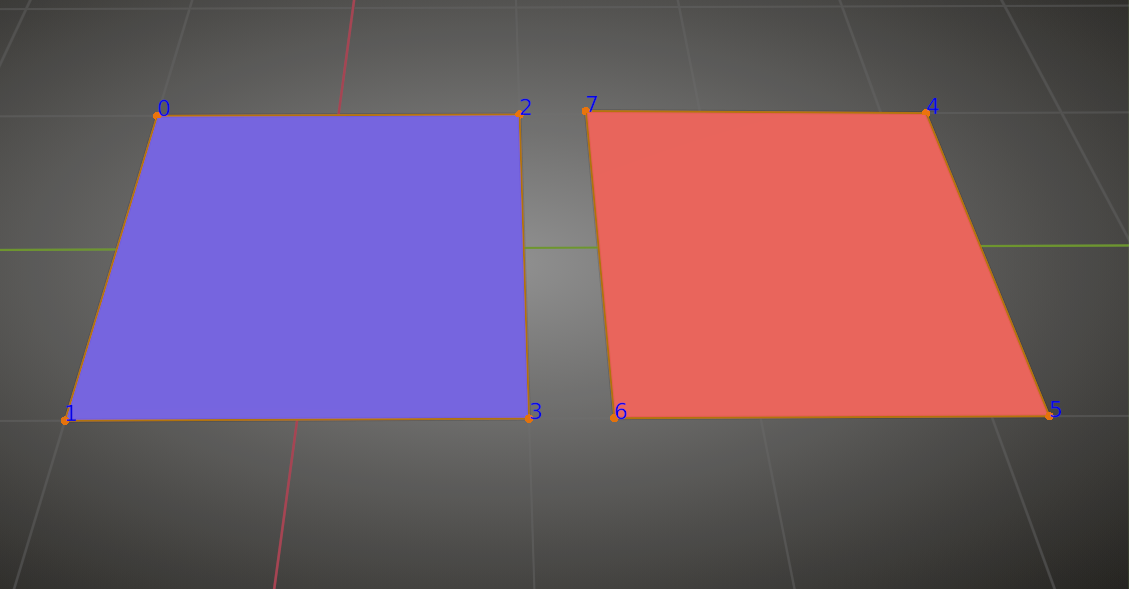
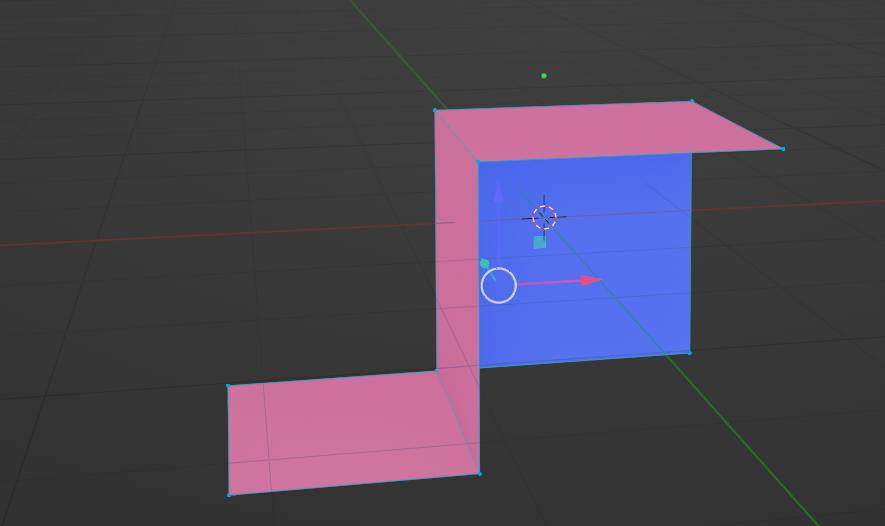
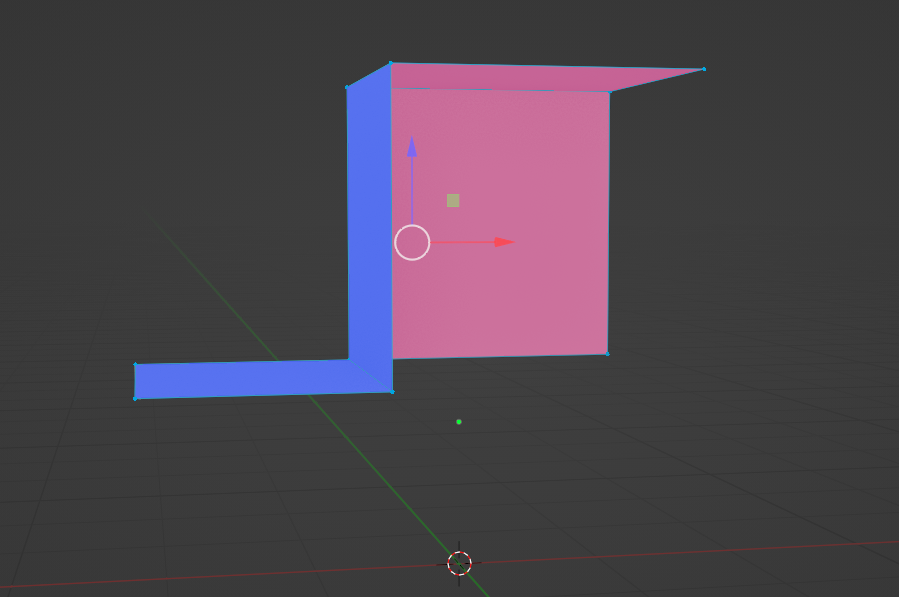
At 11.14. when choosing a face, then choosing align wiev to top my wiev ends up on the other side wieving it from the bottom. A few moments later i figure out that the normals are inacurate. I recalculate all of them and align to wiev now puts me on top as it should. So i obviousley figured it out and fix it no my own. But it has made me curious, why was the normals wrong anyway?
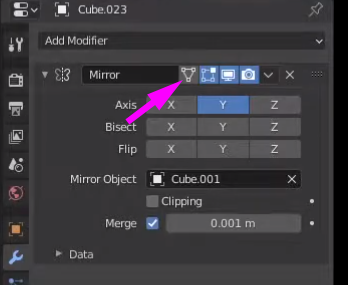
Something else that is going on, some meshes that have shared object data and modifiers do not show mirrored object in edit mode, even though “display modifier in edit mode” is checked. To specify, if i select several of them, only the active object will display the modifier in edit mode. Check the added video.
https://www.youtube.com/watch?v=Egpu4umT3f0
It is the 4th time i am doing the course and i have been very thorough following the tutorials to the point!

.