In sculpting mode, is it possible to lock any arbitrary axis?

Forum Archive In sculpting mode, is it possible to lock any arbitrary axis?

Viewing 6 posts - 1 through 6 (of 6 total)
  • Author
    Posts
  • #14505
    naiad
    Participant

      In the video at the time stamp 19:07s,  you are locking the X and Y axis to make a thinner lip by the pinch brush. Now my questions:

      1) Here, I assume that the X and Y axe are global axe, and the location of the local axe x and y are assumed to be different from the global axe. Then, is it possible to just lock the local axe x and y please?

      2) If I want to lock any arbitrary axis, what can I do please? 

      To do so, I imagine that I have to let Blender know  what exact axis I want Blender to lock before actually locking it.  Then how can I define that arbitrary axis so that Blender can recognize please?

      Thank you!

      #71336
      spikeyxxx
      Participant

        Hi @naiad ,

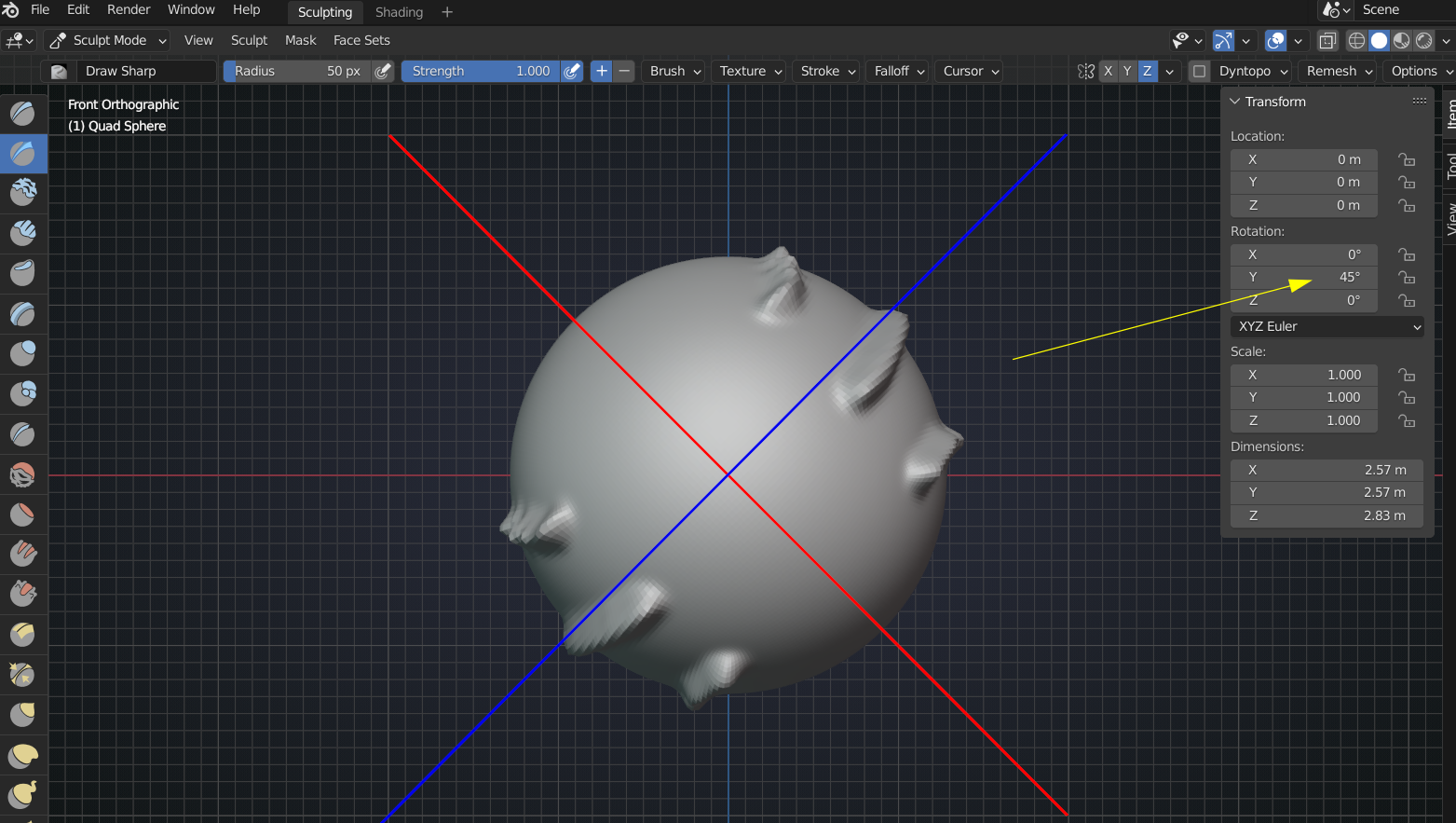
        unfortunately, you cannot directly set a custom axis (afaik), but the axes used in Symmetry and Locking are the Local axes of your Object:

        so that might help. Also, you can keyframe different rotations so that you can easily switch the orientation of those axes.

        Watch out: if you use the Transform or Rotate Tool, that doesn’t rotate the Object, so the Symmetry and Lock Axes won’t be affected by that rotation!

        #71337
        naiad
        Participant

          Thank you for your reply! 

          If the axes used in Symmetry and Locking are the Local axes of my object, then do this mean that I am out of my luck to symmetrize or lock the global axes please? 

          you can keyframe different rotations 

          I am not sure what you mean by the keyframe. Let’s assume that after rotating the local axes, you keyframe it. Wouldn’t this rotation also rotate the object itself please? In other words, I don’t think it is possible to rotate the local axes without rotating the object itself.  If the object is rotated along the local axes, then the orientation of the local axes remains the same with respect to the object, so I still can not lock any arbitrary axis. Right?

          My rough idea about locking any arbitrary axis would be in the Object mode, and Shift + A to add “Plain Axes”. Then use these plain axes to define what exact axes I want Blender to lock. But I do not know how to let Blender use this empty axes, rather than the local axes.

           

          #71338
          spikeyxxx
          Participant

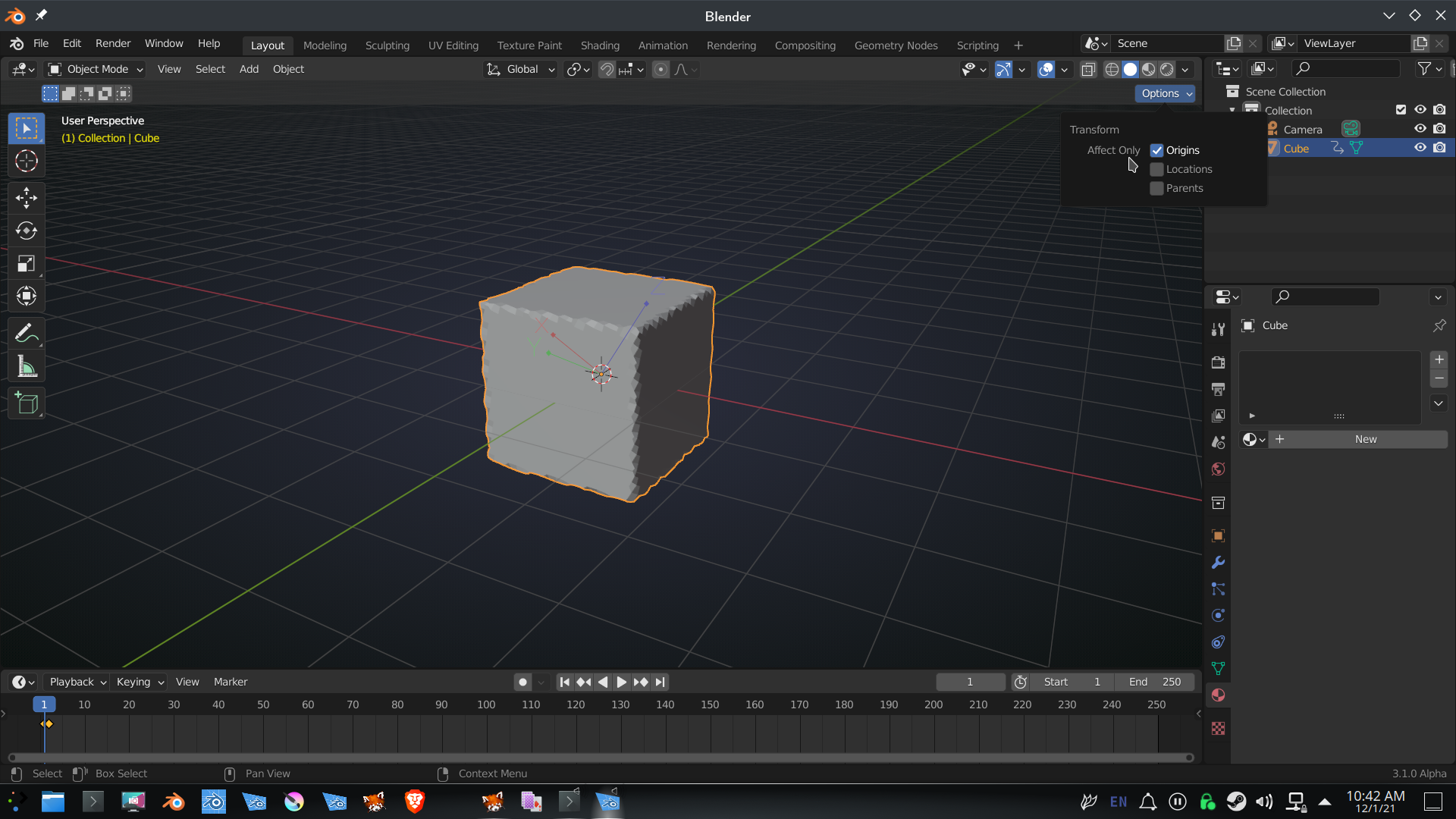
            You are right about the keyframing, that would also rotate the Object itself, but you can rotate the local axes (in Object Mode) without rotating the Object (mesh):

            then those axes are being used in Sculpt Symmetry and Lock:
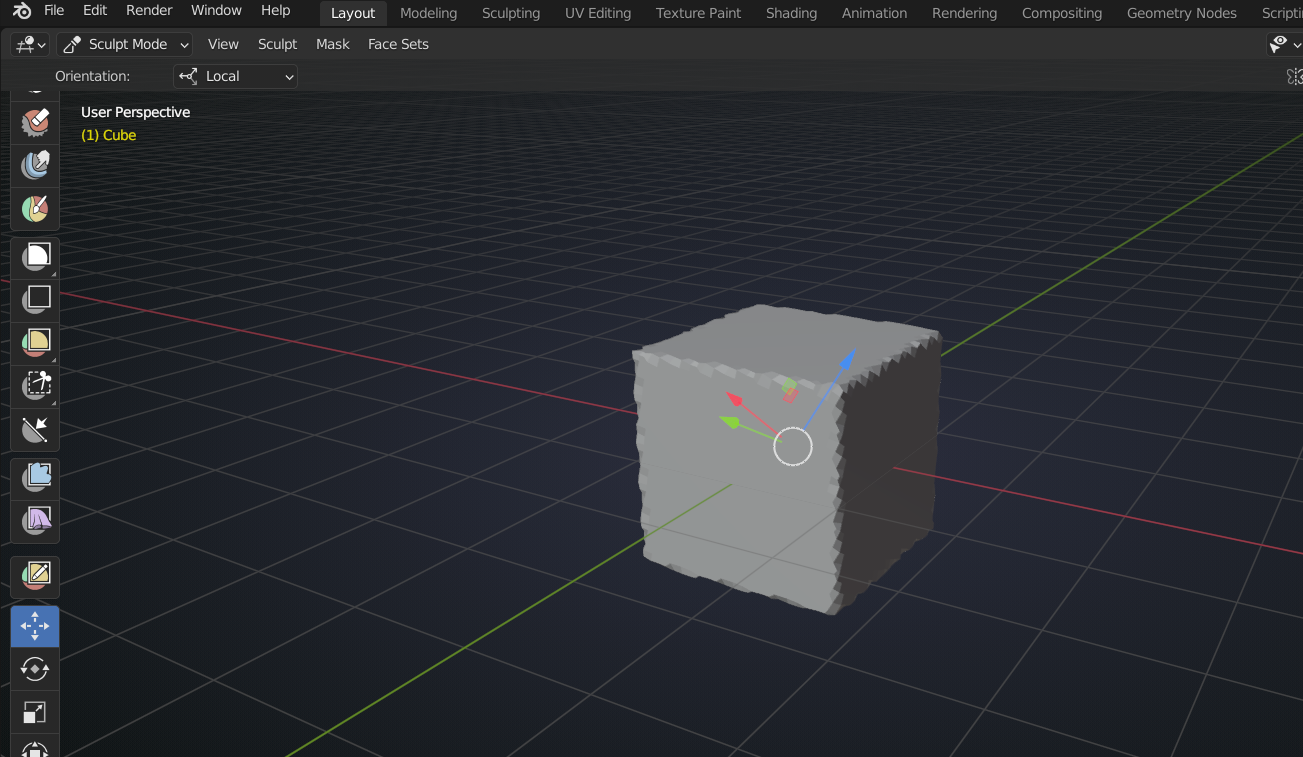
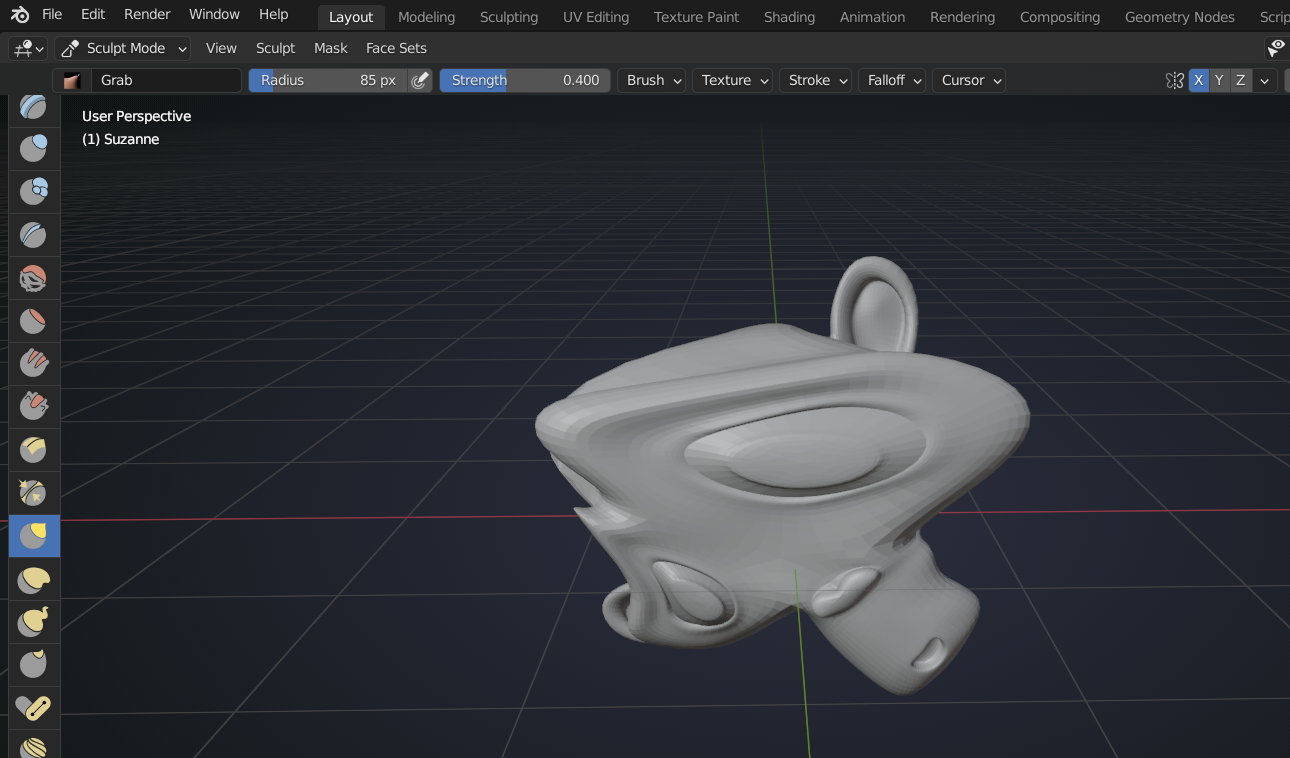
            You’d have to remember how much you rotated, if you would want to repeat that later on, but re-setting the rotation is done with ALT+R.
            #71339
            spikeyxxx
            Participant

              Alternatively, you can rotate your Mesh in Sculpt Mode with the Rotate or Transform Tool, then your Symmetry and Lock Axes stay the same, but your Mesh is affected differently because of its rotation, if that makes sense..

              #71340
              naiad
              Participant

                Fantastic answers! I like the cube you have, since it looks like a sugar cube or beancurd.

              Viewing 6 posts - 1 through 6 (of 6 total)
              • The topic ‘In sculpting mode, is it possible to lock any arbitrary axis?’ is closed to new replies.