Importing an FBX file with Animation into Blender

Forum Archive Importing an FBX file with Animation into Blender

Viewing 6 posts - 1 through 6 (of 6 total)
  • Author
    Posts
  • #17492
    Deepak Jai
    Participant

      Hi,

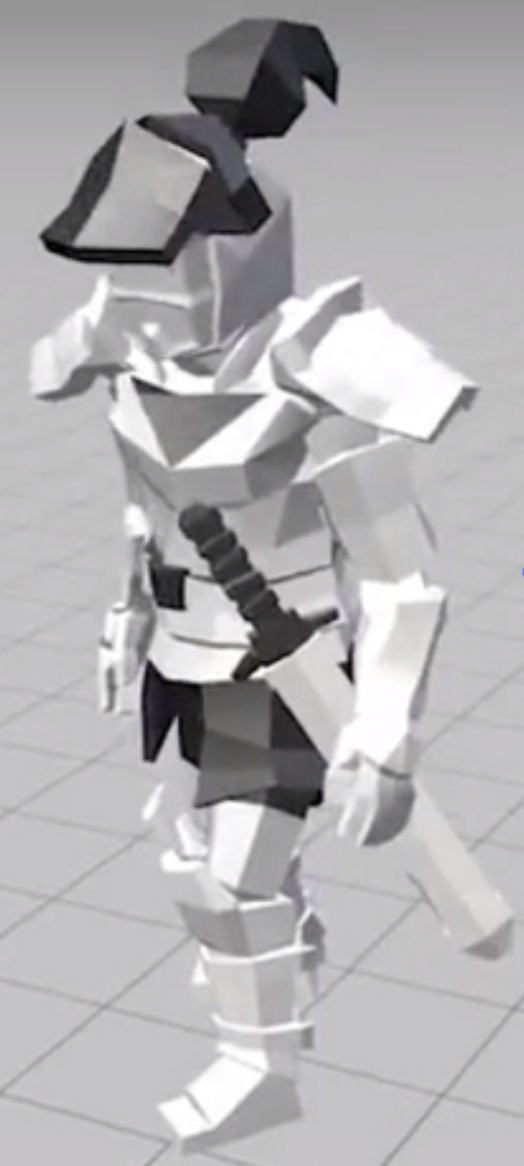
      I have an FBX file with a Knight character and an Idle Animation defined on it. The Knight Character looks upright in the FBX File as shown below.

      Knight.png

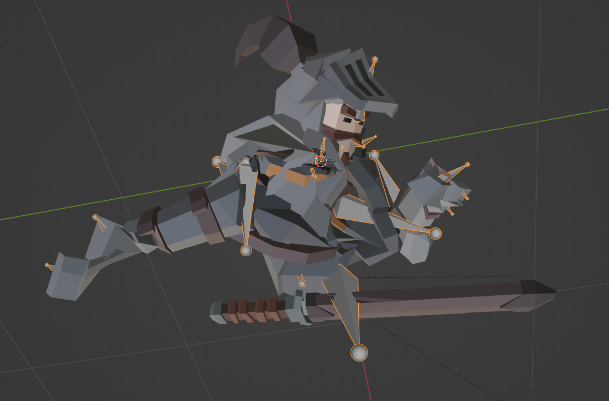
      When I import the FBX file into Blender, It looks mangled as shown below:

      KnightMangled.png

      What settings do I use in Blender for the character to appear upright as in the FBX File?

      Both the files could be found at: https://we.tl/t-HutVPQ45mk

      Note: I am using Blender 3.0.0

      Thank you.

      #84084
      Adrian Bellworthy
      Participant

        When importing into Blender the .fbx file should contain orientation data.
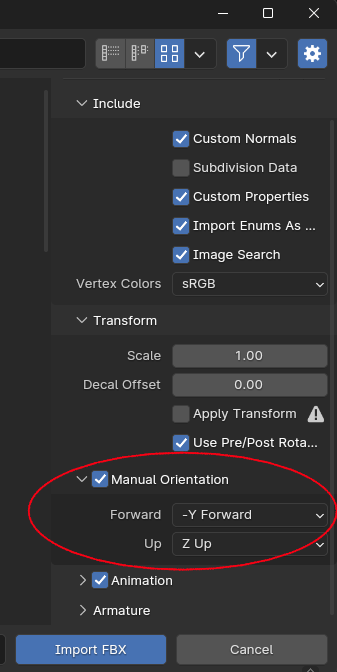
        Manual Orientation should be disabled (default) in the import settings to use the data in the .fbx file.
        If you are having issues, you may need to enable Manual Orientation and specify orientations.

        What I set below is Blender specific orientation, what you use may be different, depending in which software the model was originates from.

        Import_FBX.png

        #84085
        Adrian Bellworthy
        Participant

          I downloaded the model you supplied,
          The model imported OK for me with the default settings, however the bone orientations where a bit messed up.

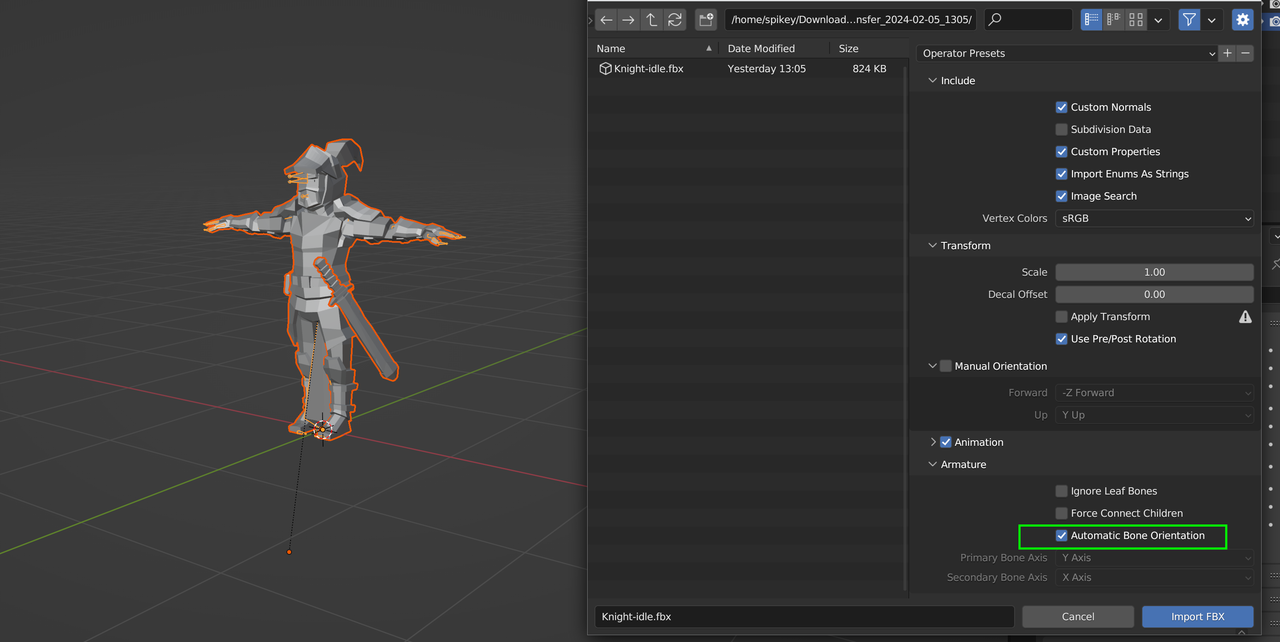
          The best setting I found is, all default, except under Armature enable Automatic Bone Orientation.

          #84086
          Deepak Jai
          Participant

            Hi Adrian,

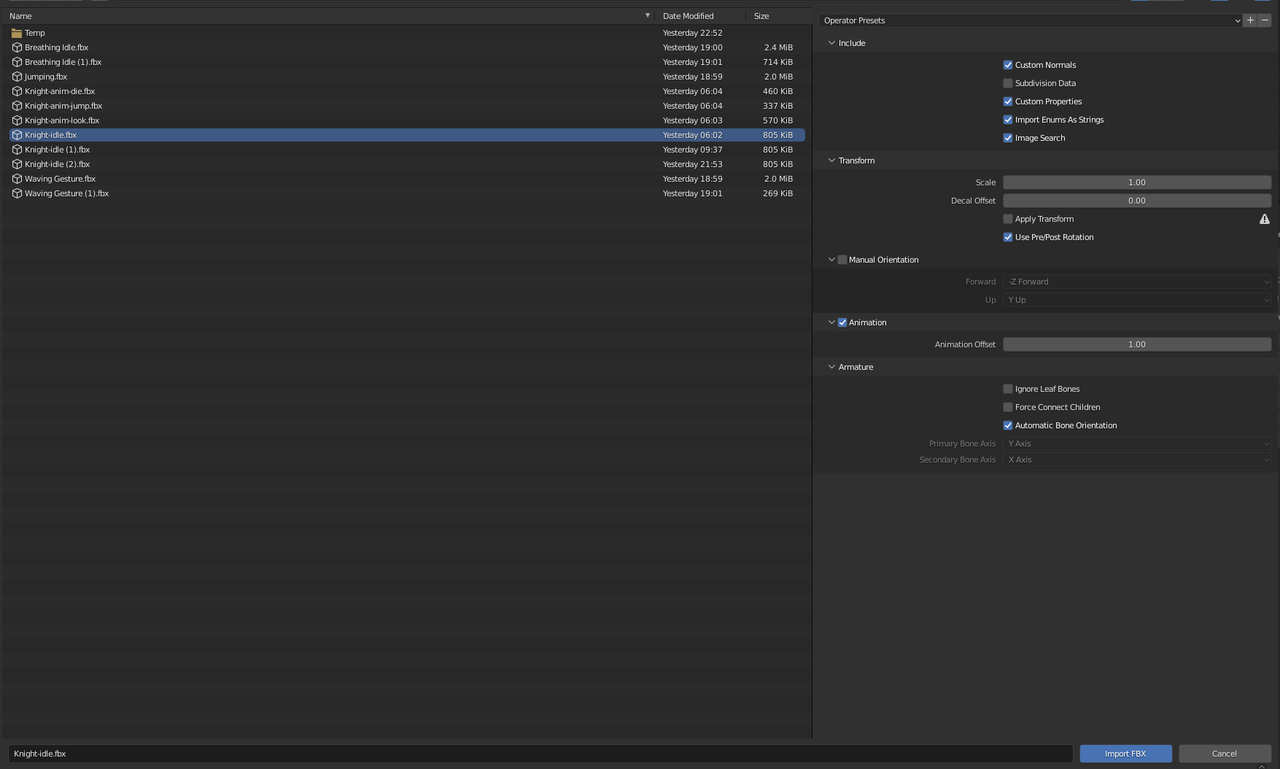
            Here is a snapshot of my import settings:

            Snapshot.png

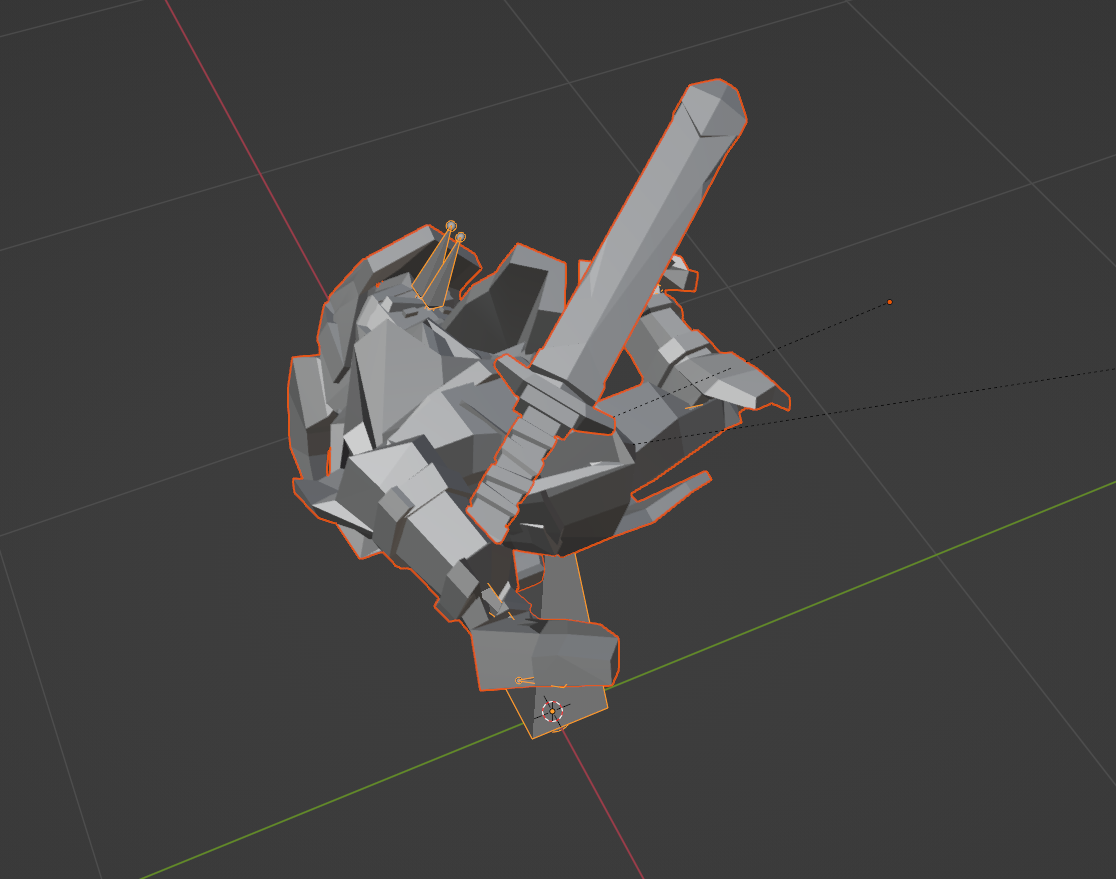
            The Manual Orientation is disabled, and the Automatic Bone Orientation is checked, but still I get the following

            Snapshot 2.png

            I was wondering if you had an opportunity to import from the provided FBX file and if so, could you please send a snapshot of the import settings that worked for you. Also the version of Blender.

            Thank you.

            #84087
            Martin Bergwerf
            Participant

              Hi @deepakj ,

              I have no experience with Import/Export, but I tested your .fbx in 2.93, 3.0, 3.1, 3.3 and couldn’t get it to work as it should.

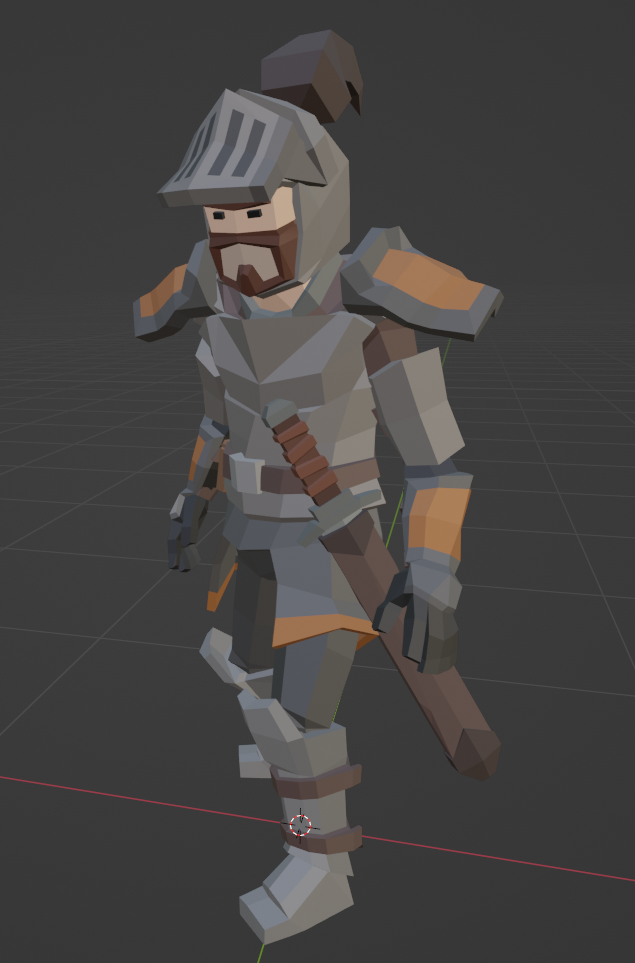
              But in 3.6 all was as you’d expect (default settings, with auto bone enabled):

              Import.png

              #84088
              Deepak Jai
              Participant

                Thank you so much Martin. I’ve tried various import settings but it didn’t cross my mind to try a different version of Blender. I just tried it with Blender 3.6.0 and it works. 

                Snapshot 3.png

              Viewing 6 posts - 1 through 6 (of 6 total)
              • The topic ‘Importing an FBX file with Animation into Blender’ is closed to new replies.