I’d like to know how to set the name of a joint.

Forum Archive I’d like to know how to set the name of a joint.

Viewing 3 posts - 1 through 3 (of 3 total)
  • Author
    Posts
  • #19537
    sk Hong
    Participant

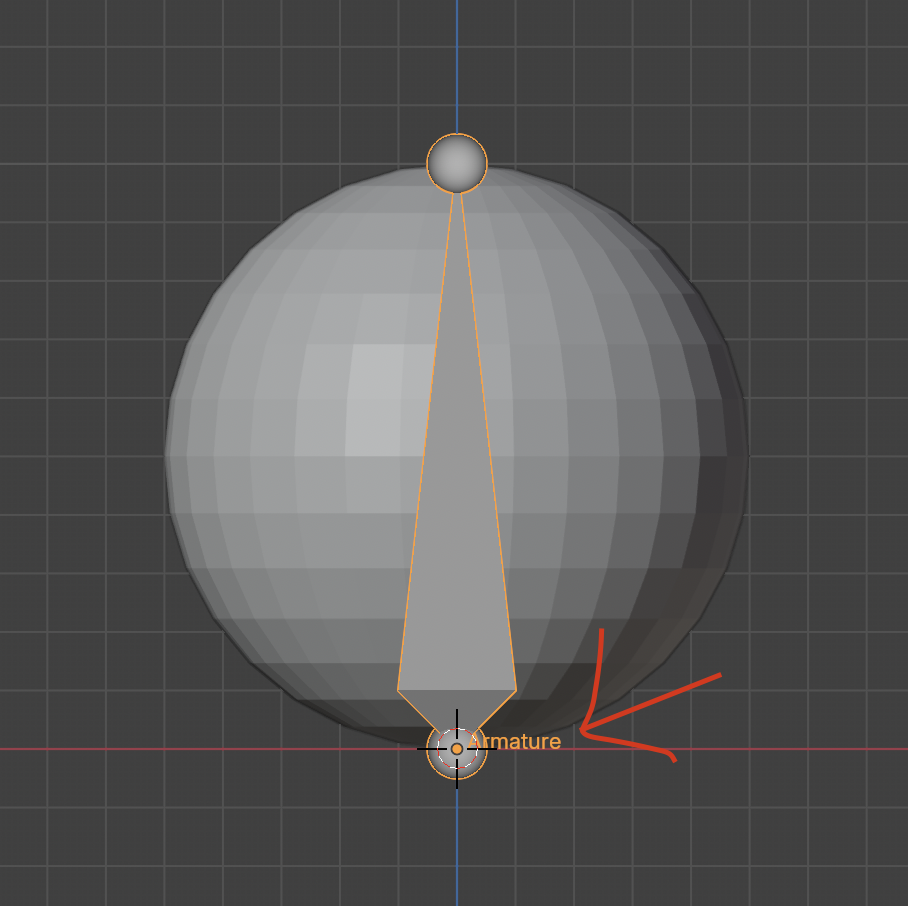
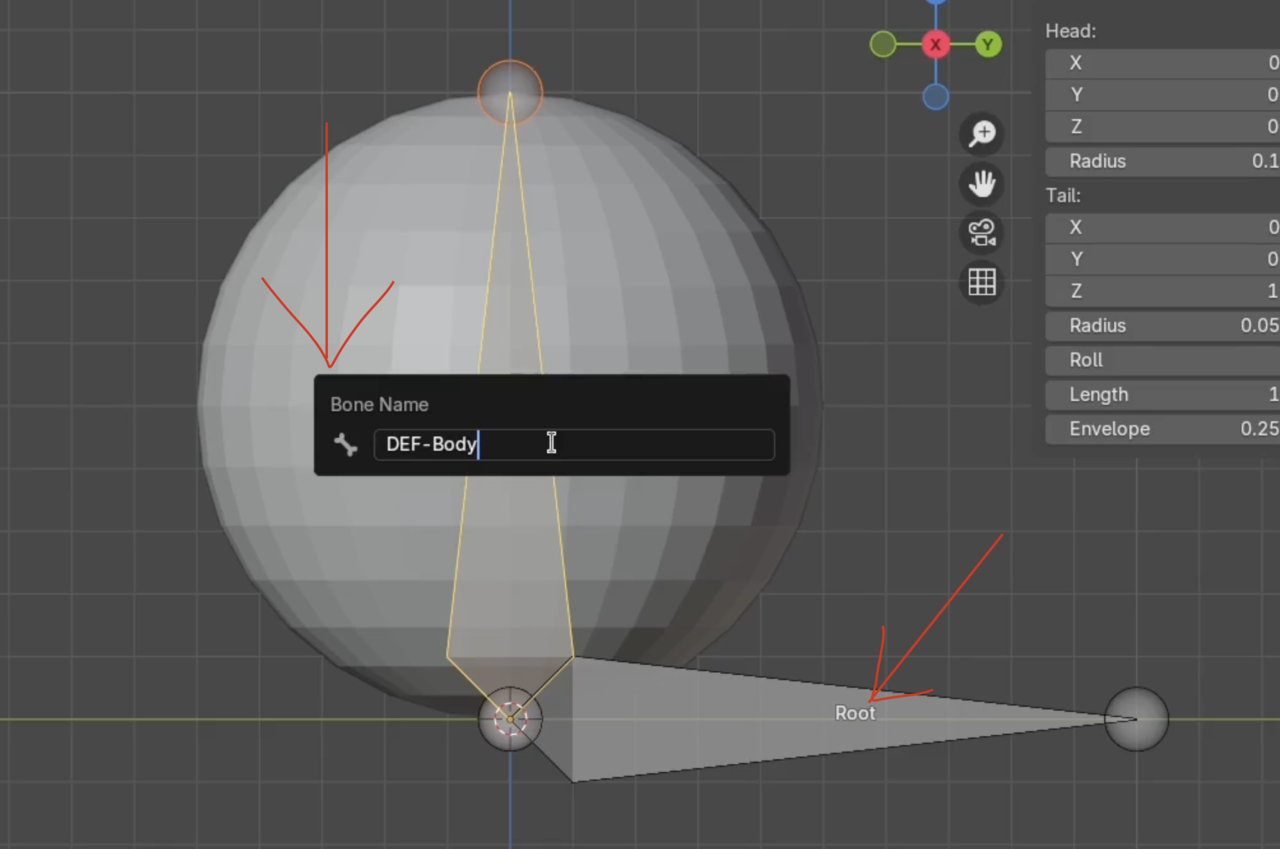
      I’m currently a beginner studying by watching “How to Rig the Ultimate Ball in Blender.” In the part where the ‘joint (bone)’ names are being changed, where can I find the command for that?

      12 오후 10.22.57.png

      Is the ‘Viewport Display, Show Name’ option in the ‘Object Properties’ section the correct place? When I modify it there, the name of the joint appears at the end rather than in the middle. Is this the right way to do it?12 오후 10.26.29.png

      12 오후 10.27.14.png

      #92638
      Martin Bergwerf
      Participant

        Hi @sinsepa ,

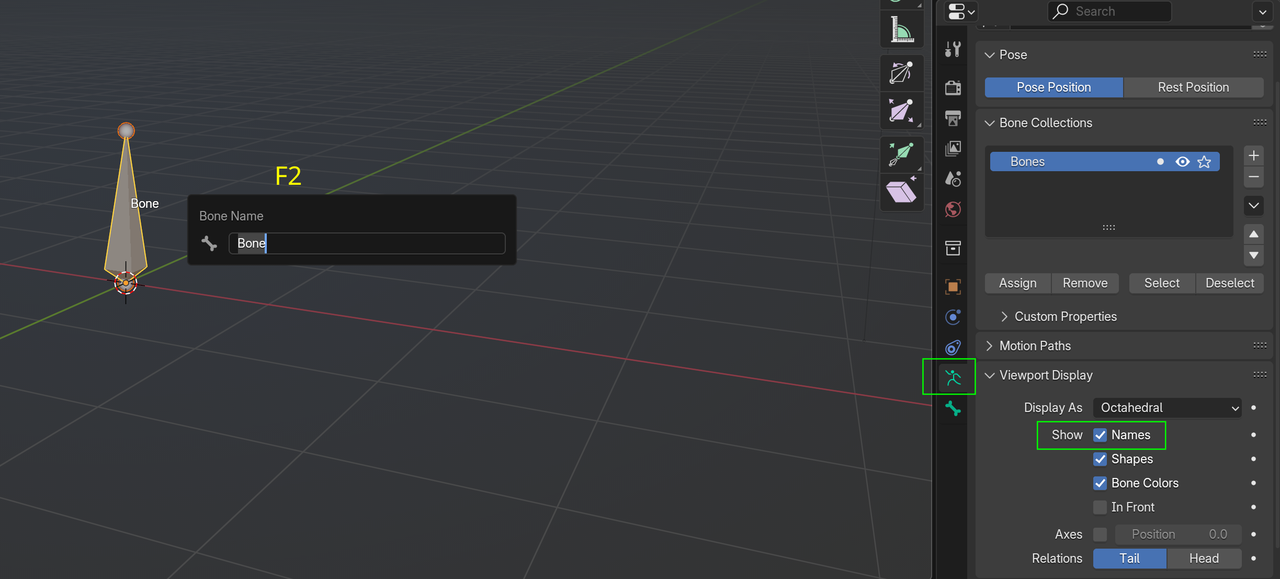
        You are in the Object Properties Panel > Viewport Display. That shows the Object Name (Armature in your case).

        Go to the Armature Properties Panel and enable Names:

        BoneName.png

        #92639
        Omar Domenech
        Participant

          If you feel things are going overlooked, it’s probably because you need to watch the Fundamentals courses, where it all gets super explained and then in normal tutorials you go faster for the sake of time. Link if you haven’t watched it:

          https://cgcookie.com/courses/core-fundamentals-of-rigging-blender

        Viewing 3 posts - 1 through 3 (of 3 total)
        • The topic ‘I’d like to know how to set the name of a joint.’ is closed to new replies.