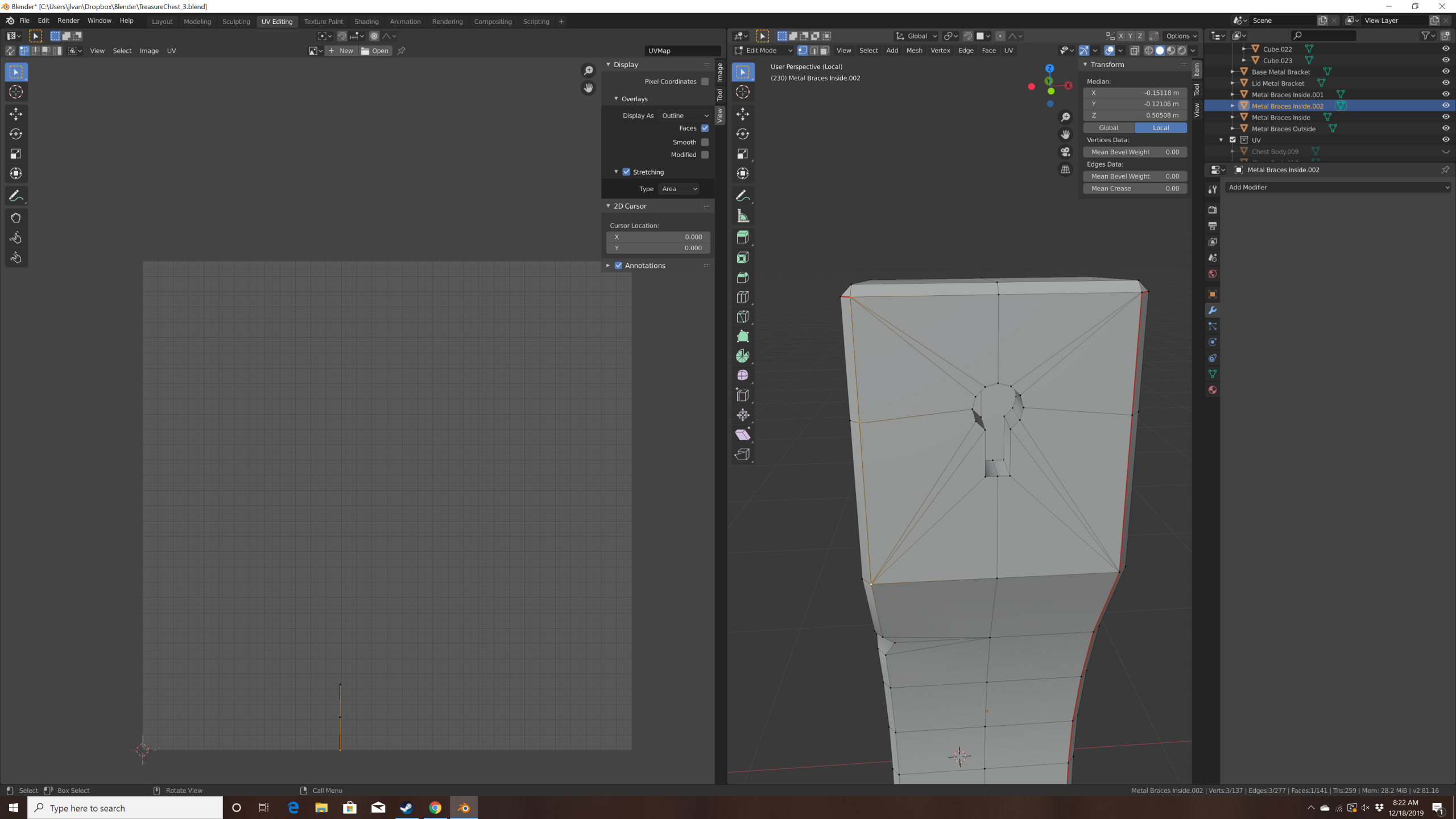
I think I have a stray vertex?

Forum Archive I think I have a stray vertex?

Viewing 5 posts - 1 through 5 (of 5 total)
  • Author
    Posts
  • #11120
    vansaders
    Participant

      It shows up as a small orange point along the x-axis, and as a stray line in the UV layout. However, I can’t seem to figure out how to select and remove it. 

      #52364
      spikeyxxx
      Participant

        I don’t no why you can’t select and delete it, but I highly suspect that it is not a stray vertex, but part of the (hidden) chest. 

        Un-hide everything to see where it belongs to. Do not delete. As you can see in the UV Editor, it is connected to something.

        #52365
        vansaders
        Participant

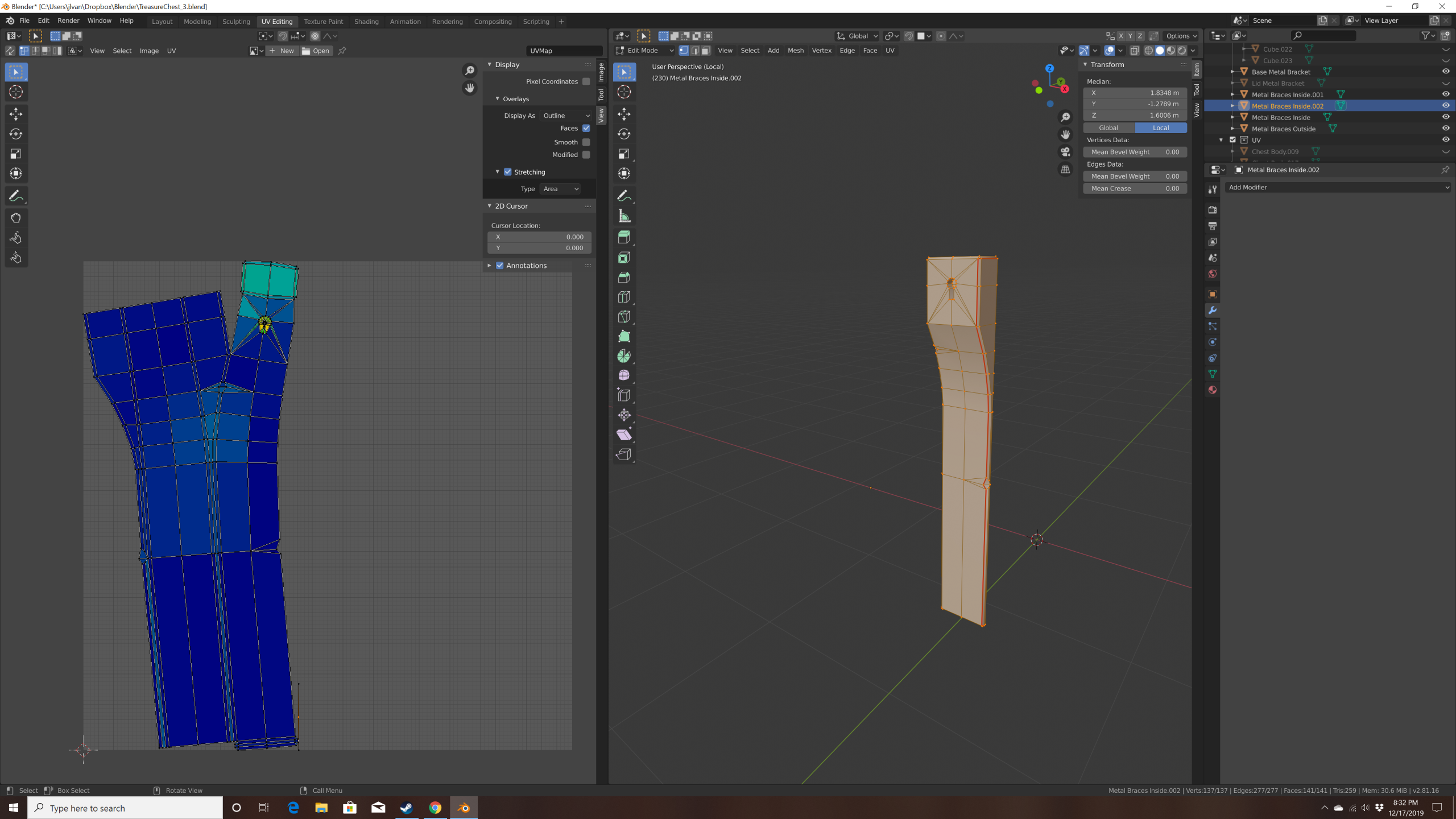
          I realized that the “stray vertex” I thought I was seeing on the object view was just the object origin, set to an odd spot (I’m very new to Blender!). I’ve isolated the problem vertices on the object (selected in the image) that unwrap oddly, but I can’t figure out why they would be causing issues. 

          Thanks for the help!

          #52366
          vansaders
          Participant

            OK, resolved on my own. For reference, if other people look at this, the problem was an extra set of verts and edges along that side that I somehow created in the midst of modeling. Once I found them and removed them, all was well. 

            #52367
            Kent Trammell
            Participant

              Thanks for following up and sharing your solution with us!

            Viewing 5 posts - 1 through 5 (of 5 total)
            • The topic ‘I think I have a stray vertex?’ is closed to new replies.