I decided on using Cycles

Forum Archive I decided on using Cycles

Viewing 4 posts - 1 through 4 (of 4 total)
  • Author
    Posts
  • #12232
    Karen Trevino
    Participant

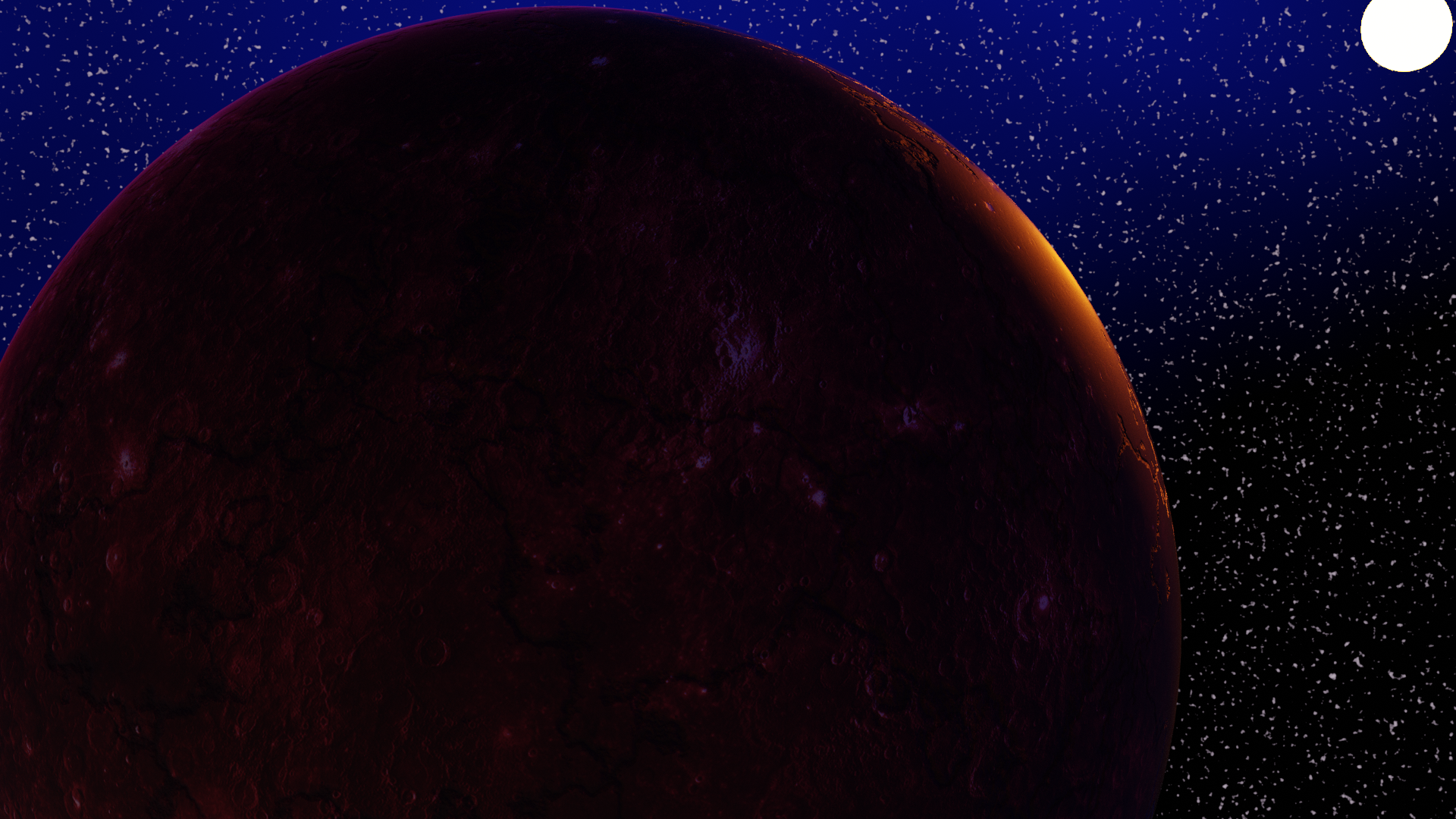
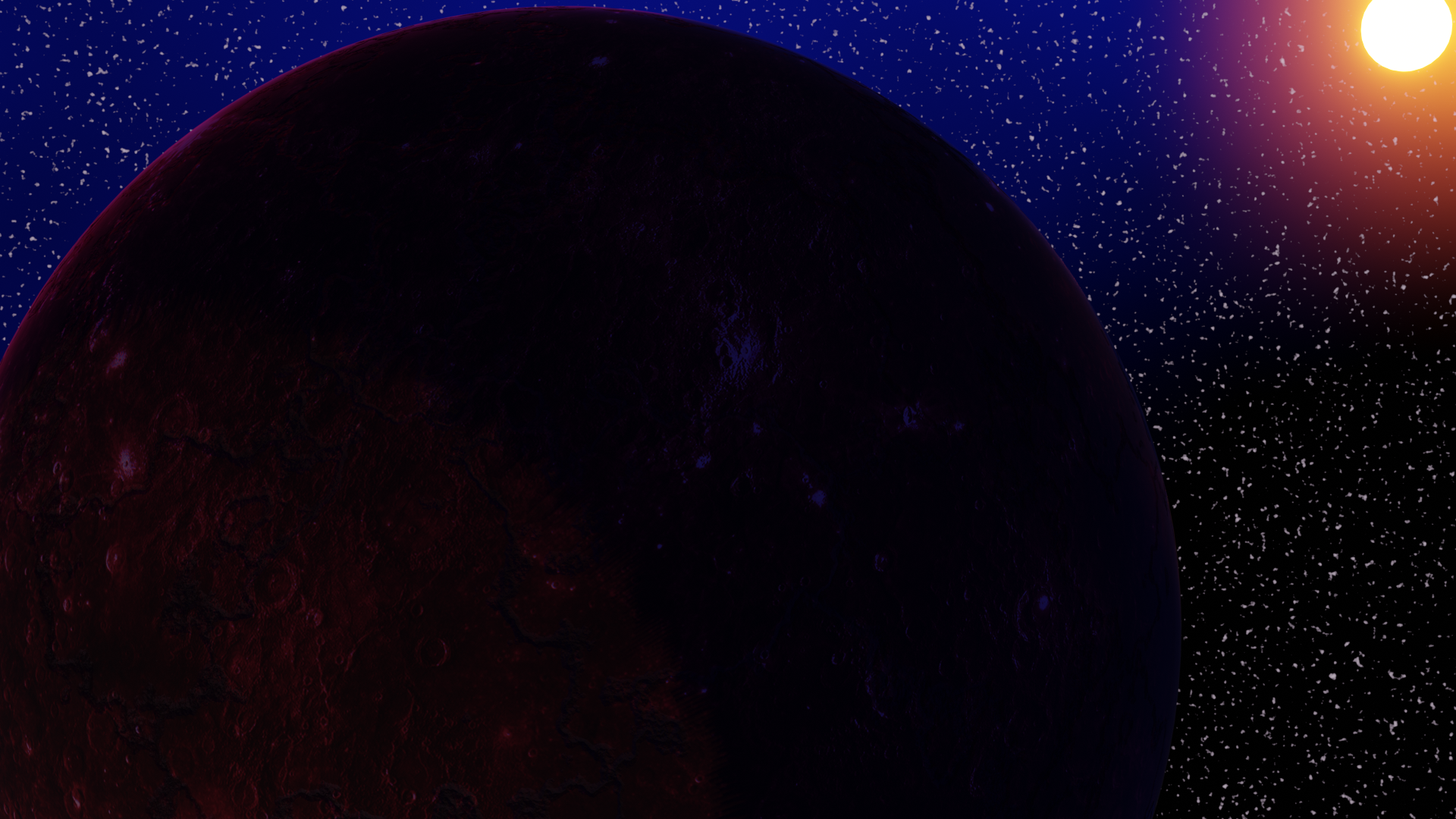
      I decided on using Cycles as it shows the displaced surface of my planet much better.  

      The problem is, I lose the colorful glow of the sun that I have when I enable bloom.

      Evee Render

      Cycles Render:

       I get this awesome glow on the edge of the planet from the sun, but I’d also like to see that same glow on the sun that the Evee render has.  What can I add to the Emission Shader that will attain this?

      #58373
      Chris Bailey
      Participant

        In order to add bloom in Cycles you need to use the “Glare” node in the compositor.  Switch to the compositor window, tick the box for use nodes at the top of the screen, then pipe the output from your render layer node into a glare node and then pipe that to a “viewer node” and the “composite” node.  Then hit the “Backdrop” button at the top of the screen to see what your viewer node sees directly in the composite window, or you can pull up your image viewer and change the view to the “viewer node” this will show you the same thing in a separate window. Now render the image to place the render in the image buffer, now it should appear and you’ll be able to adjust the glare node till it looks right.  Try the different settings on the glare node for some cool effects! Hope that helps 🙂  

        #58374
        Karen Trevino
        Participant

          Hot Dog!!! That worked! Thank you!!!!

          #58375
          Chris Bailey
          Participant

            You’re welcome! 🙂

          Viewing 4 posts - 1 through 4 (of 4 total)
          • The topic ‘I decided on using Cycles’ is closed to new replies.