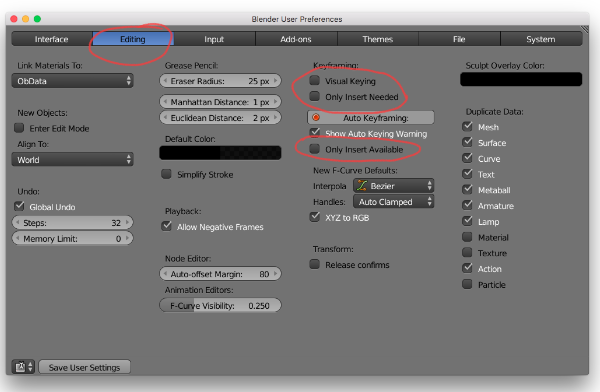
Ok I can’t see what the issue would be, but I can see that you are animating inside the rig file rather than linking in the character to a fresh file. This shouldn’t cause any issues but it is better to keep your rig file clean, and work separately.
That is something I would suggest to try though. To link in your rig to a fresh file and see if you have the same issue. (you can also link or append in the animation too).
Make sure you add a proxy which is shown in the course videos.
But as for that specific error, if you also open Blender with a terminal you can sometimes get more information.
If you can find any more information, I would be happy to see what the terminal says.
The only thing I can think of is that maybe Blender is having troubles with that keying set. Maybe some channels are locked, or something like that.
It seems that it works for just the Foot_roll controls, so if you switch the keying set to just “Location” or something, does it work for all controls?
One other thing to check is to make sure that the bone widgets are not selected along with the actual bones. I can see that they are highlighted inside the outliner. (maybe if they are selected by accident along with the actual bones it can’t set keys because there isn’t anything ‘available’ on those objects)
That’s all I can think of.

.