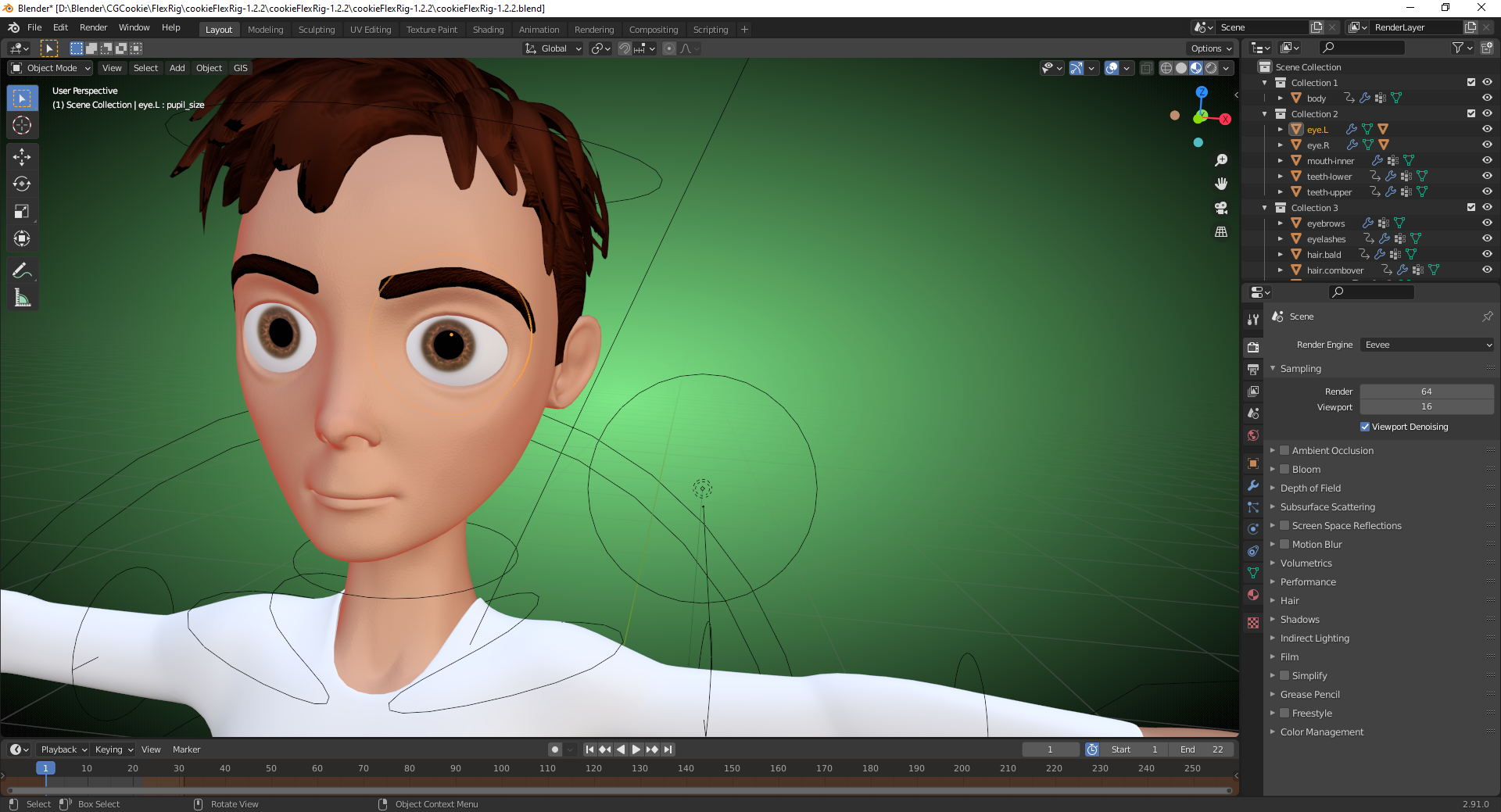
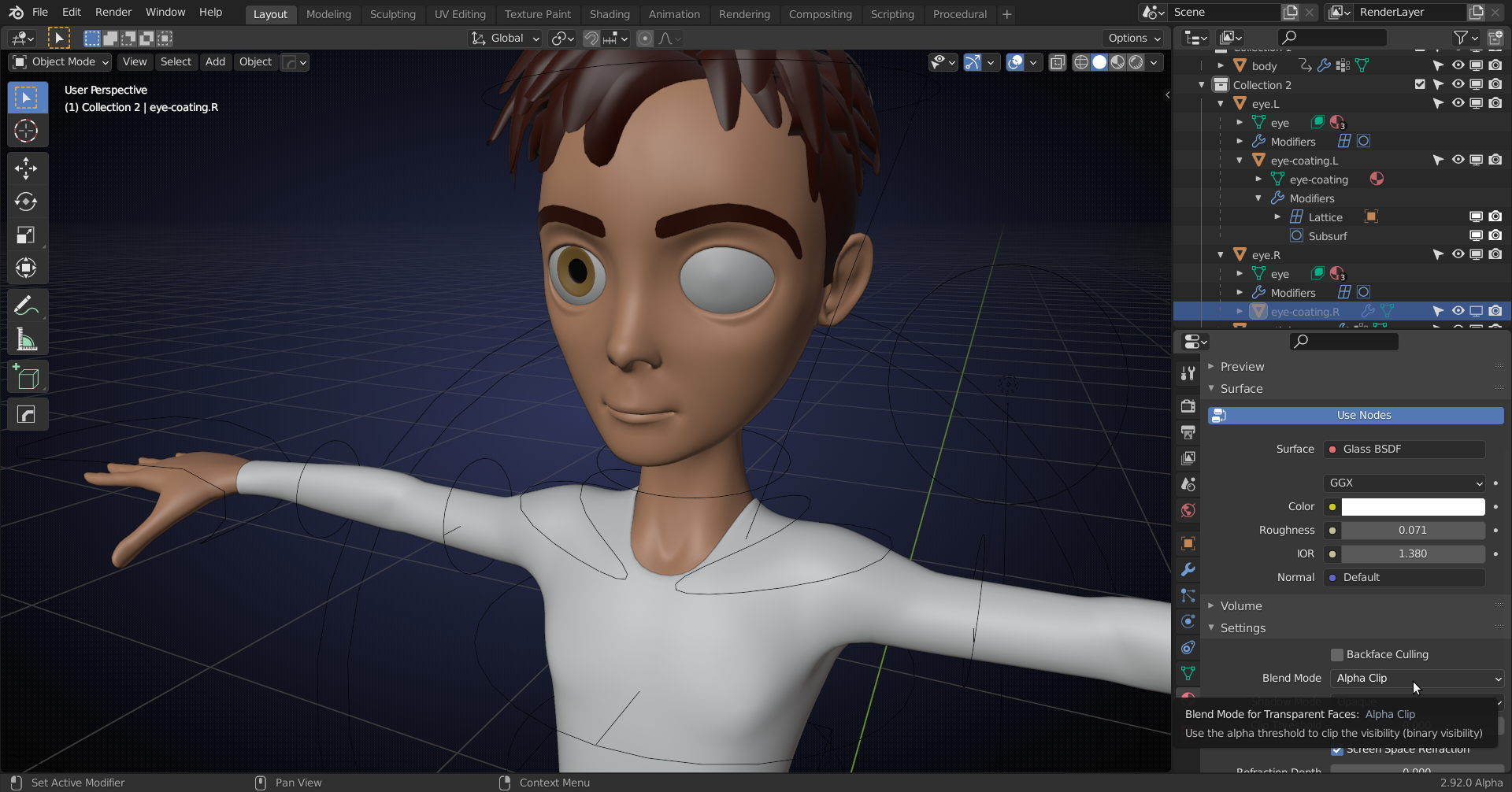
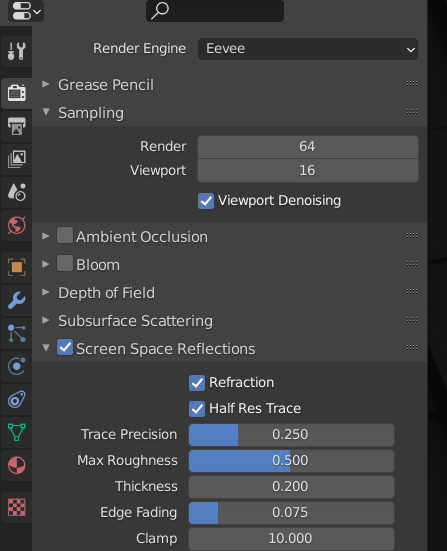
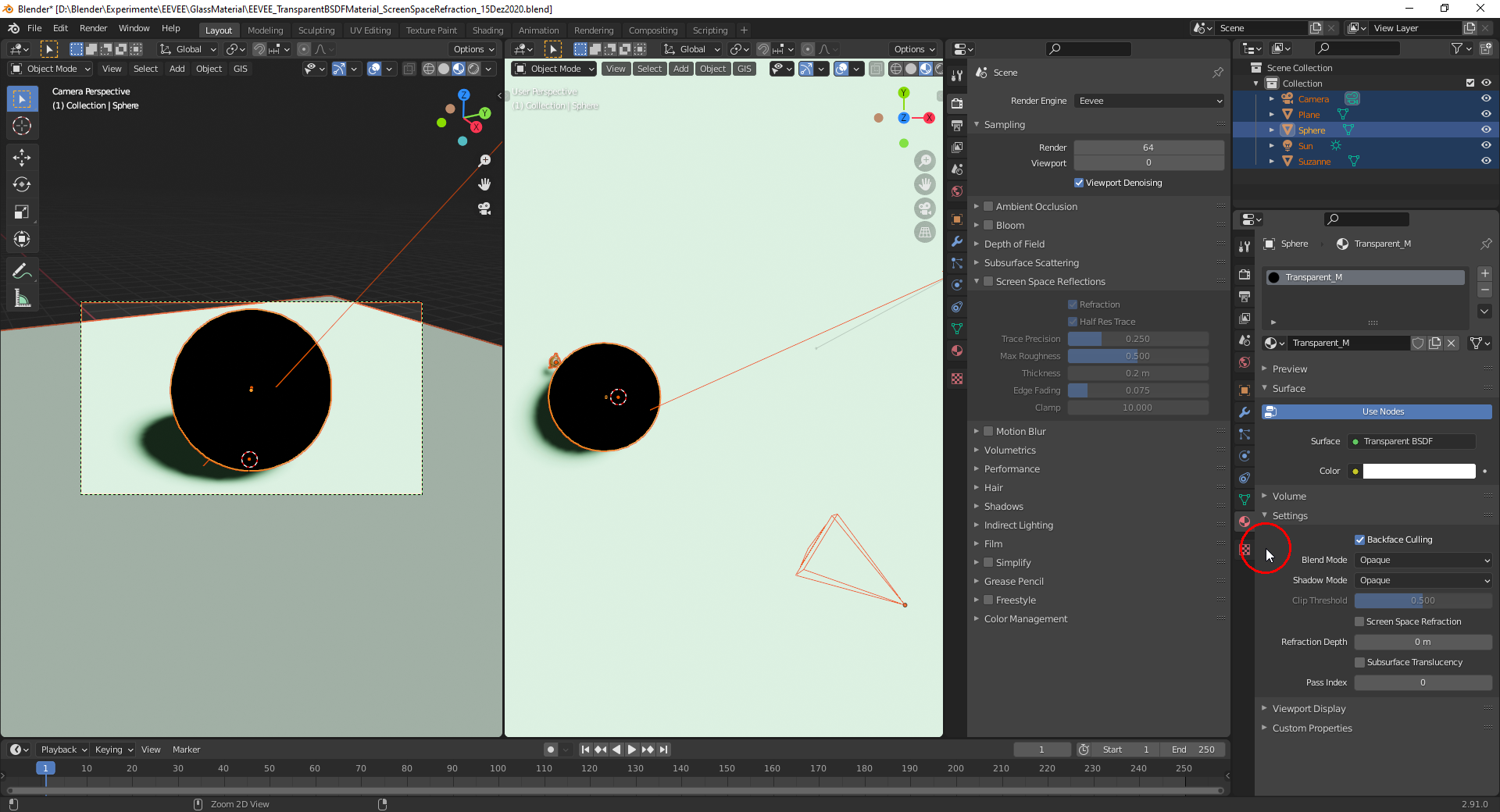
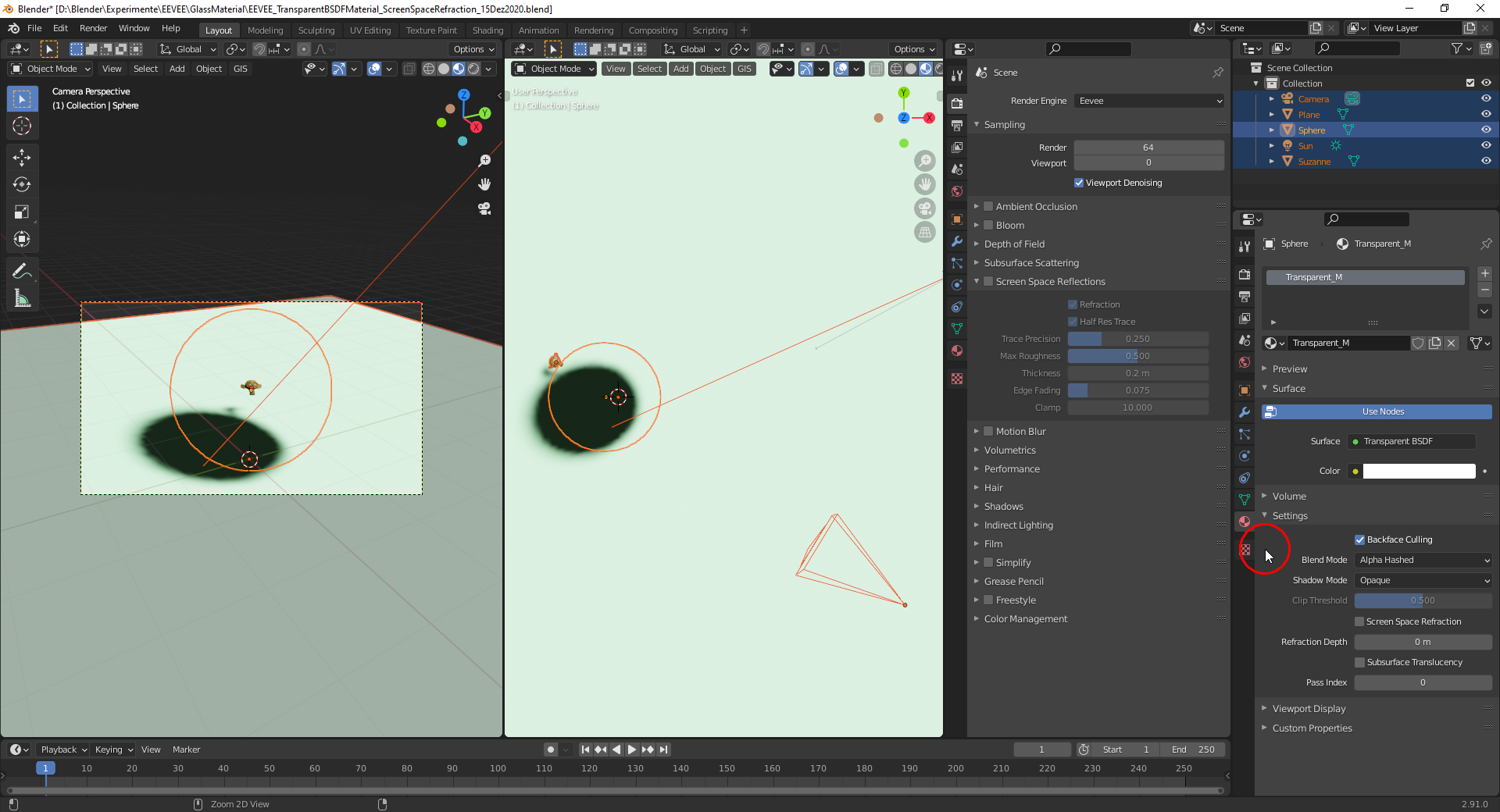
Thanks, @spikeyxxx, for the in-depth explanation. The “Blend Mode” setting to one of the “Alpha” modes is only necessary for a “Transparent BSDF” which doesn’t need “Screen Space Refractions/Reflections” being activated:
Glass BSDF with “Screen Space Refractions/Reflections” and “Opaque” as “Blend Mode” :
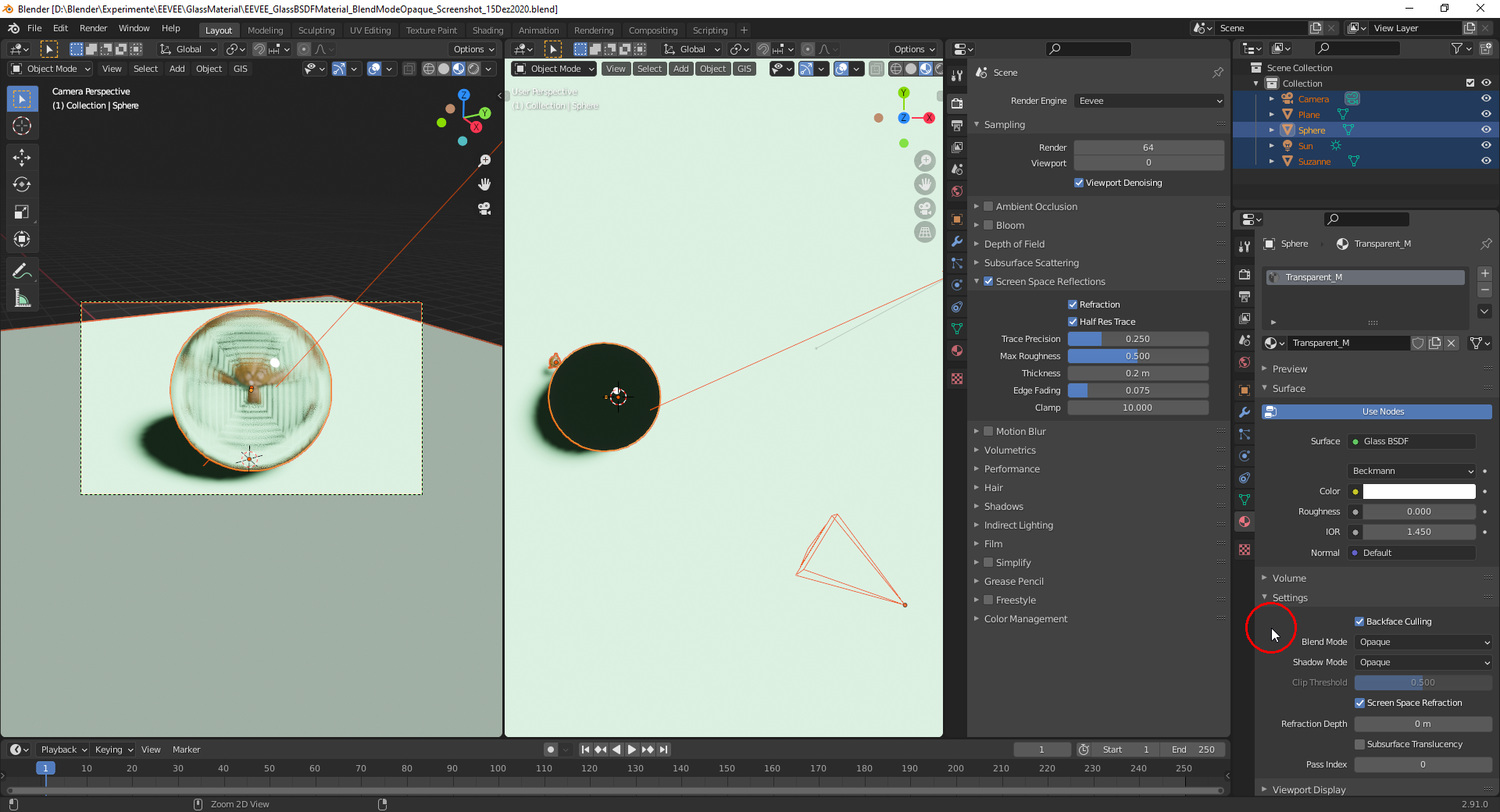
The sphere in the right frame is only black because of the shadow being seen through it. This isn’t of course physically accurate but EEVEE specific and can be changed using a “Light Probe” object of type “Reflection Cubemap” in the scene for which you have to bake a “Cubemap”:
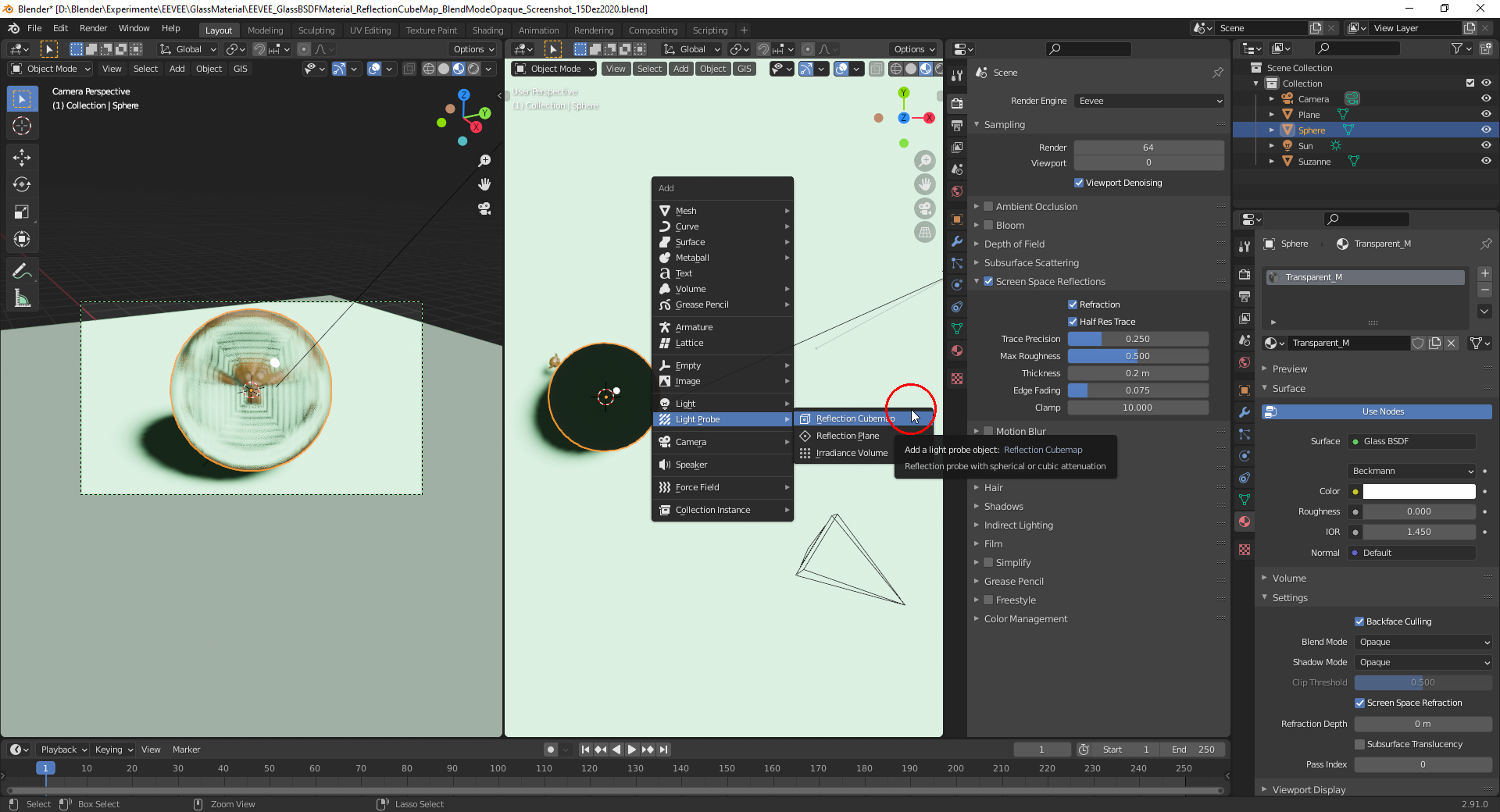
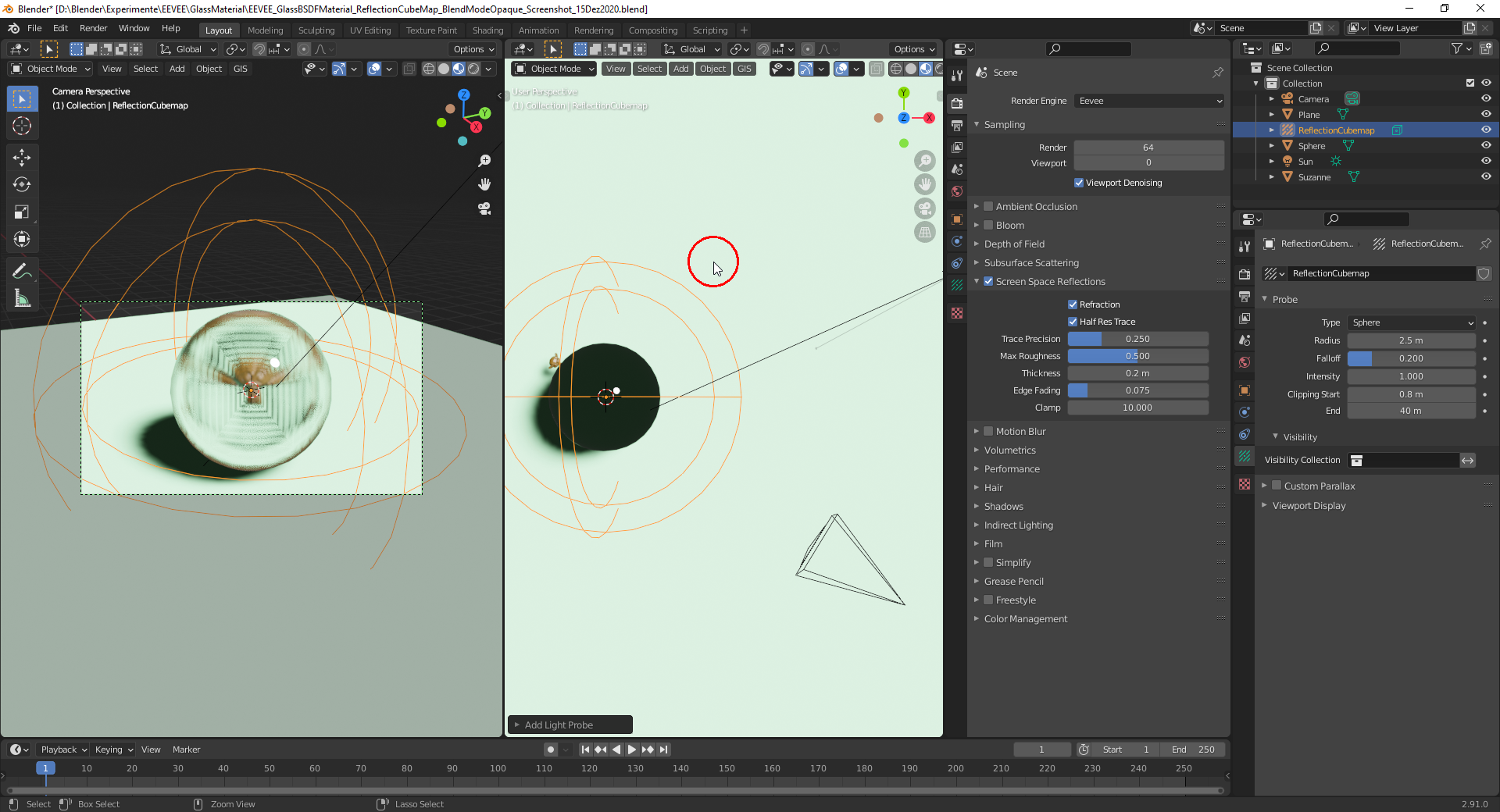
Tweaking the “Clipping Start” value so that it’s outside of the “Glass Sphere”:
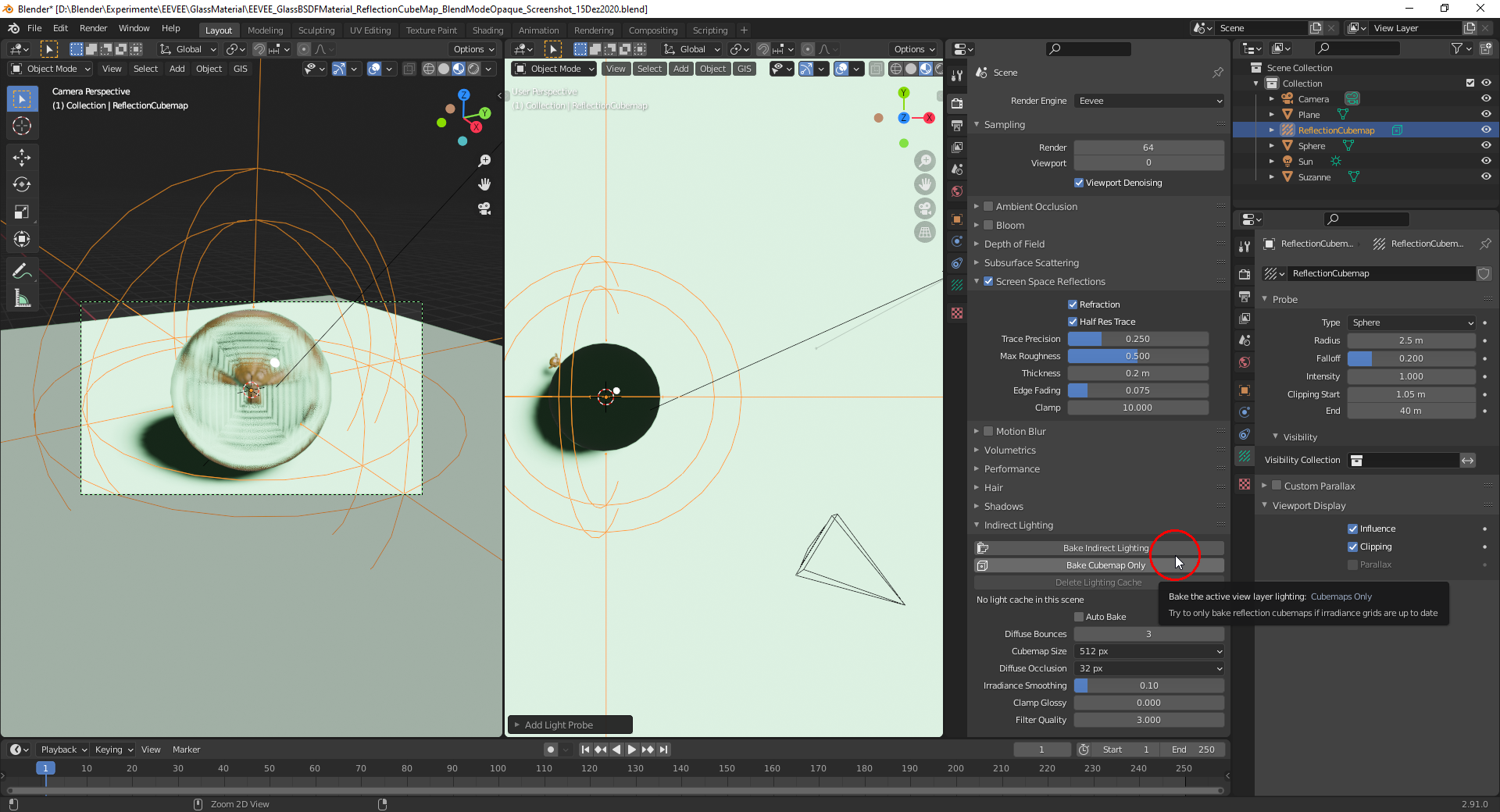
With the “Reflection Cubemap” baked:
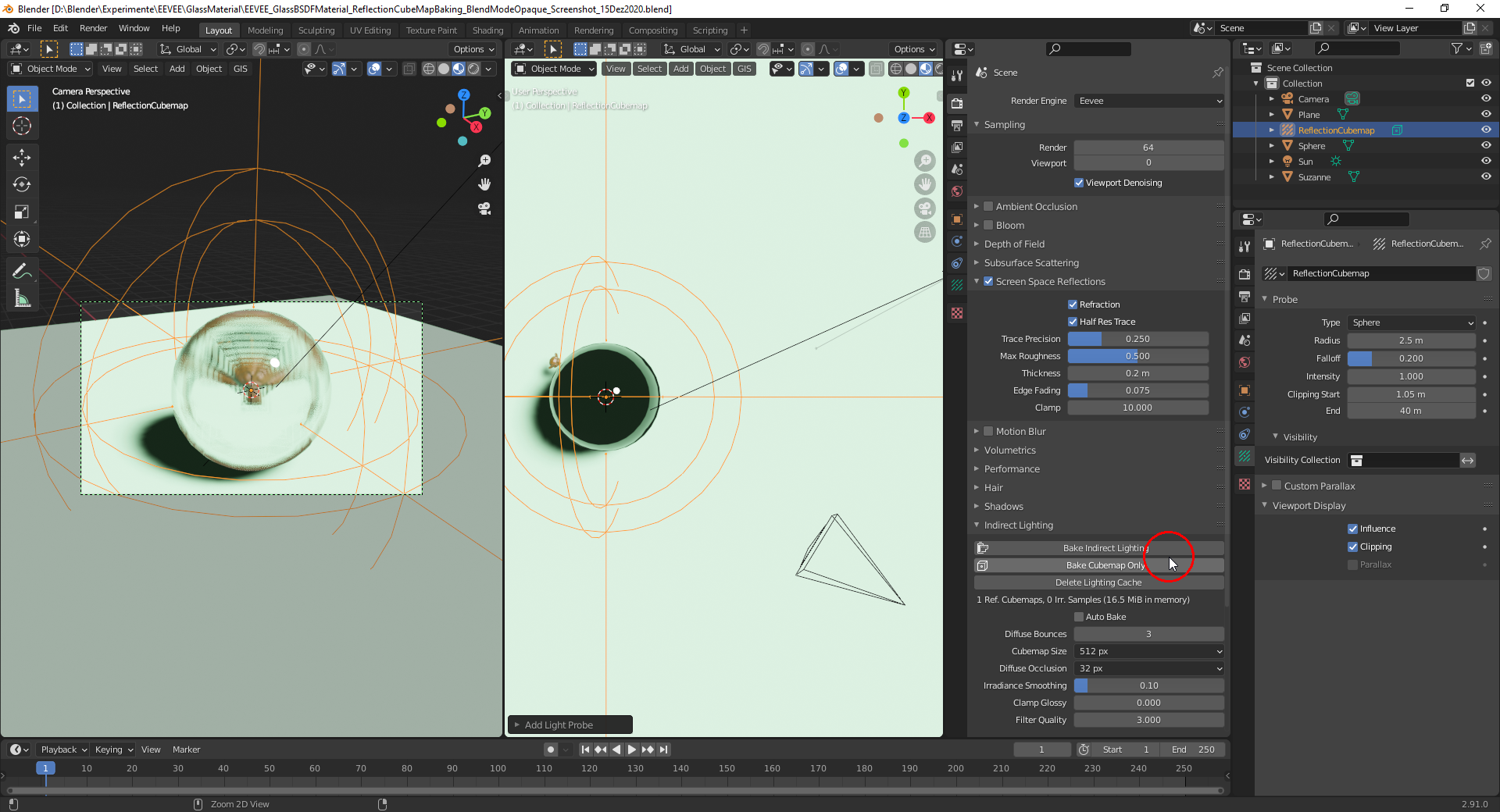
For “Reflection Cubemaps” see this video here (still works with Blender 2.91 although recorded with Blender 2.80 Beta).
Important note from the Blender 2.91 manual here:
Screen Space Reflections are much more precise than reflection cubemaps. If enabled, they have priority and cubemaps are used as a fall back if a ray misses.
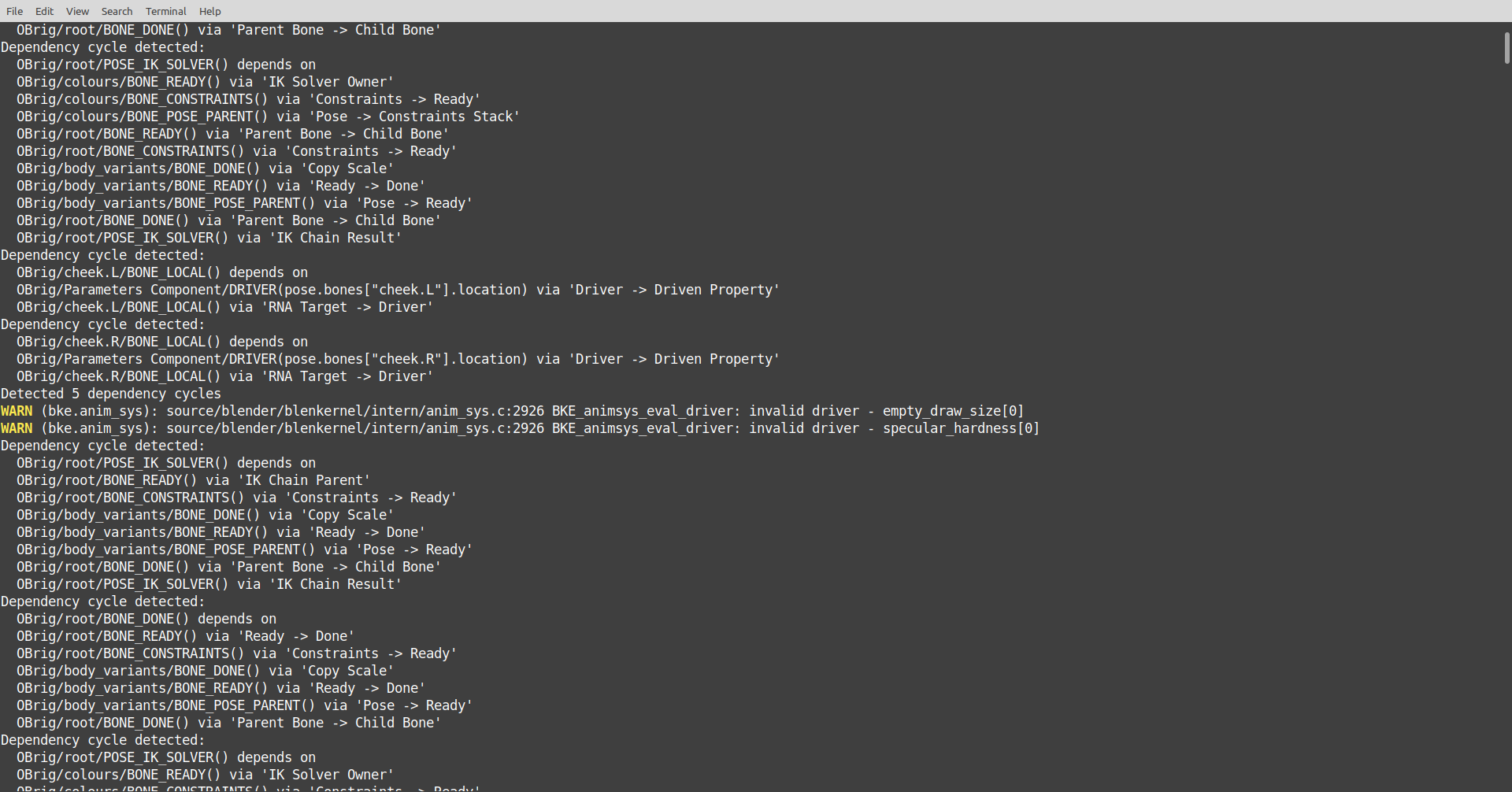
PS: @spikeyxxx is there a setting to colorize the “WARN” error message or did you do it manually in the screenshot?

.