How would you create a nice curve between two vertices?

Forum Archive How would you create a nice curve between two vertices?

Viewing 5 posts - 1 through 5 (of 5 total)
  • Author
    Posts
  • #19661
    Danny McGill
    Participant

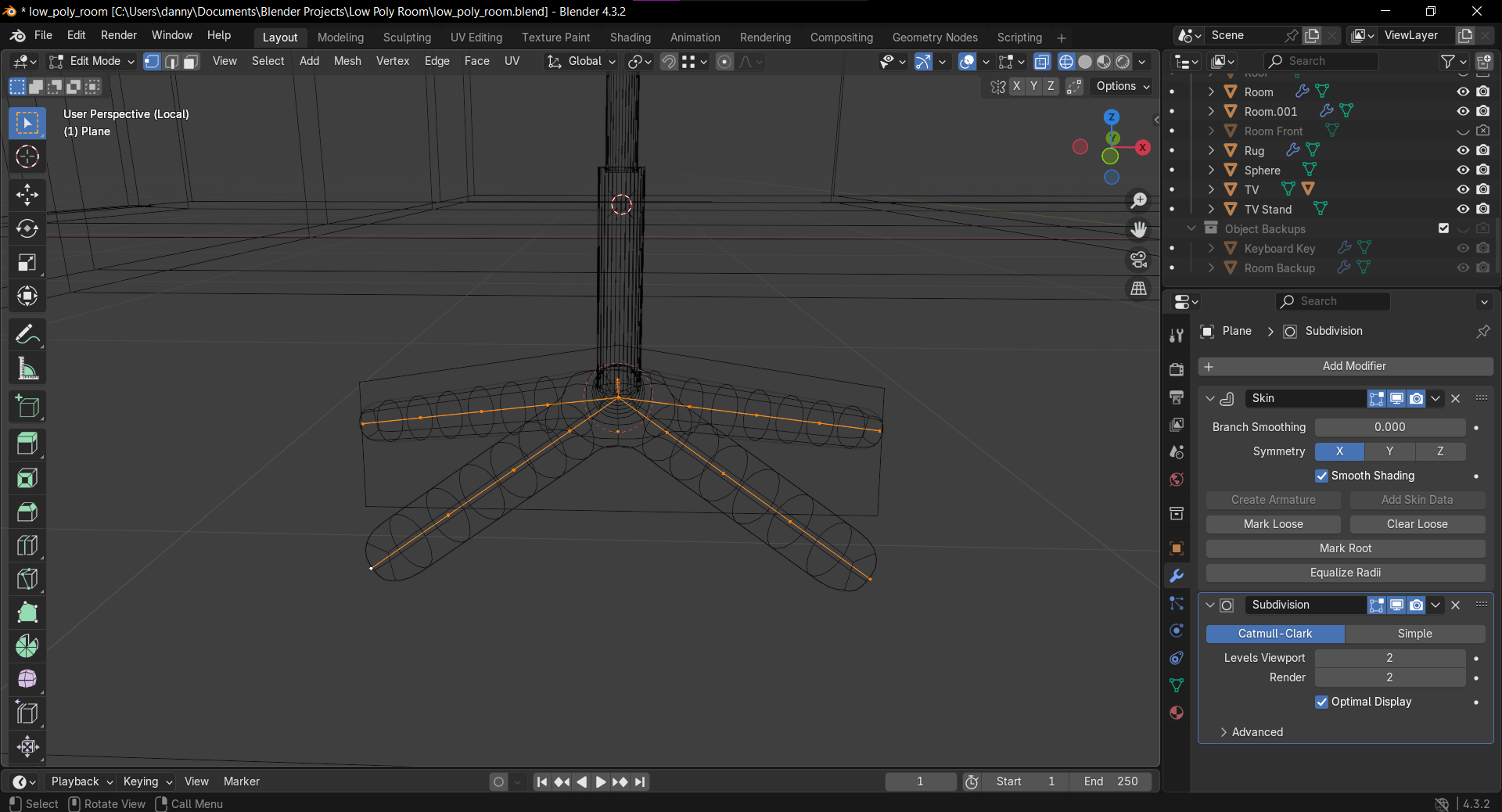
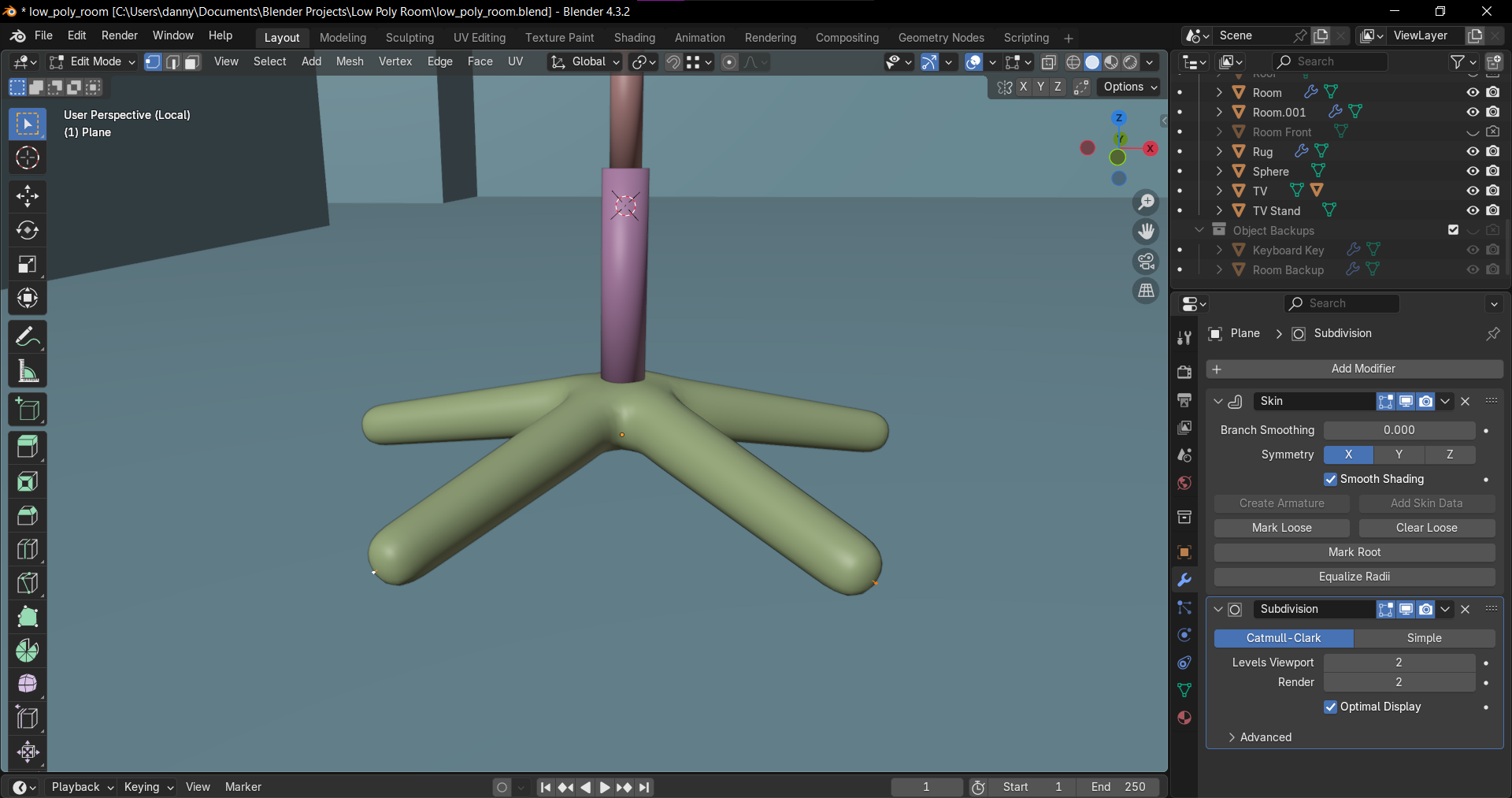
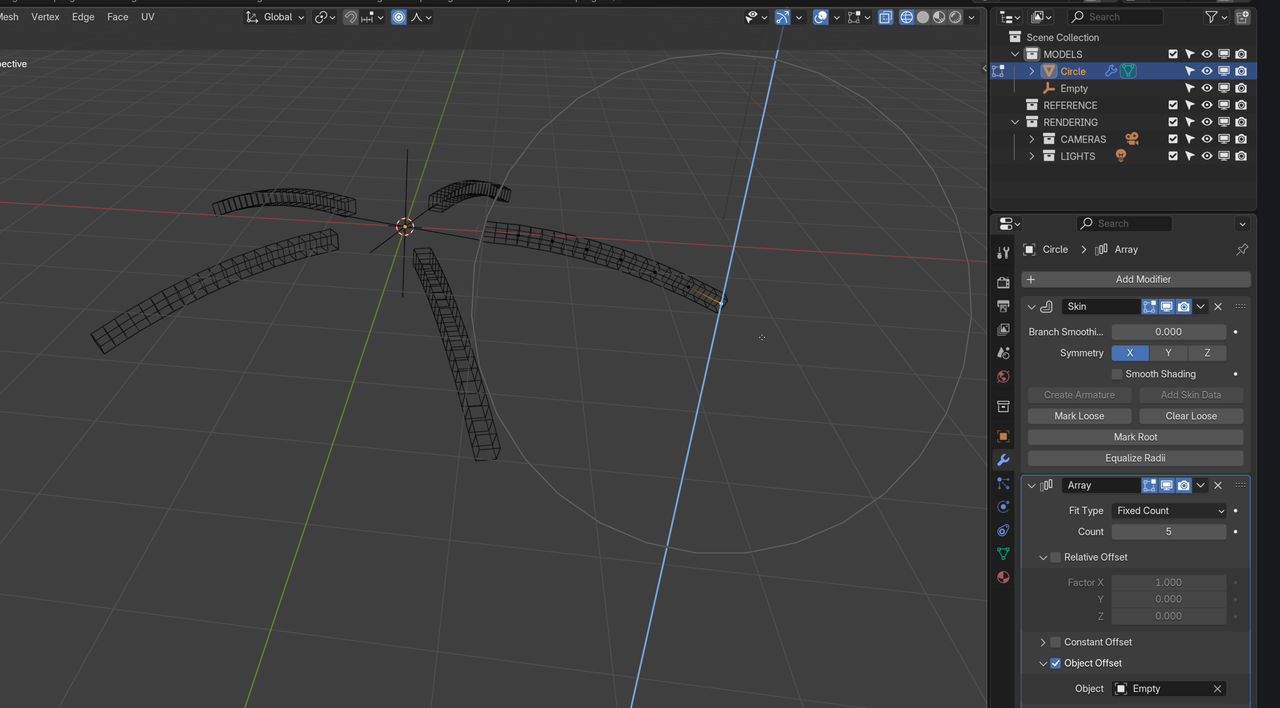
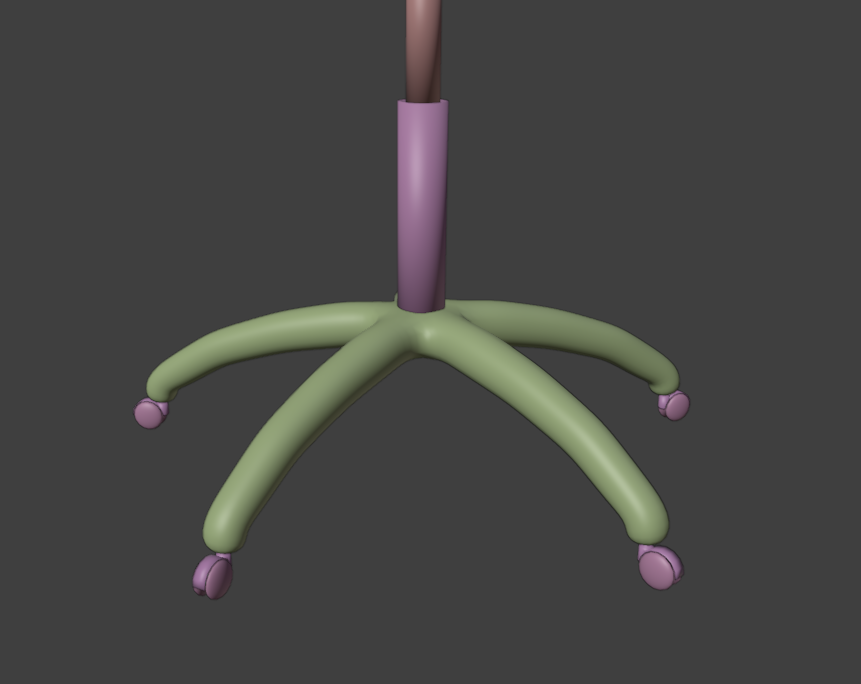
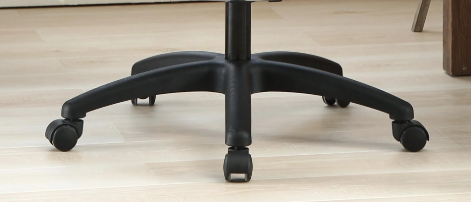
      I’m making the legs of an office chair and after a bit of experimenting I’ve decided to try using vertices and the skin modifier to flesh it out. It’s not looking bad so far, but I don’t want to manually pull the vertices into a curve if I can help it. Is there a function or technique I can employ to get these chair legs to be curvy like my reference? Alternatively, are there possibly better ways I could go about creating chair legs or am I going in the right direction?

      Reference:


      Wireframe:

      Solid:

      #93058
      Omar Domenech
      Participant

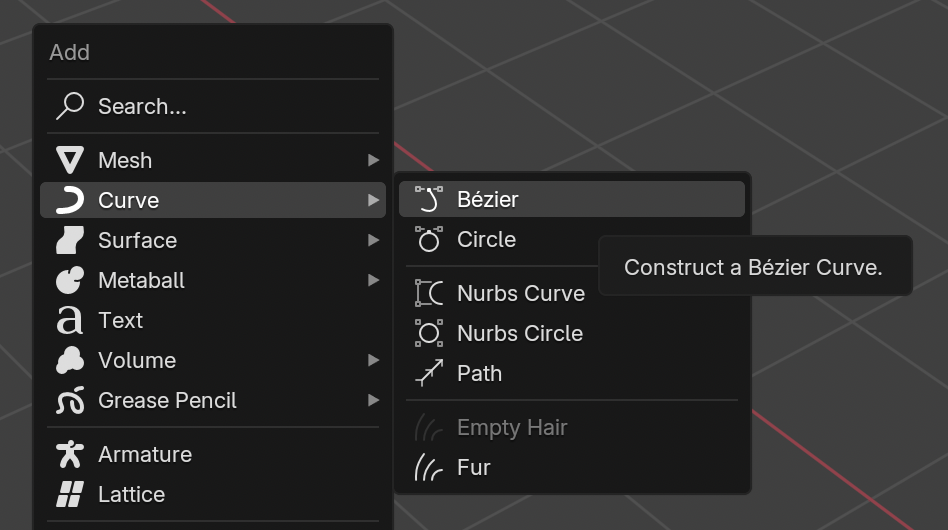
        Usually that’s how people go about it, manually pulling the vertices to get the desired shape. But I guess a tool that could come in handy would be a curve object. You can set it to bezier and adjust the handles till you get the curvature you want, then convert the curve to a mesh so you have polygons instead of the curve. 

        Curve.png

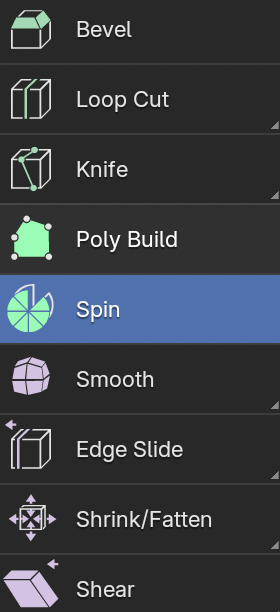
        Maybe the Spin Tool can do a decent job getting you a nice curve?

        Spin-Tool.png

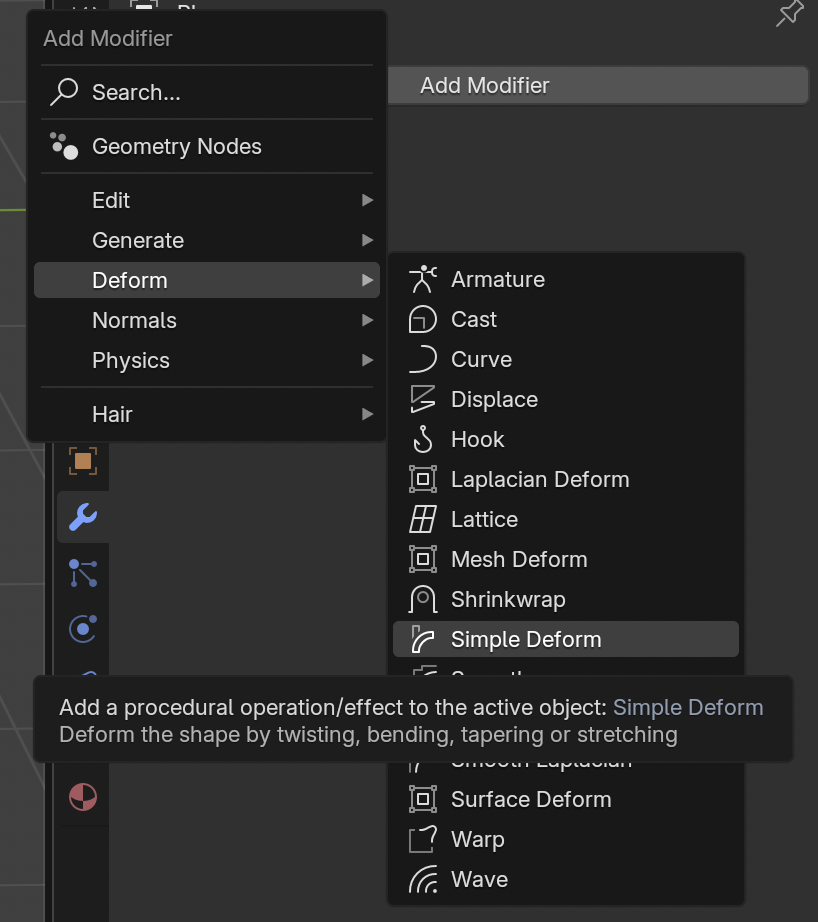
        Also the simple deform modifier can be given a try:

        Simple-Deform.png

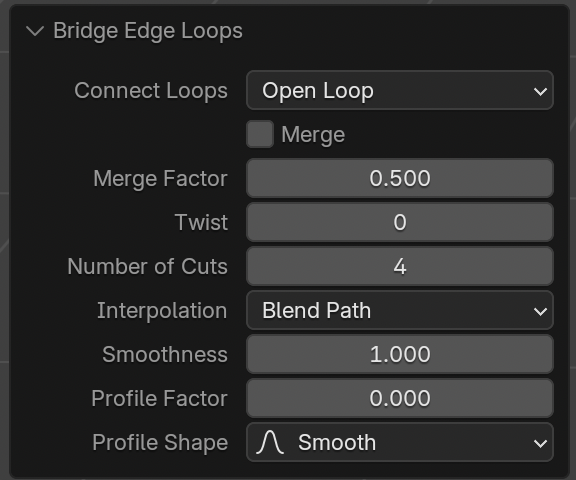
        And a good method is to select two faces and Control + E and bridge edge loops. If you increase the number of cuts it makes a nice curve:

        ridge Edge Loops.png

        #93059
        Martin Bergwerf
        Participant

          Or you could just use Proportional Editing, that way you could stick to your current workflow::

          Leg.png

          #93060
          Danny McGill
          Participant

            Thank you both for the reply! I ended up doing the proportional editing and that seemed to do the trick.

            #93061
            Dwayne Savage
            Participant

              Just to add to the list of possible solutions there’s the lattice method. Add a lattice. Add a lattice modifier to the mesh and point to the lattice. Then adjust the lattice’s vertices in edit mode. You can add more cuts to the lattice as needed. Also proportional editing works with it too. Note: this method will probably be better for seat and back of chair, but it’s another arrow for your quiver of tools to think about. 

            Viewing 5 posts - 1 through 5 (of 5 total)
            • The topic ‘How would you create a nice curve between two vertices?’ is closed to new replies.