How to merge to faces of object while saving good topology?

Forum Archive How to merge to faces of object while saving good topology?

Viewing 8 posts - 1 through 8 (of 8 total)
  • Author
    Posts
  • #20865
    Boris Boiev
    Participant

      Hey!
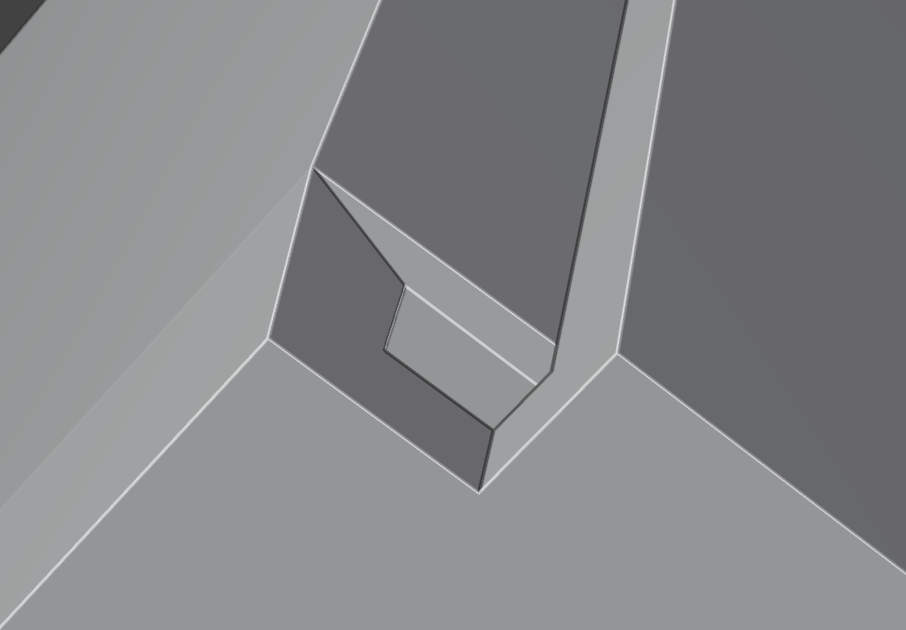
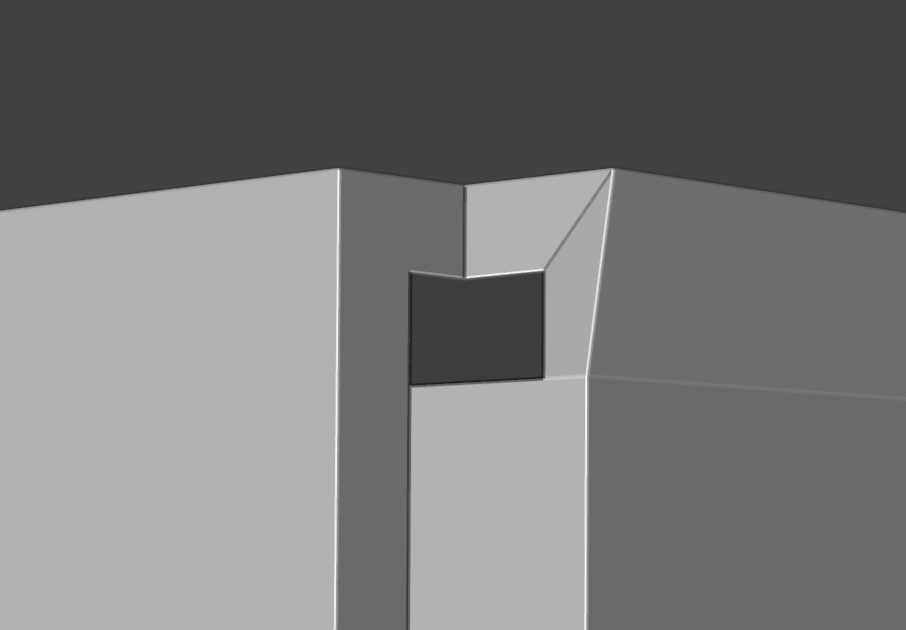
      I have 2 cubes as a single object and a what to merge them to the single mesh by joining two faces. How to do it in correct way without loosing topology quality?

      Merge_2_faces.blend (Blender 4.2.13)
      0-11 at 17.54.00.png

      #97416
      Martin Bergwerf
      Participant

        Hi Boris,

        It’s a bit of a ‘weird’ way of making something like that, but:

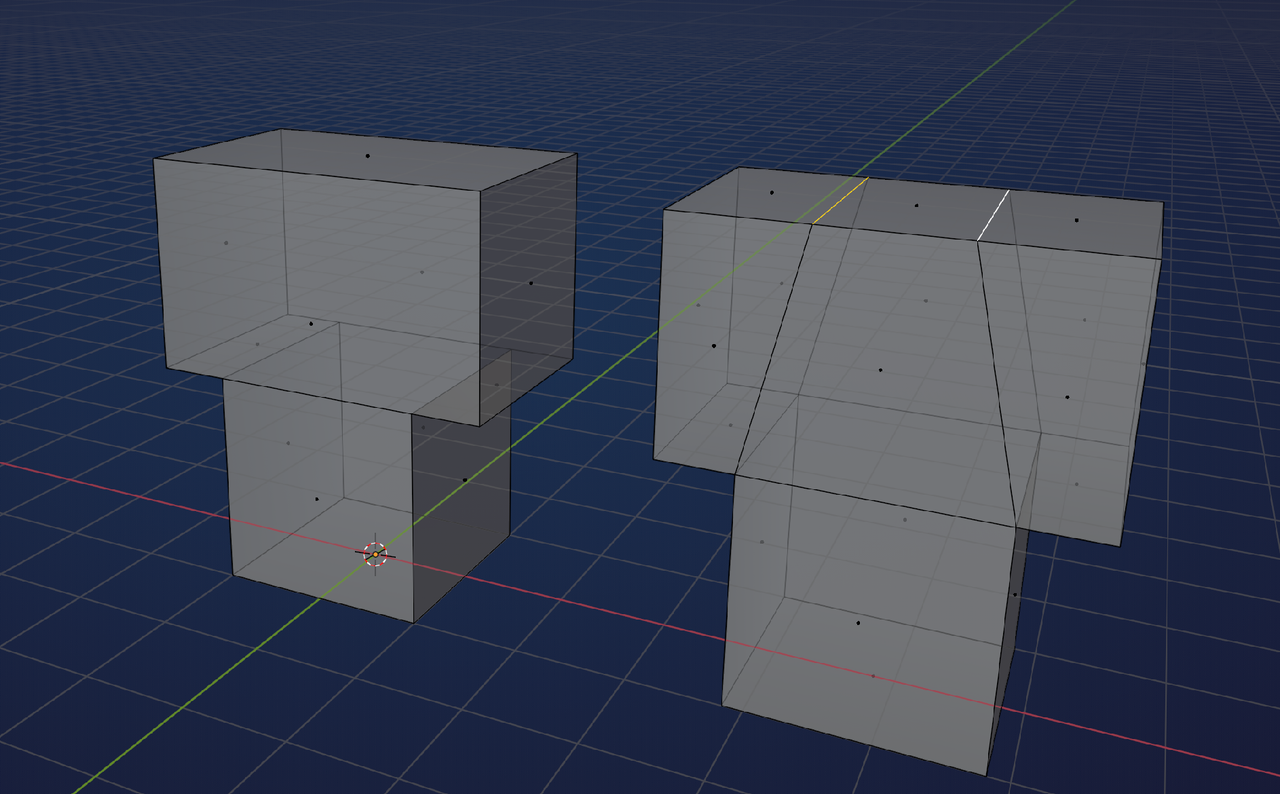
        If you P > Separate > by Loose Parts, you can Switch to Object Mode and then use a Boolean Union to combine the twq and get something like the Mesh on the left:

        Cubes.png

        Subdividing the 2 long Edges on the top of the top cube gives you some extra Vertices, that you can connect down with J, to get an all-quad Topology..

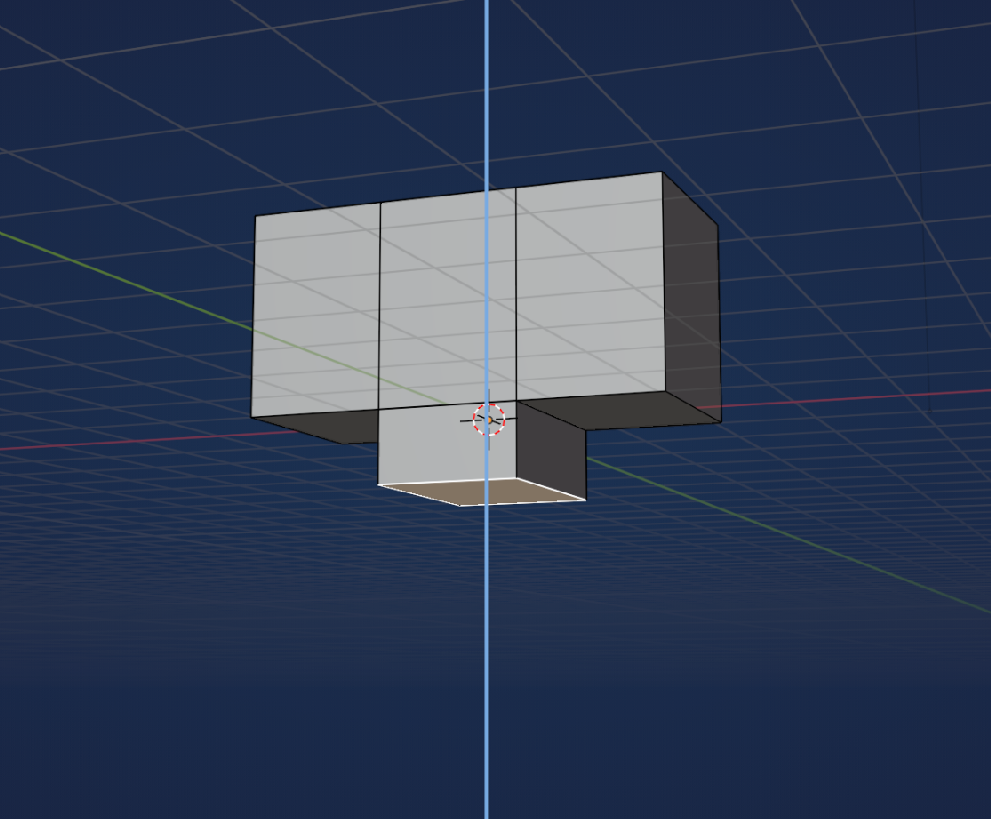
        A lot easier would be to start with the top cube, CTRL+R to make 2 Loop Cuts and then Extrude the middle Face at the Bottom down. Something like this:

        Cubes_01.png

        #97417
        Boris Boiev
        Participant

          Thank you!

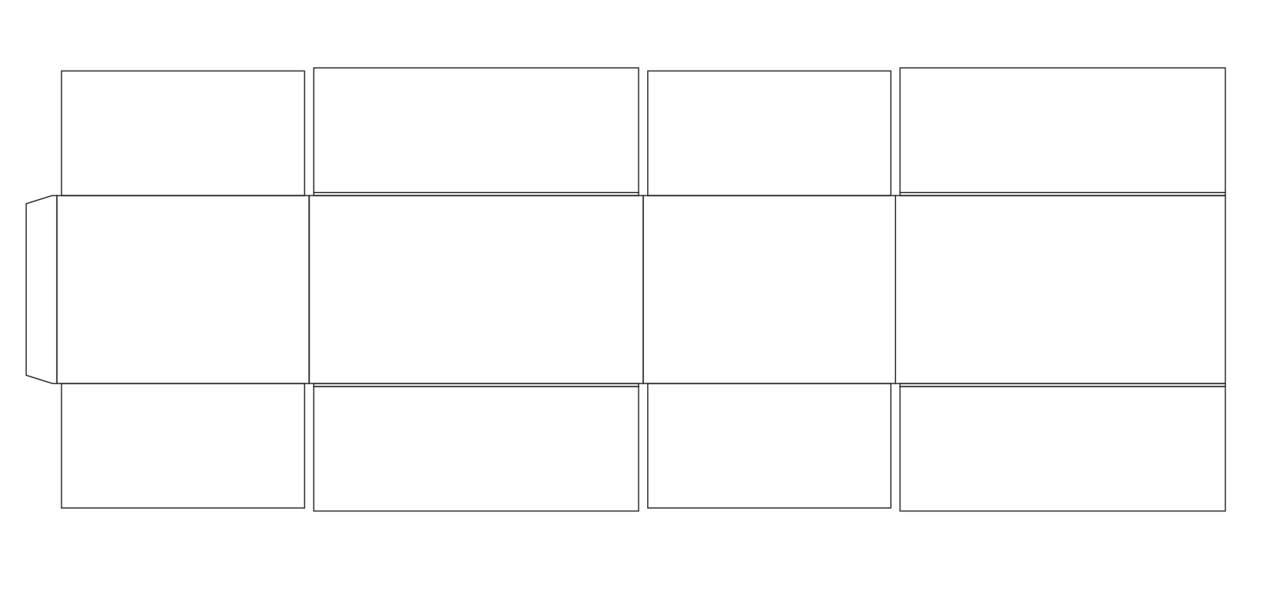
          Yes, my method is a bit wierd, but I’m trying to establish a way to assemble
          corrugated boxes using vector 2D cutters exported to svg. 

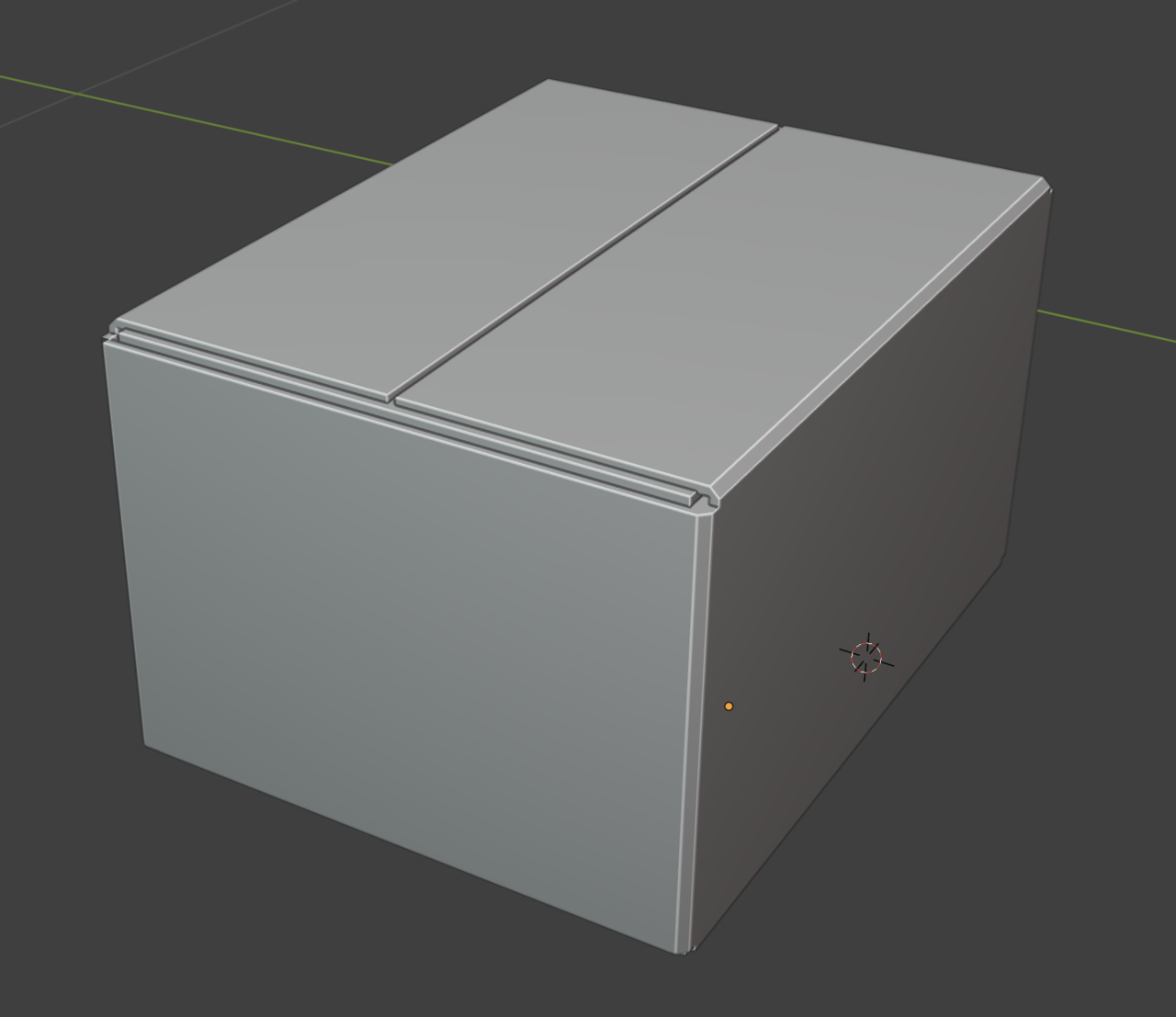
          I’m importing svg, converting all panels to meshes, joining them, rotating
          to make final box, then adding solidify modifier and then applying it.
          After that my plan is to connect or separated meshes and then make
          rounded bevels using Mesh Machine.
          I’m new to Blender and maybe there is a quicker way?
          0-11 at 18.52.34.png
          0-11 at 18.51.45.png

          #97418
          Boris Boiev
          Participant

            There is a quicker way:
            I can import svg, convert all panels to meshes and then join all vertices to make single plane with panels divided by the edges. Then I can rotate faces, get the final box and then just add a solidify. But the problem is that with solidify I cannot get proper thickness topology, I need all panels to have same thickness and I want to have round bevels on sides.
            Here is an example

            Mockup2.blend (Blender 4.2.13 LTS)

            #97419
            Boris Boiev
            Participant

              Problems I have.

              0-11 at 19.28.34.png   0-11 at 19.30.11.png

              #97420
              Omar Domenech
              Participant

                I’d say it’s a very good idea to first learn all the modeling rules. There’s so many gotcha’s everywhere when it comes to modeling. Have you see the CORE mesh modeling fundamentals? Once you get used to modeling, I think you’ll find it much easier and quicker to just model what you want and skip lots of steps of importing vectors and cleaning up messy geometry that comes from other software’s. 

                #97421
                Martin Bergwerf
                Participant

                  Yeah, I totally agree with Omar!

                  Your mockup looks like a total mess. It would be a lot easier to just Model what you want directly in Blender.

                  Now, you might have a very good reason to do it the way you try to do it, but i’m afraid I can’t help you then. I don’t even understand what you are saying,. when you describe your process, sorry.

                  #97422
                  Omar Domenech
                  Participant

                    It’s difficult to troubleshoot modeling over the internet by text. Modeling is a bit convoluted. We can point out errors and get you out of a pinch, but a full modeling session is hard. Have you seen Mesh Modeling Fundamentals? 

                  Viewing 8 posts - 1 through 8 (of 8 total)
                  • The topic ‘How to merge to faces of object while saving good topology?’ is closed to new replies.