Hello,
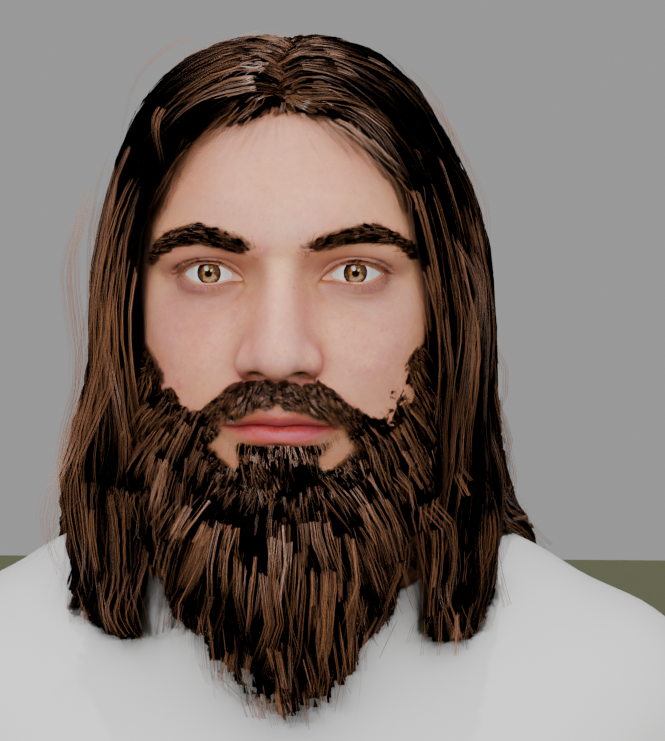
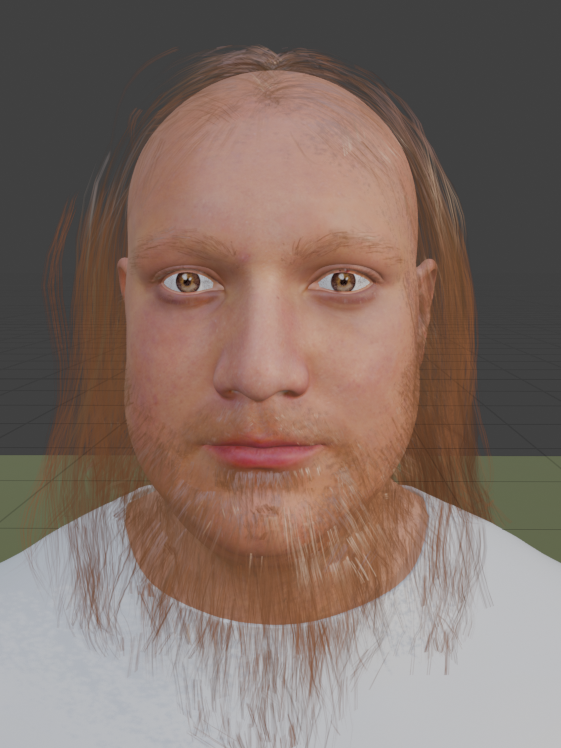
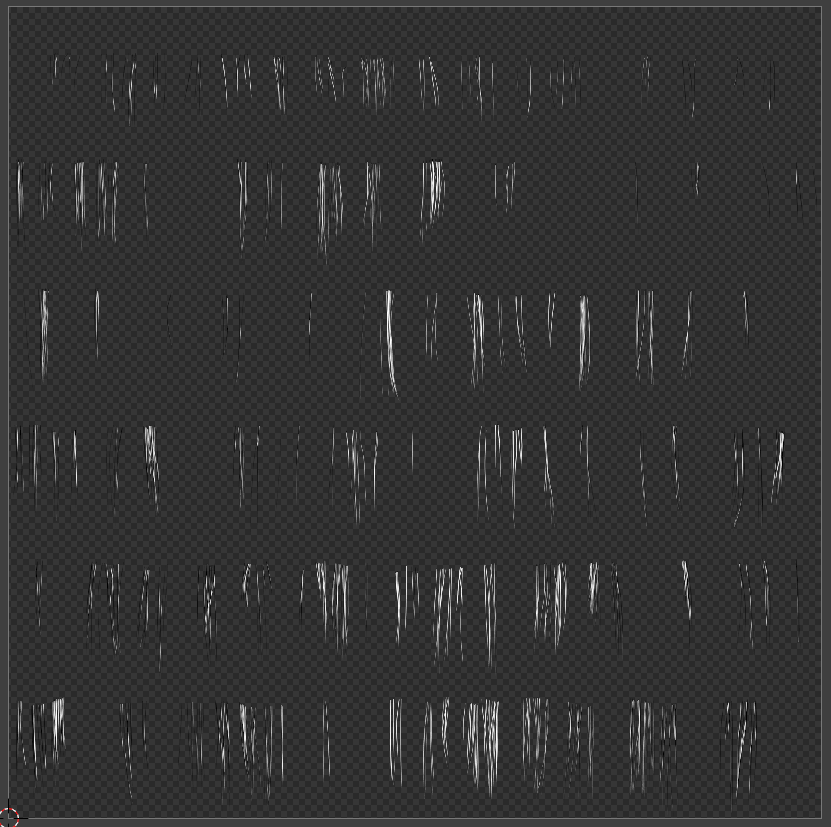
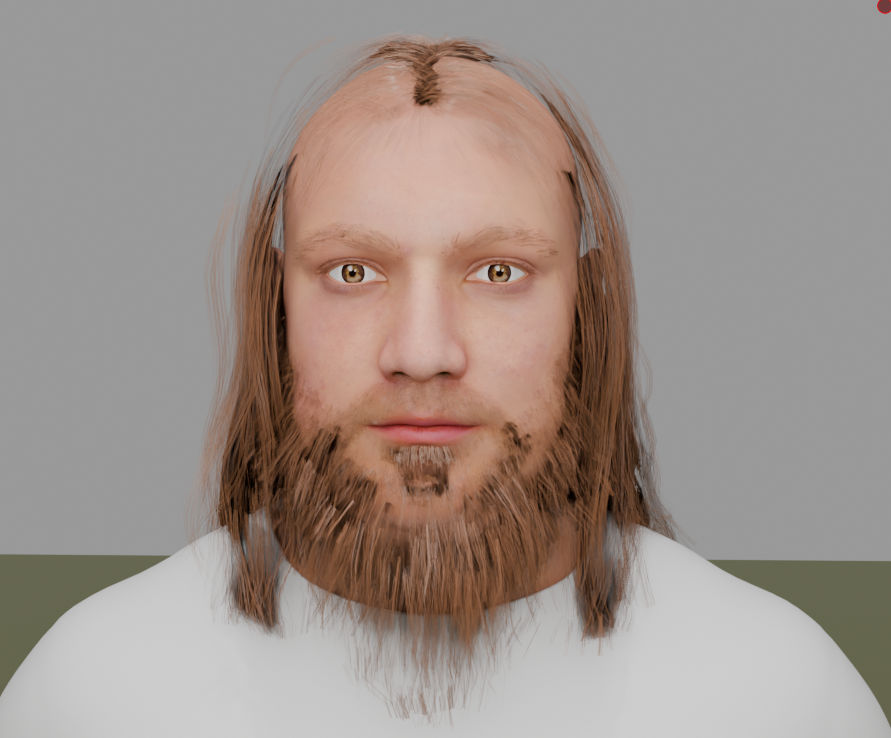
I’m working in **Blender 4.3** and rendering with **Cycles**. I’m trying to create realistic hair for my character using PNG (with Image Texture) textures with transparency instead of particle-based hair. However, I’m running into an issue where the transparent areas of my PNG texture appear as solid black in the render, making the hair look unnatural.
I have tried:
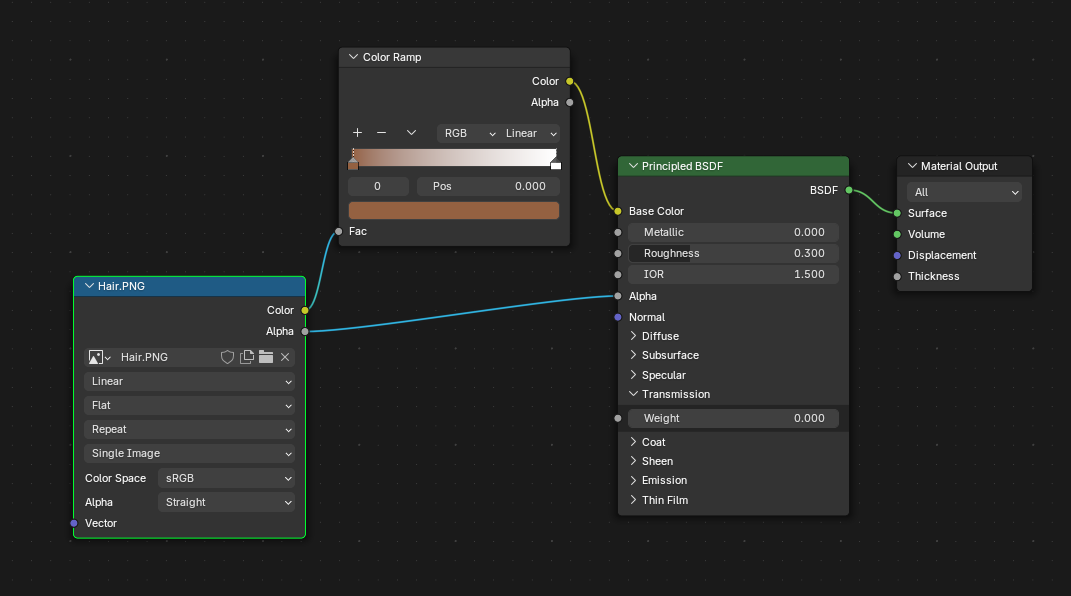
* Setting up a **Transparent BSDF** with a **Mix Shader** to combine it with the Principled BSDF.
* Connecting the PNG texture’s **Alpha** output to the **Factor** input of the Mix Shader.
* Using a **ColorRamp** node to tweak the alpha values.
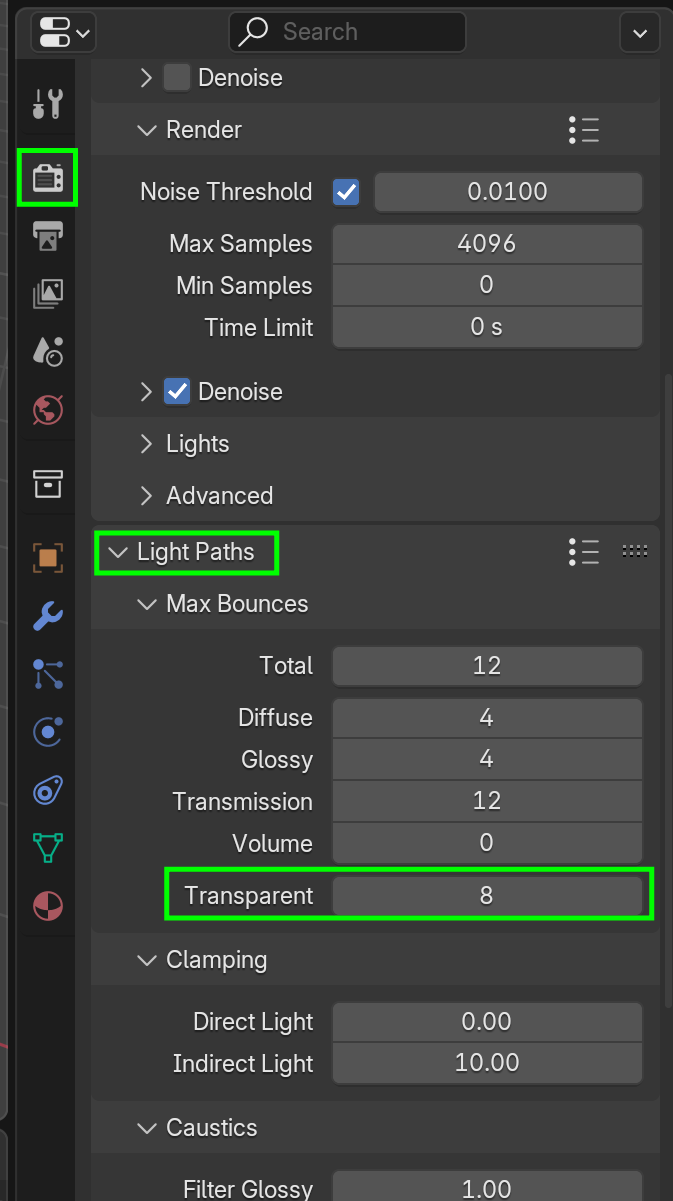
Despite this, the black background persists, and I can’t find any transparency options like **Blend Mode** or **Alpha Hashed** in the Material Properties, which seem to have been changed.
Could someone guide me on how to properly set up PNG transparency for realistic hair textures in Cycles in Blender 4.3? Any help is greatly appreciated!

.