
How to fix Normals Baking incorrectly?

Forum Archive How to fix Normals Baking incorrectly?

Viewing 5 posts - 1 through 5 (of 5 total)
  • Author
    Posts
  • #8732
    thefrostygecko
    Participant

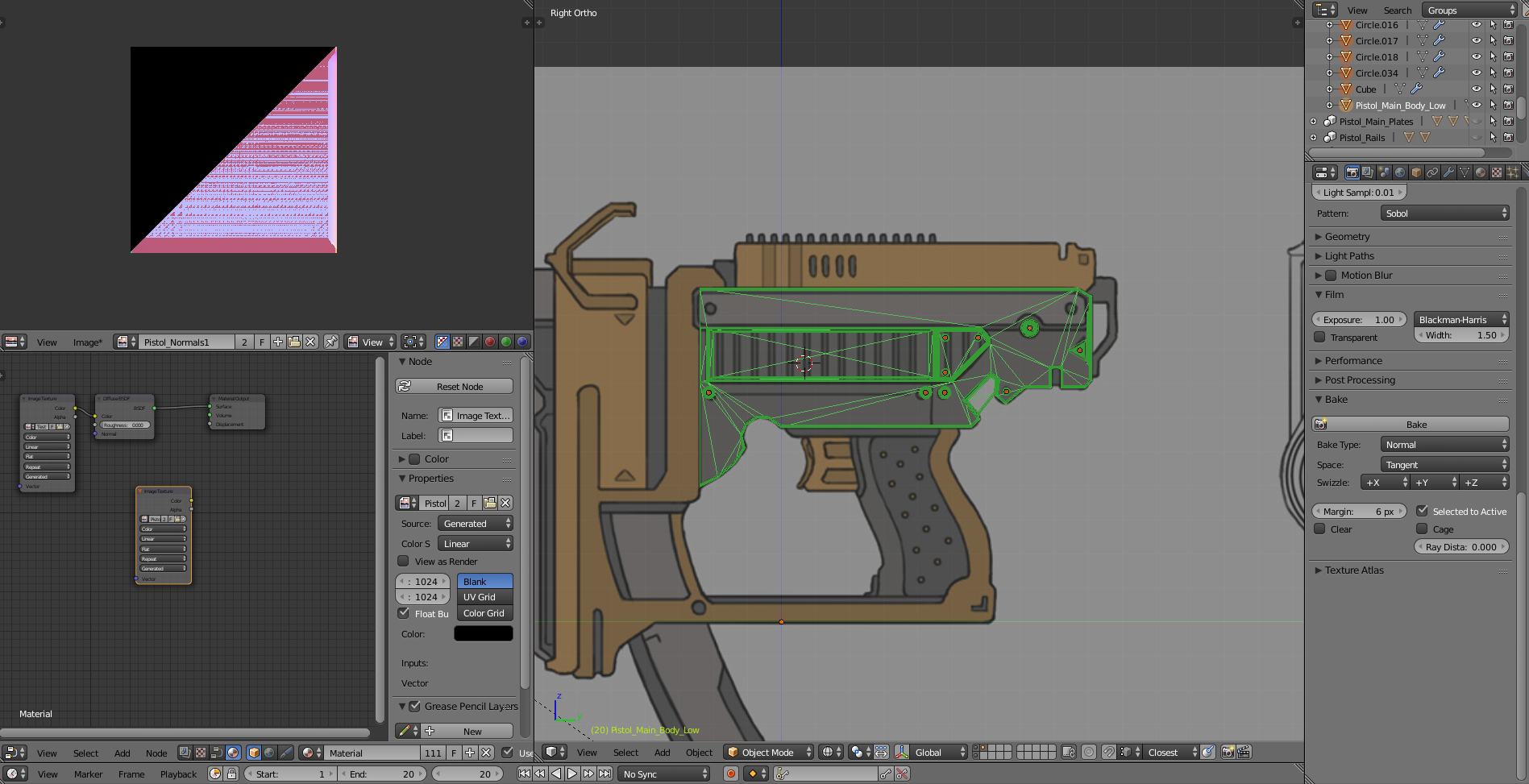
      I followed every step with the same settings and somehow my normals ended up baking like this: 

      I’m completely stumped.

      #29238
      thefrostygecko
      Participant

        so I figured it out, i had to remove some doubles. Now i have some totally different problems, so i did cut some corners with shotpacker and that has caused some issues (probably because i didn’t know how to set it up i was just guessing) so now i have this happening:

        #29239
        Jonathan Lampel
        Participant

          My guess is that there are some overlapping areas with the cage, but if that’s not the case I can look at the file! Just upload it to pasteall.org

          #29240
          thefrostygecko
          Participant

            Okay so i uploaded it to pasteall.org (but i’ll also leave a link to my google drive: https://drive.google.com/open?id=13VkwogfLNyZ1Xxwddt9FMkyhSog4jHBj ) I’m having several issues with it just not baking properly in general and i think i have followed all of the steps to improve the bake but to no avail.

            #29241
            Jonathan Lampel
            Participant

              Ok I’m checking out the file now! Pistol_Sights_Adjust_Dial_LOw and Pistol_sights_Adjust_Low need sharp edges, but that’s not the main thing. What you need is cage objects for the rest of your low poly pieces! Currently your low poly and high poly are directly on top of each other, which will cause all sorts of issues. To make this as painless as possible, try combining all of the pieces that are not touching each other so that you have less low poly and cage objects to deal with. Hope that helps!

            Viewing 5 posts - 1 through 5 (of 5 total)
            • The topic ‘How to fix Normals Baking incorrectly?’ is closed to new replies.