It’s a general question about background images: Some background images – actually not the on provided for this course – look blurry. Loading the same image in connection with an empty results in sharper display. But checking “Only Render” blurs this last-mentioned image, too. Here’s a comparison:
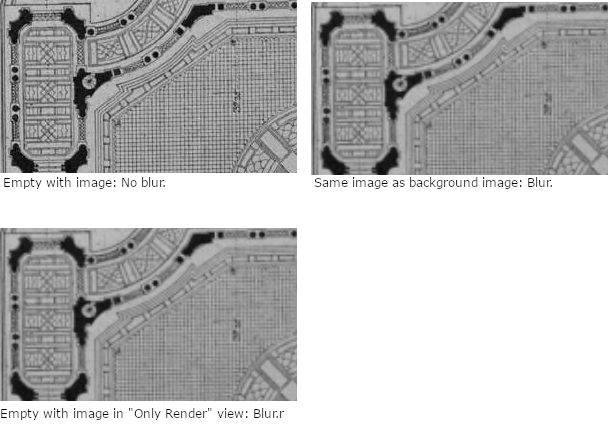
The amount of blur depends on how much you have zoomed in. I also sometimes made the experience that when I was tracing a path on a background image and zoomed in or out, the image more or less changed its position in relation to the path. I suppose that it’s some sort of filtering but I don’t know how to fix it. I’ve already unchecked “Mipmap” under “Preferences => System => OpenGl”, but nothing changed.

.

