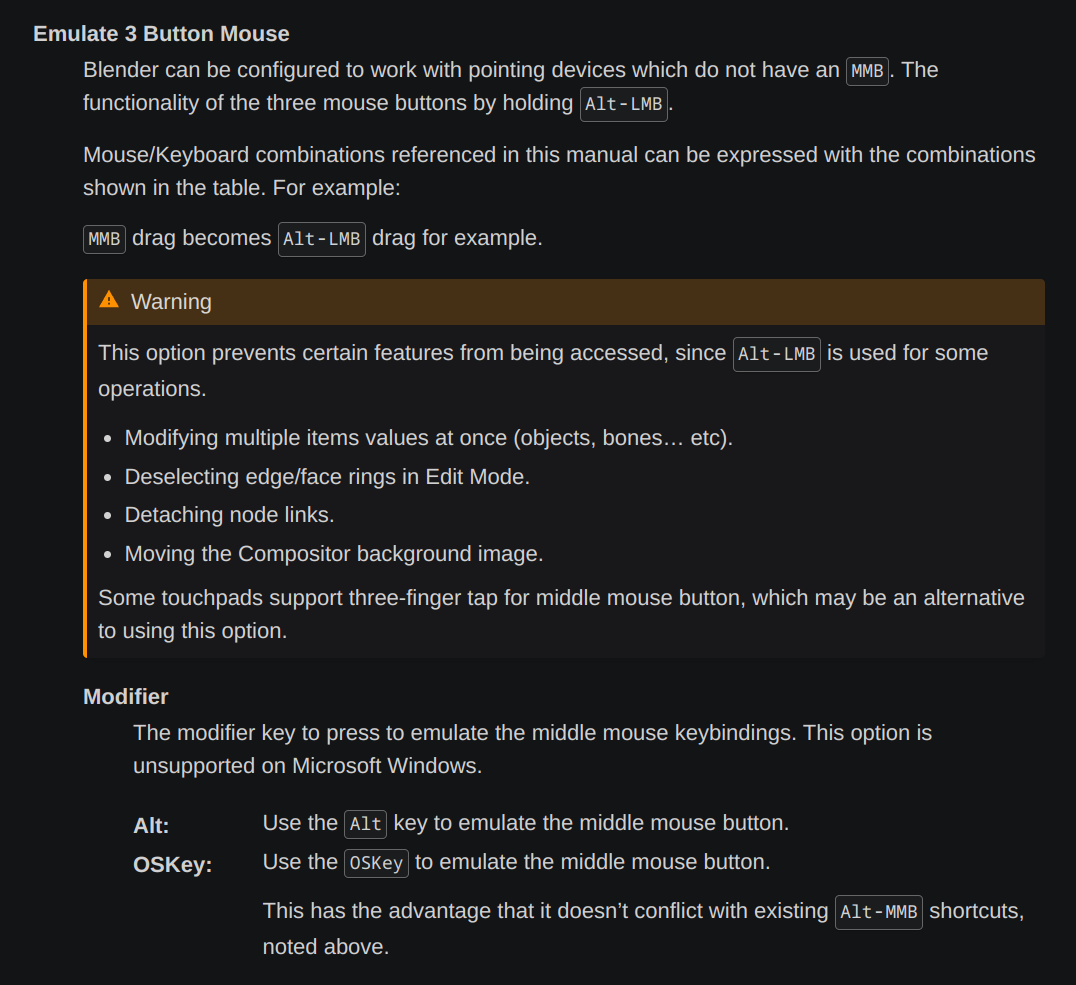
I haven’t tested it on newer versions of Blender, but back in ancient times you could just click in the field type the number then ALT+enter to apply this to all selected when you are using emulate middle mouse button. If you wanted to drag you click and hold mouse button down then press ALT before you start to drag. For dropdown selections you click the dropdown to get the list then hold down on selection then press ALT. For example if you have multiple objects with a mirror modifier and you want to set all of them to the same target object. Click in the object field, press and hold on your selection, then hold alt until after you let go of the mouse button. This will apply it to all the selected objects. I’ll have to test this with 4.2.
***Edit*** just tested on 4.2. All seem to work like it use to, except directly entering a number if the object are different it keeps the offset between them. For example if you have 3 objects and they are 2 meters apart on the axis and enter a 1 on the axis. it moves the active object to the 1, but instead of moving the other objects to 1 it moves them keeping the 2 meter offset.
**Update** click and hold mouse button down on the field. then hold ALT before you let go. This will allow you to enter the number and not have that offset thing happen.

.