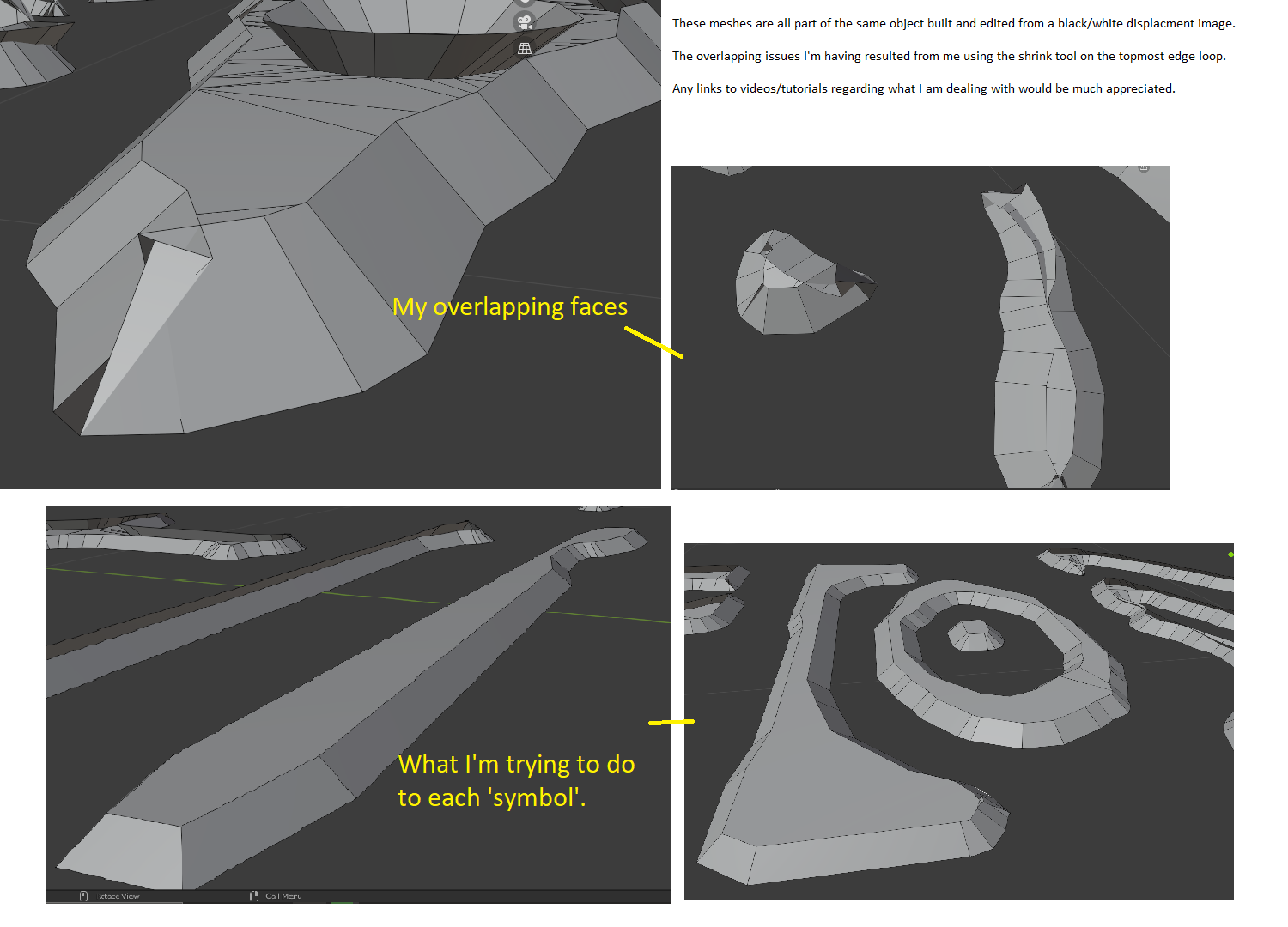
It depends on how bad the situation is; if it’s only a few Vertices, then you can clean them up (by moving and merging them) by hand.
You can also try adding a Mirror Modifier using the Z-axis, applying it and then selecting the center edge loop ALT+S, followed by S, the ‘evenly’ scale along the Normals. Then delete all the bottom Vertices and Scale everytihng back in Object Mode, not on the Z-Axis. But you’ll probably need to separate all ‘symbols into different objects…And it might not work perfectly…
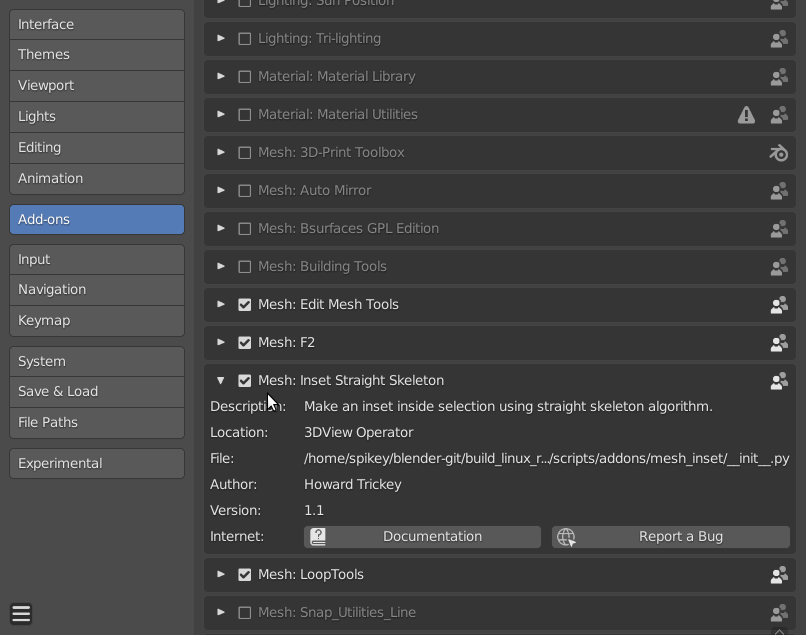
The best way, I know of is, to enable the Addon Mesh: Inset Straight Skeleton that comes with Blender:
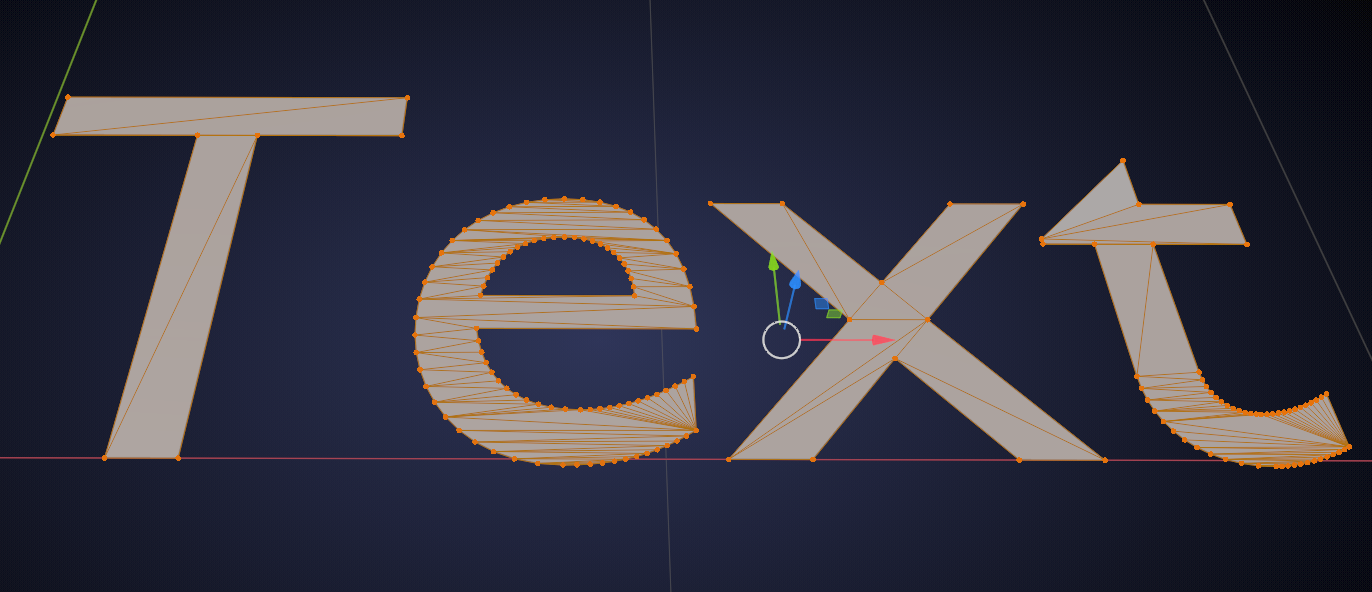
Now delete your top Vertices, so that you are left with a flat Mesh. Like this mess for instance:
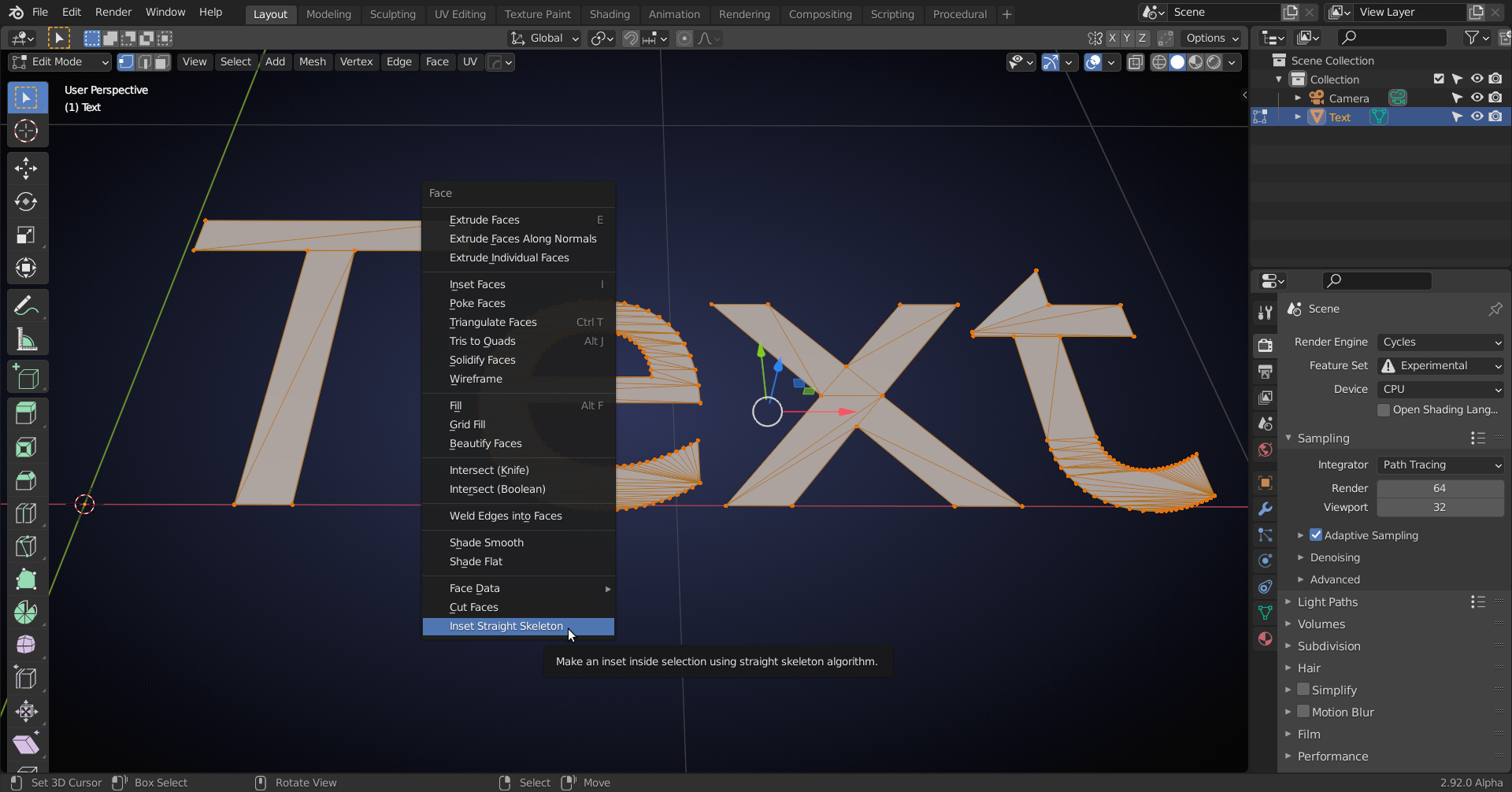
Press CTRL+F > Inset Straight Skeleton:
Press F9 ( or use the Adjust Last Operation Box):
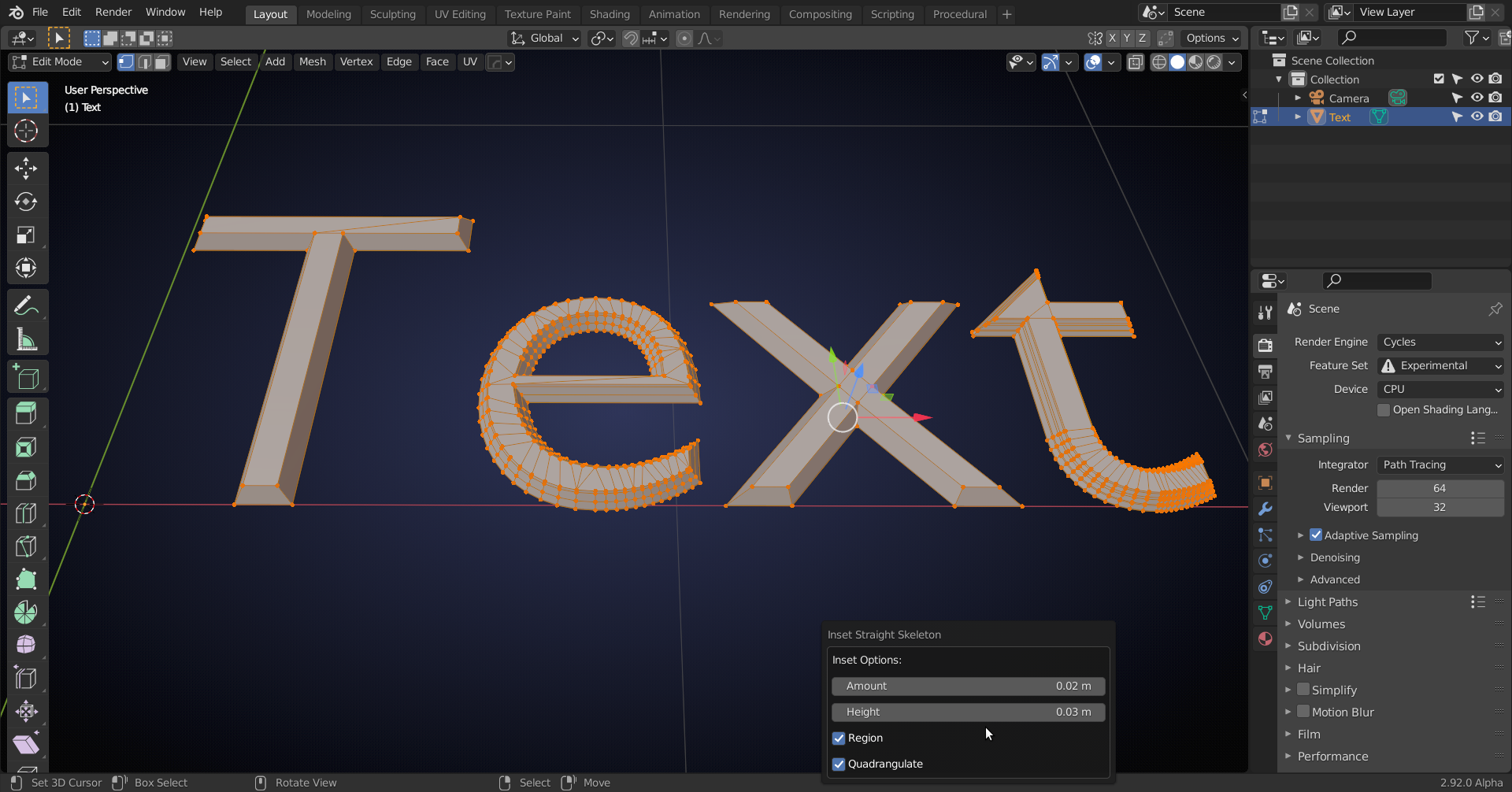
And set the desired Amount and Height. Done:
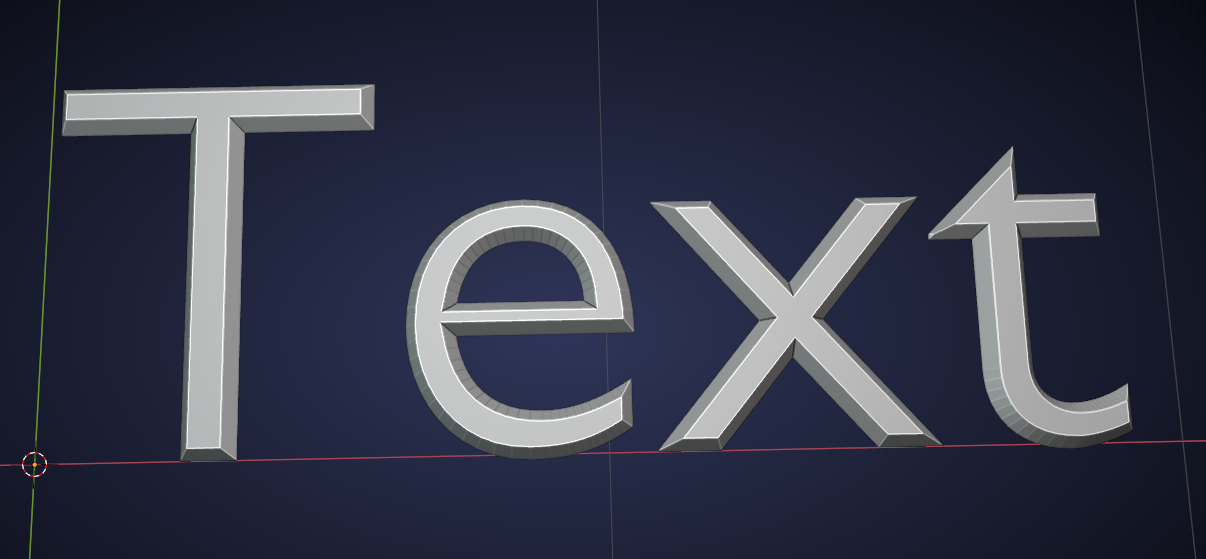
This might not work on all meshes, but this Text Mesh is quite a challenge and it works here…

.