How to add edge loop on cone ?

Forum Archive How to add edge loop on cone ?

Viewing 5 posts - 1 through 5 (of 5 total)
  • Author
    Posts
  • #10709
    Sudeep Singh
    Participant

      I cannot use Ctrl + R to add edge loop in cone, plz help 

      #50915
      Sudeep Singh
      Participant

        thank you, didn’t know we can bevel the vertex 

        #50916
        spikeyxxx
        Participant

          Hi @hellosudeepsingh , no, a Cone consists of triangles, you cannot make an edge loop through CTRL-R.

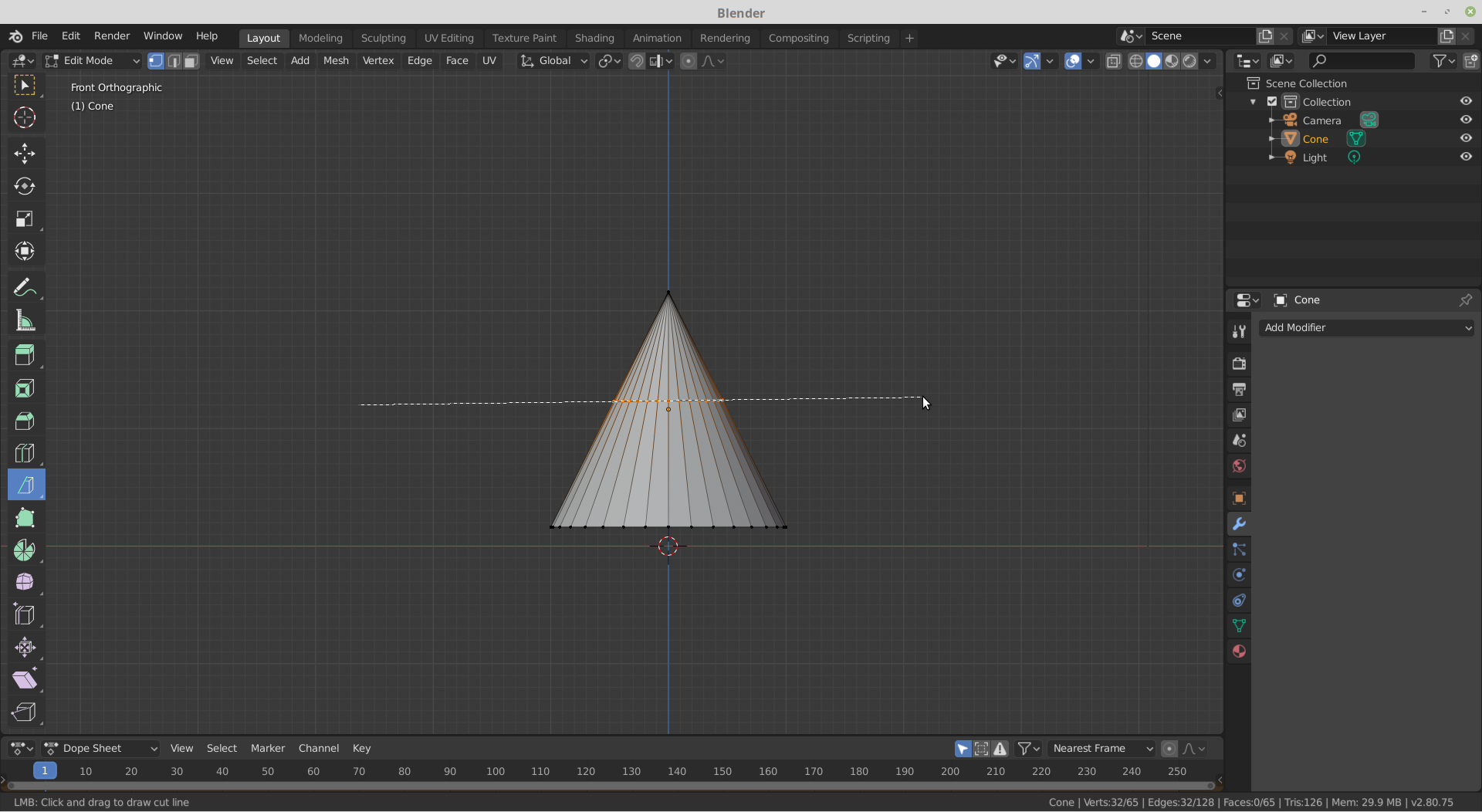
          What you can do, is to go into front orthographic view (if the cone isn’t rotated..) and use the Knife tool:

          Press K (knifecut)  C (constrain the cut to an axis)  Z (cut ‘through the mesh’) and make a straight horizontal cut.

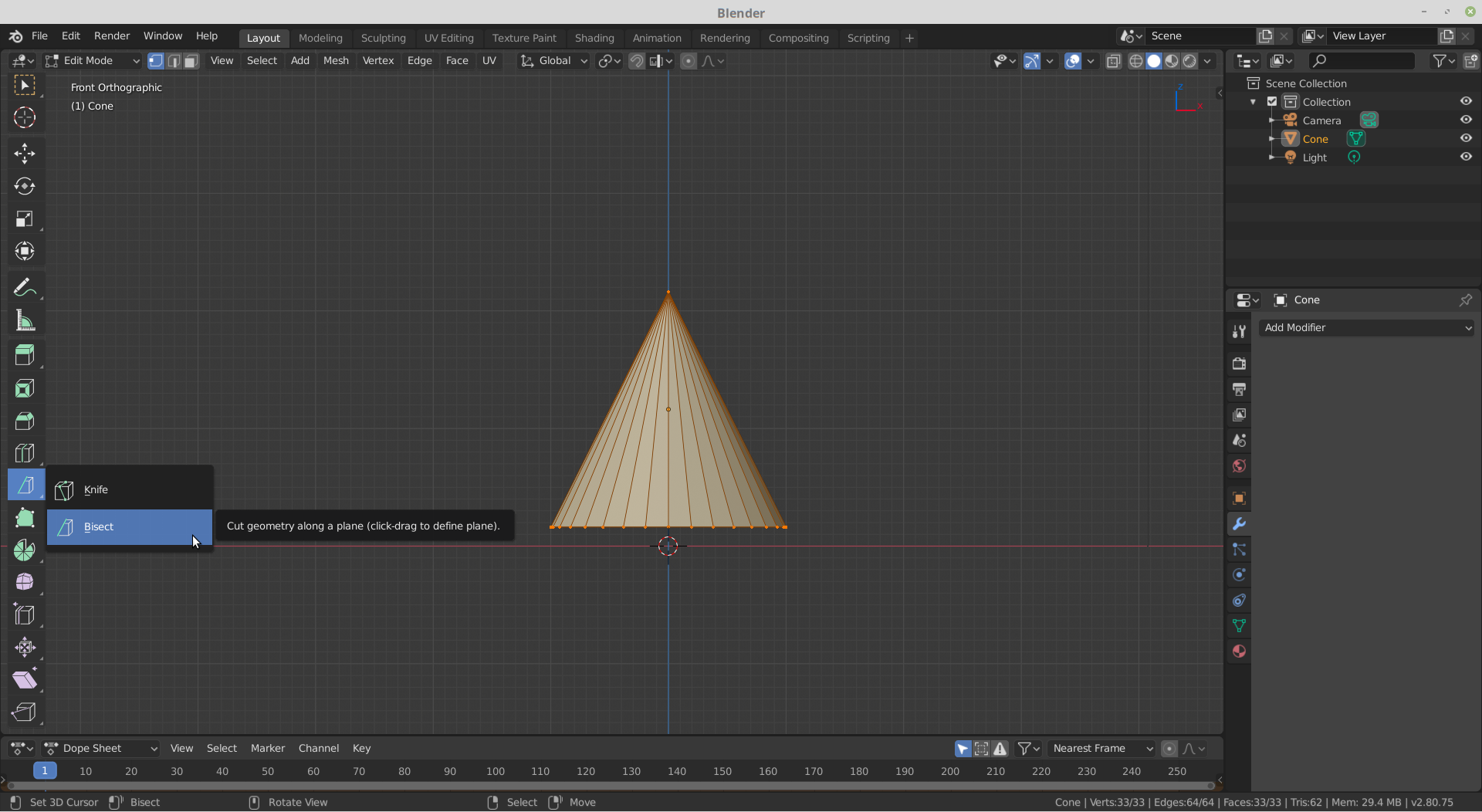
          If you are using 2.80, you can also use the Bisect Tool:

          If that’s not completely horizontal, you can select the ‘cut’ and press S Z 0.

          In both cases, you can use G G to slide the ‘loop cut’ up and down.

          #50917
          Sudeep Singh
          Participant

            thank you sir

            #50918
            spikeyxxx
            Participant

              @hellosudeepsingh , you’re welcome, Jonathan Williamson’s way is probably easier;)

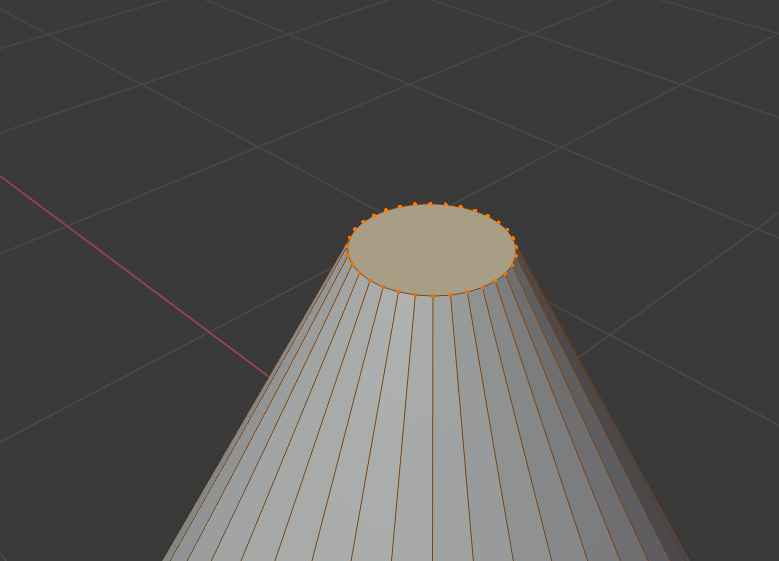
              To bevel a vertex, select the vertex and press SHIFT CTRL B.

              You will however lose the point of the cone that way….

            Viewing 5 posts - 1 through 5 (of 5 total)
            • The topic ‘How to add edge loop on cone ?’ is closed to new replies.