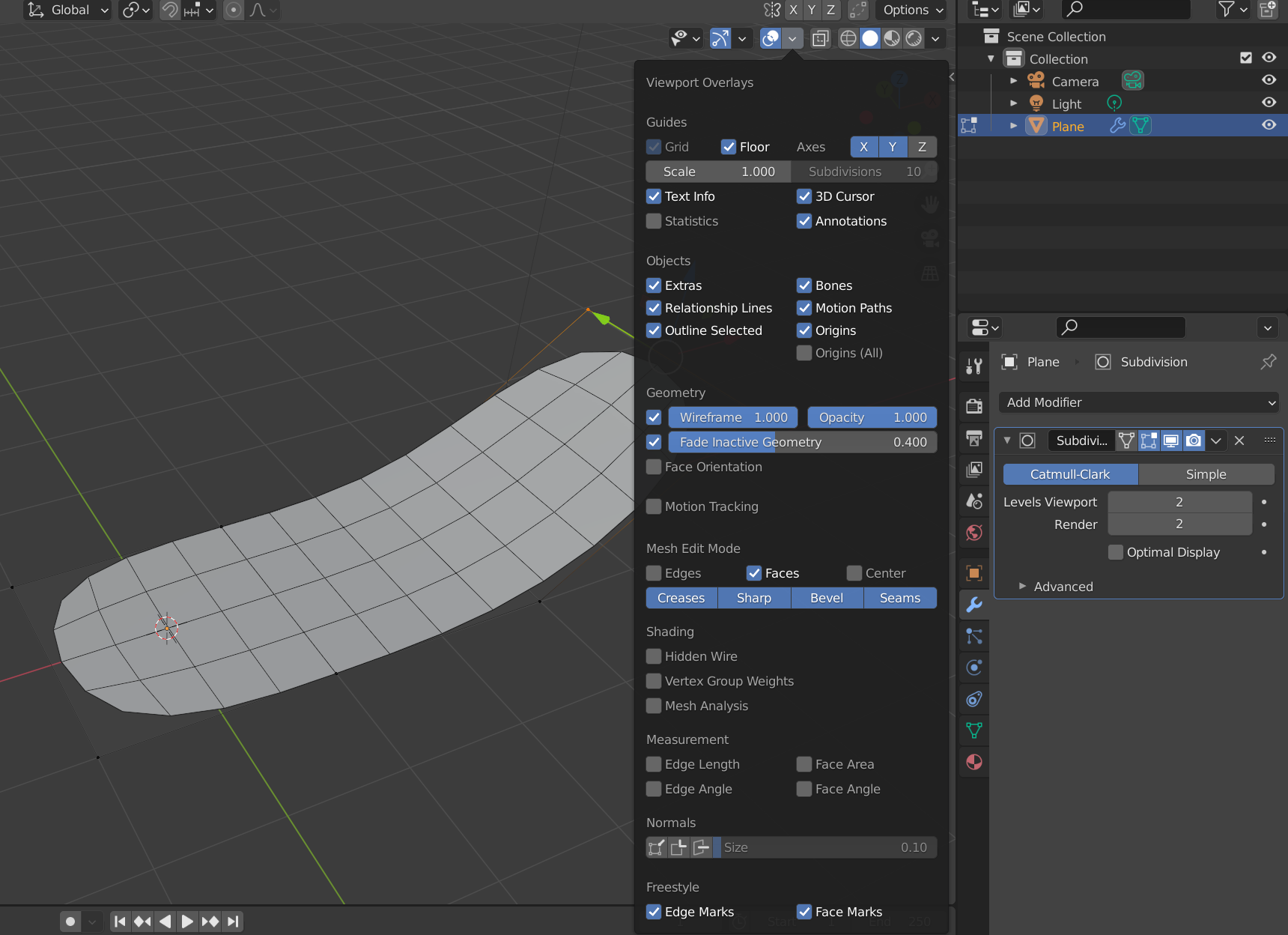
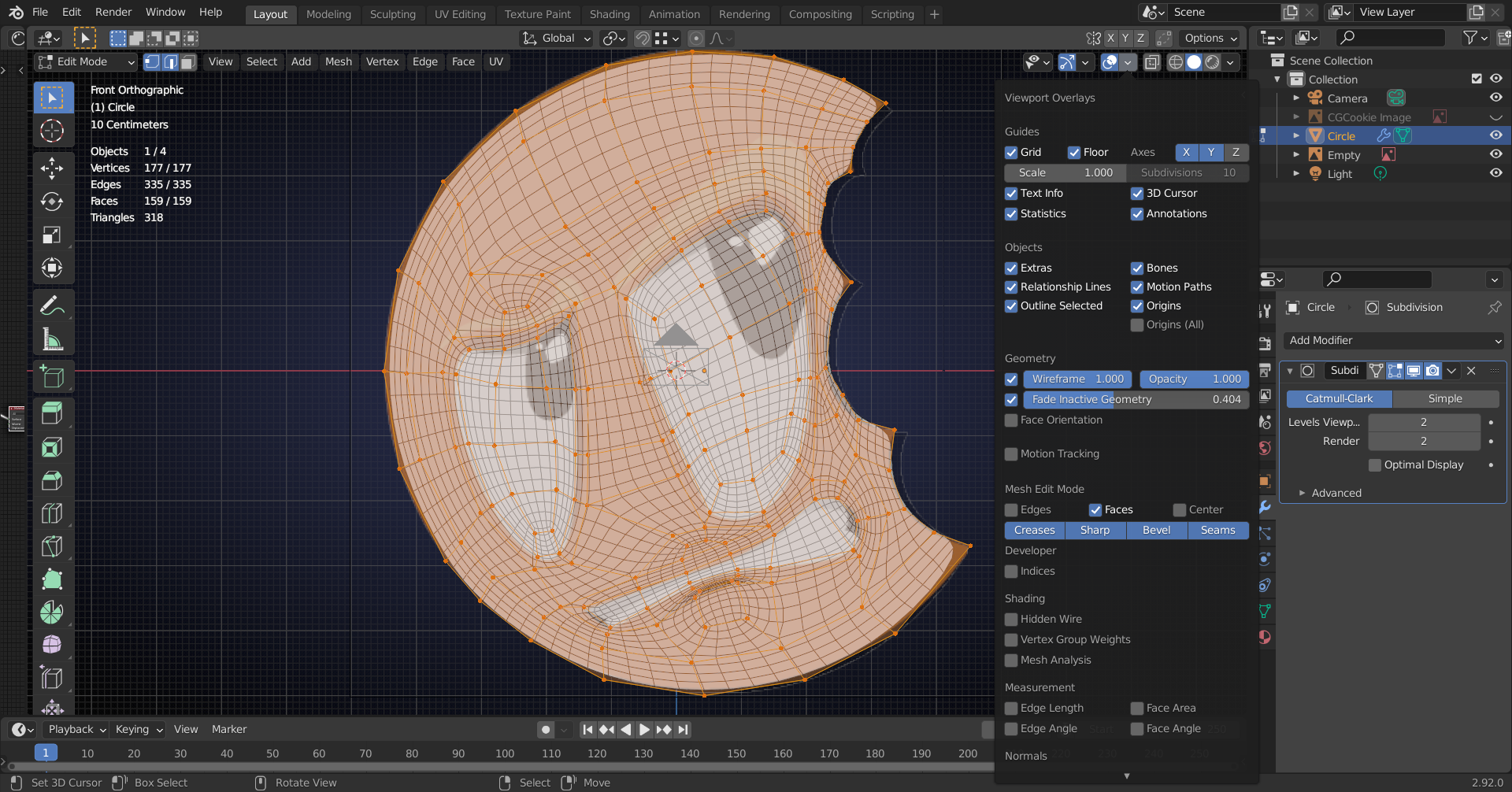
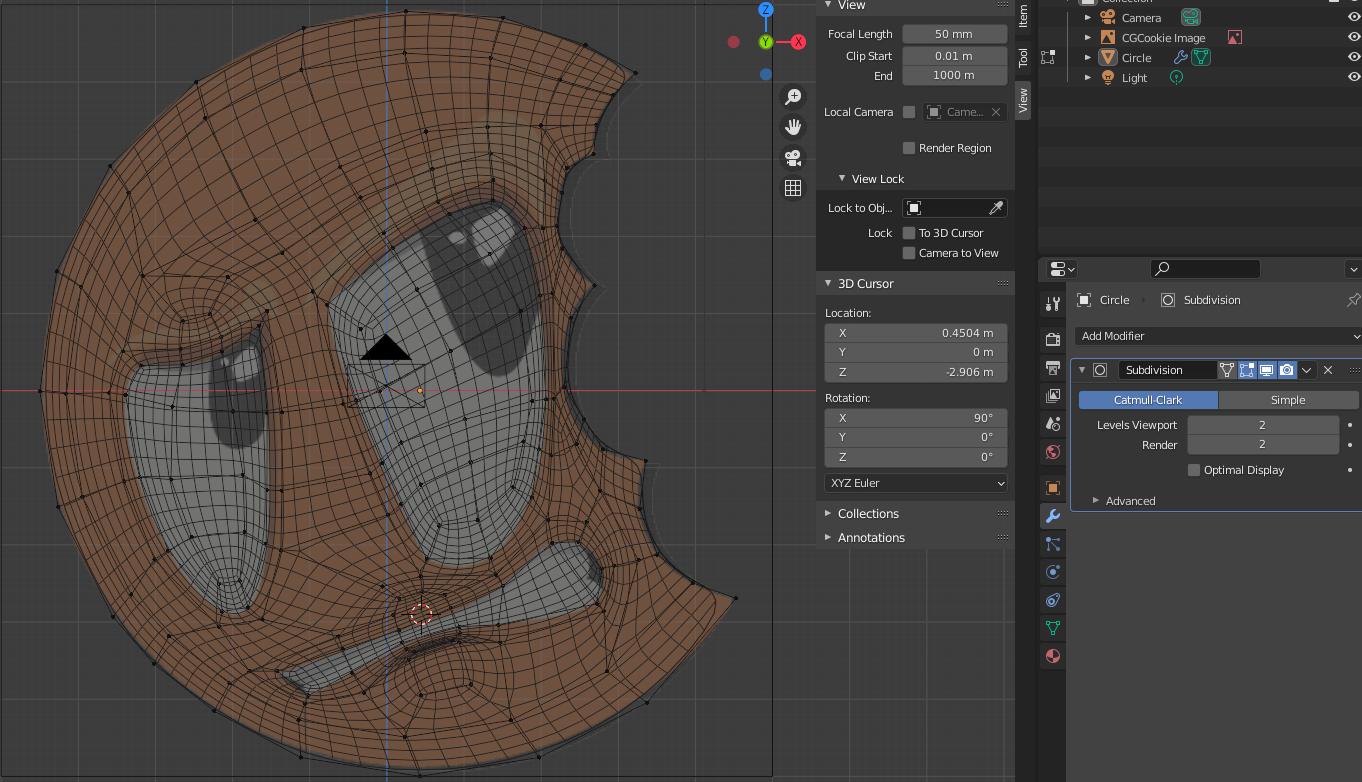
I’m following along with this tutorial on Blender . At roughly 3:35, you show the underlying topology wireframe with subdivision surface on. With Blender 2.92, I can’t seem to get the subdivision surface wireframe to show at all, no matter what I do. I unchecked “optimal display” on the modifier, checked “all edges” and “wireframe” in the object properties, and enabled wireframe in the viewport overlay, but none of these seem to fix the issue. It doesn’t show with either solid or wireframe viewport shading.
This is obviously inconvenient, since I won’t be able to tell how the underlying topology looks with subdivision turned on unless I were to apply the modifier. If anyone knows how I might be able to fix this, that would be great. I can provide additional screenshots if necessary.
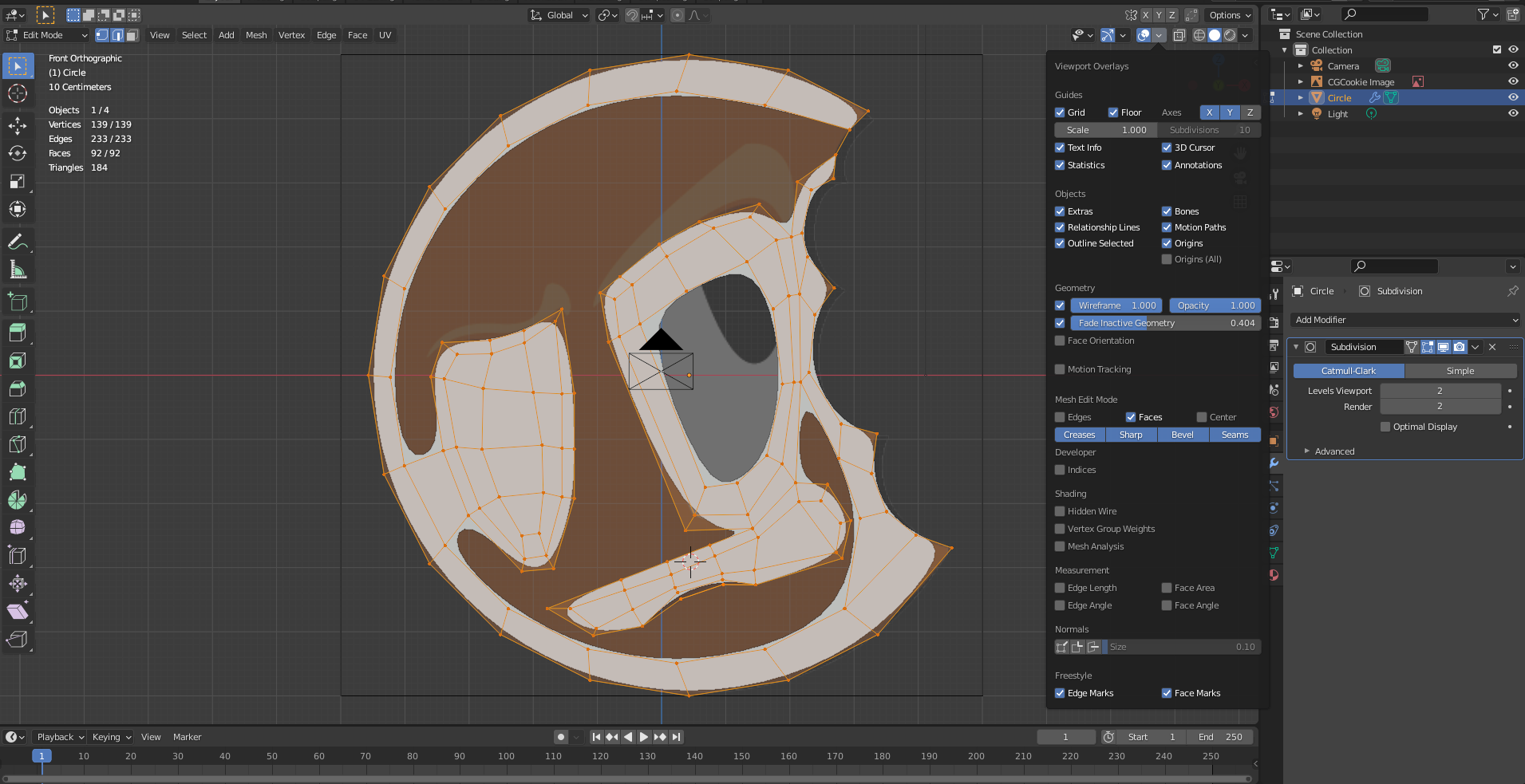
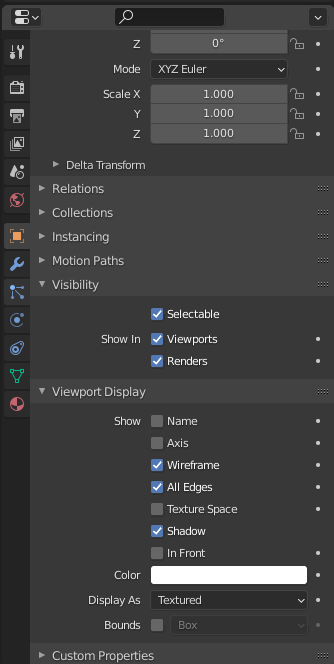

.