How do I get the animation paths in the graph editor to match?

Forum Archive How do I get the animation paths in the graph editor to match?

Viewing 10 posts - 1 through 10 (of 10 total)
  • Author
    Posts
  • #15579
    Craig Wieland
    Participant

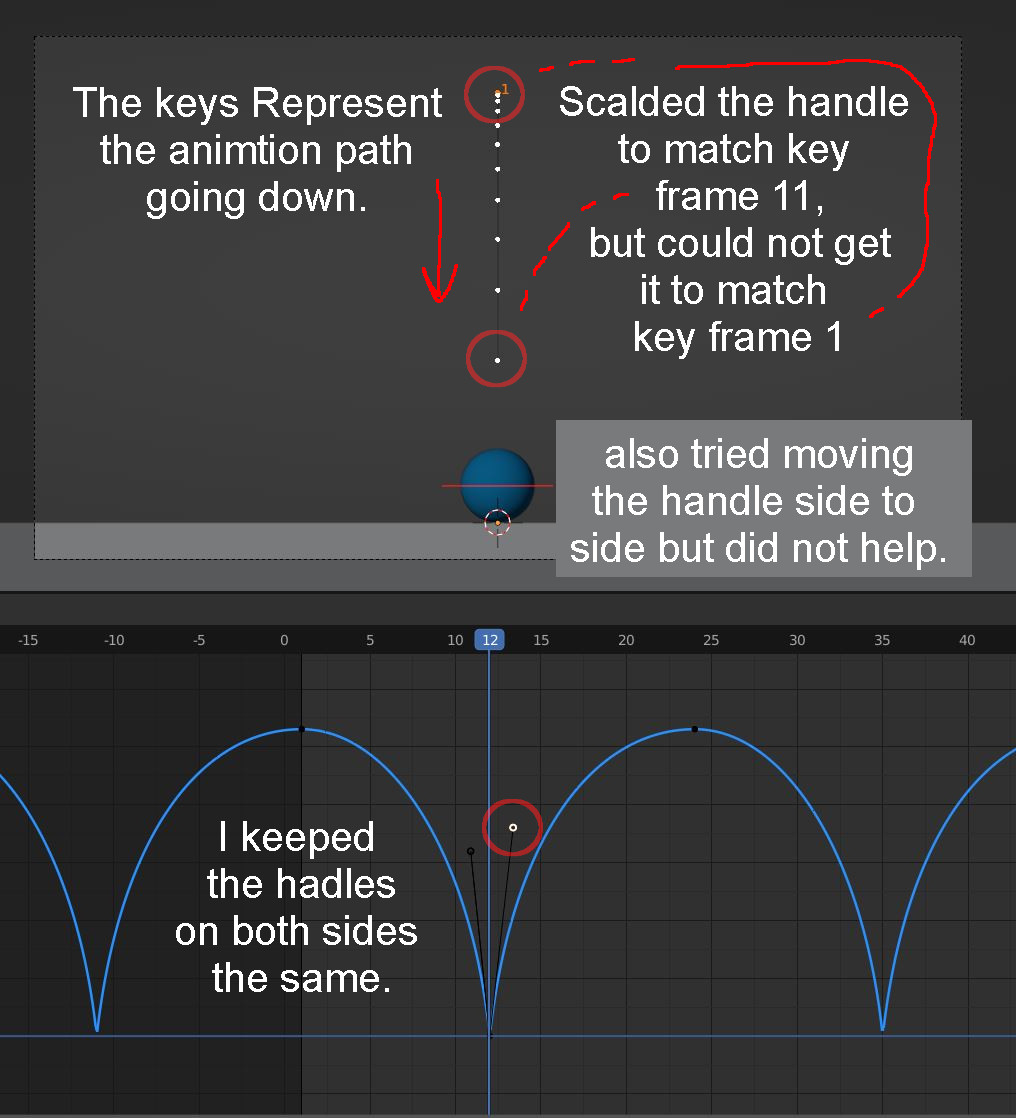
      I want to get the spacing the same with the ball traveling down to match the spacing going up. I am using the Graph editor and scaling the handle to match frame 11, but when I do this it will not match frame one. What can I do to make the up and down animation path identical? 

      ch2_ex1_question.png

      #76056
      Martin Bergwerf
      Participant

        Hi @CCWieland ,

        I think you made a mistake in counting: Frame 1 is up, Frame 12 is down, that would mean the next top is on Frame 23 (you have it on 24) and the next down on Frame 34 (you are on 35)….

        #76057
        Craig Wieland
        Participant

          Thank you.

          #76058
          tanya
          Participant

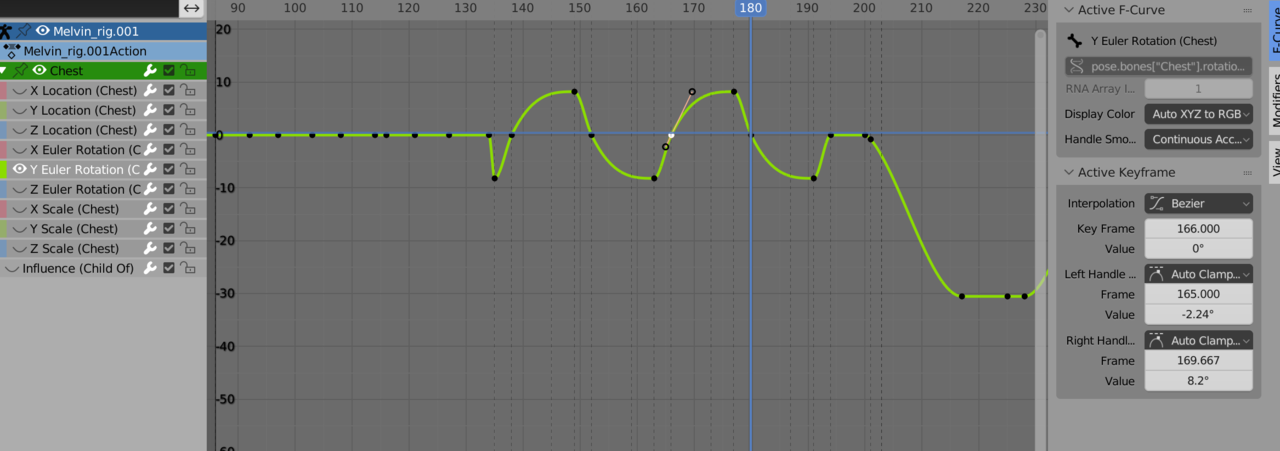
            Hi –  I know Martin answered your question, but this might help in the future.  You can set the handle values using using F-Curve in the graph editor.

            trashme.png

            Also it is sometimes easier to just work with the motion paths, to try to get the motion you. want.

            #76059
            Omar Domenech
            Participant

              Also if you want a keyframe to be the same in a given frame number, you can also Shift + D in the timeline to duplicate the frame and with G to grab, enter the number of frames you want that moved and they will be identical.

              #76060
              Craig Wieland
              Participant

                Thanks you all, I appreciate the help. I am going to screen record to show you what I am attempting to do. I think that is the best way to ask.

                #76061
                Craig Wieland
                Participant

                  here is my video question.

                  https://youtu.be/sFevC63h-rg 

                  #76062
                  Martin Bergwerf
                  Participant

                    Hi @CCWieland ,

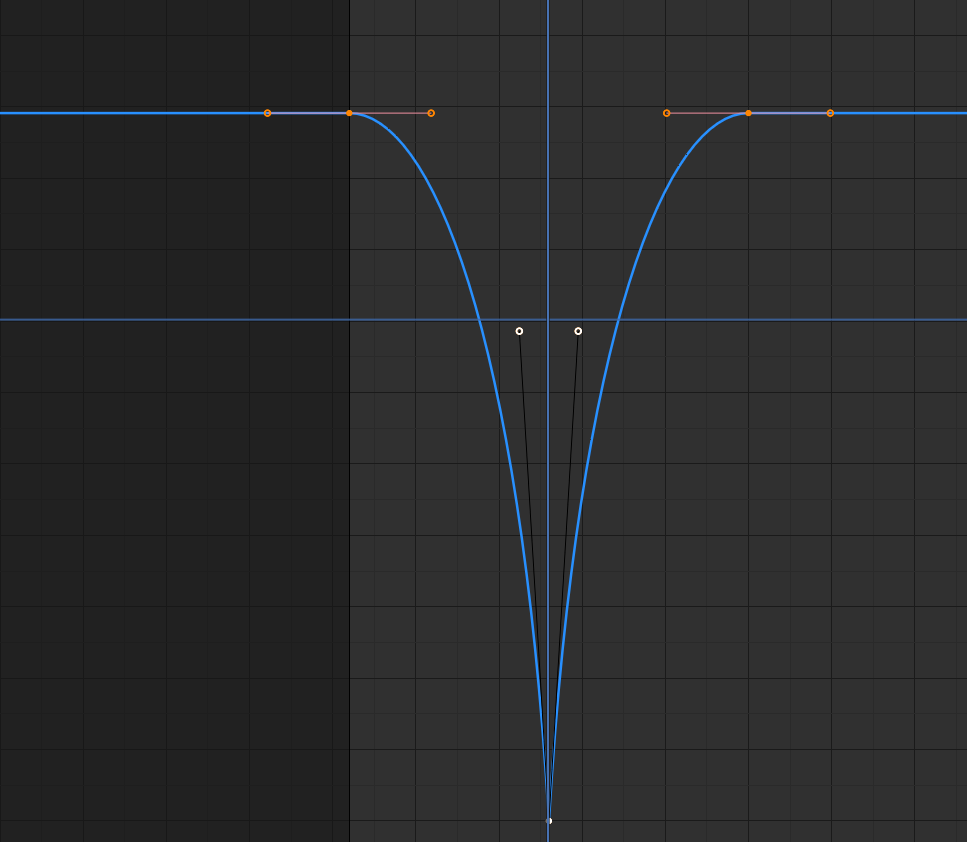
                    If you match the handles exactly, then you get what you want, but there are three keyframes that can influence the curve:

                    Handles.png

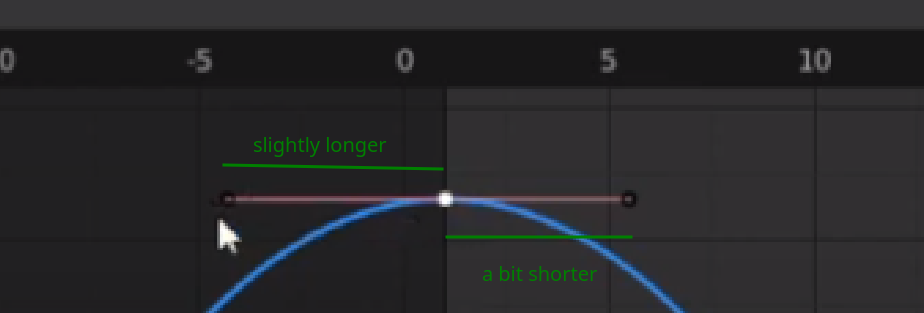
                    I think that your handles on keyframe 1  are not symmetrical/matching keyframe 25. If you have perfect symmetry in all your handles around frame 13, then the curves will also be symmetrical and therefore the Motion Path will match.

                    #76063
                    Martin Bergwerf
                    Participant

                      Your handles:

                      Handles_1.png

                      #76064
                      Craig Wieland
                      Participant

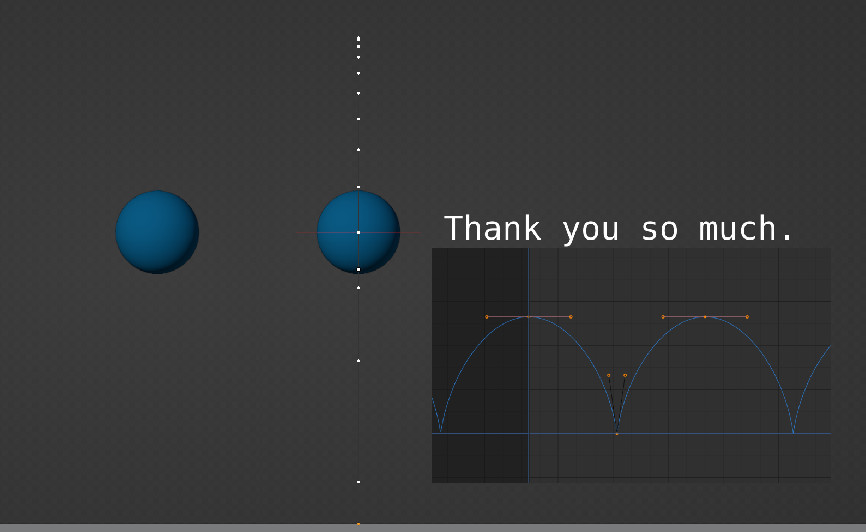
                        Thank you Martin that helped so much. Thank you as well Tanya, and Omar. 

                        thank you.jpg

                        https://youtu.be/qLKHaZzHJig

                      Viewing 10 posts - 1 through 10 (of 10 total)
                      • The topic ‘How do I get the animation paths in the graph editor to match?’ is closed to new replies.