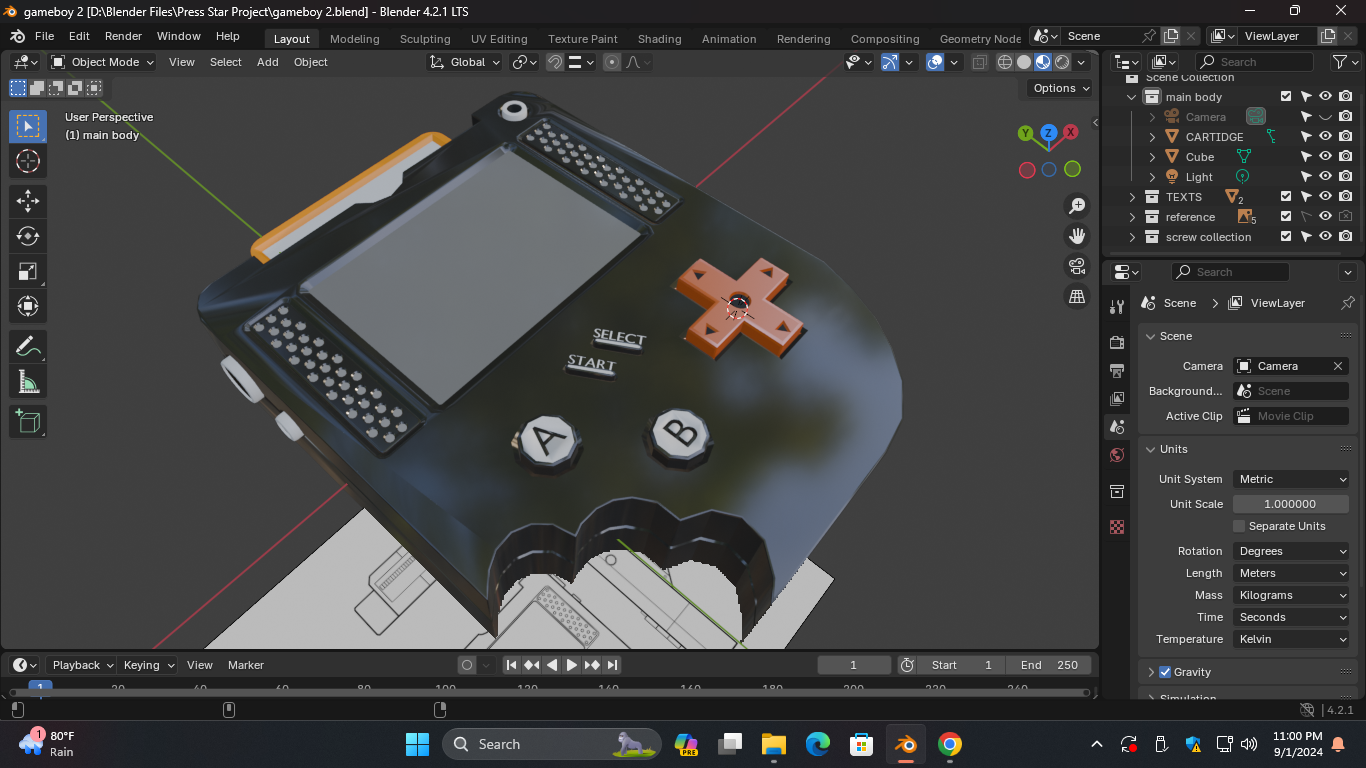
How do i get rid of these

Forum Archive How do i get rid of these

Viewing 5 posts - 1 through 5 (of 5 total)
  • Author
    Posts
  • #18603
    Jann Raqui Tome
    Participant
      #88847
      Martin Bergwerf
      Participant

        Hey Jann,

        What exactly do you want to get rid of?

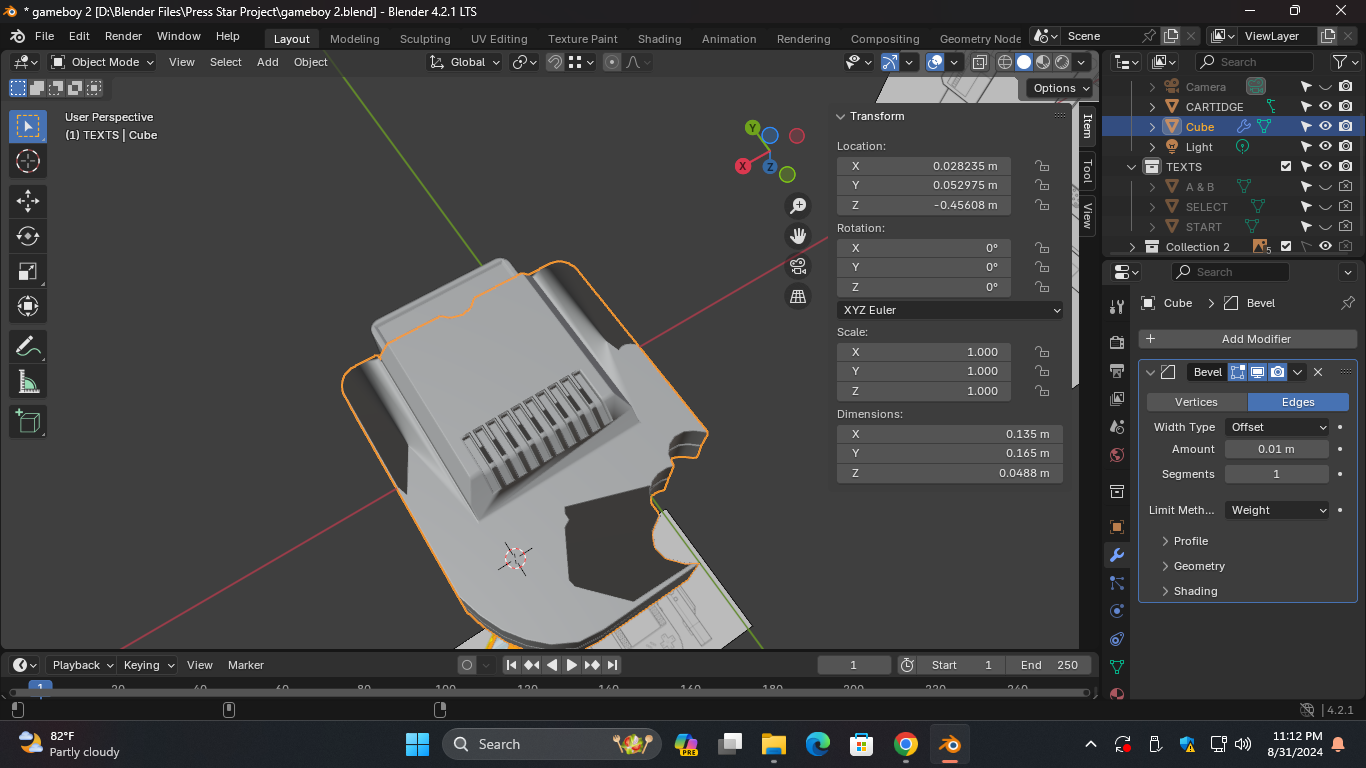
        Just by looking at your screenshot, I’d say, it’s probably best to just get rid of the whole model and start over; it looks like there is quite a lot wrong with your ‘Cube’…

        If you want, you can upload your .blend file to Googledrive, Dropbox, or so and post a link here, then we can have a look.

        #88848
        Omar Domenech
        Participant

          Hello Jann. I agree with Martin, the model looks like has a lot of bad topology and mistakes that got piled up along the way. Don’t worry, it’s perfectly normal, we all have to start over at the beginning of our Blender journey and even after you’re an expert. It is much better to start from scratch than to try and fix it all, you learn much more, your brain retains a lot of the knowledge and you do things much faster and have much less brain fog and things start to click and you suddenly get it. 

          #88849
          Jann Raqui Tome
          Participant

            Thank you for the reply. I solved the problem. It wasn’t in Auto shade smooth. So I shaded it flat and applied “auto shade smooth”.

            #88850
            Adrian Bellworthy
            Participant

              It still looks like you have some shading issues, check for double vertices, and some of the flat faces (surface) may not be flat. All the vertices that make up one flat surface need to be aligned in the Z axis.

            Viewing 5 posts - 1 through 5 (of 5 total)
            • The topic ‘How do i get rid of these’ is closed to new replies.