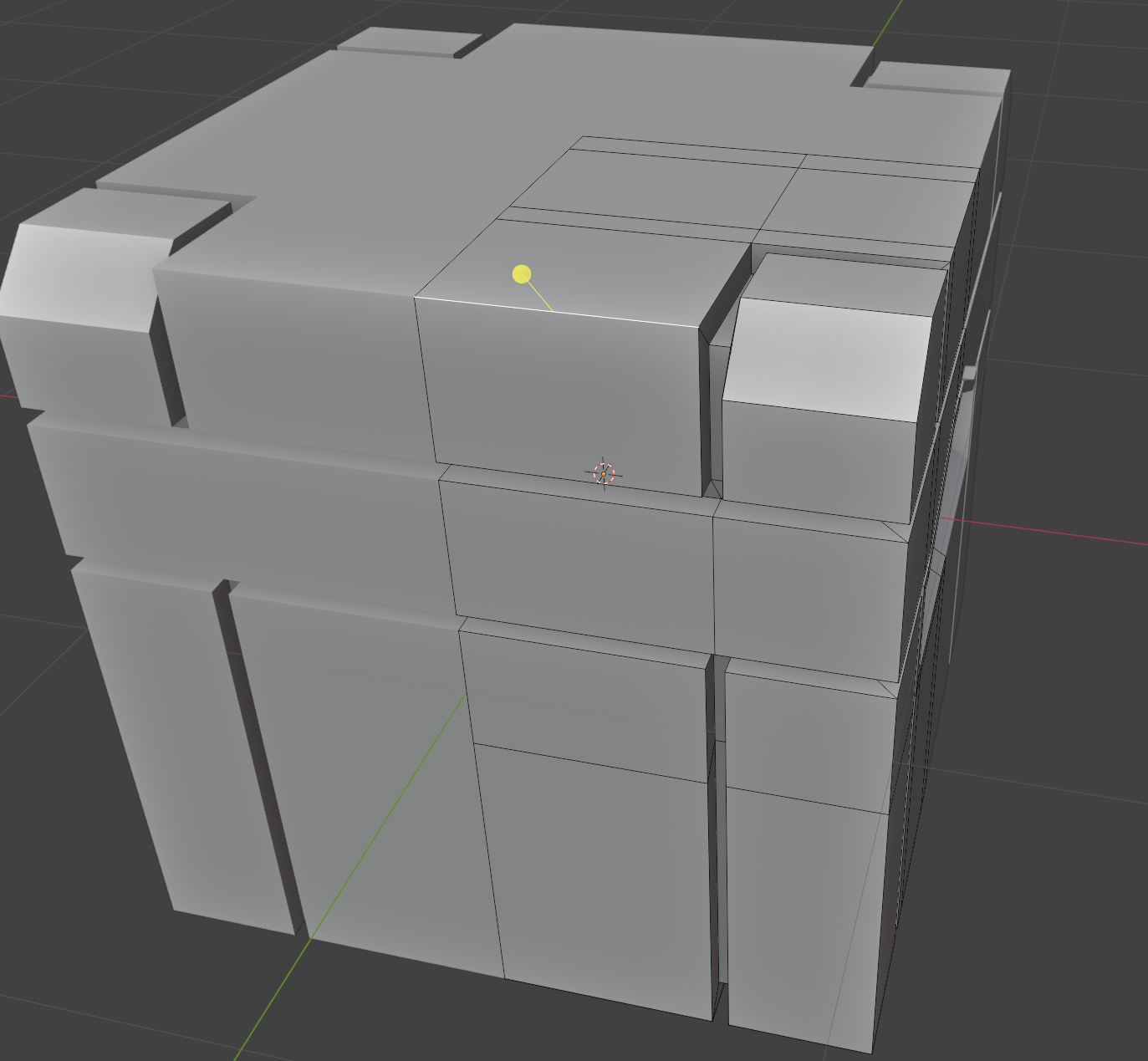
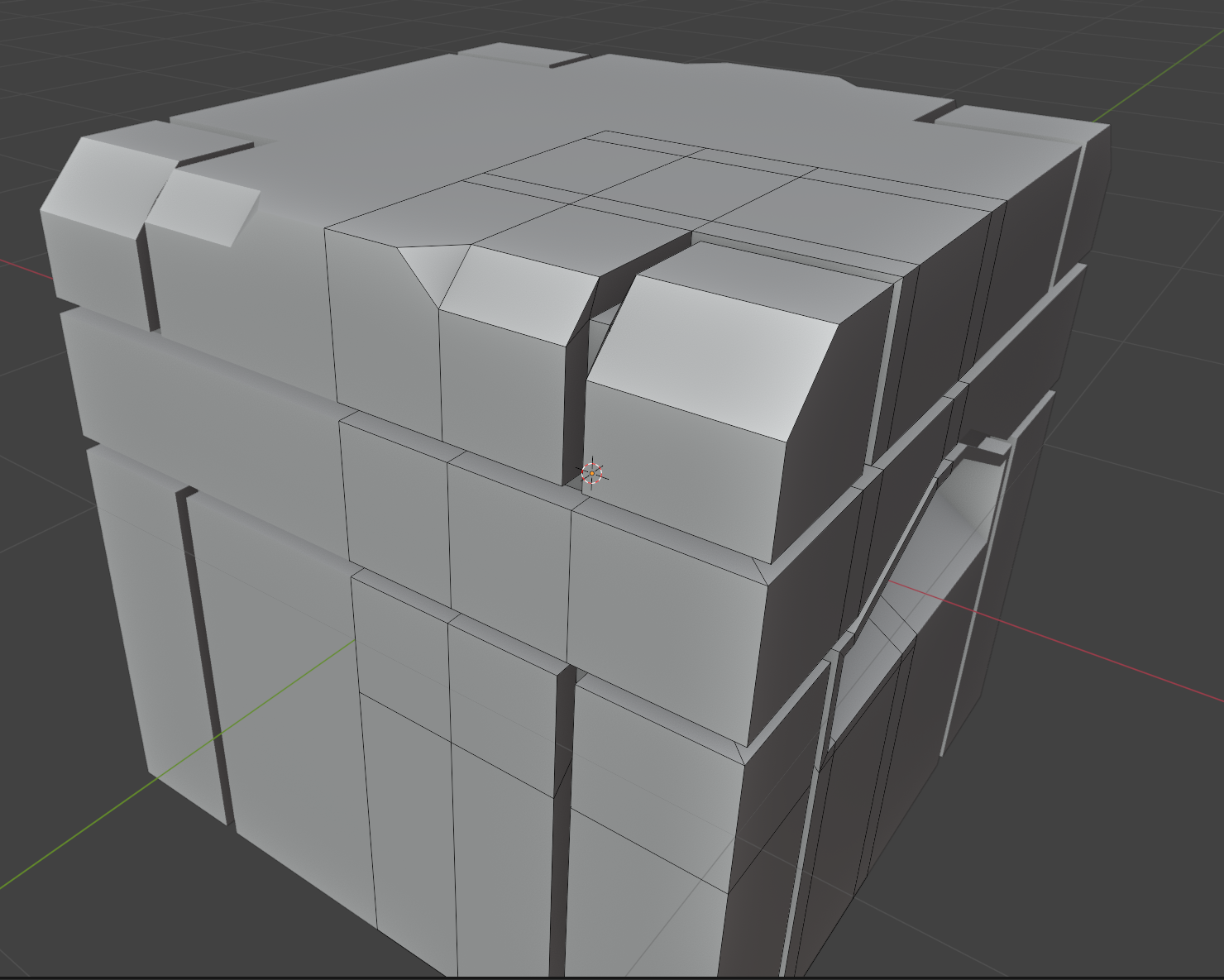
I have seen that the teacher bevels both edges. But How would I go if I just want to bevel the one shown in the picture. If I do this this is re result:
and this is not what I want. I need the other edge to stay untouched.
Sorry, I uploaded the wrong image as the first one. My fault. The first picture shows what edge I want to bevel. Thanks!
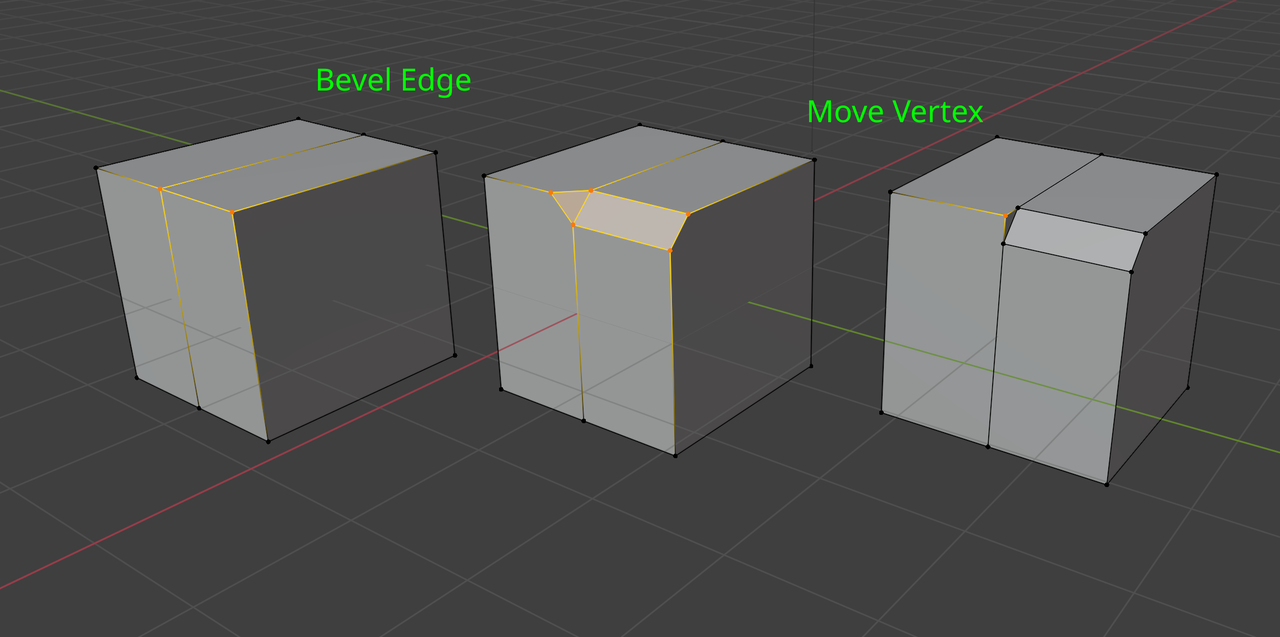
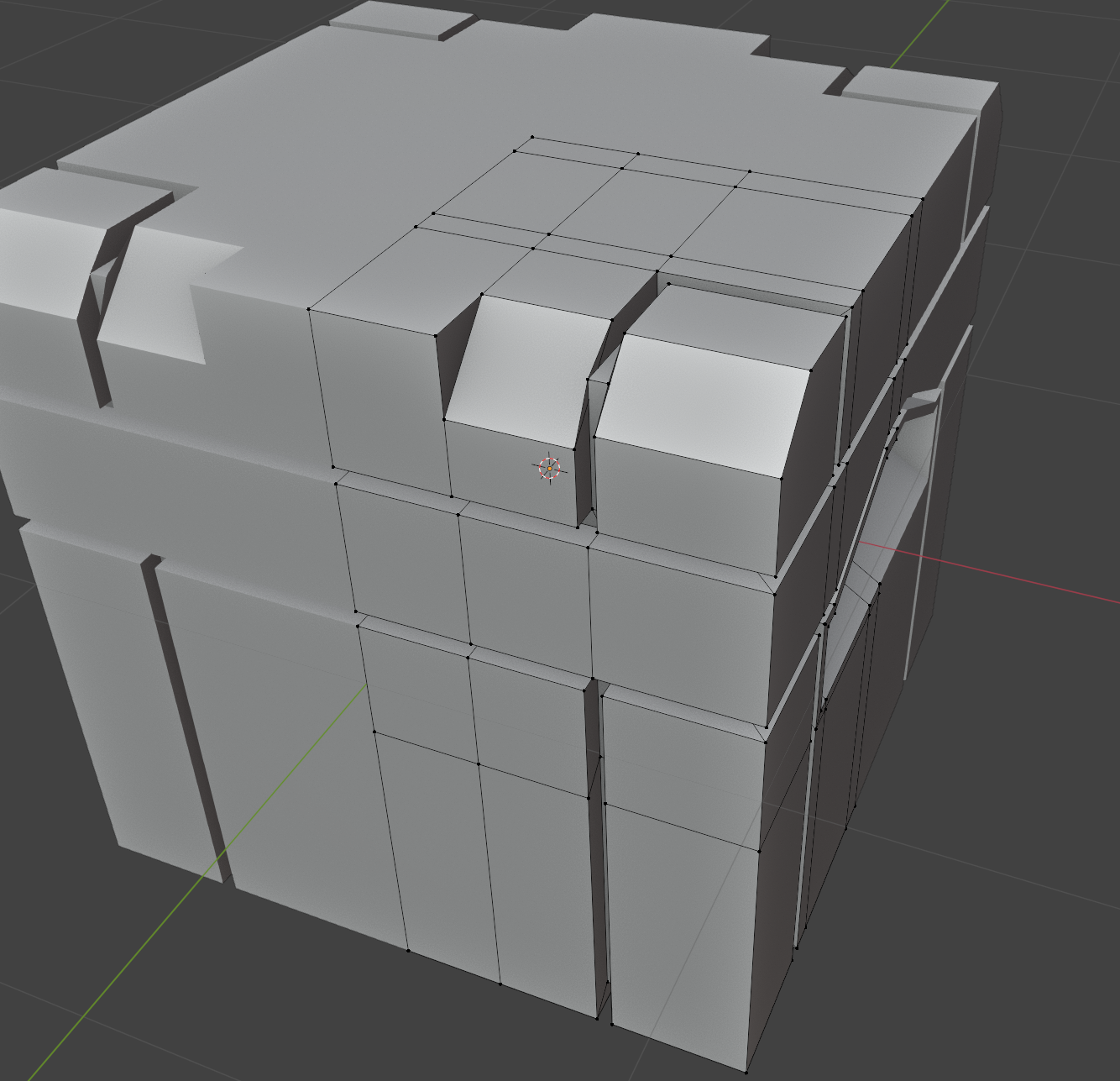
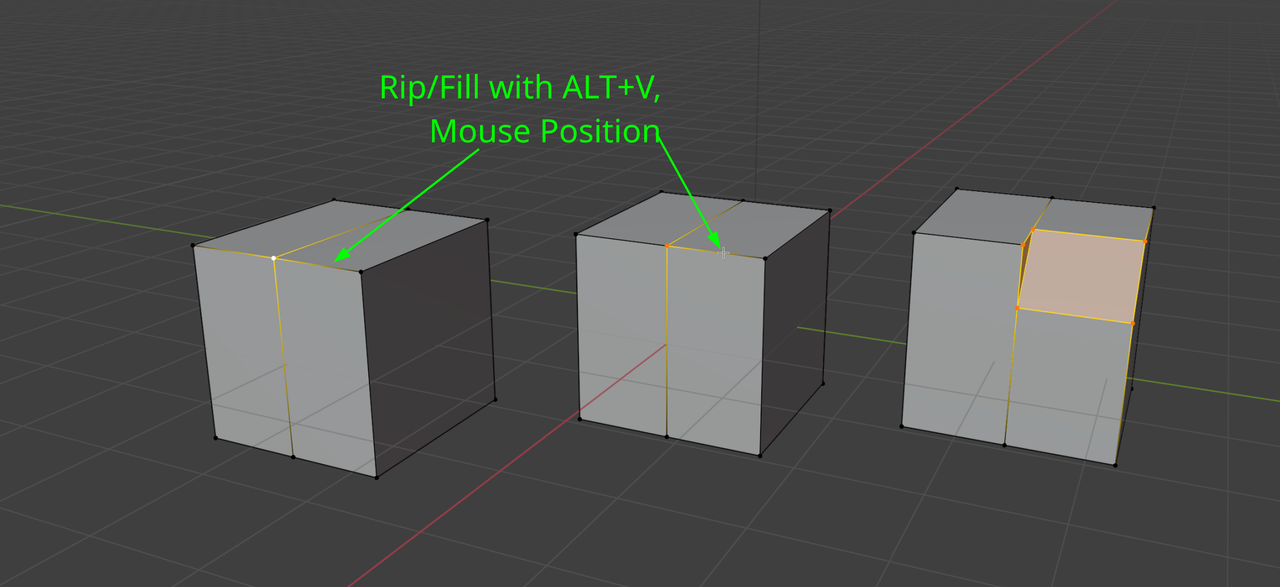
By the way, I discovered that moving the vertex would fix it (As Martin Bergwerf suggested), but shouldn’t it be like this from the beginning?. Why is it moving the shared vertex away of the bevel?
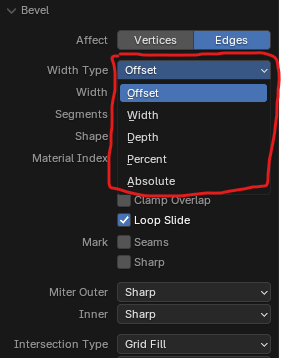
I guess that’s just how the Bevel works, it’s how the tool has always worked and no one really questions it and we just go along with it. There’s a couple of bevel types that might come in handy: