How can I recreate the same view as you while texture painting? Blender 2.83

Forum Archive How can I recreate the same view as you while texture painting? Blender 2.83

Viewing 10 posts - 1 through 10 (of 10 total)
  • Author
    Posts
  • #12865

    It’s tough to see even in LookDev/Material Preview, and I’ve disconnected the Color in the node temporarily (less distracting for me). Can only see at certain angles of where it’s being painted(vaguely). Is there a better way to do it? Blender 2.83 

    #60757
    Kent Trammell
    Participant

      A lot has changed about texture painting visualization with 2.8x. To see the general process demonstrated, I recommend this course and/or this livestream.

      But more specifically, do you mean the “shadeless” mode where you’re only painting the pure color information?

      While we figure this out it’s probably best if I can troubleshoot your .blend file. If you post a download link to your .blend file I’ll be happy to take a closer look. The best way to do this is by saving a version of your blend file after packing the textures with it by going to File > External Data > Pack all into .blend. Then upload your file to Dropbox, Google Drive, Mega, or equivalent file hosting service then copy + pasting the share link here.

      #60758

      Thanks for replying! Will check out that course after this one. 

      Specifically at the 04:17 [4 minute 17 second] mark of the video where you disable shadeless, using the GLSL preview to paint metalness while being able to see the bump map. Also recently changed to Blender 2.9.

      Not sure why there’s an extra Untitled image in there, just ignore that.  Blender crashed while doing this lesson so treat it as if I just started this part of the lesson.

      https://drive.google.com/drive/folders/1NzExqLG2PyHx3CN-SUDTlQXnlSCbgJAU?usp=sharing

      (Ignore the horrendous design/color scheme lol, not much experience texture painting)

      #60759
      Kent Trammell
      Participant

        Ignore the horrendous design/color scheme lol, not much experience texture painting

        Hey don’t be shy about it! The design is unique and interesting but most importantly looks like you’re having fun with it. Hopefully learning a lot as you go to. Keep it up 👍👍

        In playing with your file it looks like texture painting in Solid viewport shading mode is basically the same thing I was doing in the video: Meaning texture painting one specific texture (as decided by selected texture slot) with a little openGL shading over it. 

        The difference being material preview displays all the textures working together according to the final material.

        #60760

        Haha definitely having fun, enjoying the lessons a lot. 

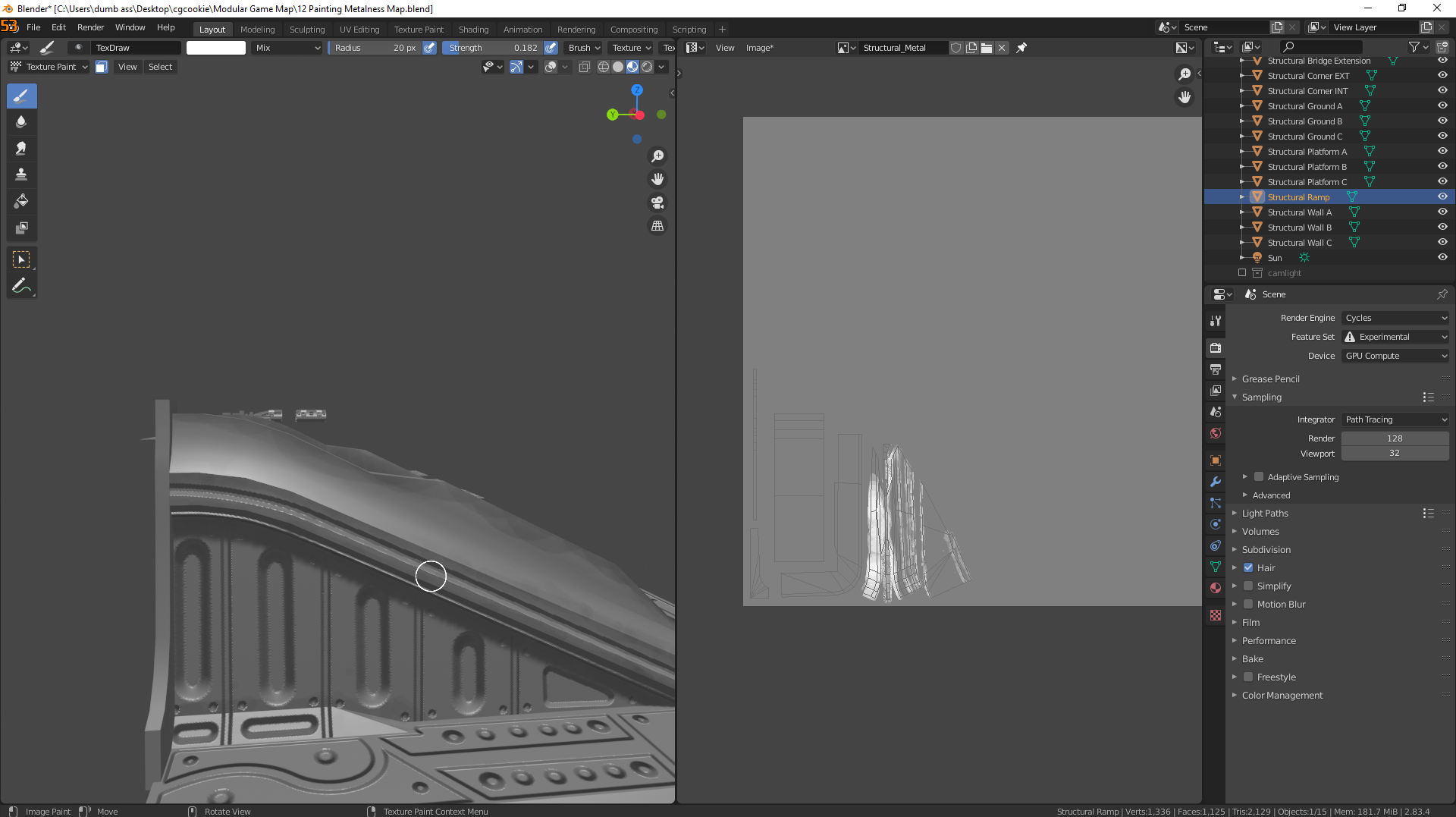
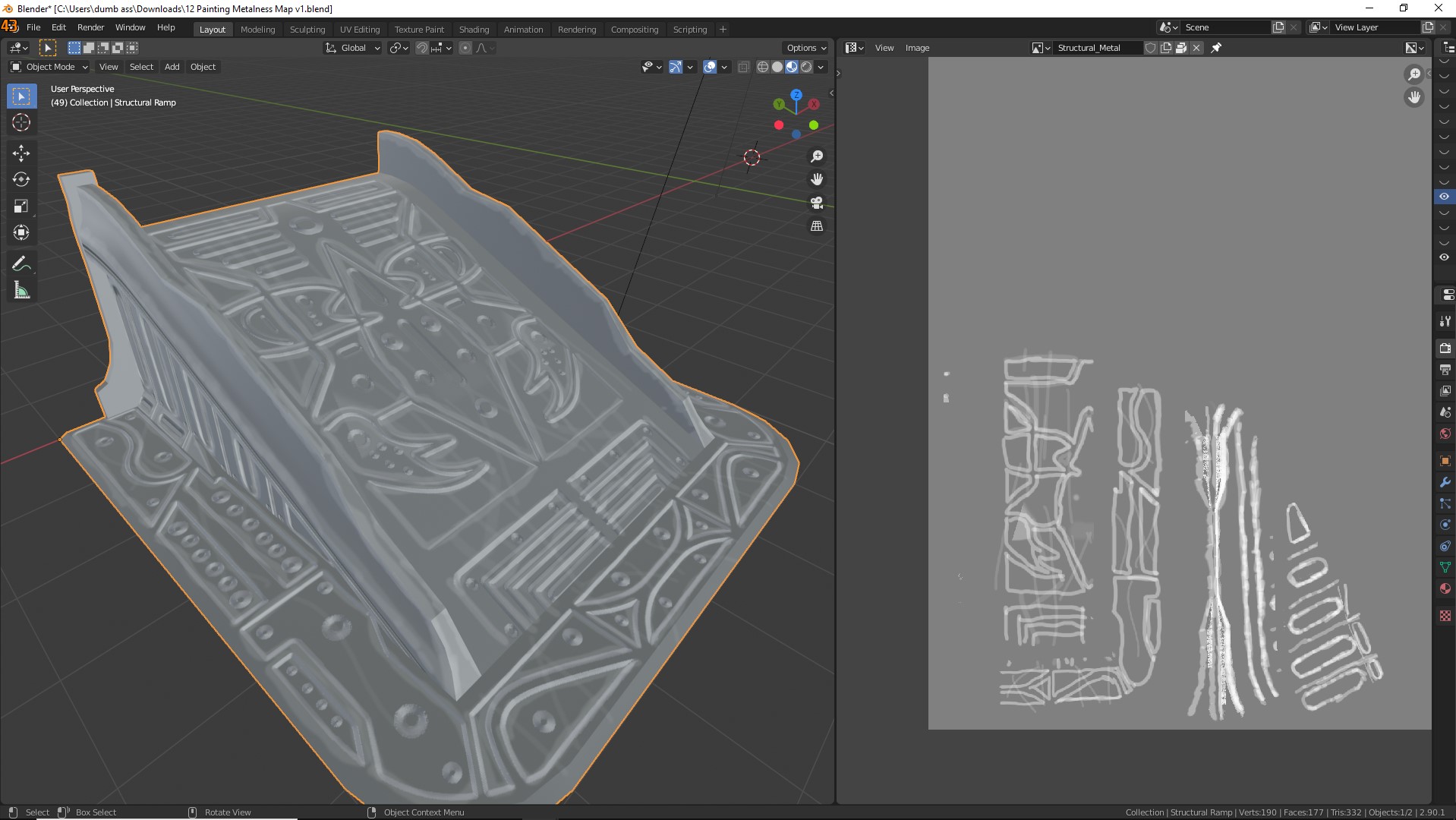
        Sorry if I wasn’t being clear enough, I meant to recreate  this view:
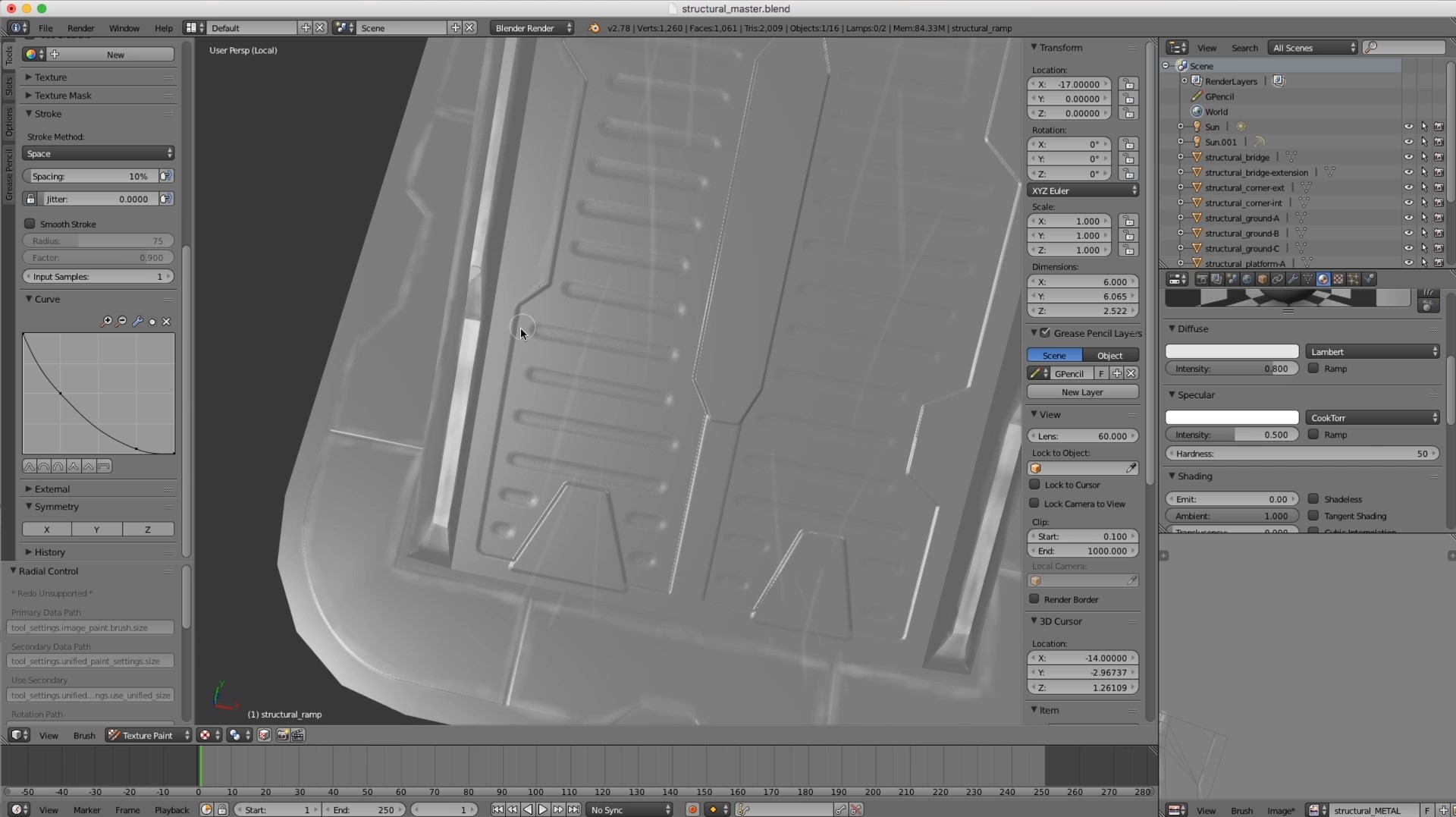
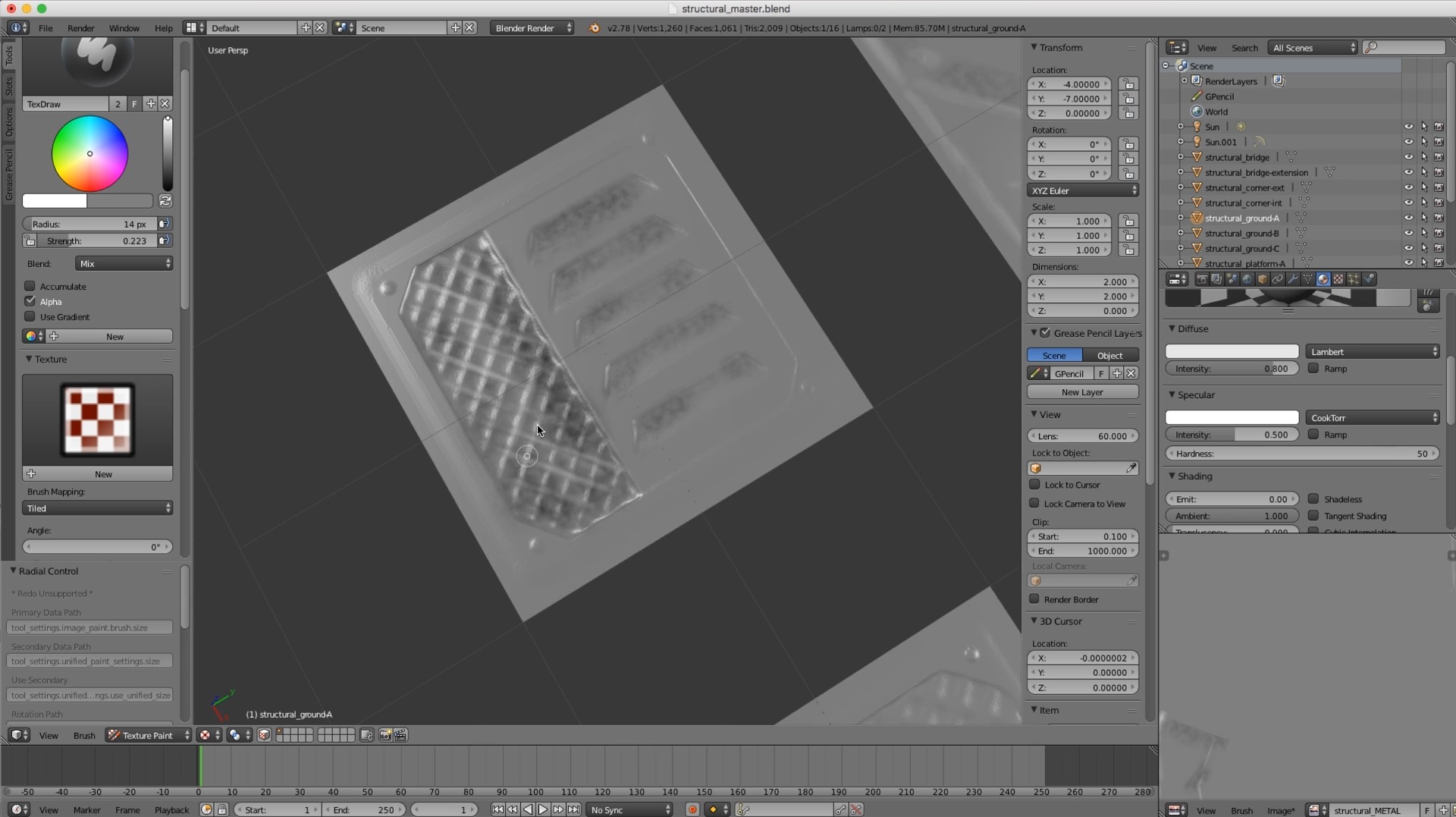
        Being able to paint metalness in accordance to the bump map.

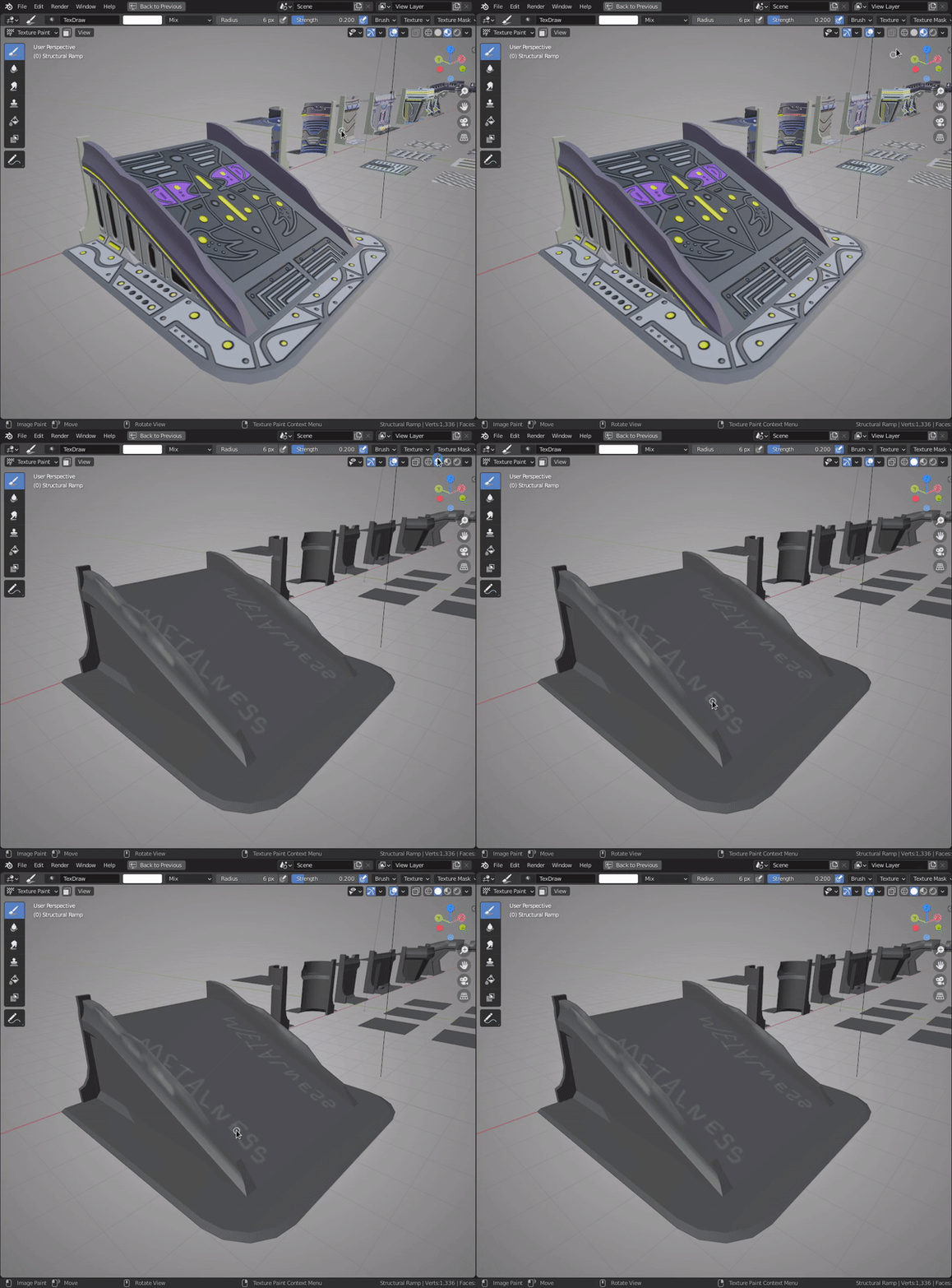
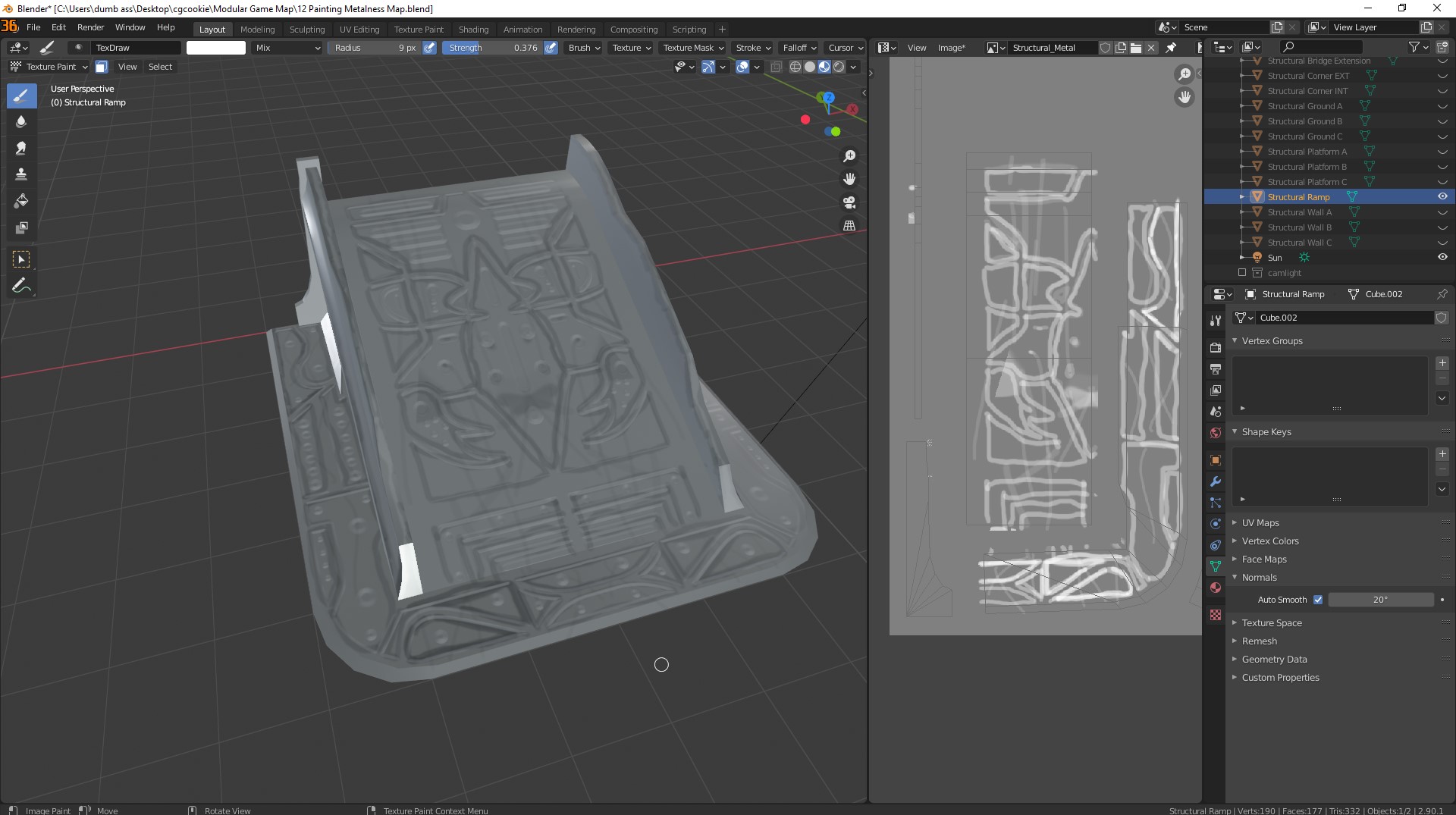
        Whereas in solid shading  you can’t see the bump map, only the metalness:  
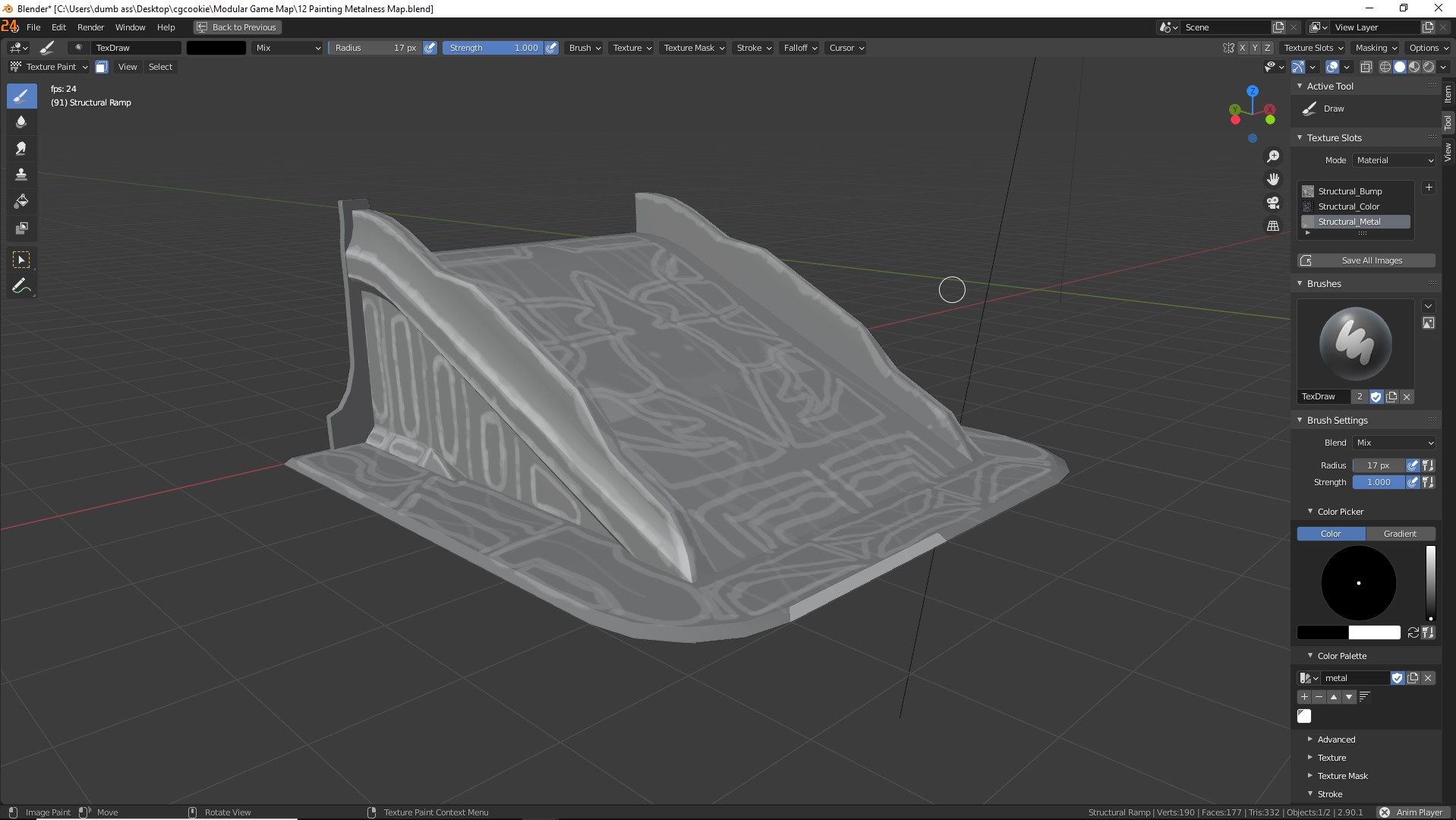
        Can only vaguely see where the metalness is being painted in Material Preview (disconnected the color, only helps a little):
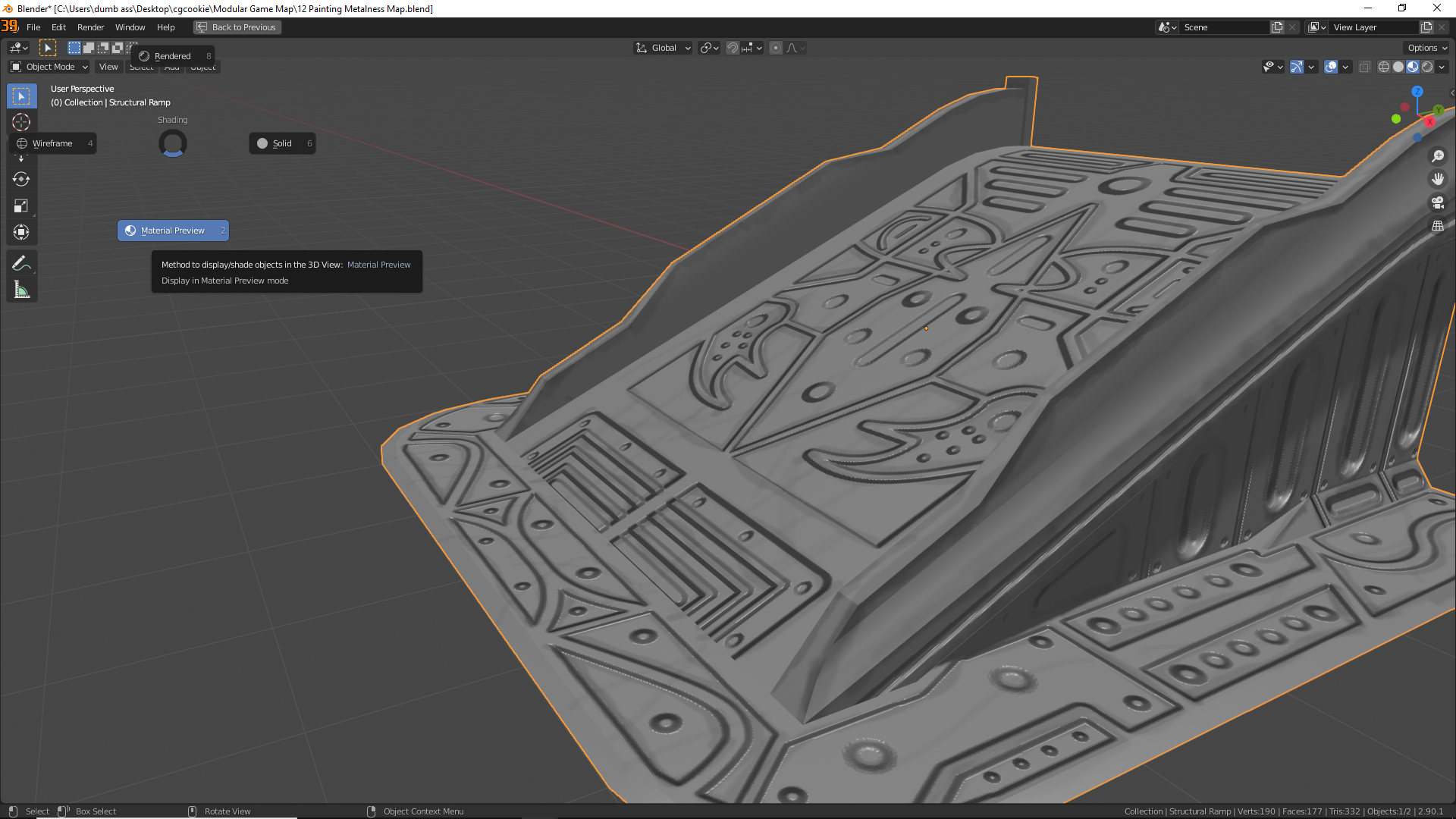
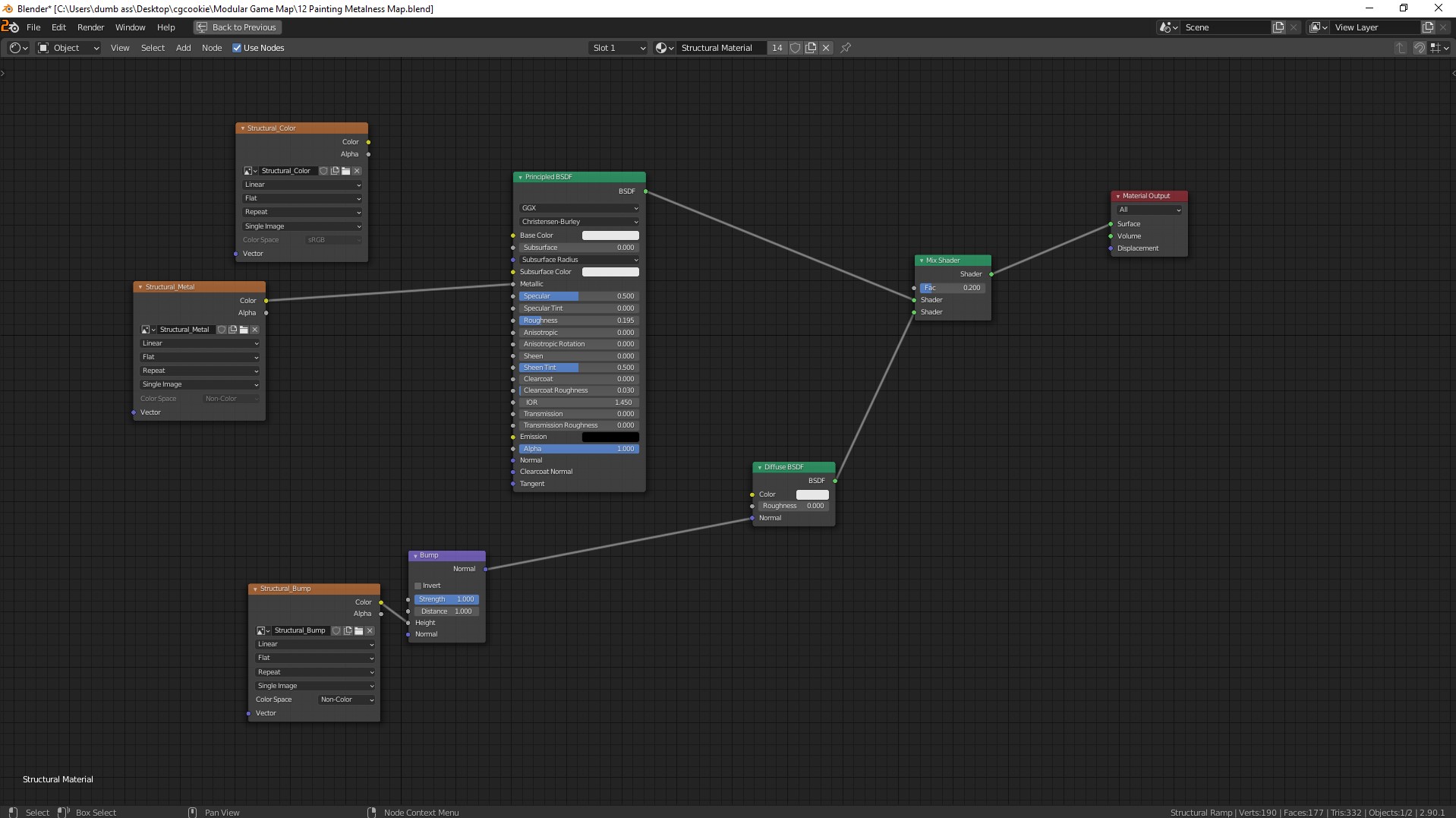
        Material Preview but different node setup for texture painting:
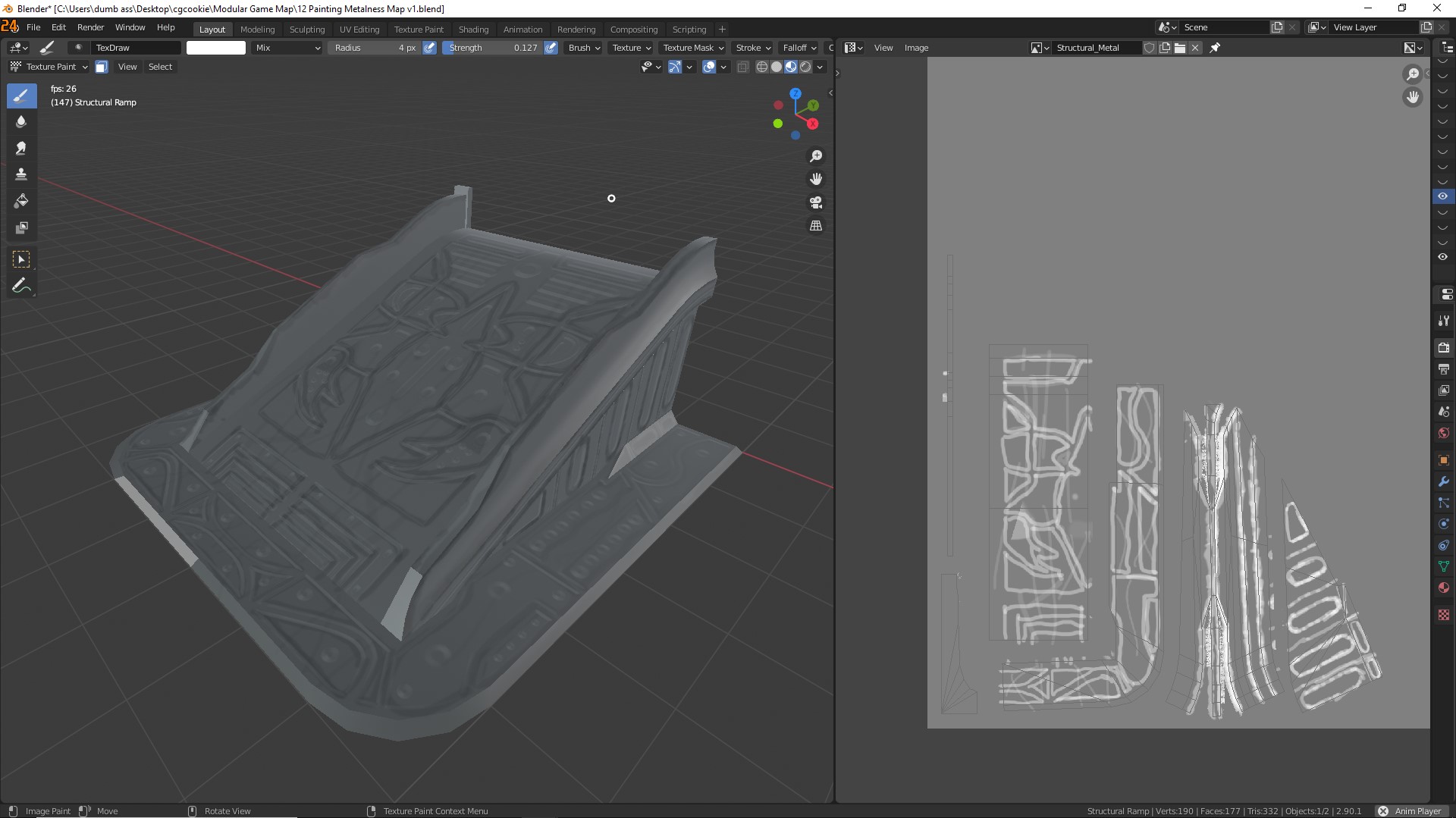
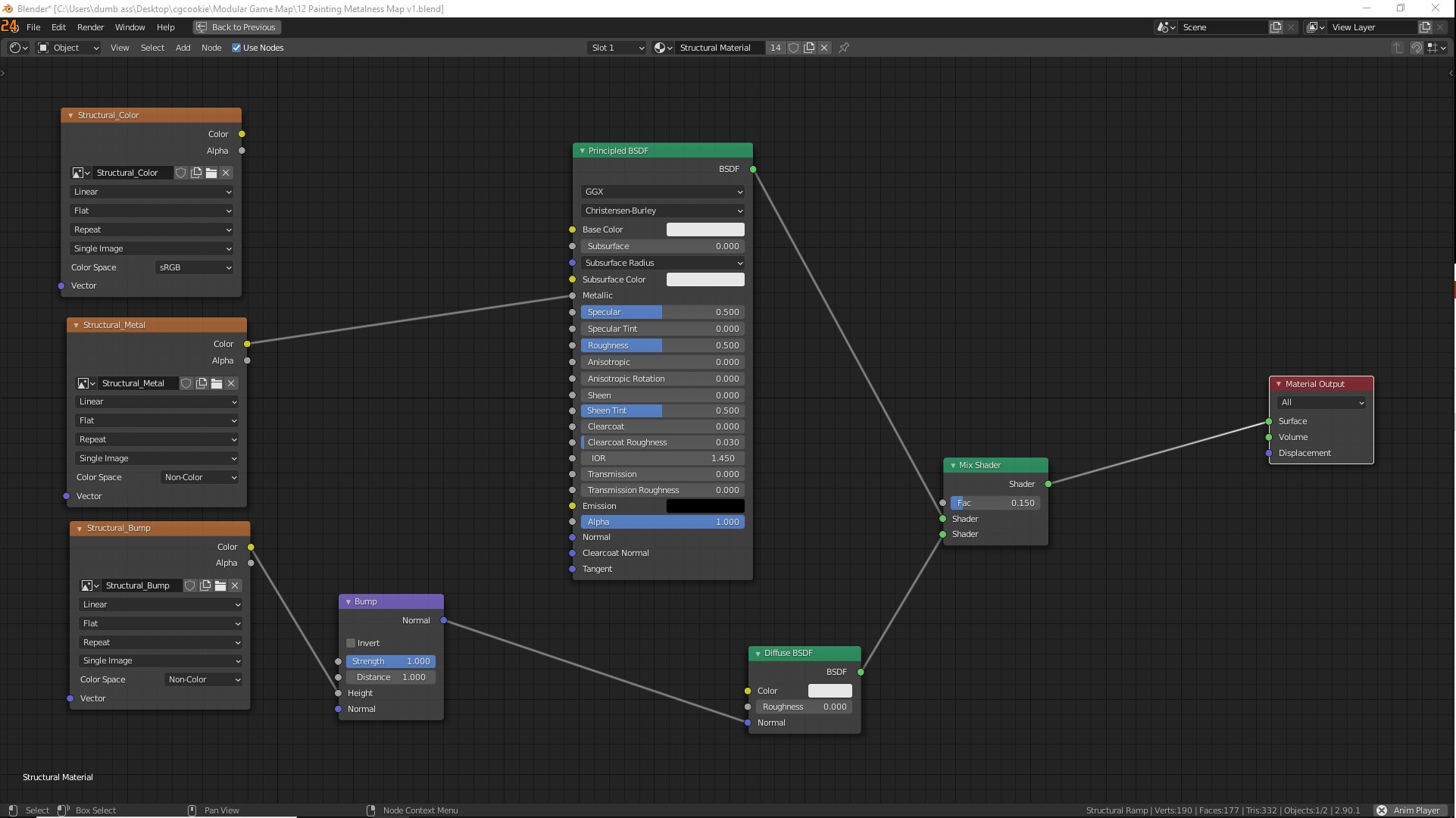
        Not as good as in the video but much easier to see without having to look at really specific angles. Also using the built in HDRI (Dark Room, I think?)

        Is there a better way to recreate this? :

        Sorry for the long string of images, appreciate the help!

        Here’s the blend file: https://drive.google.com/drive/folders/1r0Za5oIPnavZkhV02dgKIjr6Jwh1dTll

        #60761
        spikeyxxx
        Participant

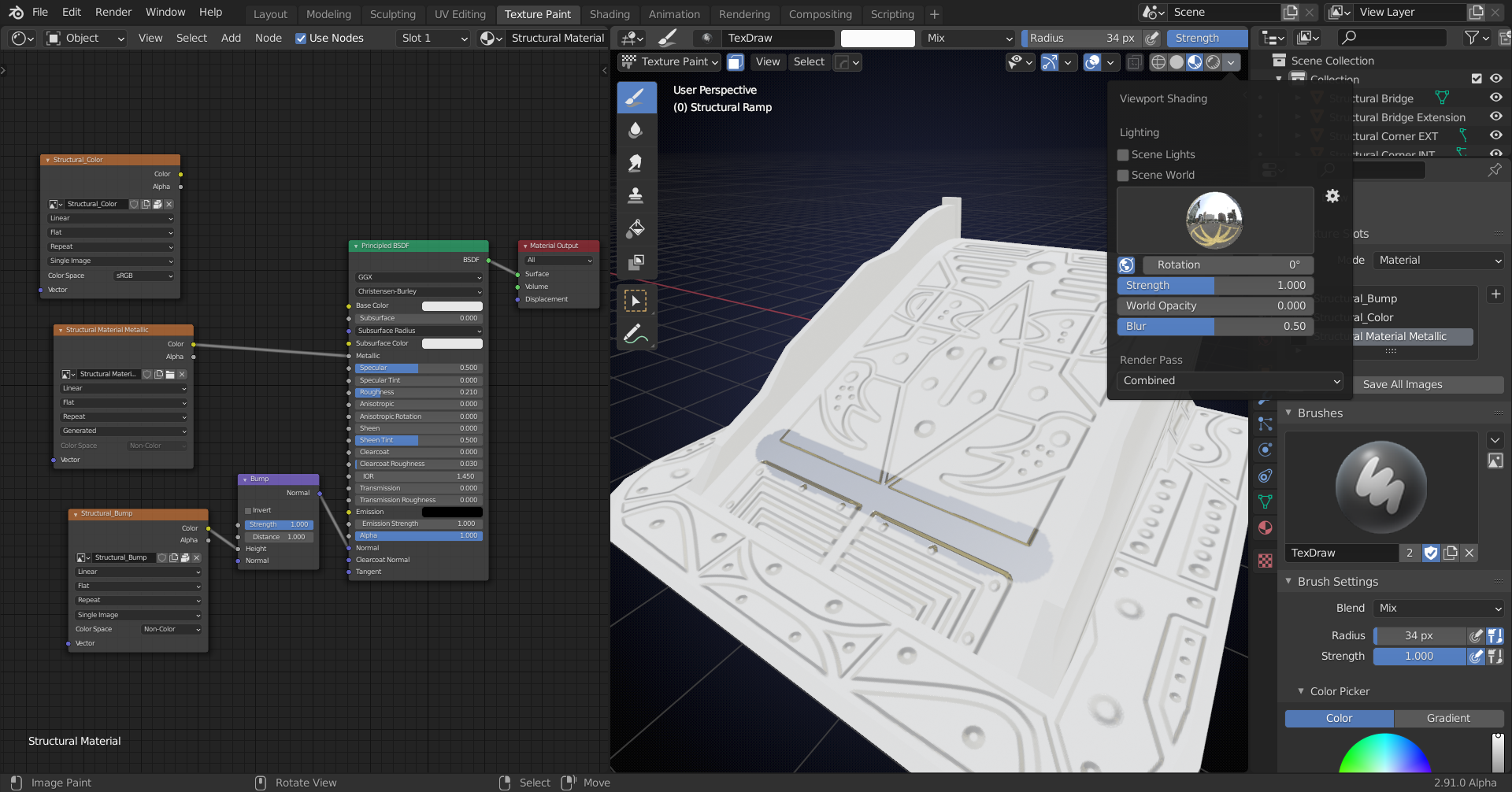
          Try reducing the Roughness a bit:

          Or without Color:

          Is that what you’re after?

          #60762
          spikeyxxx
          Participant

            Oh, and you do know that you’ll have to paint with white to get Metalness, right?

            #60763

            Yeah, just harder to see when using lower strength. But reducing the roughness helps a ton! Thanks!

            Now it’s way easier to see where the metalness is being painted even on low strength! Thanks again, should be good enough to work. <3

            #60764
            Kent Trammell
            Participant

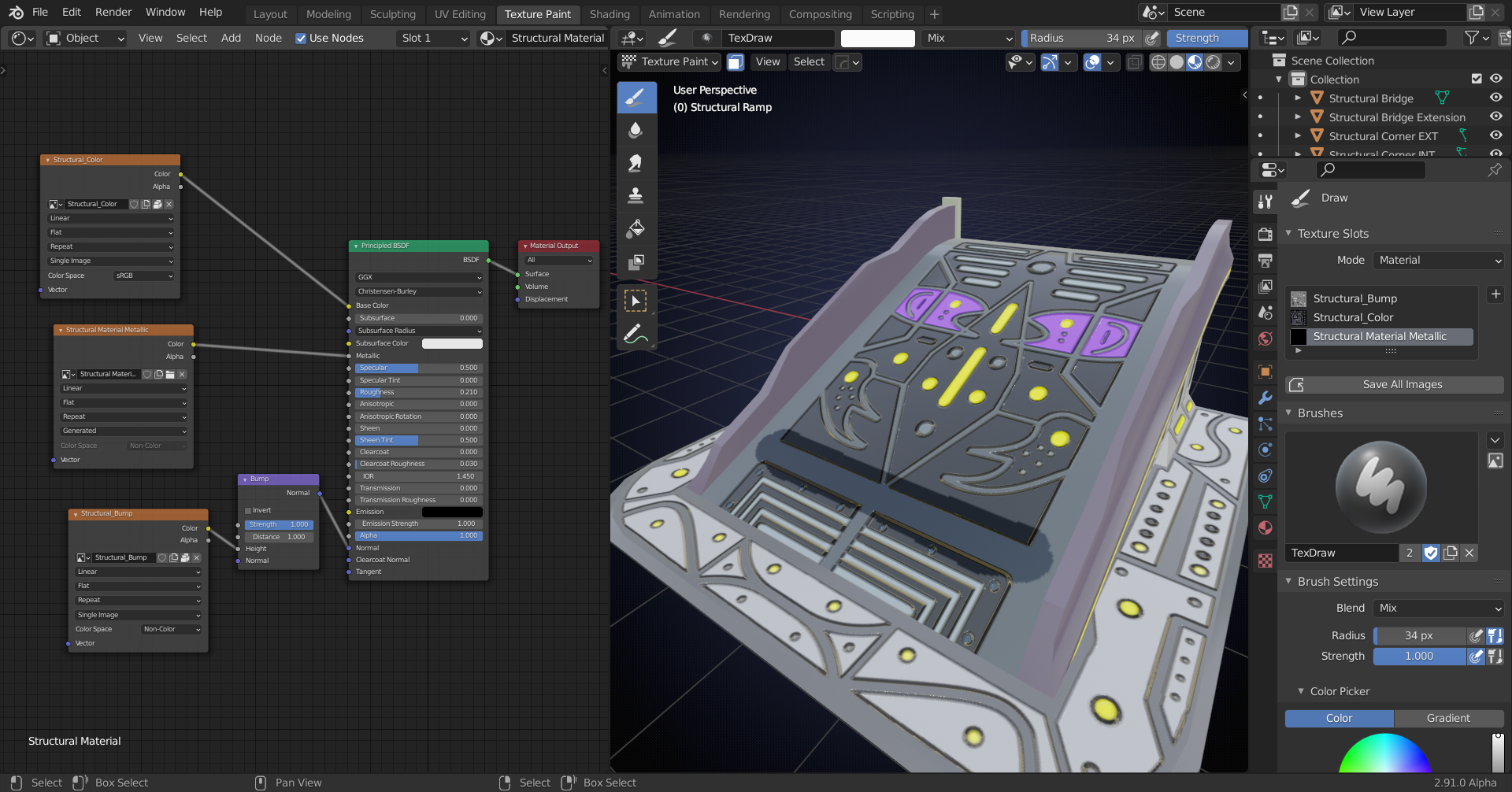
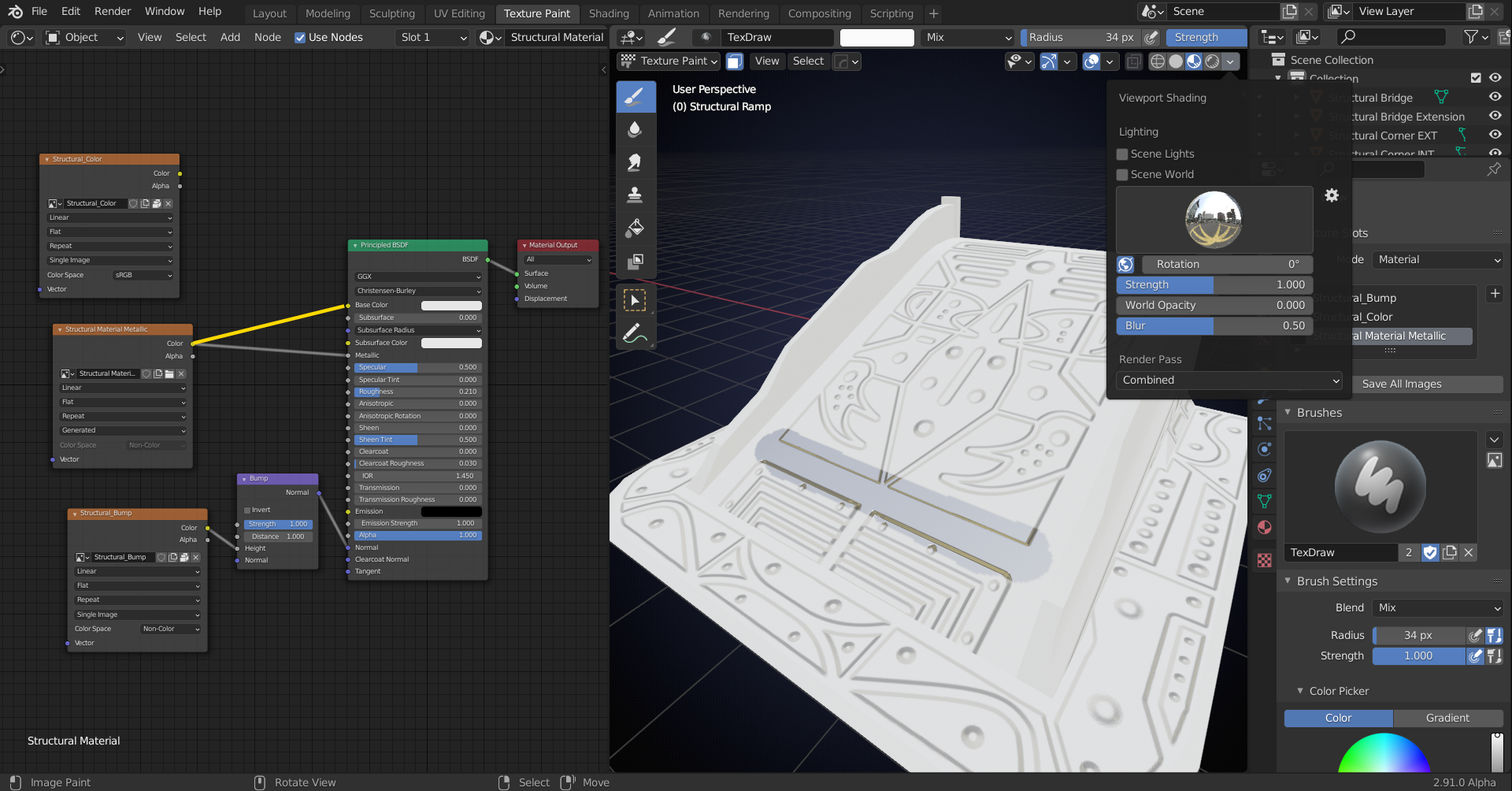
              Ahh I see what you’re after. I would temporarily connect the metalness to the Color socket of your shader (yellow line in the image below).

              This way you can paint it as if its the color map, which is helpful visually, and your normal map would be visible as well. That’s a more accurate visualization to what I was doing in the video.

              Then when you’re done or want to check the map’s effects, plug it back into the metalness socket.

              #60765

              Didn’t think of trying that, works great!

              Thanks again for the help!

            Viewing 10 posts - 1 through 10 (of 10 total)
            • The topic ‘How can I recreate the same view as you while texture painting? Blender 2.83’ is closed to new replies.