How can I get delete an extra line?

Forum Archive How can I get delete an extra line?

Viewing 5 posts - 1 through 5 (of 5 total)
  • Author
    Posts
  • #15078
    Rimi
    Participant

      Hi there,

      I discovered an extra line and I don’t know how to get rid of it. I tried merging but it messes up with my work. I even tried dissolving both vertices and edges but no luck. Any ideas of how I can go about solving this? 

      Attached is the Link to Video

      #74135
      spikeyxxx
      Participant

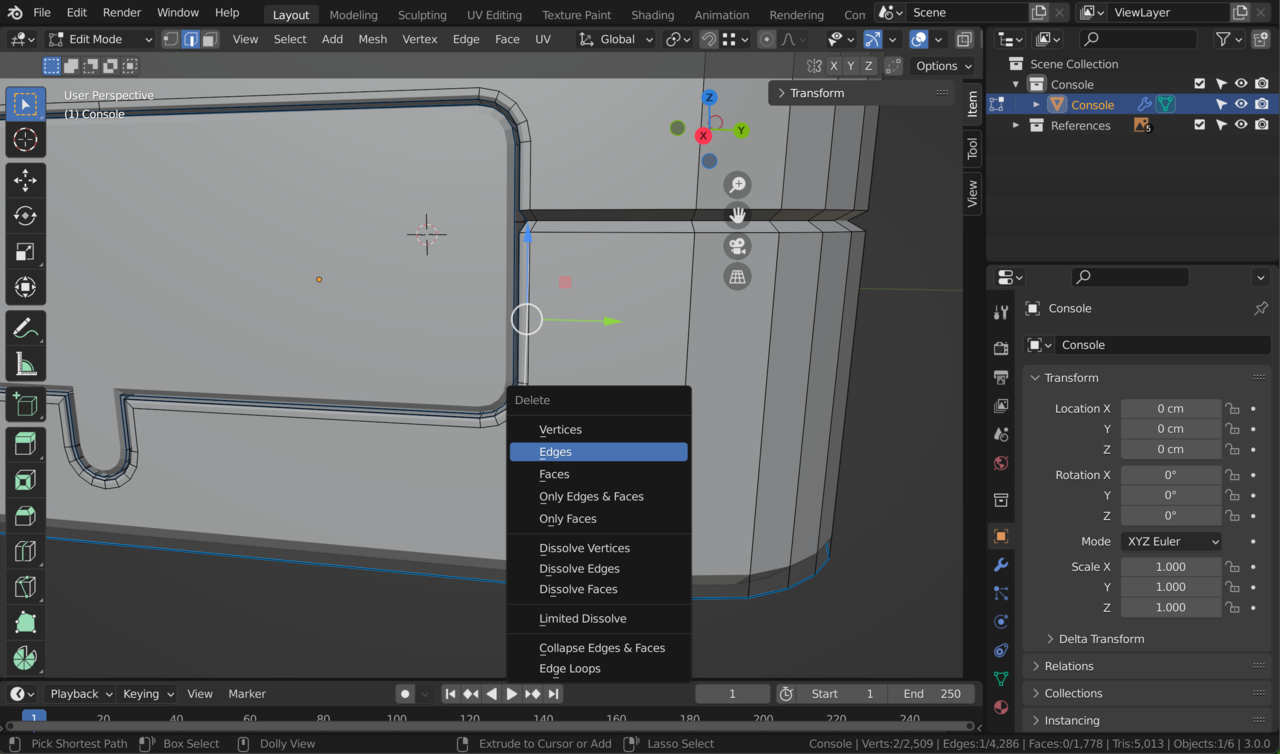
        Try X > Delete Edges. That should keep all existing Vertices, because they are still attached to other Edges.

        #74136
        Rimi
        Participant

          Hi there,

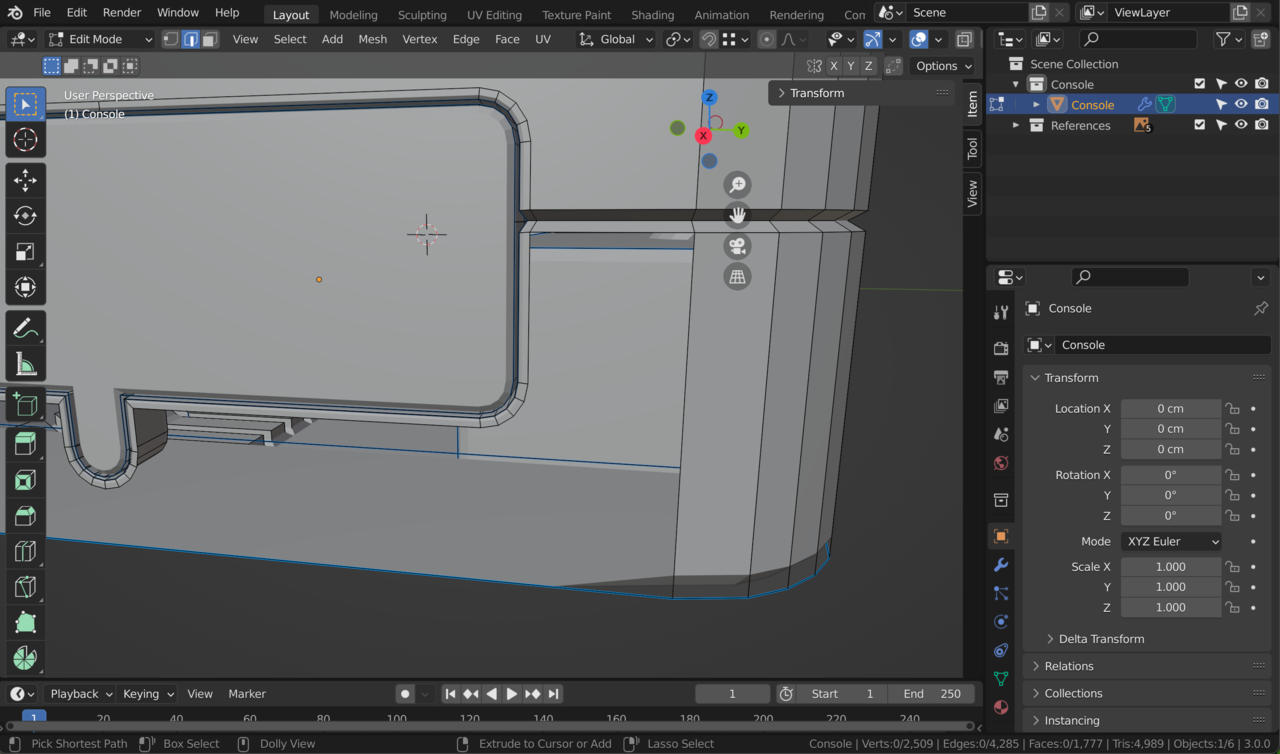
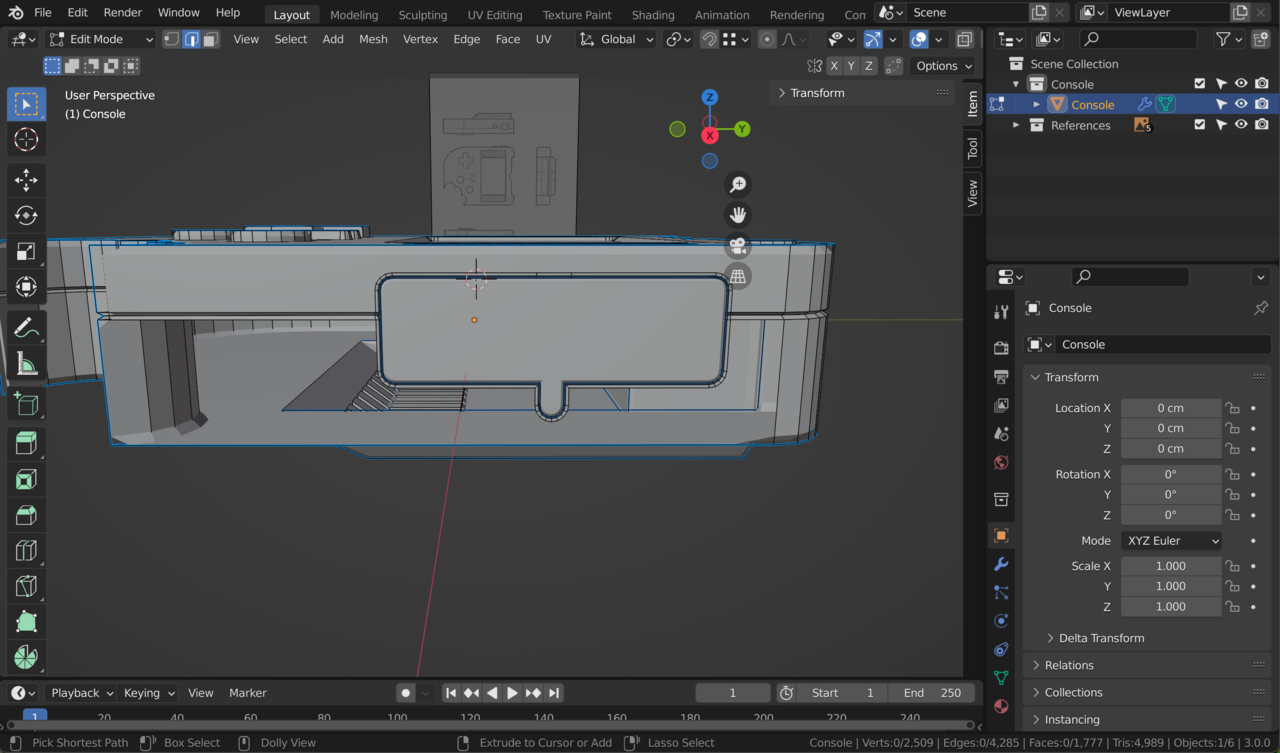
          I did that and it has deleted the one of the console’s face. How can I fix the missing face?

          Screenshot 2022-04-26 at 10.45.30.png

          Screenshot 2022-04-26 at 10.45.43.png

          Screenshot 2022-04-26 at 10.45.57.png

          #74137
          spikeyxxx
          Participant

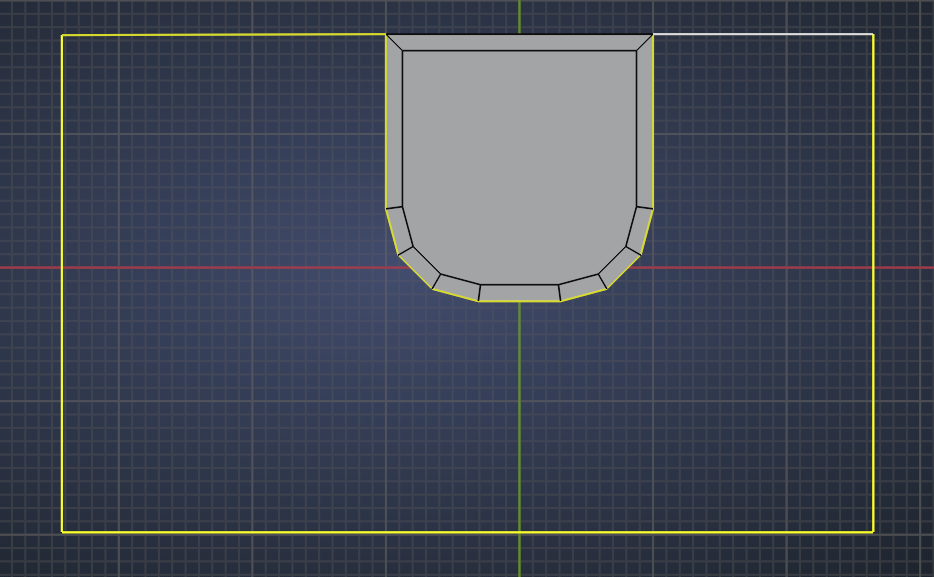
            Select the border of the hole:

            Fill.png

            and then  you can fill that with a Face with F.

            Be careful with your selection, that is probably what went wrong the first time.

            #74138
            Rimi
            Participant

              I got it. Thank you very much 🤗

            Viewing 5 posts - 1 through 5 (of 5 total)
            • The topic ‘How can I get delete an extra line?’ is closed to new replies.