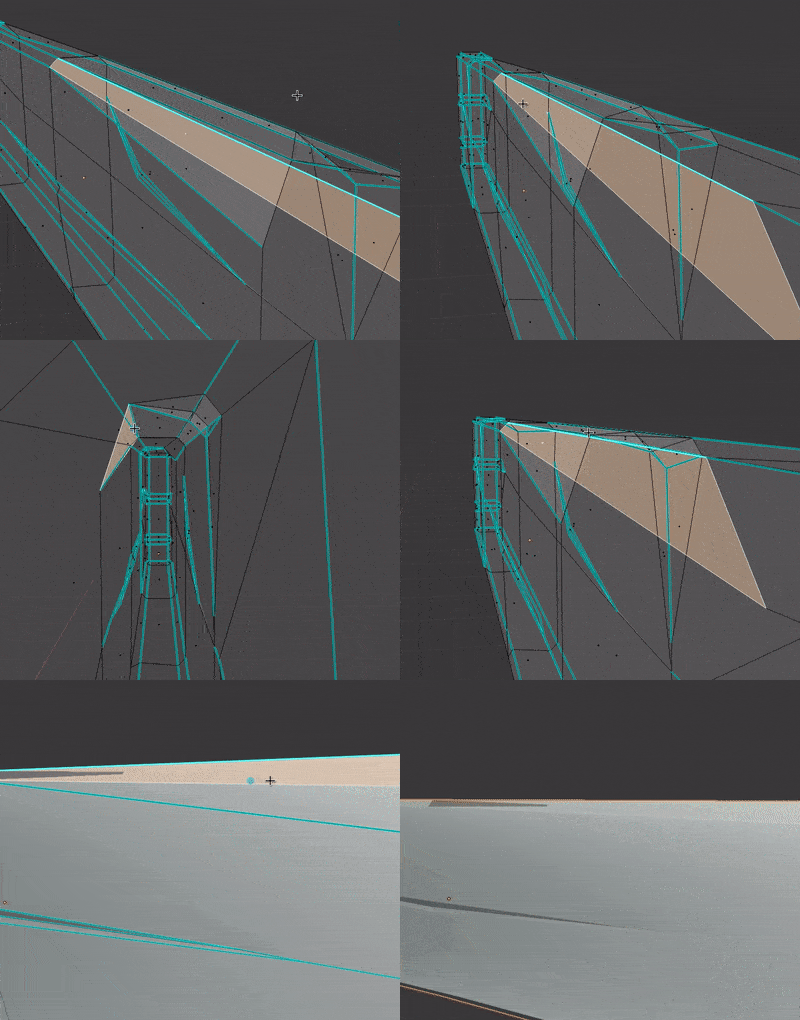
how and why? my unwrapping is a disaster

Forum Archive how and why? my unwrapping is a disaster

Viewing 15 posts - 1 through 15 (of 17 total)
  • Author
    Posts
  • #11568
    patdoc
    Participant

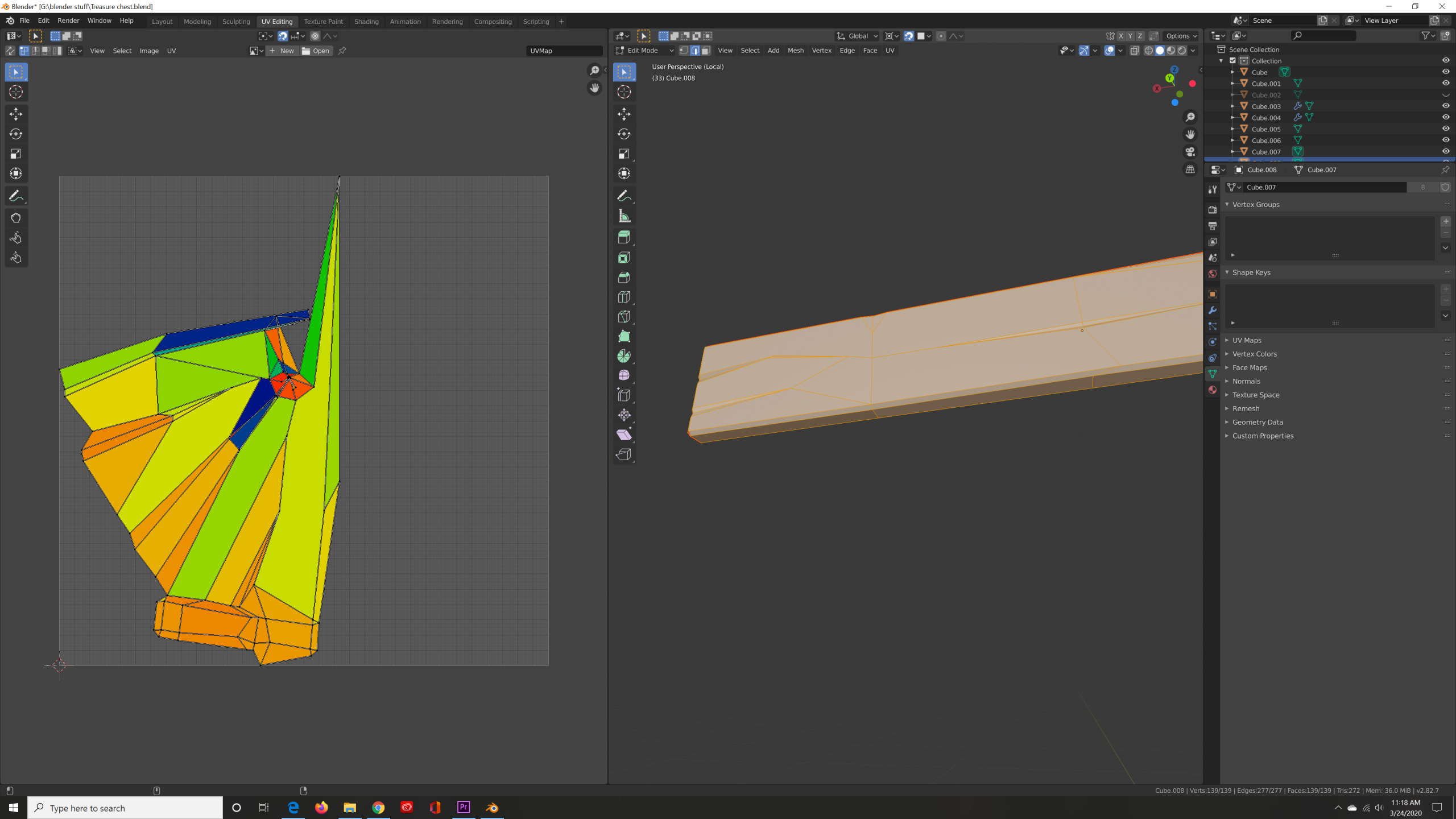
      why is my unwrapping coming out like this/ how do i fix it?

      🙁

      #55329
      Kent Trammell
      Participant
        1. I bet you have a small edge somewhere that should be a seam but isn’t. Happens to me more often than I like to admit.
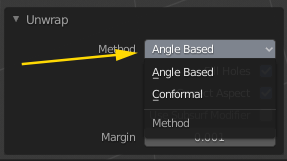
        2. If you know all your relevant edges are seams, try the other unwrap method:
        #55330
        patdoc
        Participant

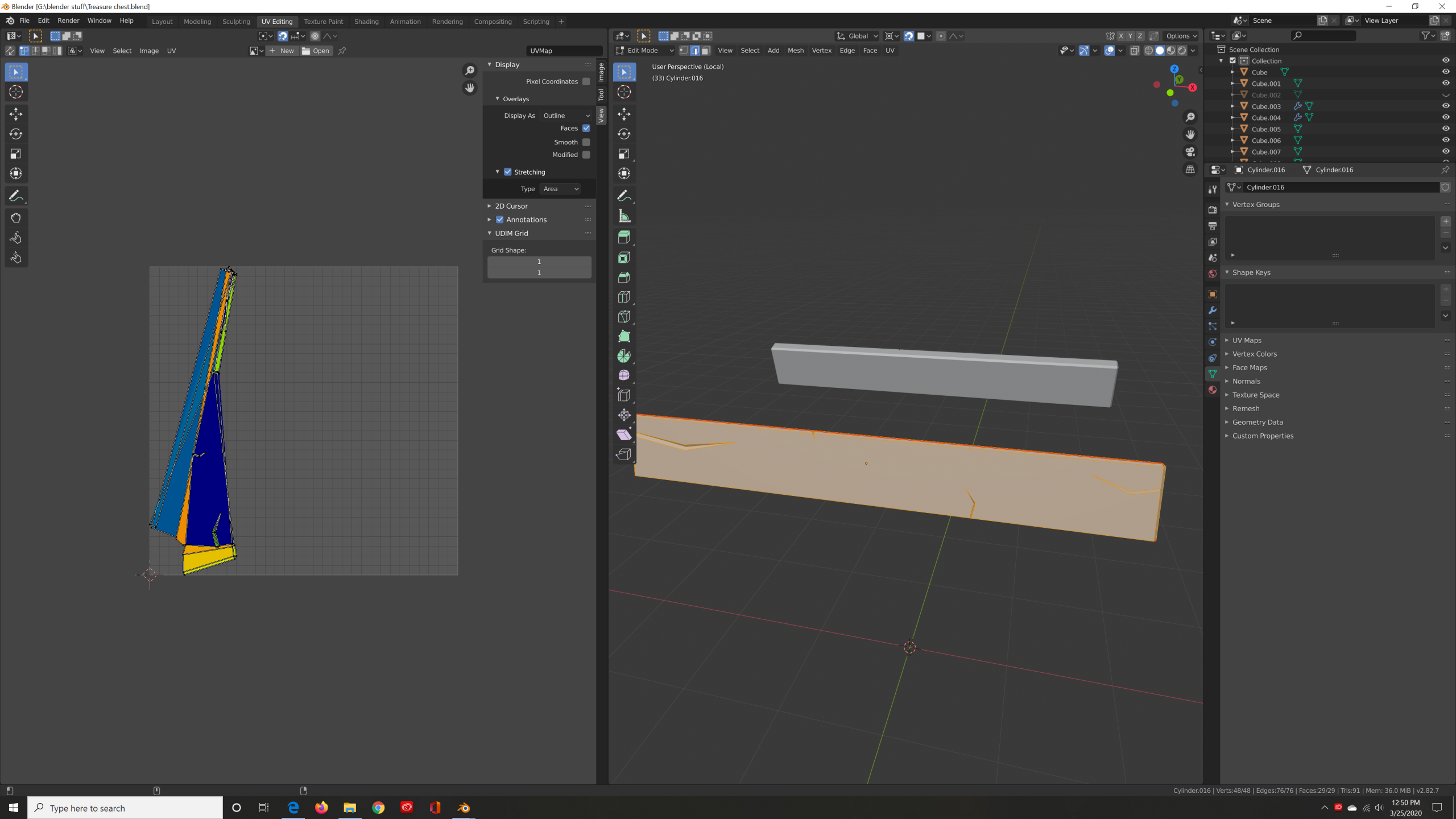
          I just checked all the edges and every thing seems fine.

          I just tried the same thing on a different plank and the same problem is happening. I already started this project over three times

          #55331
          Kent Trammell
          Participant

            Hmm strange…Ok if you don’t mind sharing a download link to your .blend file I’ll take a closer look at what’s happening. Best way to do this is by uploading to Dropbox, Google Drive, or equivalent service and copy + pasting the share link here.

            #55332
            patdoc
            Participant

              ill email it. What email/ google drive should i send this to

              #55333
              Shawn Blanch
              Participant

                You can typically post a link to the file on Google Drive as a hyperlink here in the chat.

                #55334
                patdoc
                Participant
                  #55335
                  patdoc
                  Participant

                    tell me if that link worked

                    #55336
                    spikeyxxx
                    Participant

                      The link worked, but you don’t have any seams in this file.

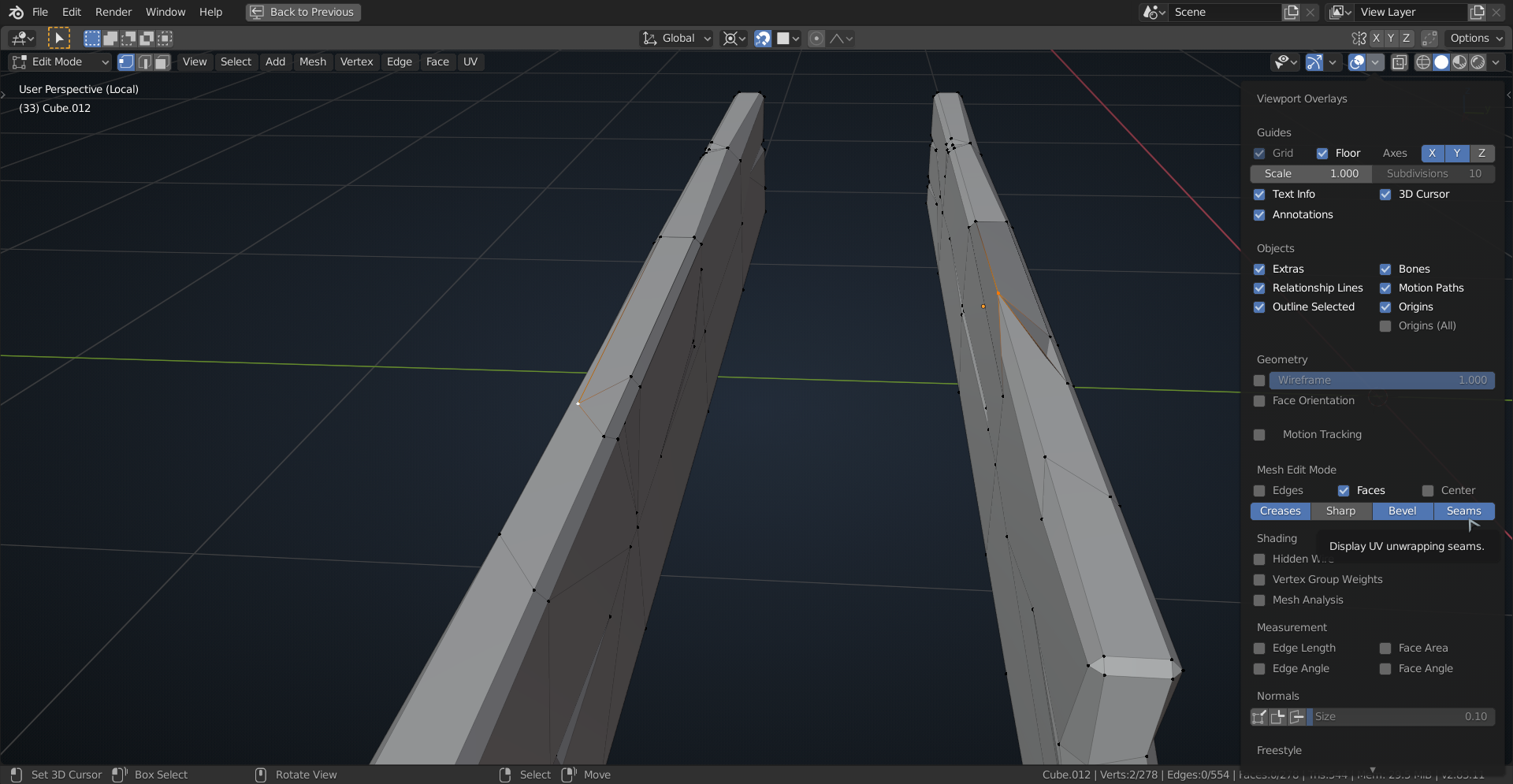
                      Also some ‘impossible’ geometry. See selected vertex, I moved it a bit in the right one, to show you how that messes things up:

                      #55337
                      patdoc
                      Participant

                        I did the UV unwrapping after marking the seams. the file that i sent in this chat didn’t have the marked seams.

                        Do you know what went wrong with my modeling

                        #55338
                        Kent Trammell
                        Participant

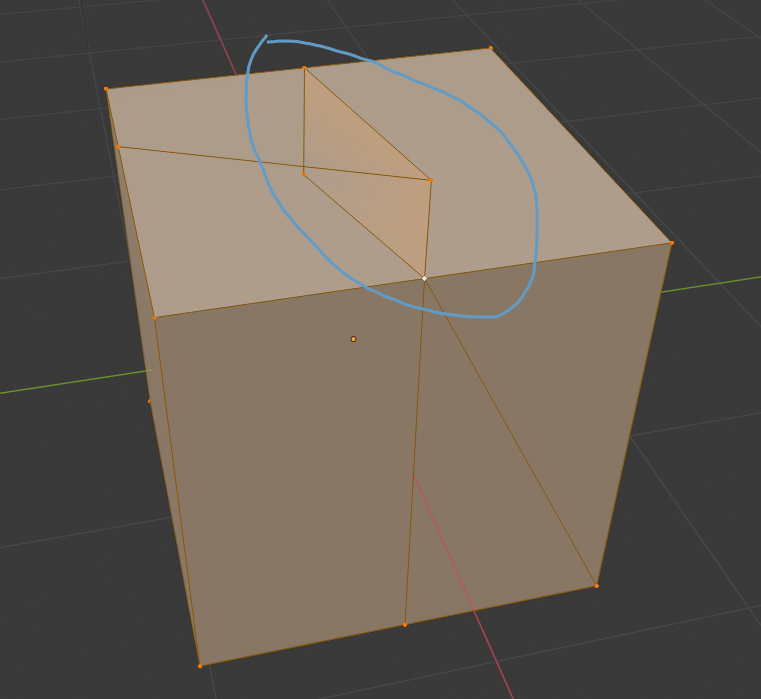
                          @patdoc Thanks for uploading your .blend. I can confirm the “impossible” geo as spikey pointed out. Notice how the 2 faces I select are overlapping with each other:

                          It’s hard to say exactly what happened to get here, but I would bet it’s the knife tool. Sometimes knife cut connections aren’t as they appear. You have to be careful with it.

                          You need to clean all your geo to eliminate the bad (impossible) stuff. Then your unwrap should perform as expected.

                          #55339
                          Shawn Blanch
                          Participant

                            That darn knife tool did a number on me during this course when I was working my “Sword” during the live stream. It had a hard time going to different angled planes sometimes and made more cuts than I thought. 

                            I had to toggle X-ray and delete faces and even vertices that were deemed “impossible” and then did the good ‘ol 

                            Merge by Distance Alt + M then B after selecting all my vertices and decreased the distance a little on the merge distance. Then it “fixed” itself enough for me to unwrap.

                            I both love and hate that darn knife tool.  

                            Actually I find myself unconsciously avoiding it just because the bad taste it left in my mouth, haha.

                            #55340
                            patdoc
                            Participant

                              is there any shortcut to finding which faces are messing up my geometry?

                              #55341
                              patdoc
                              Participant

                                also if i were to do mesh and then clean up which option should i pick

                                #55342
                                spikeyxxx
                                Participant

                                  @patdoc If there is, I would love to know it!

                                  You can probably see that something is wrong here:

                                  Look for things like that. Use ALT+M > Merge by Distance to get rid of double vertices ( in the latest 2.83 the shortcut is changed to M > Merge by Distance). And ALT+N to Recalculate Normals.

                                Viewing 15 posts - 1 through 15 (of 17 total)
                                • The topic ‘how and why? my unwrapping is a disaster’ is closed to new replies.