
Hochelf’s Blender Progress
Forum Archive › Hochelf’s Blender Progress
- This topic has 47 replies, 7 voices, and was last updated 5 years, 6 months ago by
hochelf.
-
AuthorPosts
-
November 20, 2020 at 6:00 pm #61557
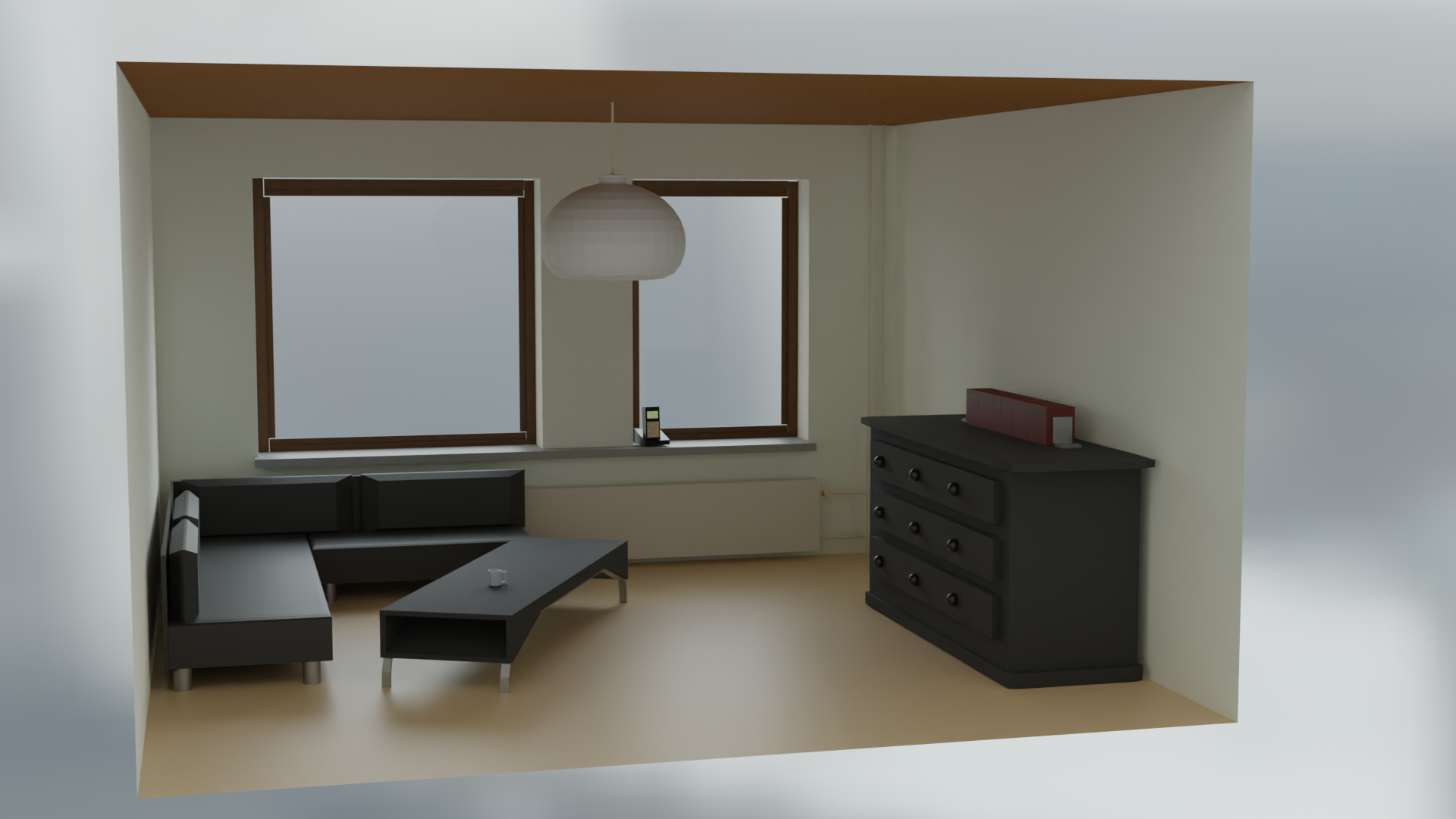
The materials came out nicely. But I can’t uif figure out the details on the phone and the books are chomped by the denoiser or if the light is just messing with me.
 November 20, 2020 at 6:53 pm #61558
Submit version:
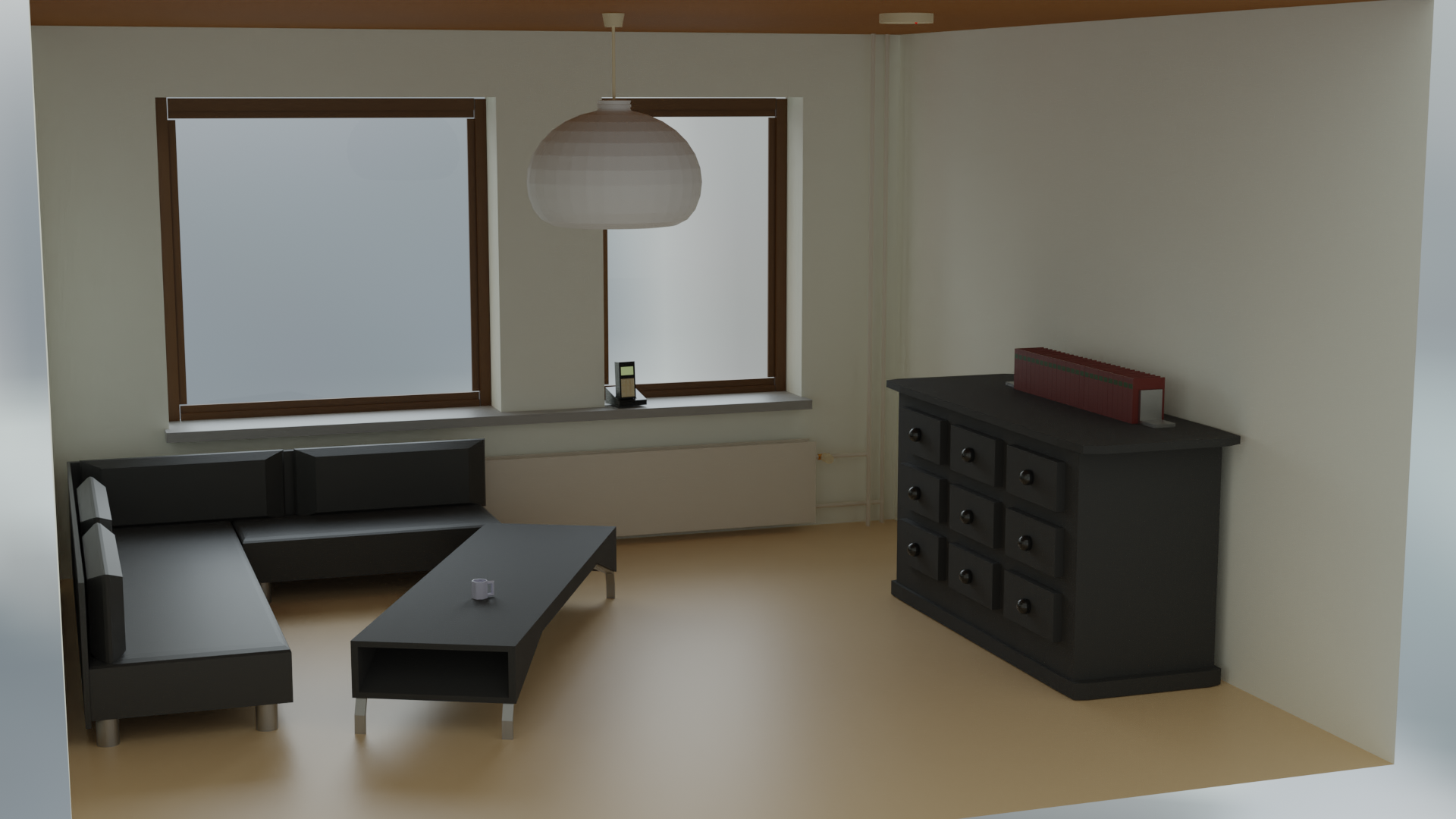
Yes, the culprit was the denoiser. XD
 November 20, 2020 at 10:15 pm #61559
That is a nice low poly scene @hochelf . If you spread the books out a little bit and make them not all exactly lined up (just shift them a little) it will help sell the scene. A little more light intensity would help with the effect too.
You can always turn off the denoiser and just render more samples in cycles when you are ready for the final render. I like to think of the denoiser as a helper to get me up and running quickly so I can get the results previewed.
November 22, 2020 at 10:41 am #61560Started the sculpting tutorial yesterday. The first two chapters are so much info stuff, that I decided to chunk it down into more suitable sized bits.
Currently, I’m learning to deal with several brushes and get annoyed with the fact that I haven’t developed the muscle endurance in my right hand for longer sessions with the pen. Seriously, how have professionals dealt with the numbness in their early days?
I set my desktop up in an ergonomic way, which means pen parallel to screen. Desk in a hight that allows for a straight back etc.
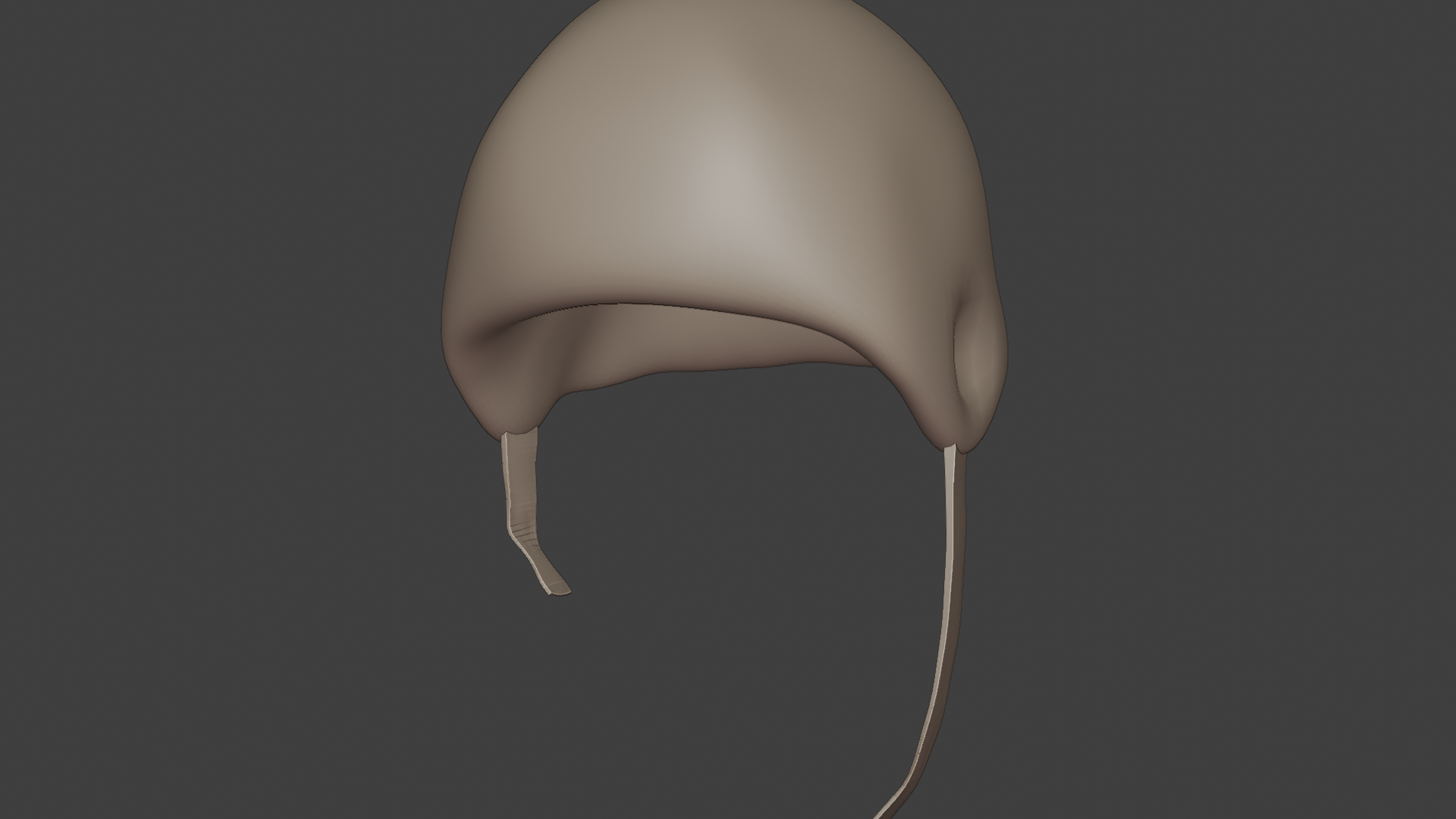
Btw. here is my current experimental piece for the brushes.
 November 22, 2020 at 1:11 pm #61561
indeed this is good work, I like the spider…
keep going!!
November 22, 2020 at 7:02 pm #61562Very nice beginner sculpting exercise.
sculpting is not currently one of my strengths but you are incorporating the important work habits.
make sure you take breaks and do hand stretches.
I use my ipad pro with easycanvas app as my pen tablet when sculpting. I don’t remember getting any sort of hand cramping but I have only sculpted a shark in recent past. So maybe other users could comment.
November 23, 2020 at 4:49 am #61563Hola @hochelf ! Looking nice! You got more out of your virtual clay than I did when I just tried to get a bit of an idea of it.
As for your cramping. I did a fair share of Digital Painting in the past. (as a matter of fact I recently plugged in my old Intuos3 to try the sculpting).
While it is true that a little endurance is required, cramping is mostly just too firm a grip on the pen and trying to push too hard on the tablet trying to get the maximum out of its pressure sensitivity. Try going to the tablet settings and see how quickly your pressure will reach its maximum. You’ll see even the default settings will reach that point much faster than you’ll remember once you’re in the flow of creating something. Taking it easy in that department and it will already increase your endurance much more. Its better to learn how to press as little as possible than teach yourself to press too hard. Maybe even increase its sensitivity to practice that.
November 23, 2020 at 5:22 am #61564Also, try to not sculpt or draw from the wrist, but from the elbow and shoulder. It automatically reduces the tension in your muscles that causes the cramps, like @somebaldviking already pointed out. Think of the pen as a little bird, if you hold it too tight you will squeeze it to death and if you hold it too loose, it will fly away 🙂
November 23, 2020 at 11:14 am #61565from the elbow and checking the settings. Got that. Thanks for those hints. I hope that will help me to avoid numbness. 🙂
I see it was no mistake to follow the instruction of opening this thread.
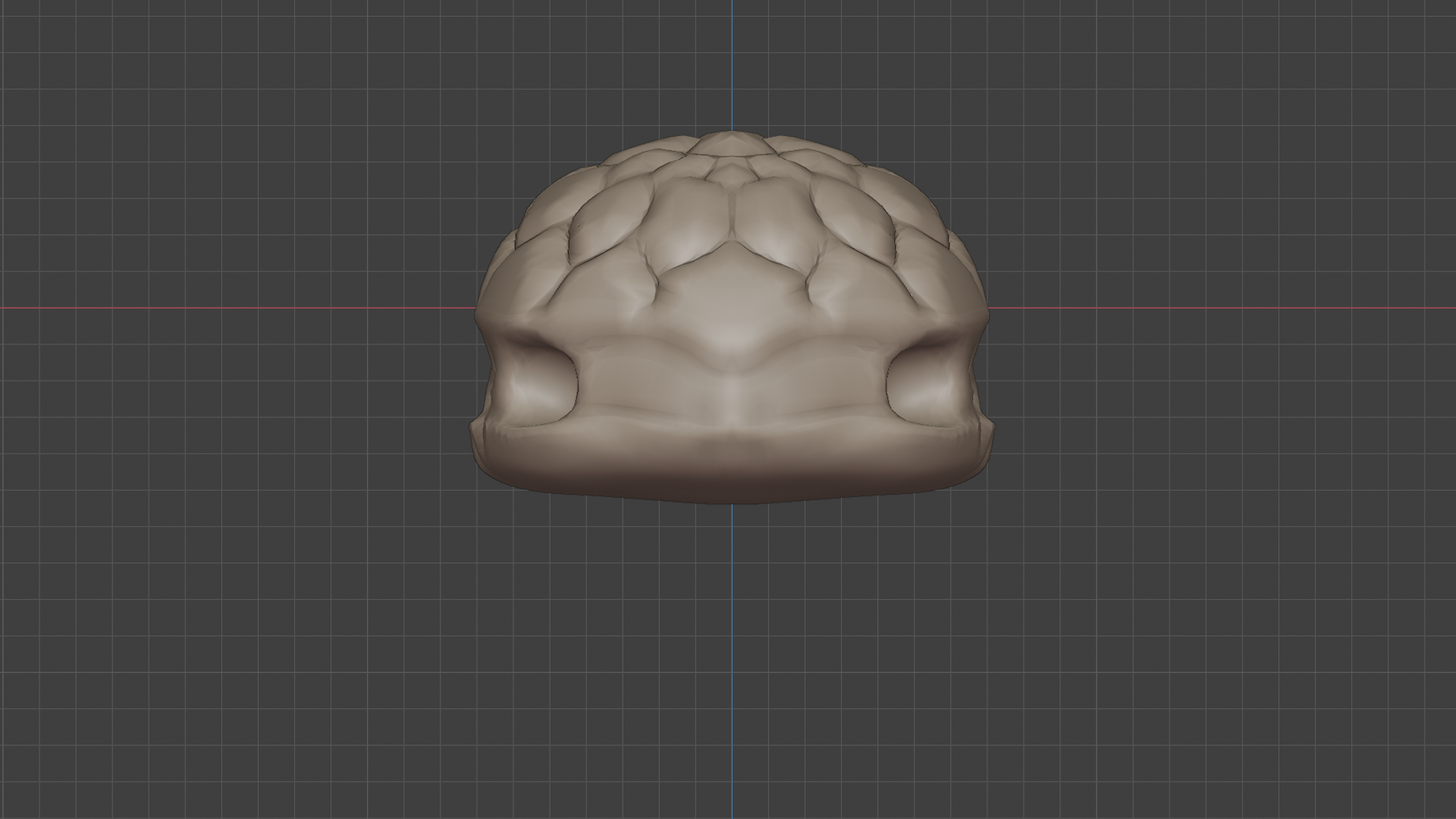
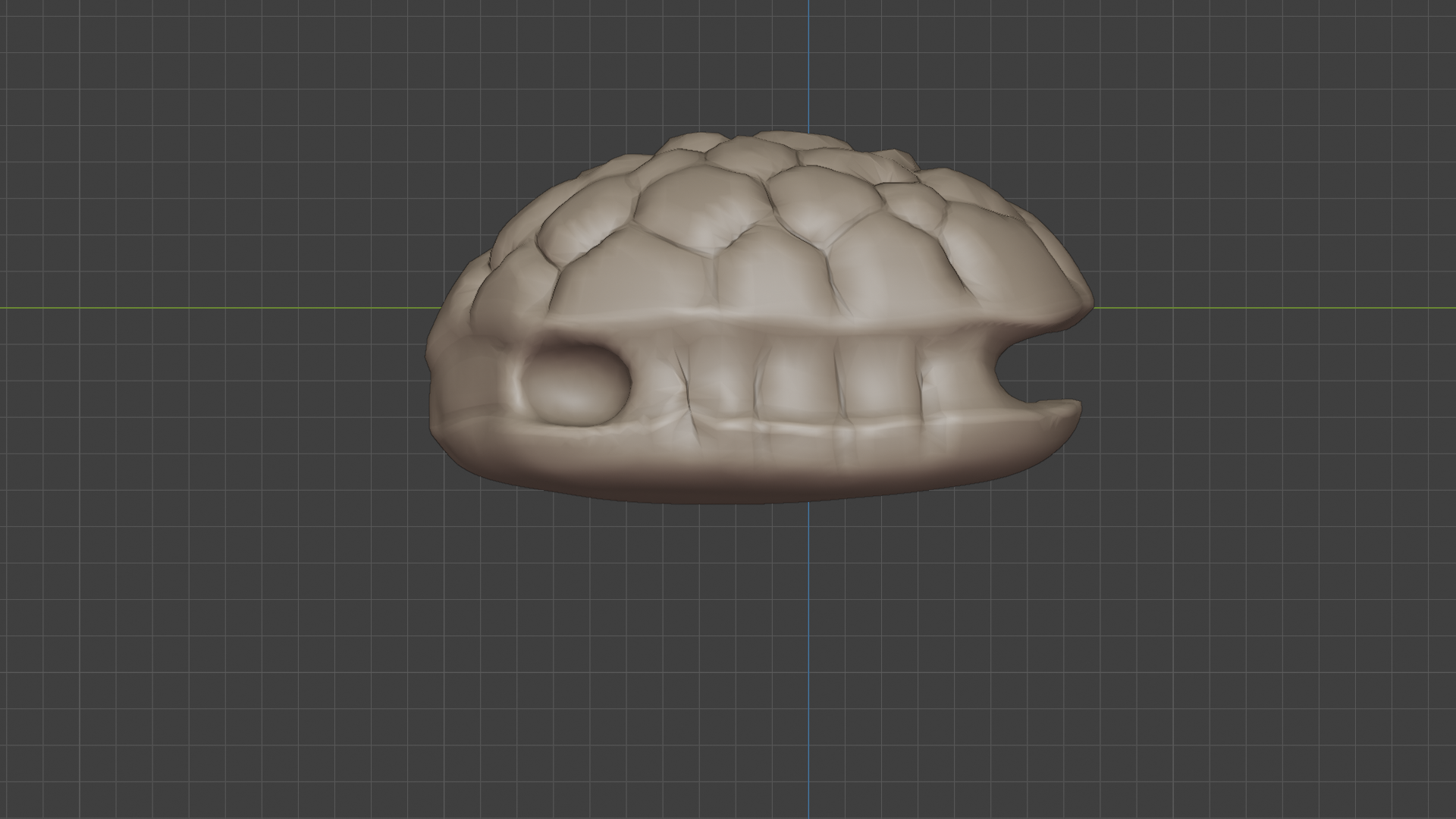
November 23, 2020 at 2:50 pm #61566while I’m still watching the videos I attempt to familiarize myself more with the brushes.
I also tried to to make sure to not use my wrist all the time, with the pen and tried to be more careful about the pressure I use. Another thing I did differently was, I didn’t hold the pen like a pen. Instead, I tried to hold it upwards in a 90° degree angle. This time I could do a longer session. 🙂
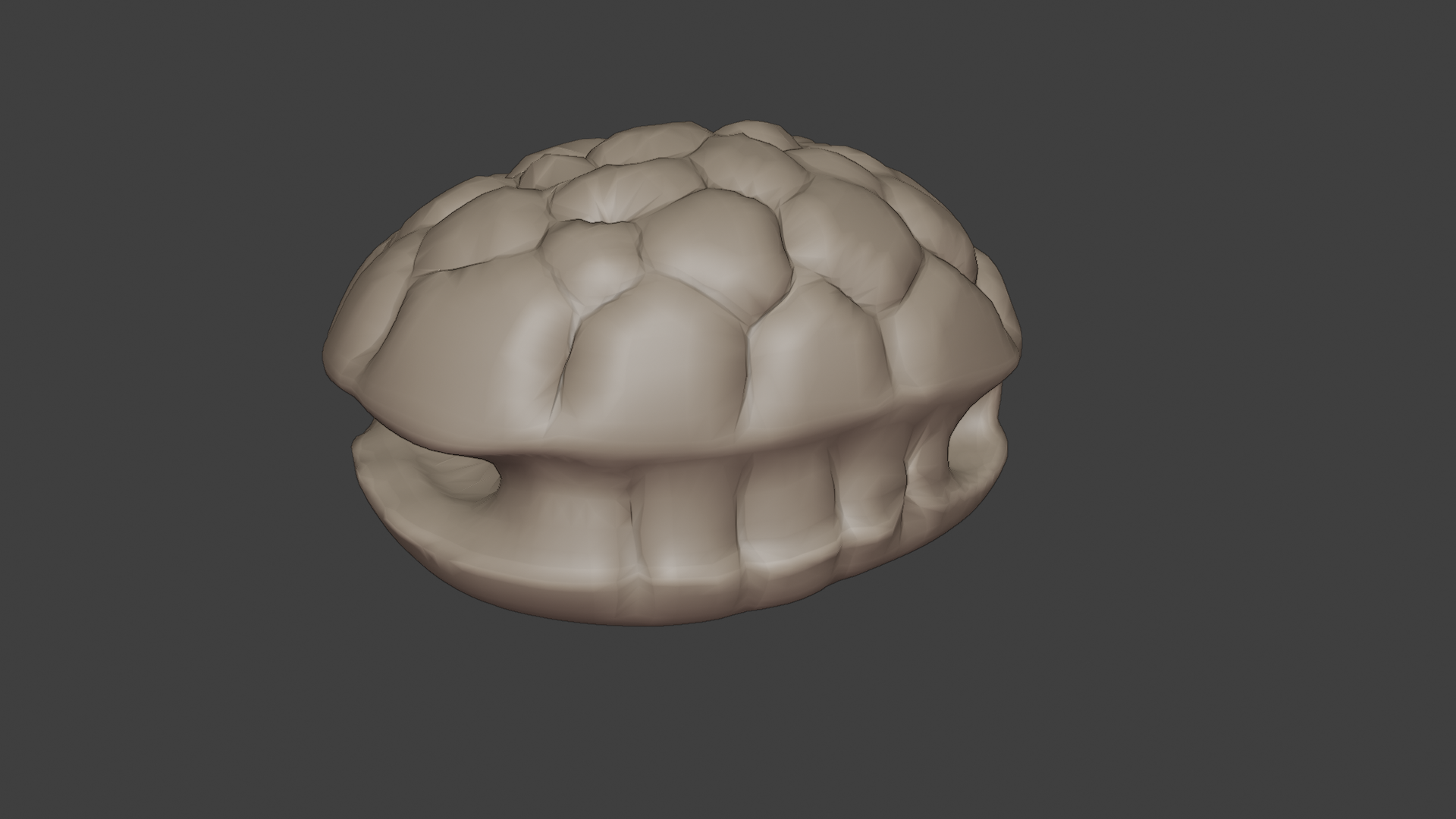
I hope the general idea I had in mind for the shape is understandable.
 November 24, 2020 at 1:42 am #61567
I’m thinking it is the remnant home of a well known reptile, long since deceased.
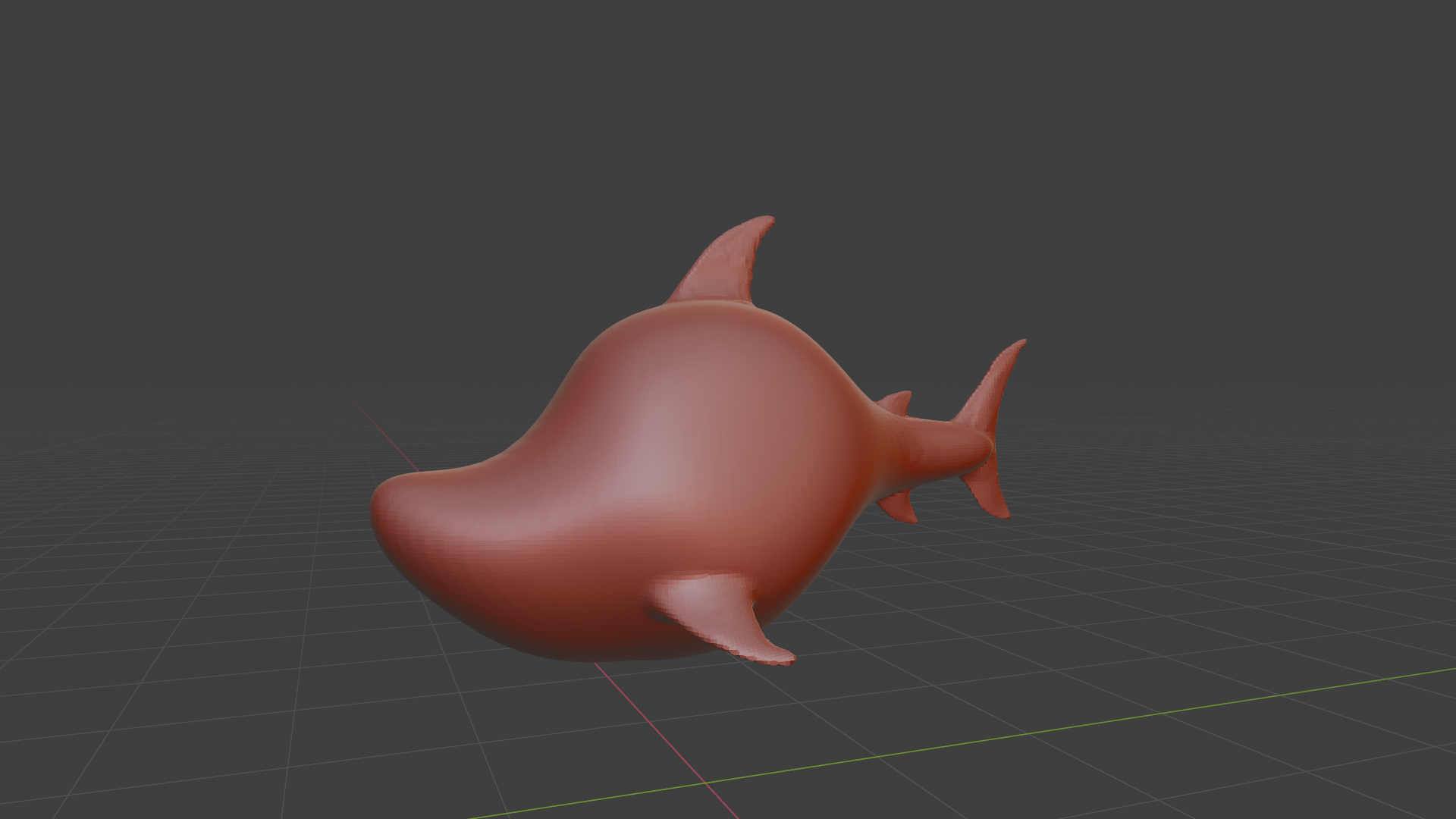
November 24, 2020 at 5:34 pm #61568started the Toonshark today. I will follow the same shark as in the video, for a starter. I will try one of the others later down the line.
Here is the block out from the first video:
 November 25, 2020 at 5:45 pm #61569
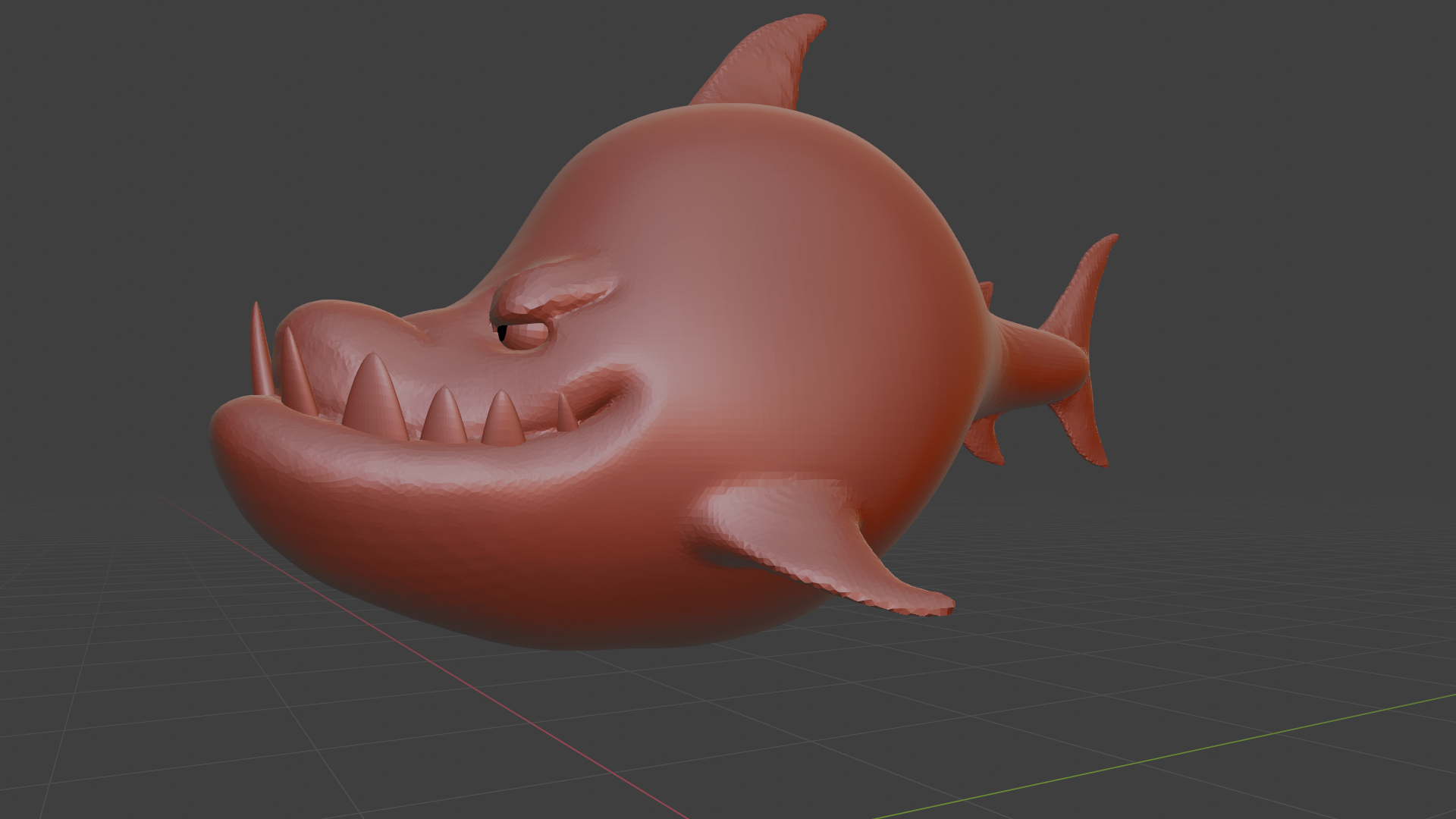
Face Part 1.
And the session today was without numbness. 😀 Again thanks for the helpful tips. The most important was probably the tip with the pressure control, which I got under control with the 90° angle.
 November 25, 2020 at 8:28 pm #61570
Hey that is looking really good so far @hochelf
November 26, 2020 at 8:54 am #61571Face Part 2
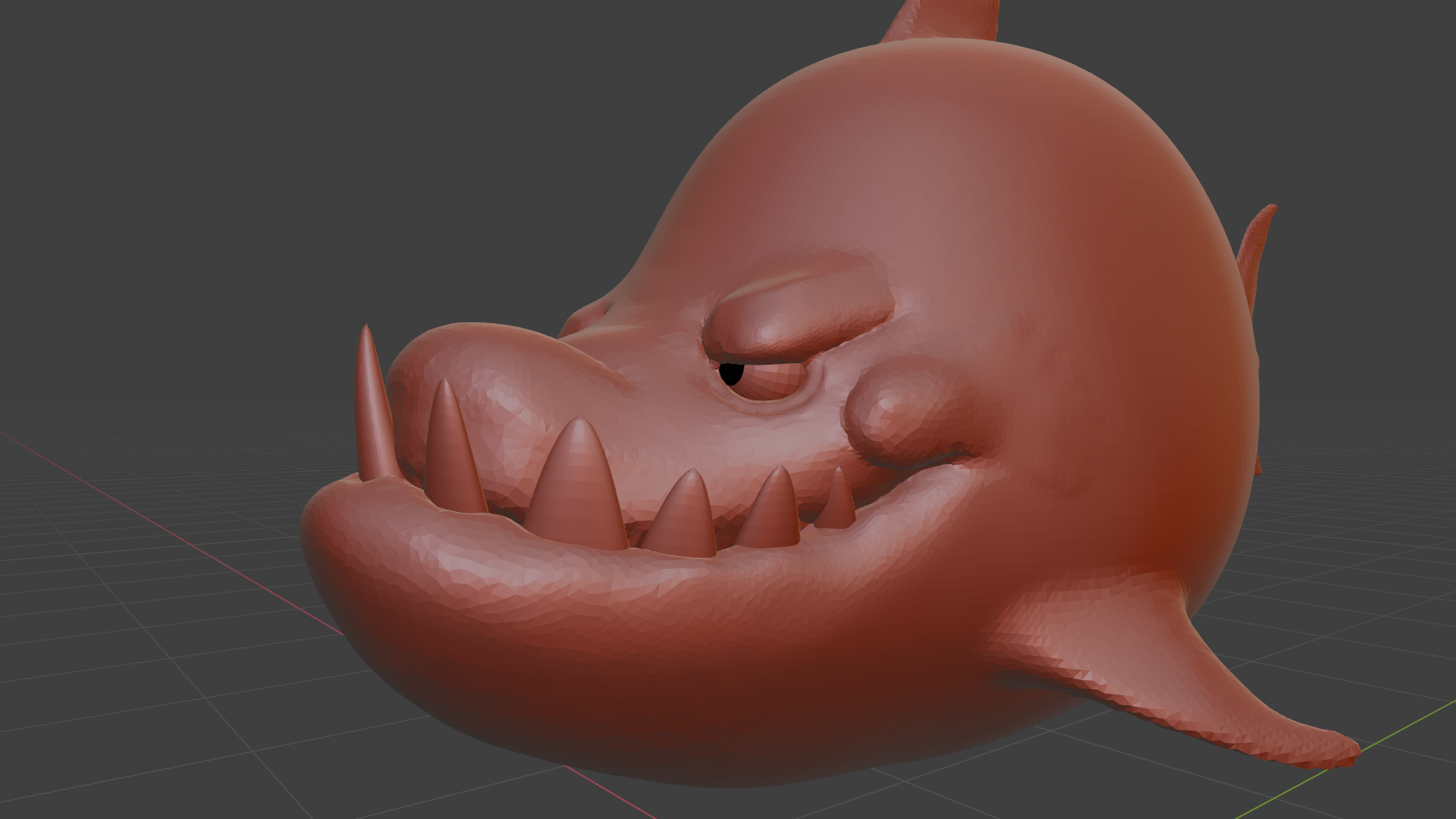
Dyntopo is still confusing to me. But I start to get the hang of it.
Especially with the crease/pinch brush combo. 😉 The “relative detail” option seems to be the more intuitive one to me. So I will stick to that for now. But the collapse options, even if I understand the meaning behind their terms, do sometimes unexpected things.
-
AuthorPosts


- The topic ‘Hochelf’s Blender Progress’ is closed to new replies.