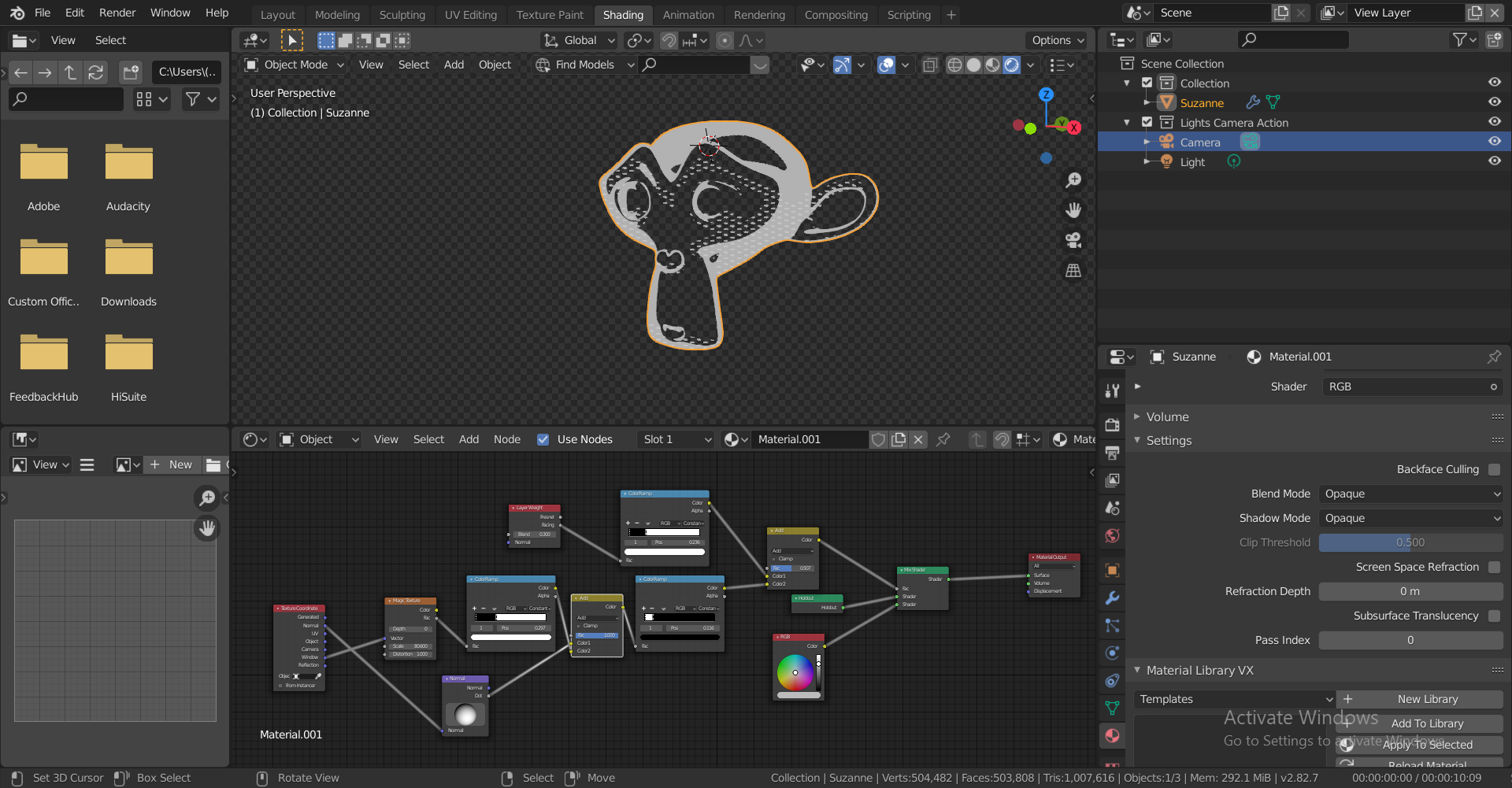
Hi Kent, first of all, thanks so much for this series. This is my first time delving deep into materials and I genuinely feel that I’m starting to understand how blender materials work.
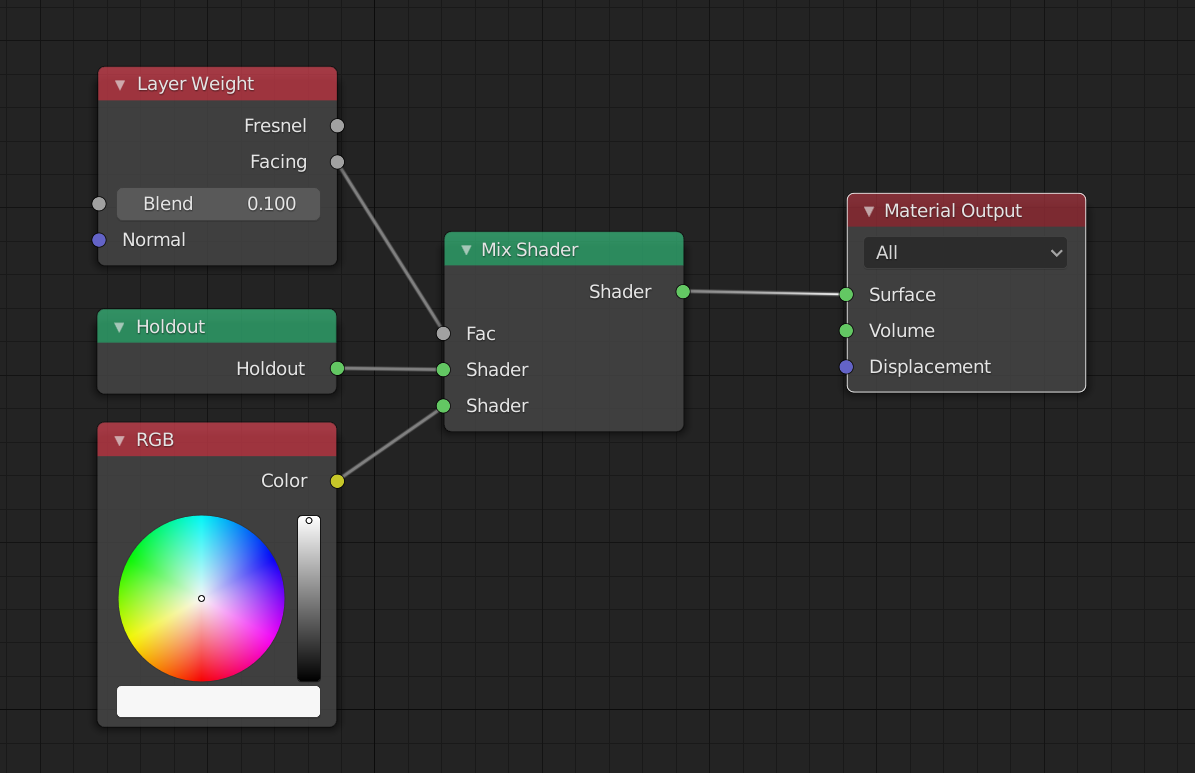
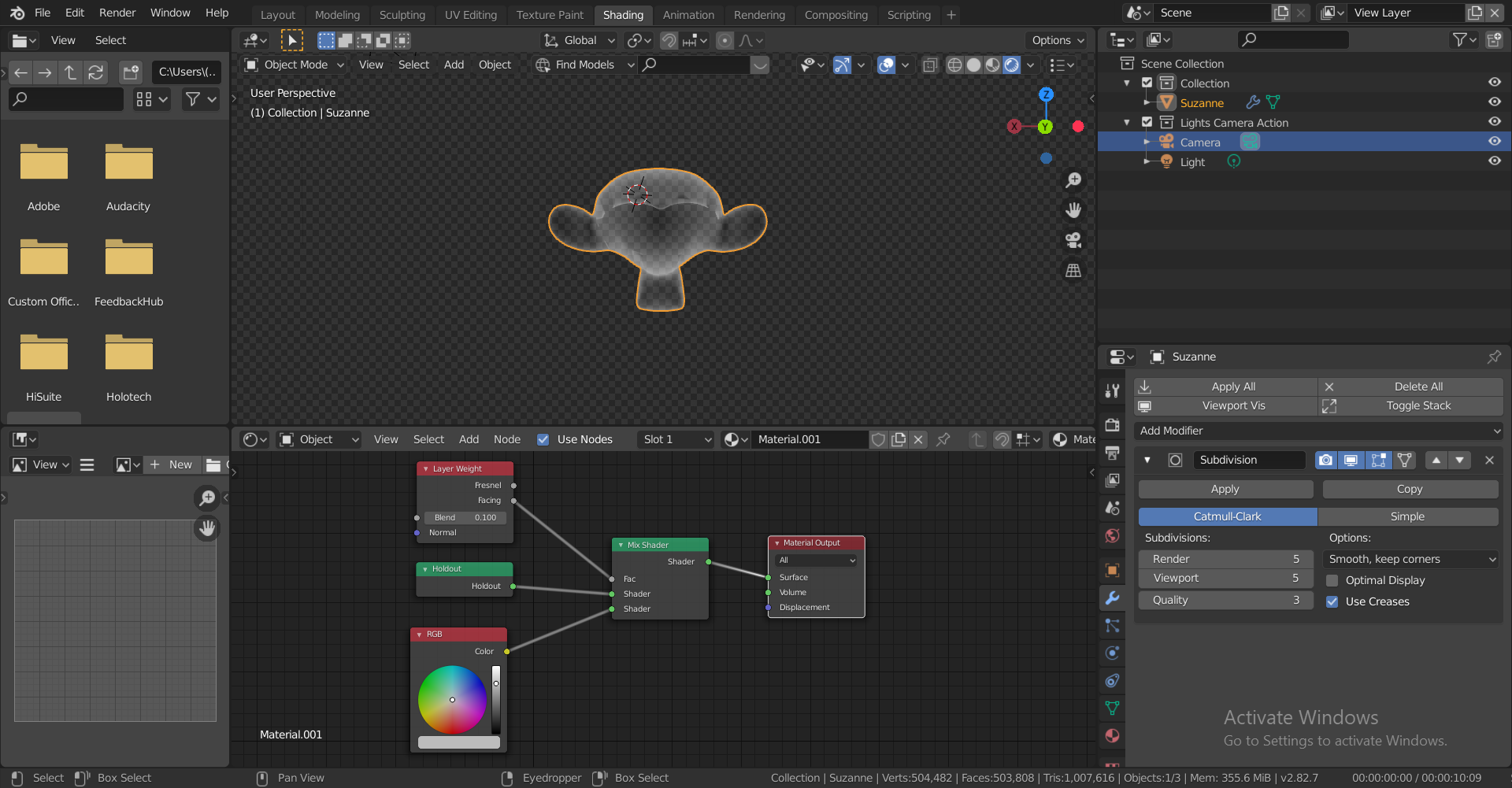
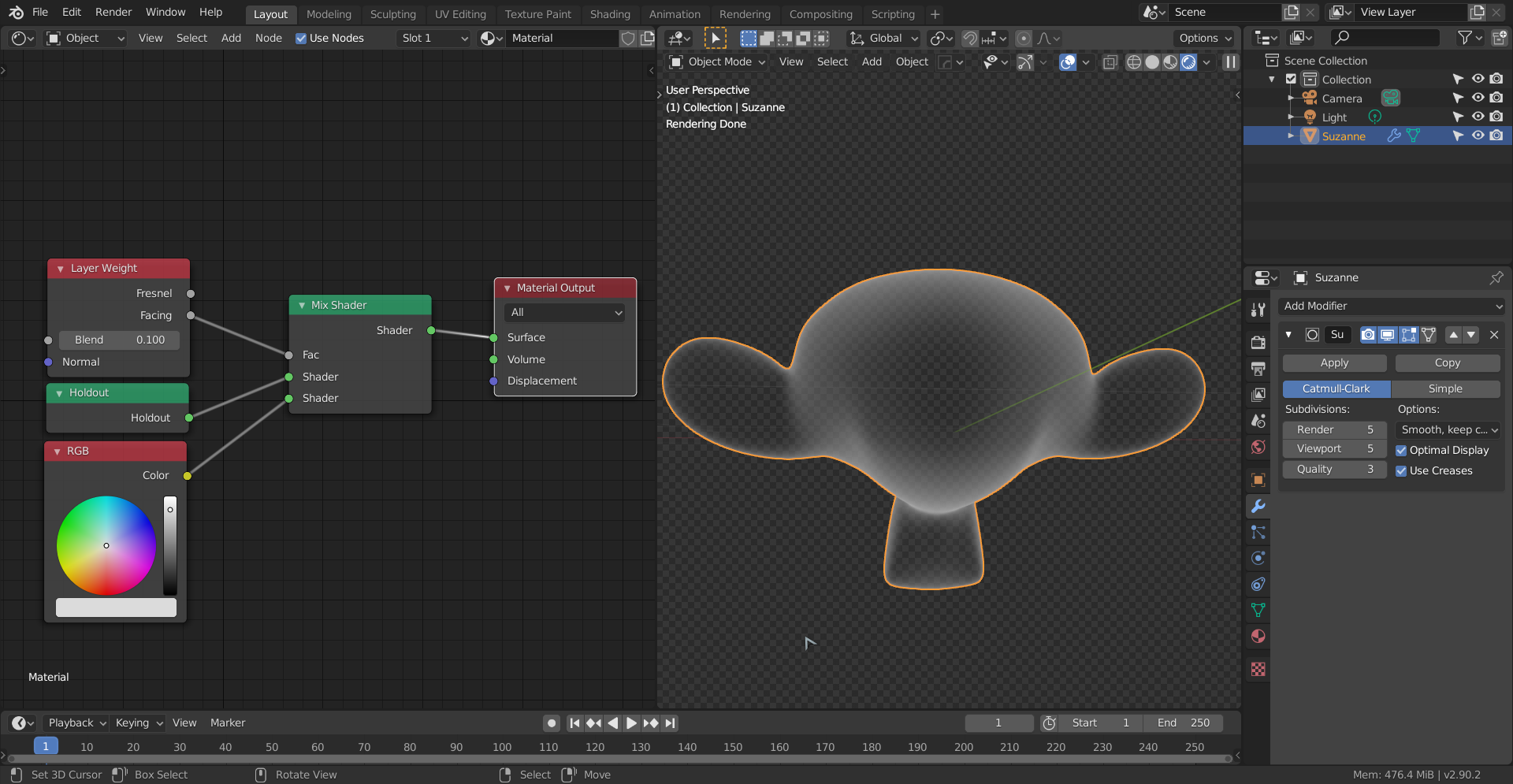
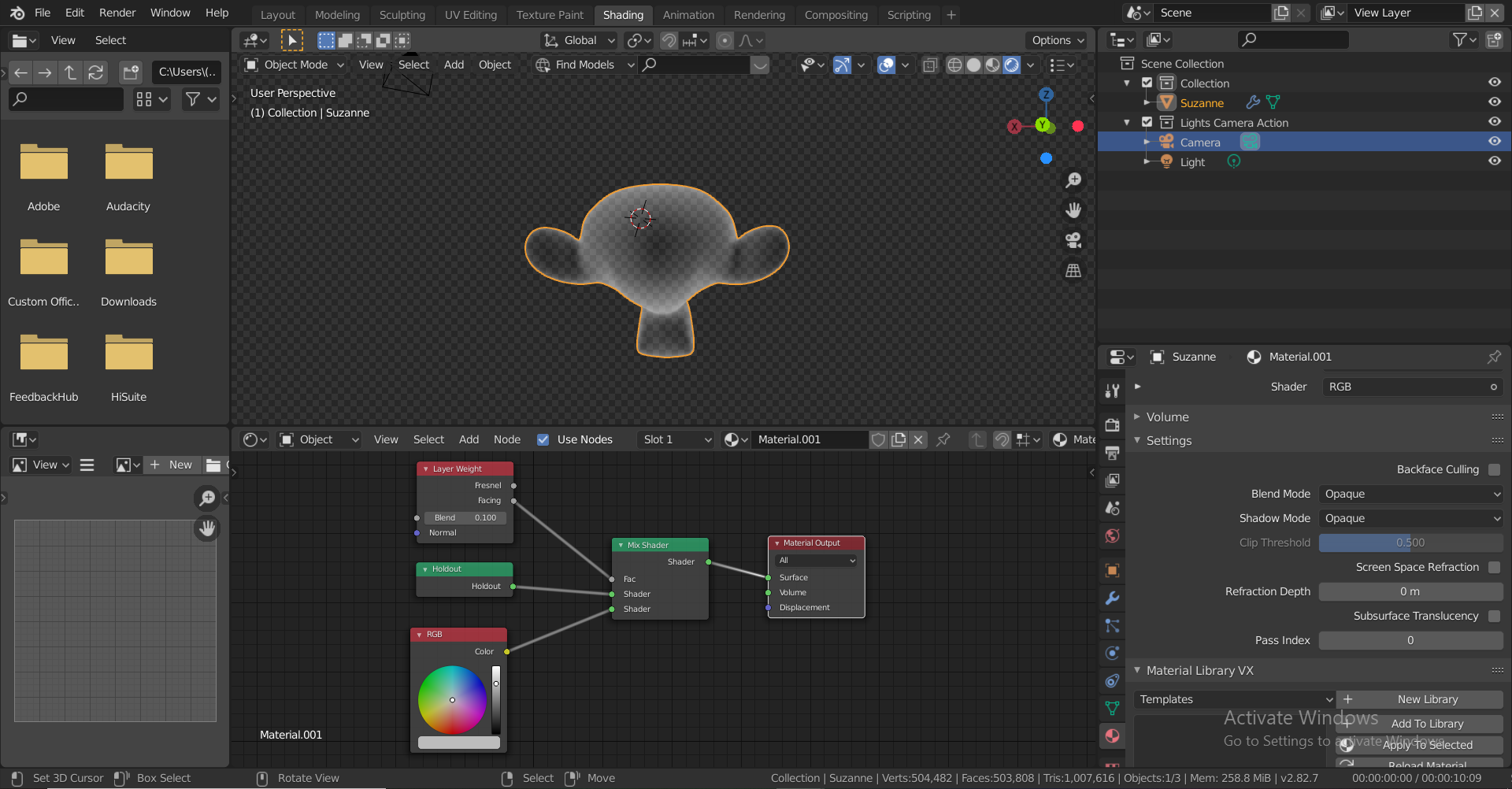
When I tried to make my own version of this shader, I ran into an issue. I was trying to mix the outline with a transparent BSDF, I found that I couldn’t mask out the back faces from showing from the front. When I look at Suzanne from the back, as the pictures demonstrate, the front faces are still visible!
I’ve tried a Light Path node with Use Camera Ray, and I’ve tried dot-producting the Normal and Position vectors from the Geometry node, and using those as factors, but neither option seemed to change anything. I tried to use the Backfacing output, but that doesn’t work for geometry that curves inwards.
How can I mask out only the faces that are behind others in relation to the camera, so I cant se the outline from things behind the camera? I have the file here: https://drive.google.com/open?id=1RzkupDSC3Zd7oUvyO_e3915qeOlRsNKb
Thanks in advance!
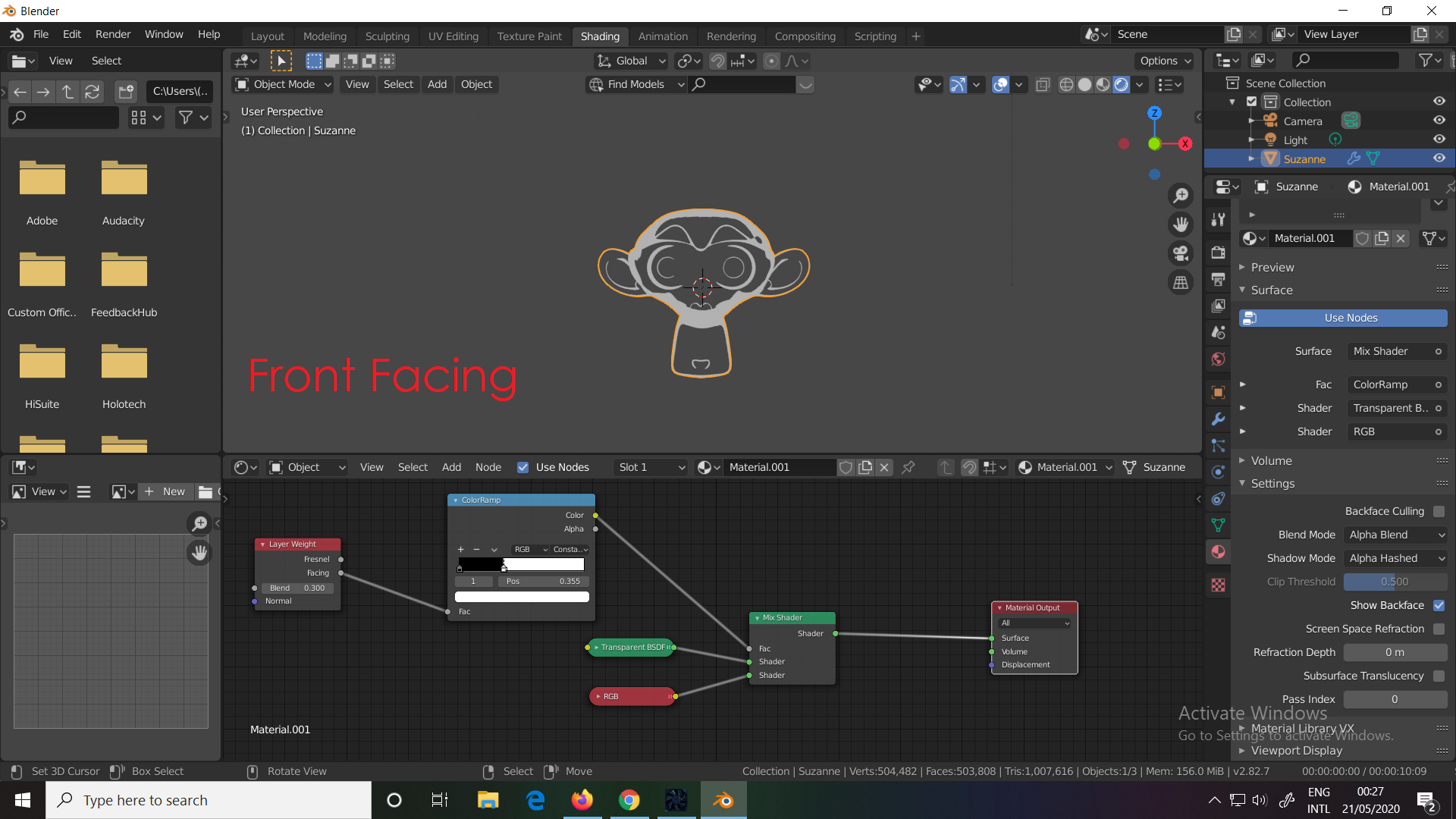
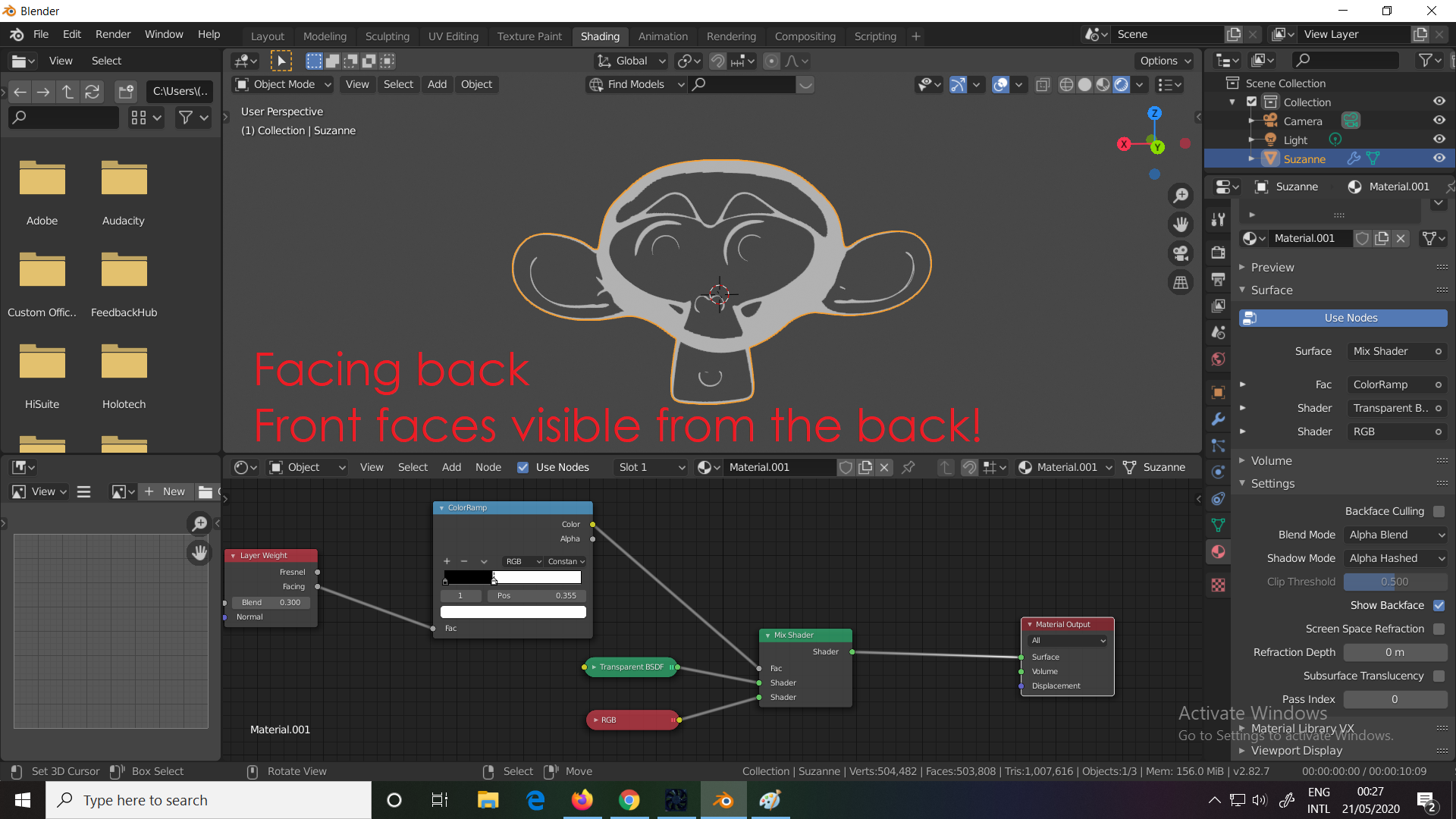

.


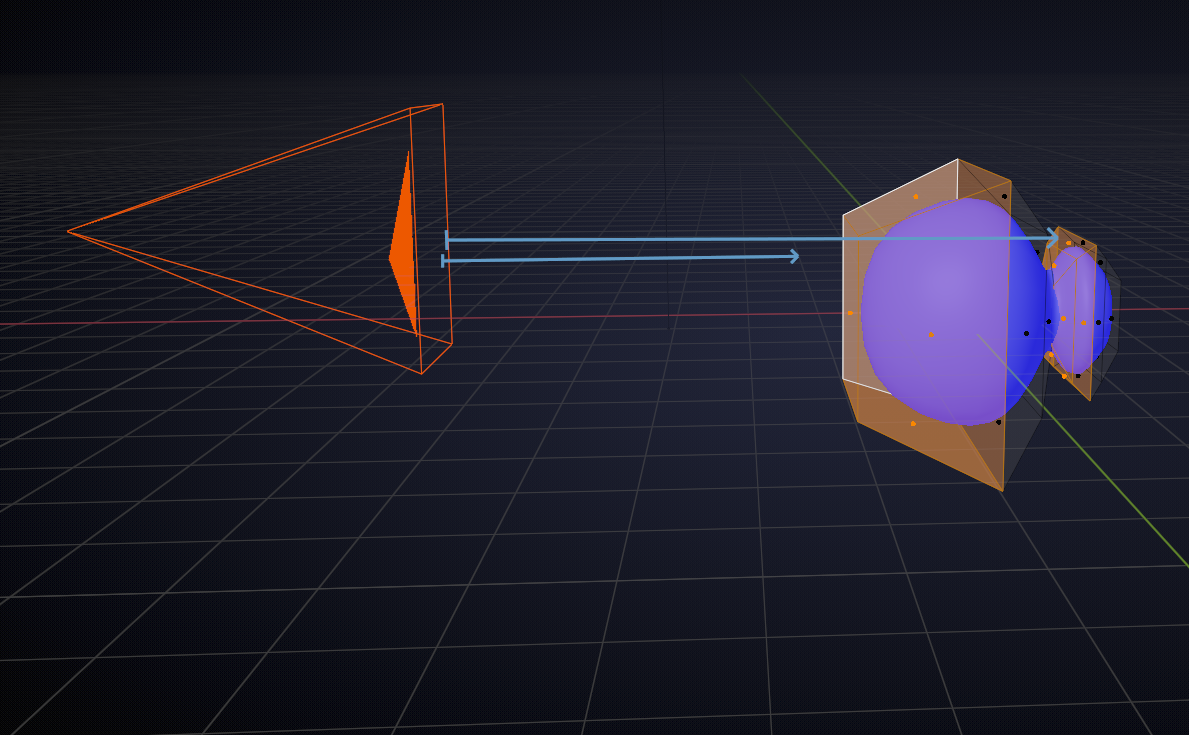

 Those 3 dots by the way are just an addon.