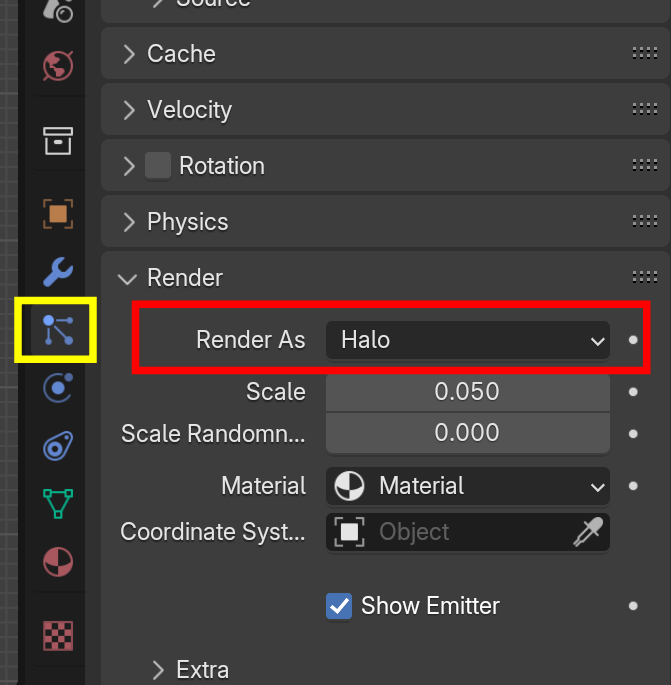
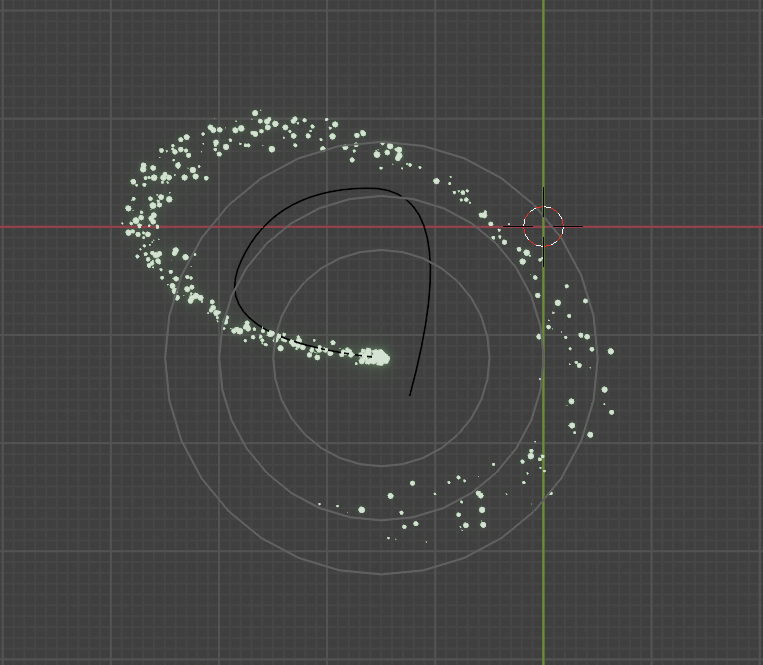
Hi everyone! For the life of me, I cannot figure out how to change the size of my particle spheres.
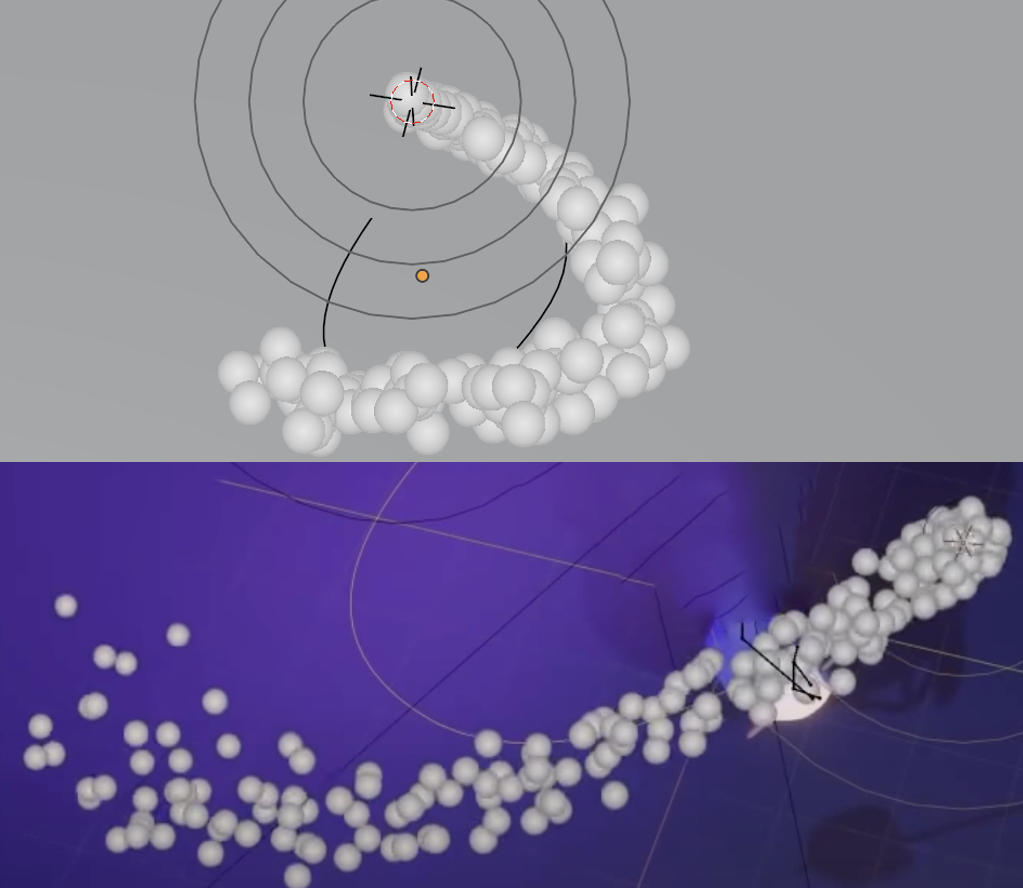
In the pic I uploaded, the top one is mine and the bottom one is the tutorial I’m following. His spheres are much smaller, and more spread apart, which I’ve attempted to replicate numerous times.
I’ve tried:
-Resizing my emitter (which is a round cube),
-Under Particles>Render, I’ve tried changing the Scale,
-Under Particles>Textures, I’ve tried adding a new texture, changing the Type to Blend, then under Influence, disabled General Time and checked Size, and under Colors, I’ve even added a Color Ramp where adjusting the white was supposed to manipulate the size.
To absolutely no avail.
It seems like the instructor has had more control over his render result with the spheres smaller and spaced further apart.
So, my question is – does the sphere size/spacing ultimately have any impact on the end result?
And if it does, is there any other trick I can try? I’m still working in 4.0.2, but also tried the steps above in 4.2.0 and they didn’t work in that version either.
Thank you in advance 🙂

.