Ground texture gradient

Forum Archive Ground texture gradient

Viewing 6 posts - 1 through 6 (of 6 total)
  • Author
    Posts
  • #16930
    Abdelhamid Beniani
    Participant

      Hi! First and first, thank you for the course! I love it. I just want to know how to create the ground with the gradient shading? I would love to use it for my cars presentation for the course!

      Thank you

      #81477
      Chunck Trafagander
      Participant

        It was my pleasure, I’m stoked you’ve enjoyed the course! 🙂

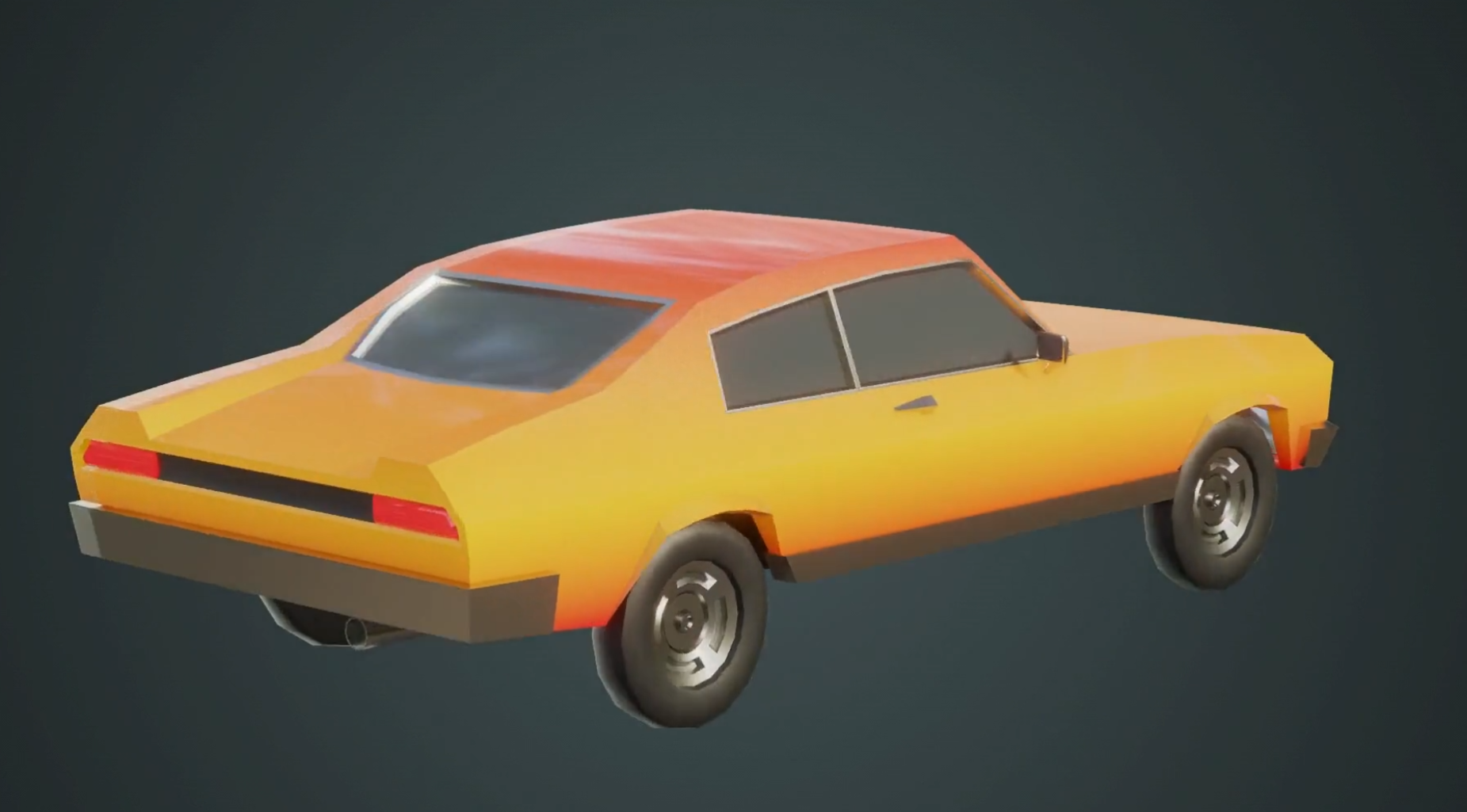
        Just to make sure we are on the same page, you are referring to the background in the image below?

        If that is the case, what I actually did was create a solid colour box in an image editing app (I use Affinity Photo, but something like Photoshop/GIMP/Photopea/etc.) and applied a radial gradient to it. 

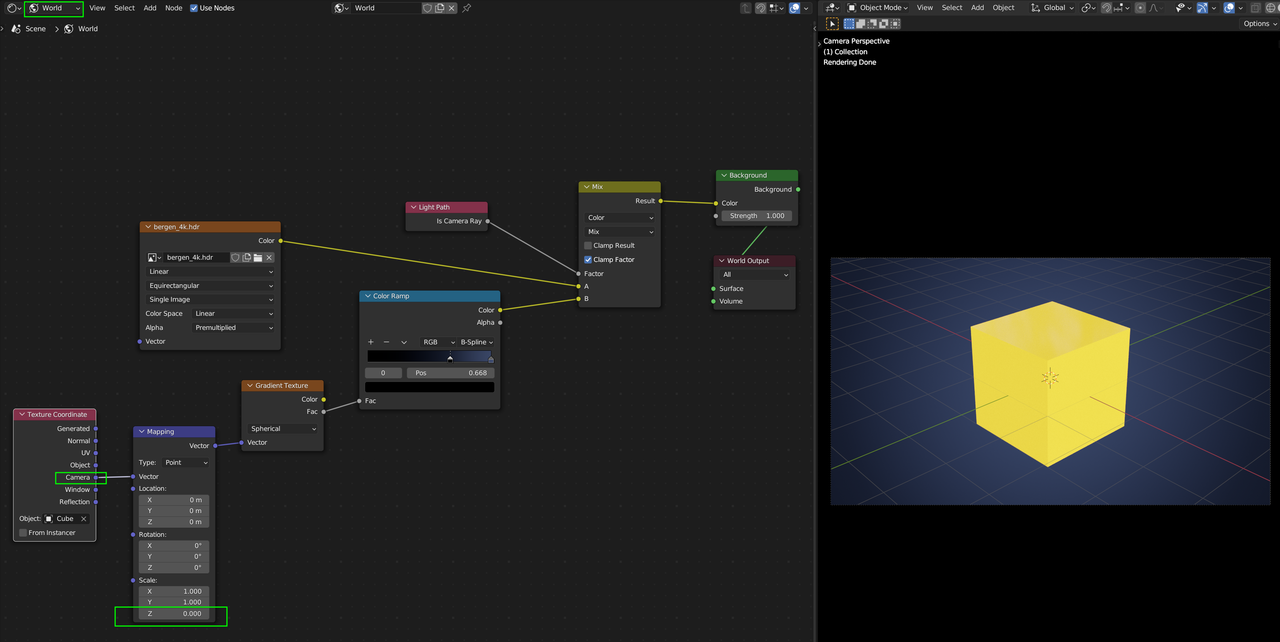
        I then rendered out a turntable animation of the car with the background set to transparent, so it only renders the car (Properties Panel>Render properties>Film>Transparent checkbox / image below).

        Then in my video editing software, I composed the car animation over top of the background image which resulted in that gradient you see there! You would also be able to do it in Blender with a material shader on a plane mesh behind the car, however since I was editing videos for this course anyways, I decided to do it this way instead.

        I hope that was what you were looking for, please let me know if you were referring to something else and I would be happy to answer!

        Cheers!

        Chunck 🙂

        (Car with vignette background)
        (Transparent background for renders)

        #81478
        Martin Bergwerf
        Participant

          Or something like this:

          Gradient.png

          #81479
          Omar Domenech
          Participant

            Or perhaps you meant something for the ground? Since you mention ground texture. I’ve always liked how Kent does it in this old course, it’s an alternative for the usual background drape.I’ll leave it in this link just in case it’s helpful:

            https://cgcookie.com/lessons/lighting-preparation#

            #81480
            Abdelhamid Beniani
            Participant

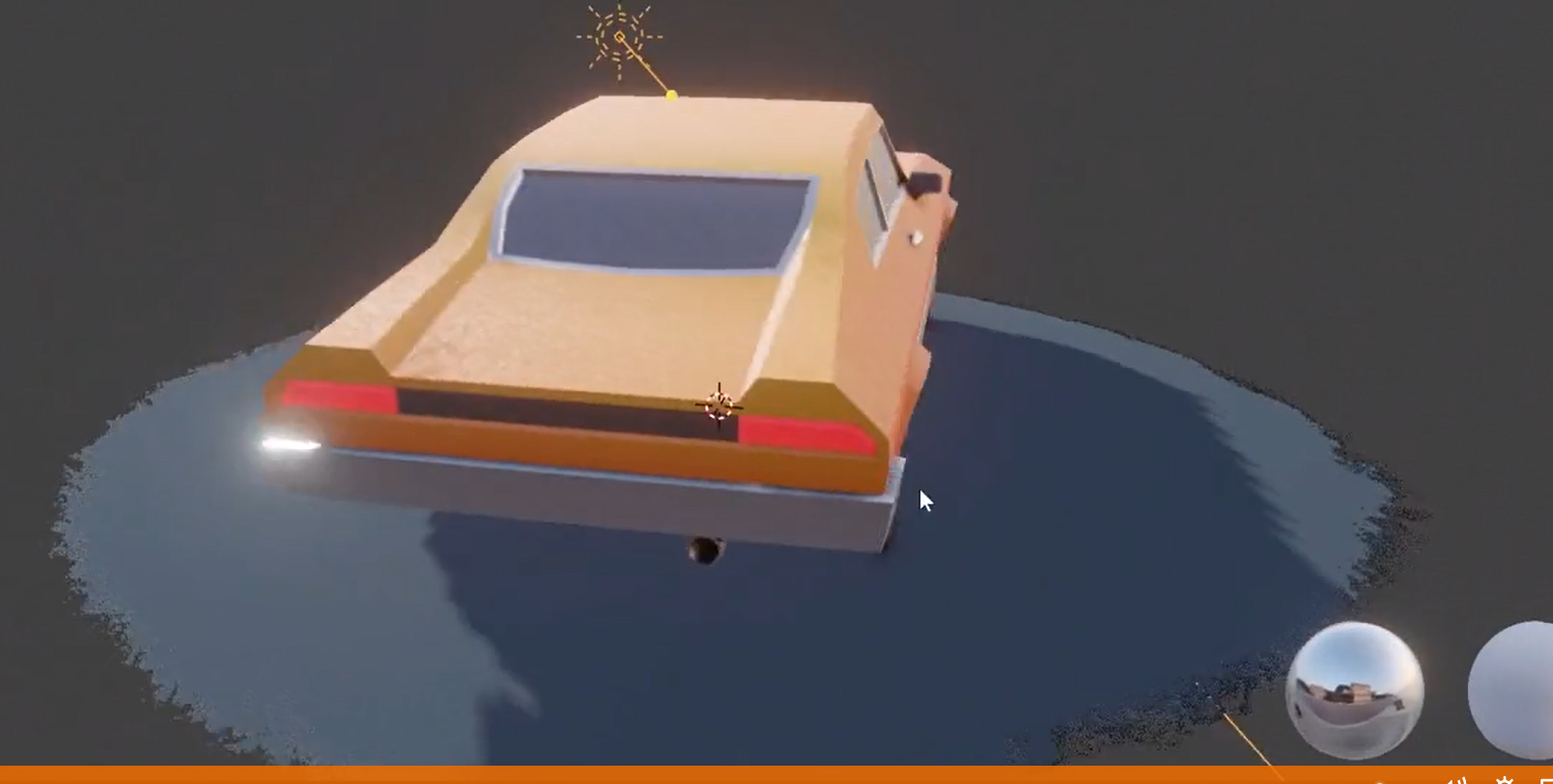
              Sorry guys for not being clear on the question (and thank you for replying!), what I meant was the textured transparency around the ground at the end of the video : 

              #81481
              Omar Domenech
              Participant

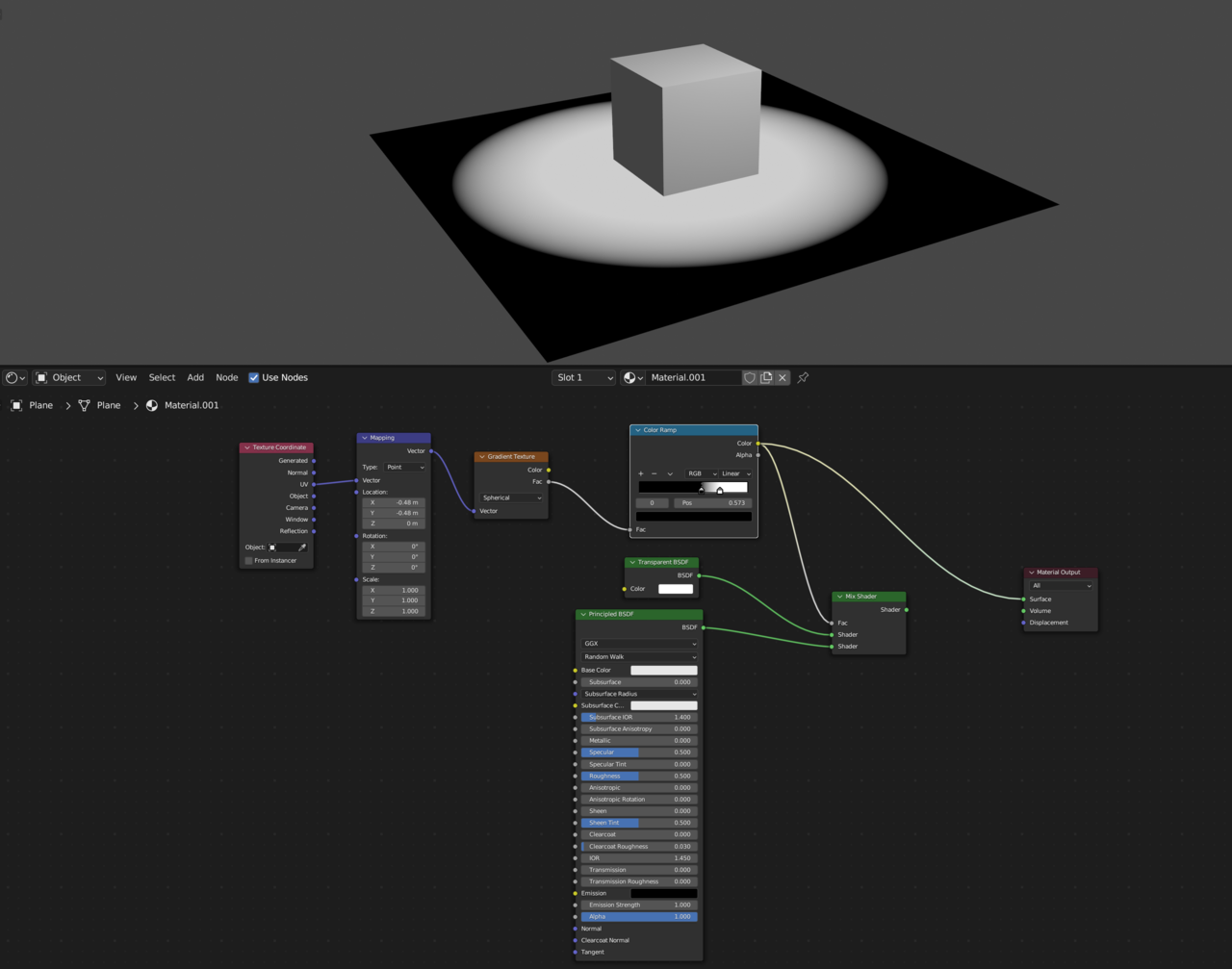
                For that it would be something like this, get a mask going

                1.png

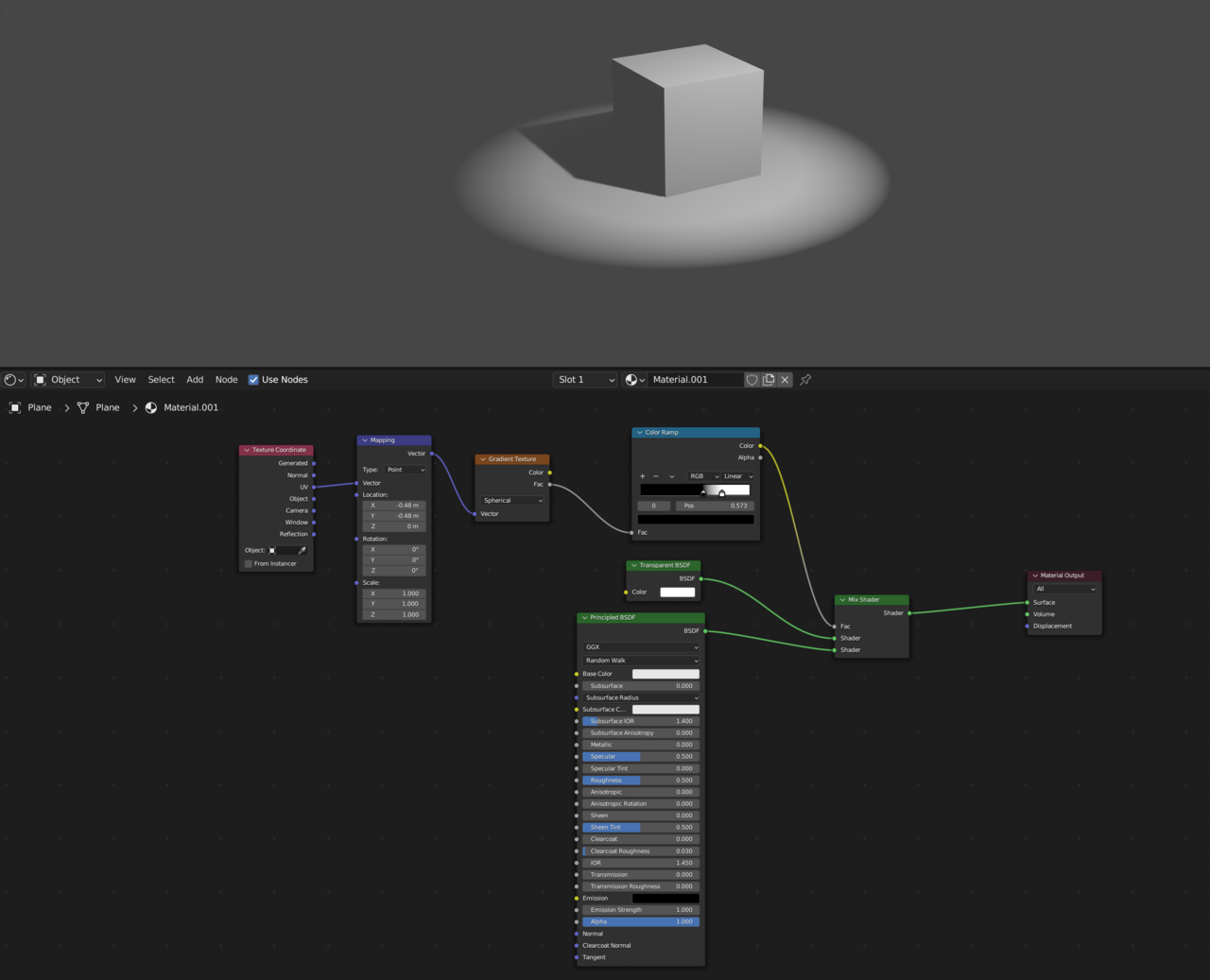
                To split between what’s transparent and what’s not

                2.png

              Viewing 6 posts - 1 through 6 (of 6 total)
              • The topic ‘Ground texture gradient’ is closed to new replies.