Getting Gray overlay after displacement baking in 4.3

Forum Archive Getting Gray overlay after displacement baking in 4.3

Viewing 6 posts - 1 through 6 (of 6 total)
  • Author
    Posts
  • #19553
    Pavel Polz
    Participant

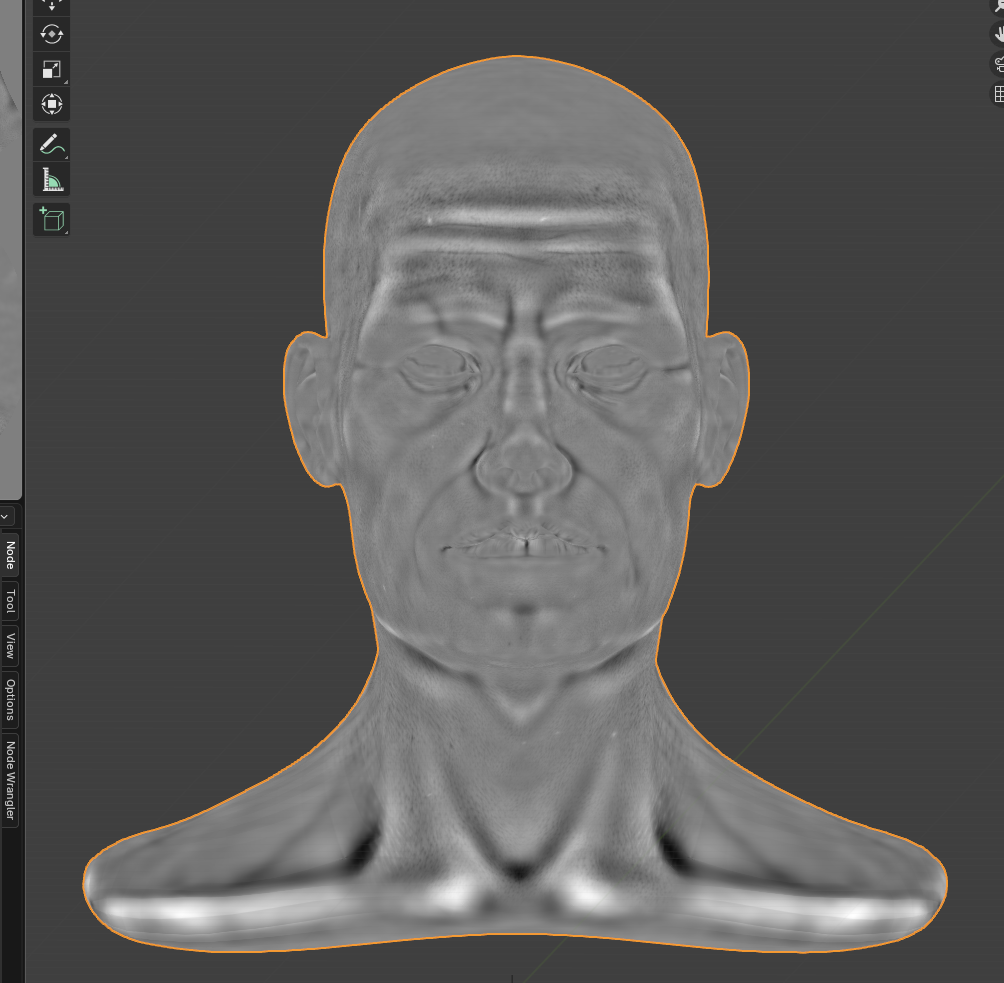
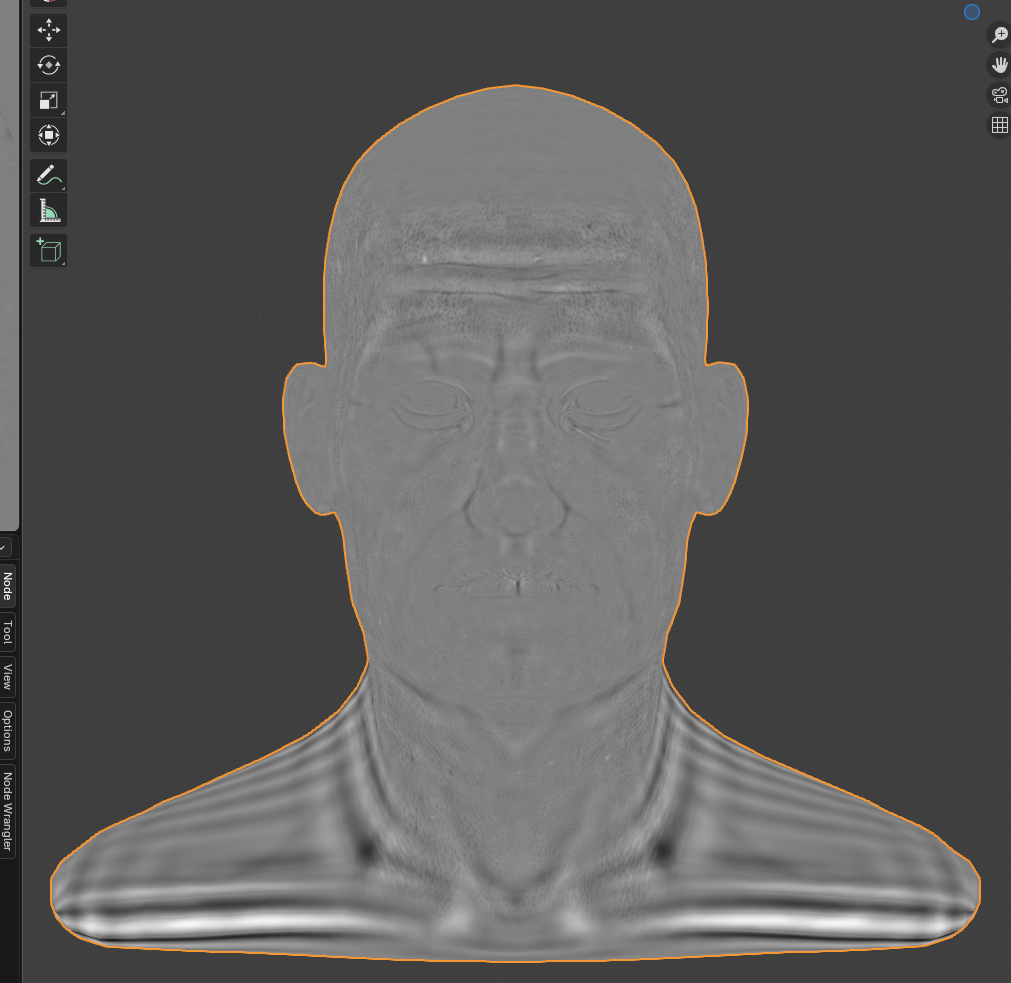
      When I try to bake first displacement map I get only gray overlay. Read many threads without any progress.

      I tried: 

      – copy paste to empty blender of same version, same issues

      – I tried to exported as obj but unable to rebuild subdivisions with error “no valid subdivisions found to rebuild a lower level” (same issue when applying modifier and adding it again)

      – when I load Kent file in the same old version 2.92 it works like the charm

      – It does something when baked with level viewport 1:

      – but on level 2 I dont think it is desired level 

      – low resolution make it even worse

      – cannot of course open my file in older version 🙂 

       any tips please? 

      #92692
      Martin Bergwerf
      Participant

        Hi Pavel,

        Unless someone else already knows what is causing this, we might need to have a look at your .blend file.

        (You can upload it to Dropbox, GoogleDrive, or so and post a link here.)

        #92693
        Martin Bergwerf
        Participant

          Oh, what you could also try, is to Append your model in 2.9x.

          #92694
          Jules Faravel
          Participant

            I just had the issue and I think I finally got it

            The amount of detail that the map is bringing to your mesh is defined by the gap between the level viewport and the render of the multires modifier ( so I did 1 for Level viewport/sculpt and 6 for the render)

            Once the map bake I plugged the image texture into the base map of the BSDF and switched to the material preview mode of the viewport

            Hope that it helps 😉

            #92695
            Pavel Polz
            Participant

              @Jules_frv thanks mate, but as I messaged aboved I did the same. I am stating this issue as when done accordign to the course where zero is used, it causes that gray overly  

              @Martin Bergwerf also thank, but I did try that, it crashes in old version 

              with some limitations I am able to continue, will see if I will get to upload the file, I am not sure I have a good backup before going further with texturing and the course 

              thanks everyone

              #92696
              Martin Bergwerf
              Participant

                Hm, that’s weird, that Appending a Model crashes Blender 🤔

                Well, maybe you’ll be able to finish it without too much ‘damage’ to the end result (there are many textures working together in the final result, so missing one Displacement might still be acceptable…)

              Viewing 6 posts - 1 through 6 (of 6 total)
              • The topic ‘Getting Gray overlay after displacement baking in 4.3’ is closed to new replies.