Font Solidify Problem

Forum Archive Font Solidify Problem

Viewing 3 posts - 1 through 3 (of 3 total)
  • Author
    Posts
  • #16071

    Hi,

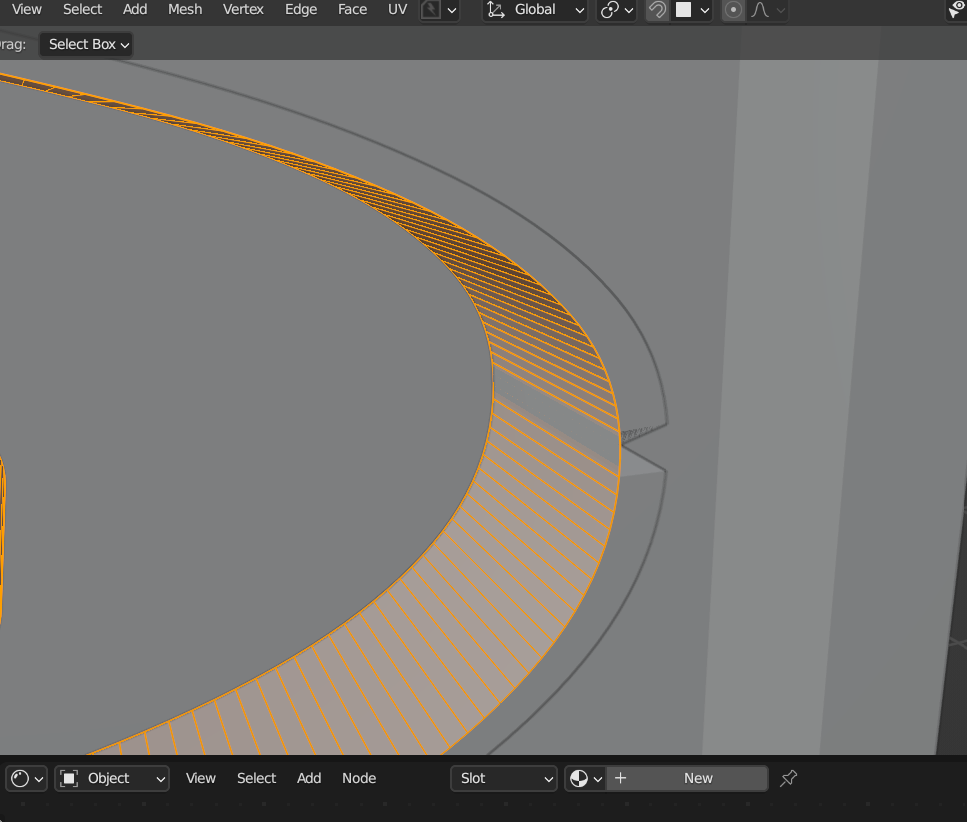
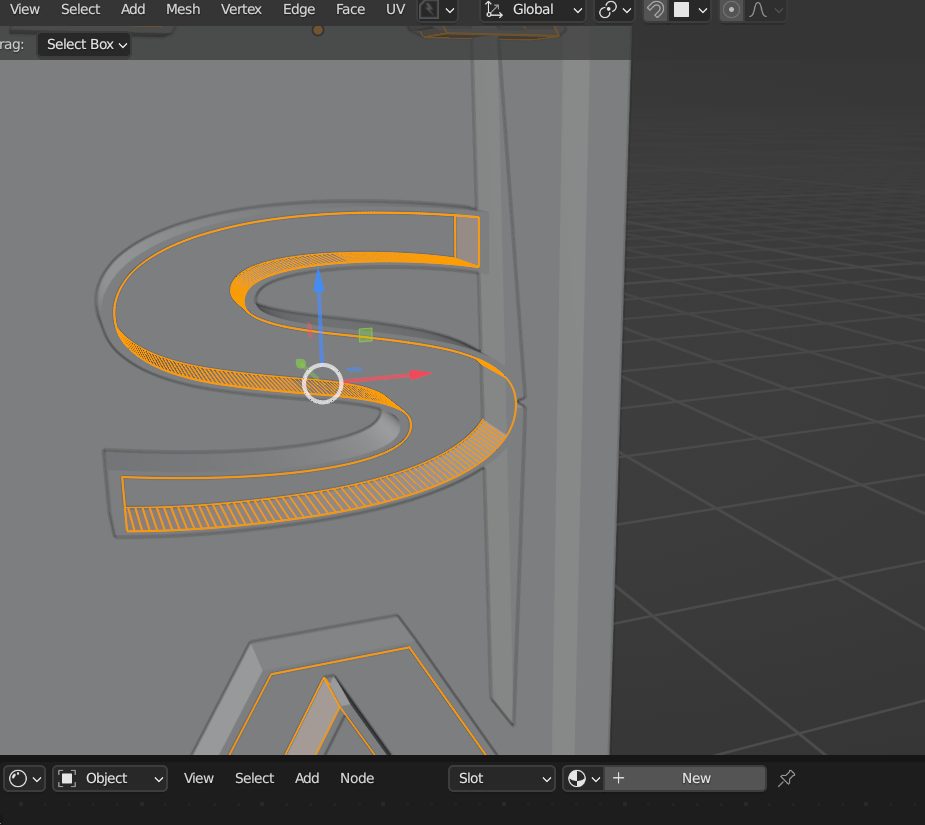
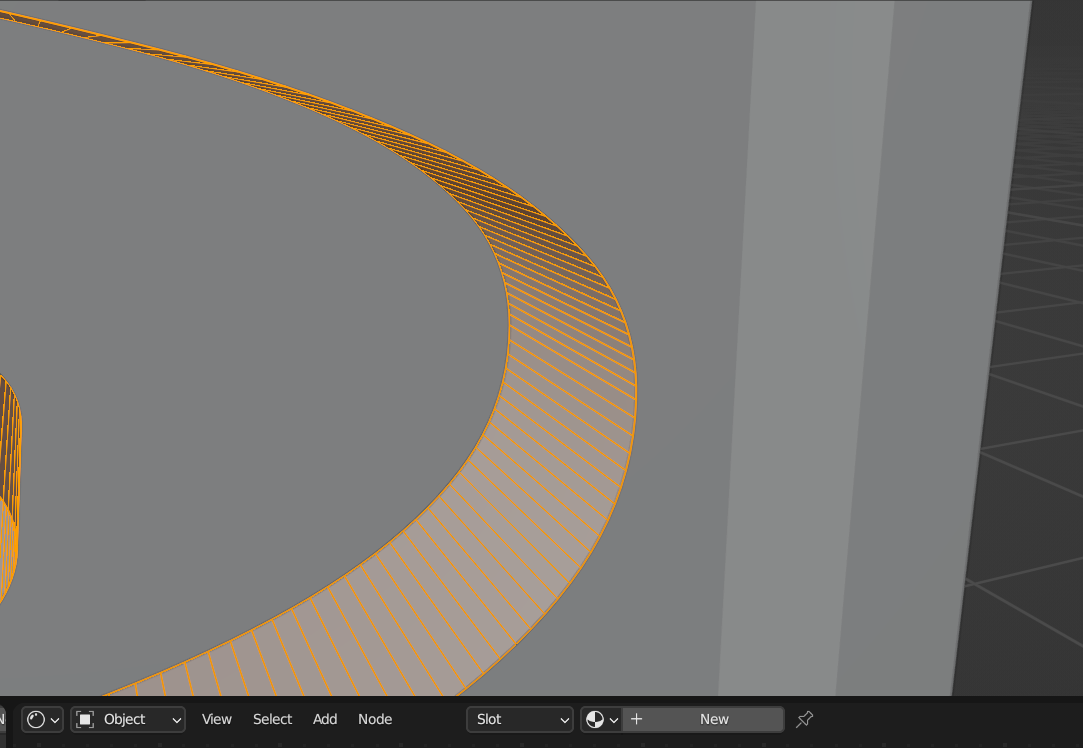
    After I applied solidify to the letter, some part of it are not being solidified properly. May I know why? It’s getting worst if I click even thickness.

    Before solidify:

    Solid1.png

    After Solidify:Solid2.png

    Even Thickness is applied:Solid3.png

    #78066
    Martin Bergwerf
    Participant

      Hi @Zulfariz ,

      That looks suspiciously like inconsistent Normals: SHIFT+N to recalculate them (with all the Vertices selected).

      (For good measures, you can do M > Merge by Distance before that.)

      #78067
      Omar Domenech
      Participant

        When I covert text to a mesh, normally it comes out with really messed up topology, double vertices, flipped normals etc, etc. So I typically just go into the mesh and fix all of the topology issues as if I was modeling it from scratch, because if I don’t and I want to use a modifier such as solidify, it’ll just get all wonky and it’s a pain to work like that. So yeah, I suggest you take the time, go in and get rid of extra loops and all that other good stuff and get the modeling to tip top shape. 

      Viewing 3 posts - 1 through 3 (of 3 total)
      • The topic ‘Font Solidify Problem’ is closed to new replies.