First problem after trying to bake second group of low and high models to make a normal map

Forum Archive First problem after trying to bake second group of low and high models to make a normal map

Viewing 3 posts - 1 through 3 (of 3 total)
  • Author
    Posts
  • #10839
    scottslaymaker
    Participant

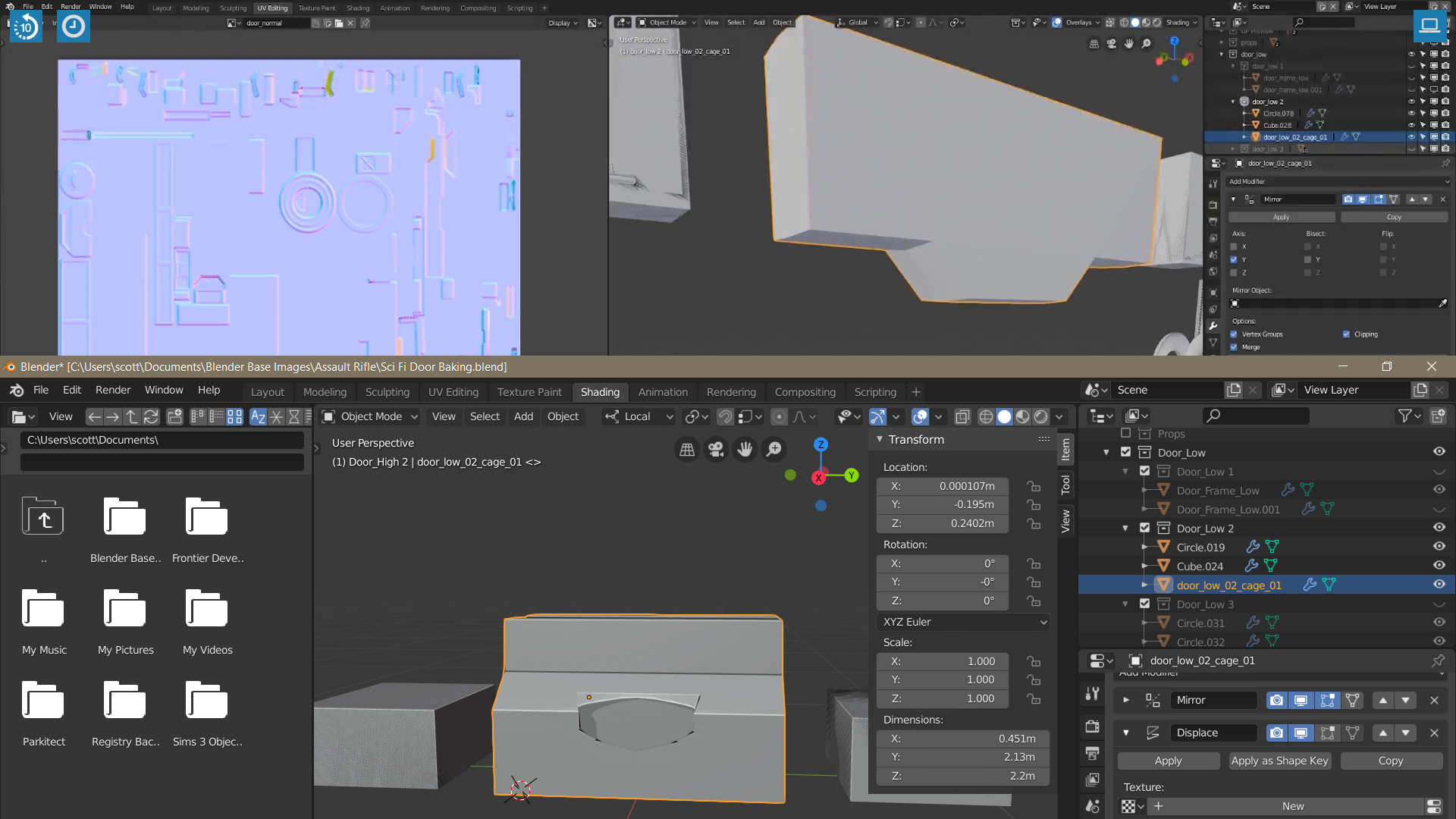
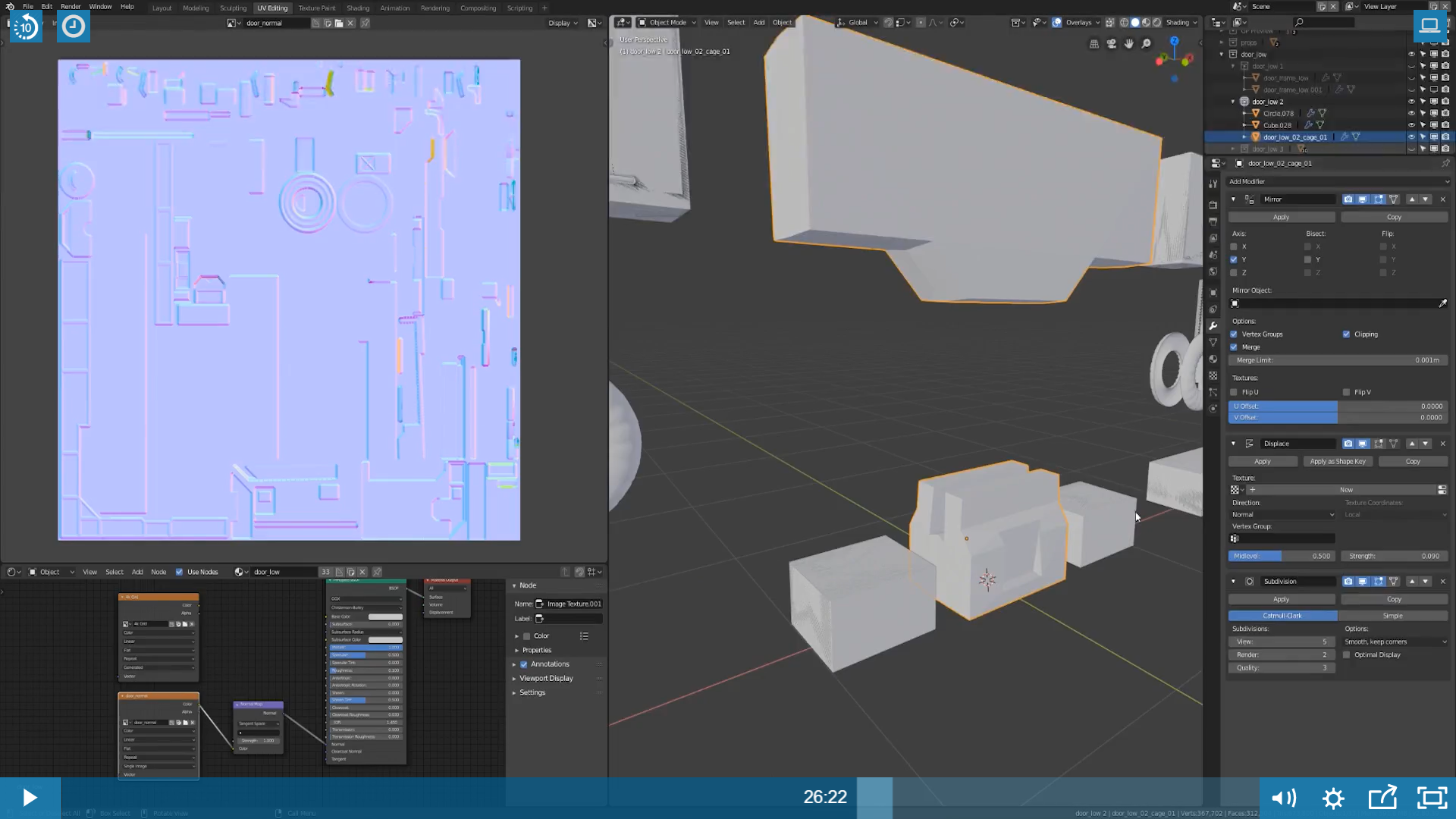
      I have been able to troubleshoot everything to this point I am currently stumped. On the baking the normal’s video, at around 26:19, after I add the diffuse modifier and scale it to cover all the high poly details, whenever I add the subdivide modifier, the lower part of the door where the inset is has some issues going on that I cant fix. Ive tried removing creases, adding creases, making sure all vertices are connected, etc.. but it keeps turning out messed up

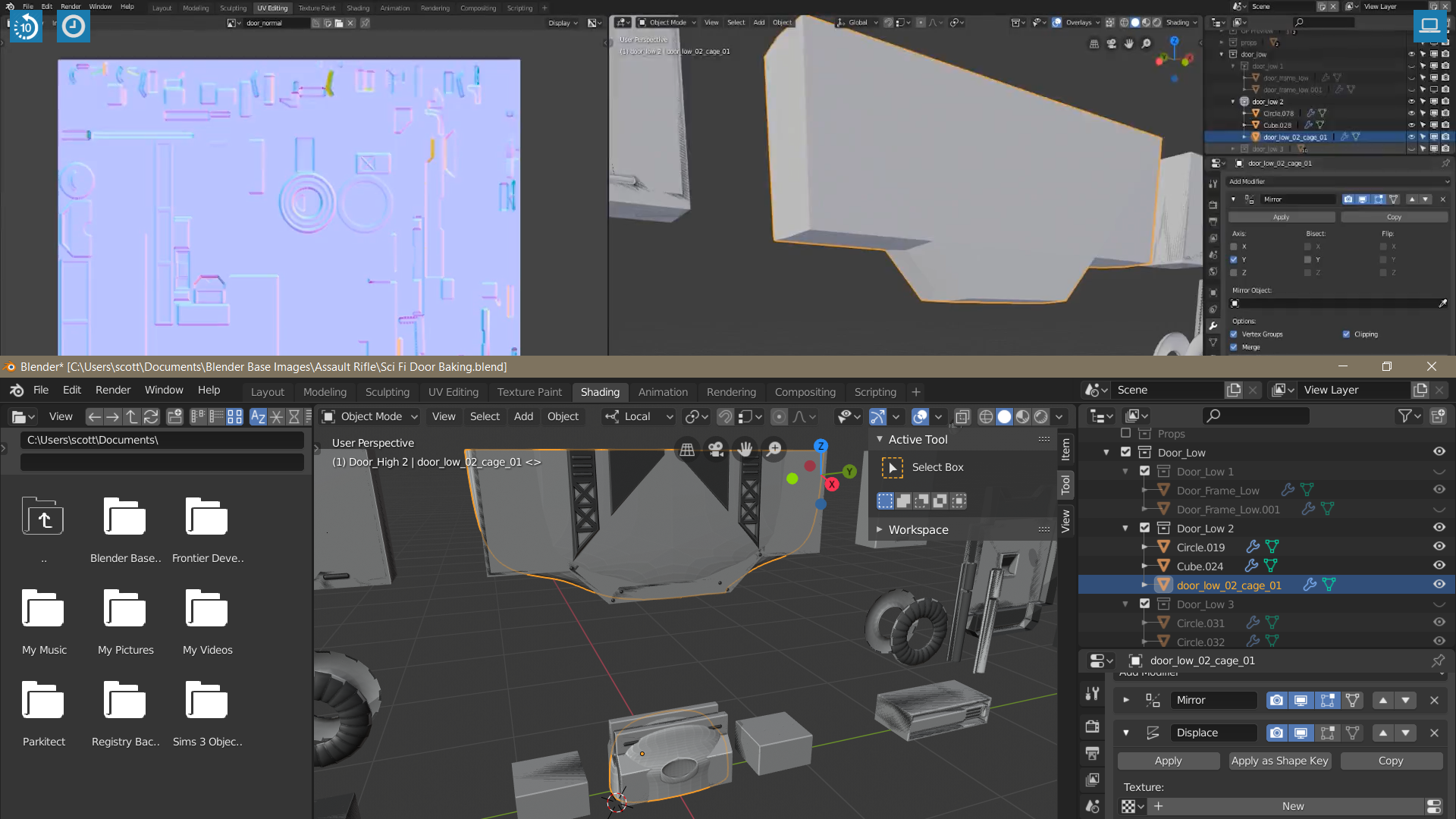
      How it should look from the tutorial

      The result I get when I add subsurf modifier

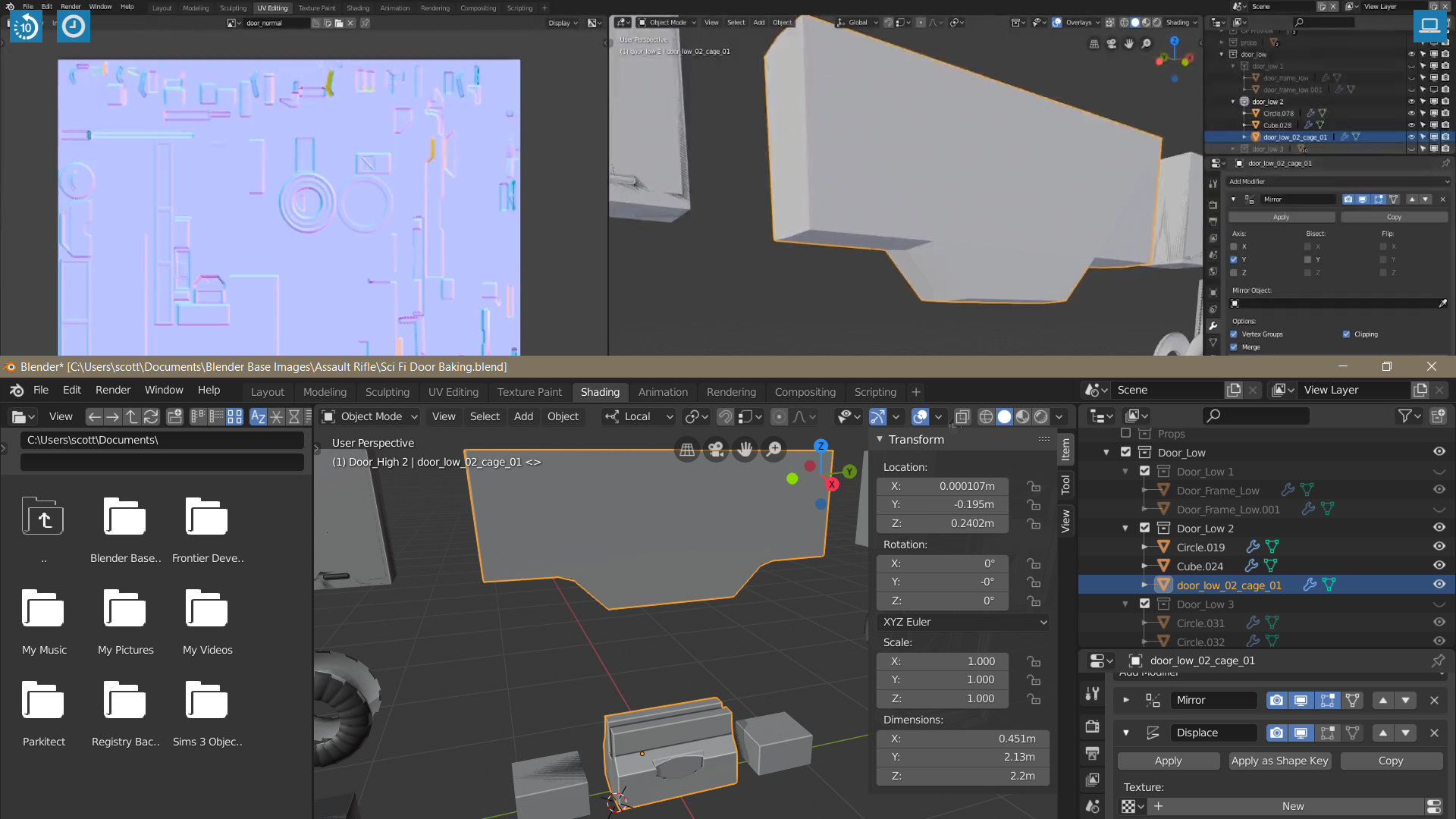
      The result I get when I change crease to 1 in edit mode

      Inset looks messed up, what do I do?

      #51361
      Jonathan Lampel
      Participant

        Hey @scottslaymaker ! I’m not sure why a crease of 1 on all edges for that bottom piece would give you that result. If you’ve creased all those edges (including all the non-sharp edges too), then I’d be happy to take a look at the file and see what’s up if you upload it to pasteall.org, Dropbox, or Google Drive. My guess though is that the edges connecting the inset to the perimeter of the shape are not creased, or perhaps that shape is an ngon, in which case use J to connect the inset to the outer edges and crease the result. 

        #51362
        scottslaymaker
        Participant

          Thanks a lot John, that worked, I had 2 faces that were NGons. That was a quick response, thanks again for being awesome and providing all the great tutorials !!

        Viewing 3 posts - 1 through 3 (of 3 total)
        • The topic ‘First problem after trying to bake second group of low and high models to make a normal map’ is closed to new replies.