
Final render looks different than preview render
Forum Archive › Final render looks different than preview render
- This topic has 14 replies, 3 voices, and was last updated 6 years, 2 months ago by
John Island.
-
AuthorPosts
-
June 11, 2020 at 2:23 pm #12199
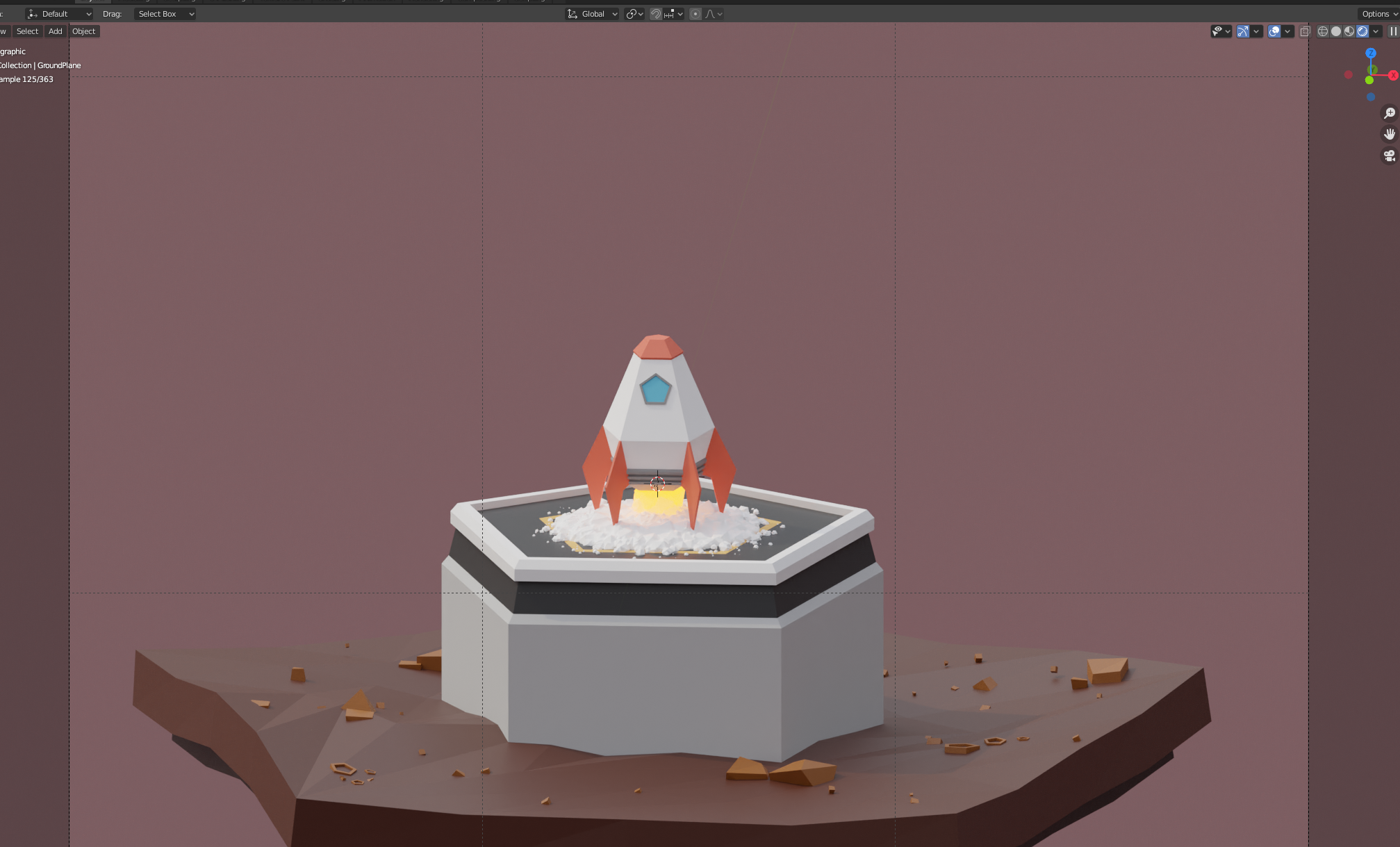
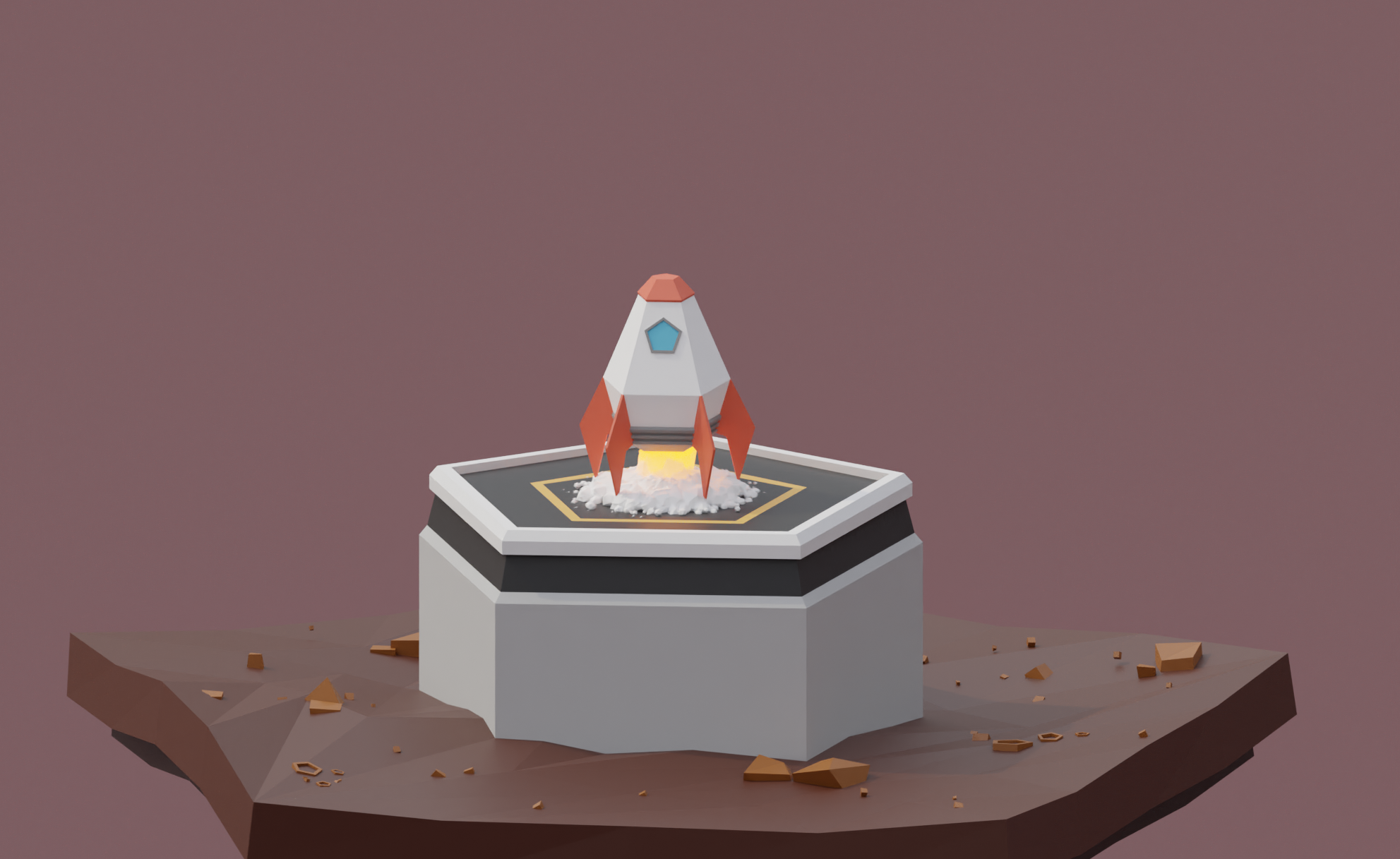
Hey! A few days ago I finished the Low Poly Rocket course, but when I rendered the animation, I realized that something was wrong. I re-renders only this frame and the difference is obvious. One is the rendered preview and the other is the already rendered frame. I have been looking for people with the same problem but have not found a solution. Hope someone can help me. Thank you.
 June 11, 2020 at 4:56 pm #58245
Hi, @johnisland
It is too bad that you’ve cropped thatright side of the screen. Specially Output tab:
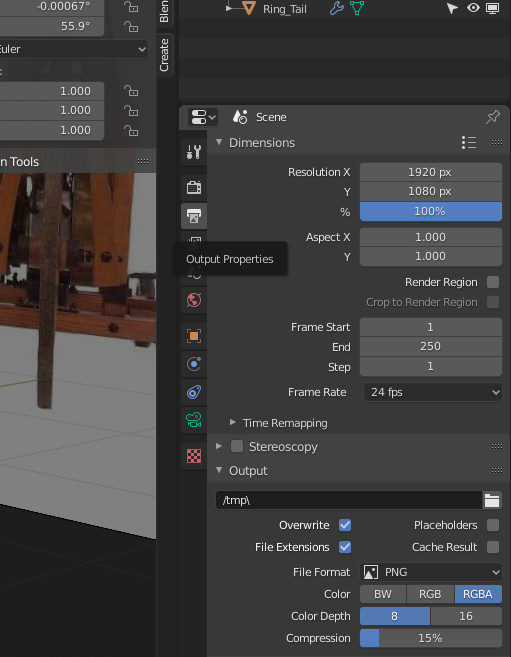 Check up your output settings.June 11, 2020 at 6:37 pm #58246
Oh I’m sorry. I think that is fine.
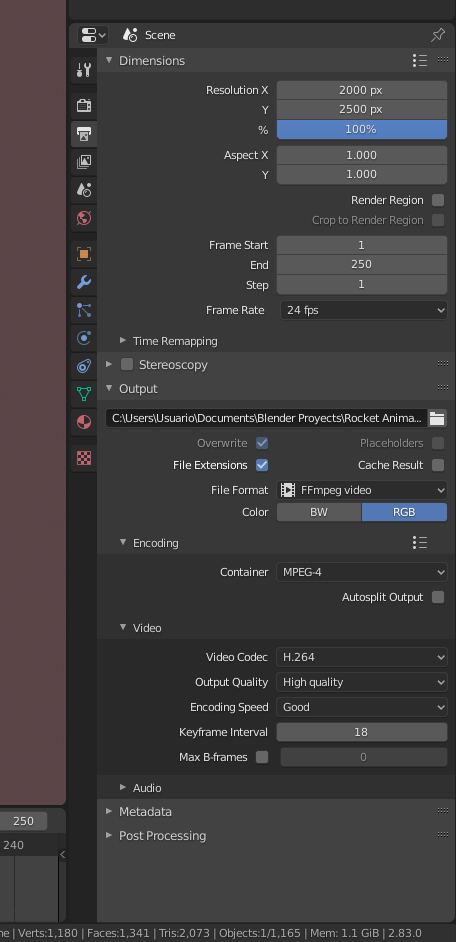
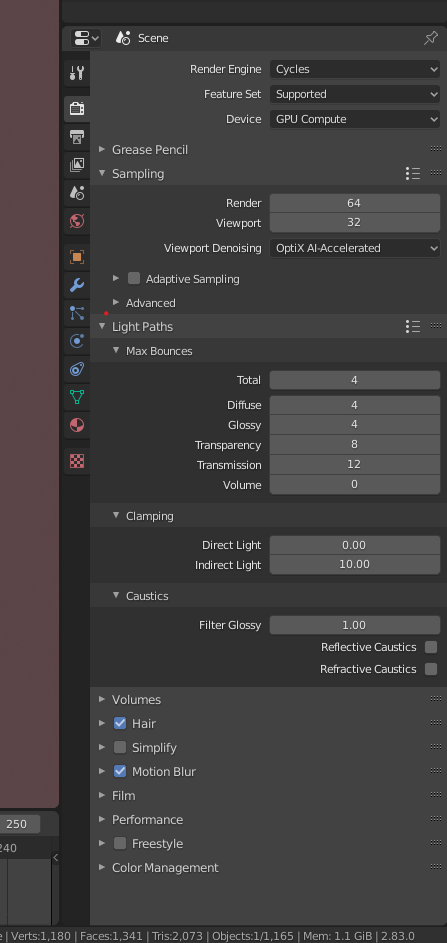
Maybe where the problem is in the particle configuration. But it should not be different in the preview render. So sorry, I’m newbie in this.
June 11, 2020 at 6:50 pm #58247I am seeing that it’s as if Blender was rendering an old configuration. I have cleared the cache and try different values, with eevee but it still continues rendering what he wants haha. I will do it again to practice. Anyway I would like to understand why this happens.
June 11, 2020 at 11:42 pm #58248Hmm, I’d like to understand that too) @johnisland, can you share the sourse file?
June 12, 2020 at 12:32 am #58249I’ve seen this many times with this course. For instance: https://blog.cgcookie.com/forums/topic/any-tips-for-working-with-large-poly-count-scenes/
Did you bake the particles?
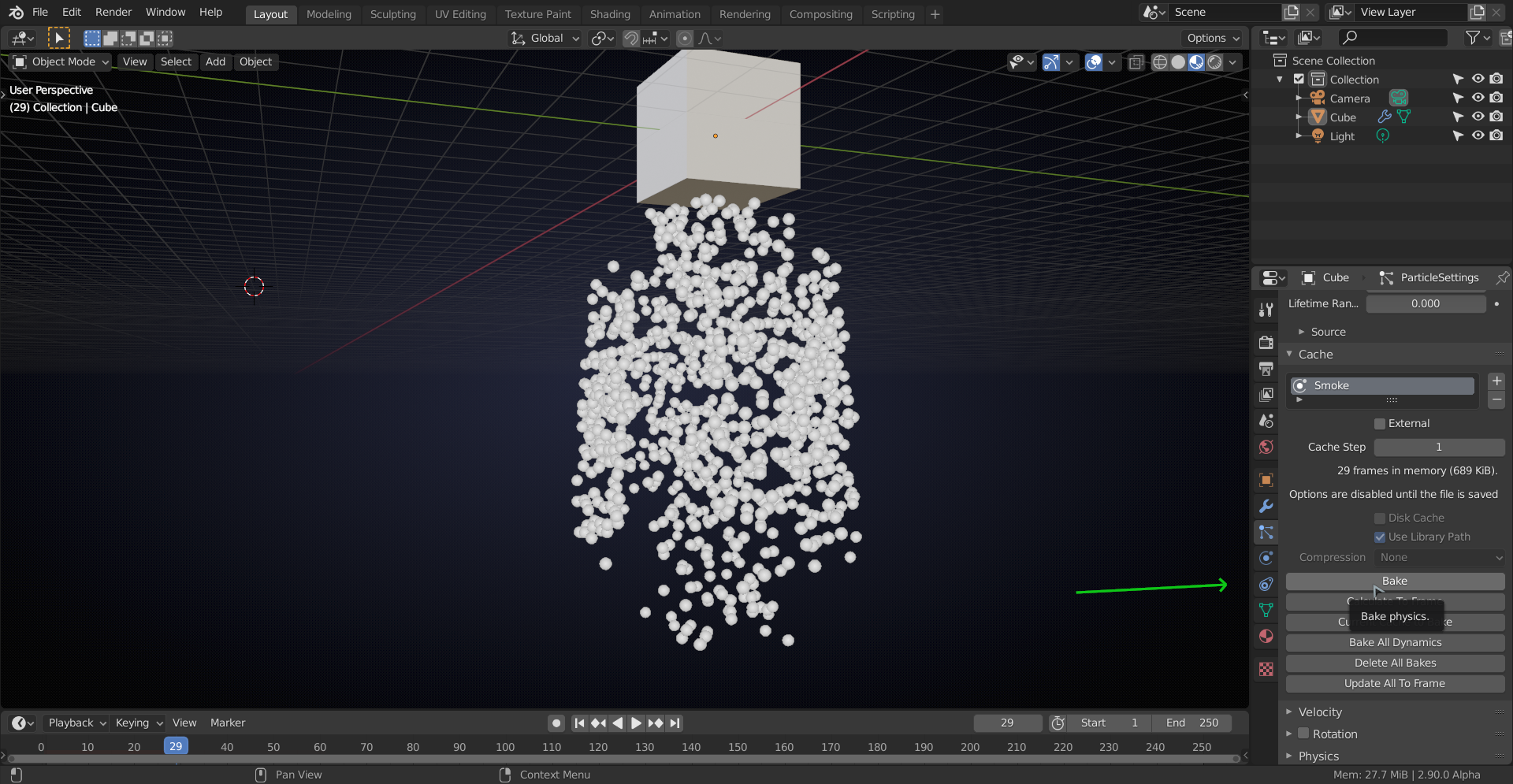
I know you said you cleared the cache, but I’m not sure what you actually did there…
June 12, 2020 at 11:08 am #58250Here is the file. But I don’t know if you can load all the data correctly. Again, I am very awkward even in these things. Thanks for the help. @spikeyxxx yes I cleaned it from there but still I have the same error.
June 12, 2020 at 12:25 pm #58251Thanks, @johnisland.
Firstly, I thought that there was some problem with your camera settings (because of that landscape orientation). Me bad, sry(I’ve downloaded the file and did two things:

1) Delete all bakes.
2) Bake all dynamics.Here is the result:
June 12, 2020 at 12:58 pm #58252@michaelmirn, that is not the result it should be… I’ve tried that, because that was also my first guess, but:
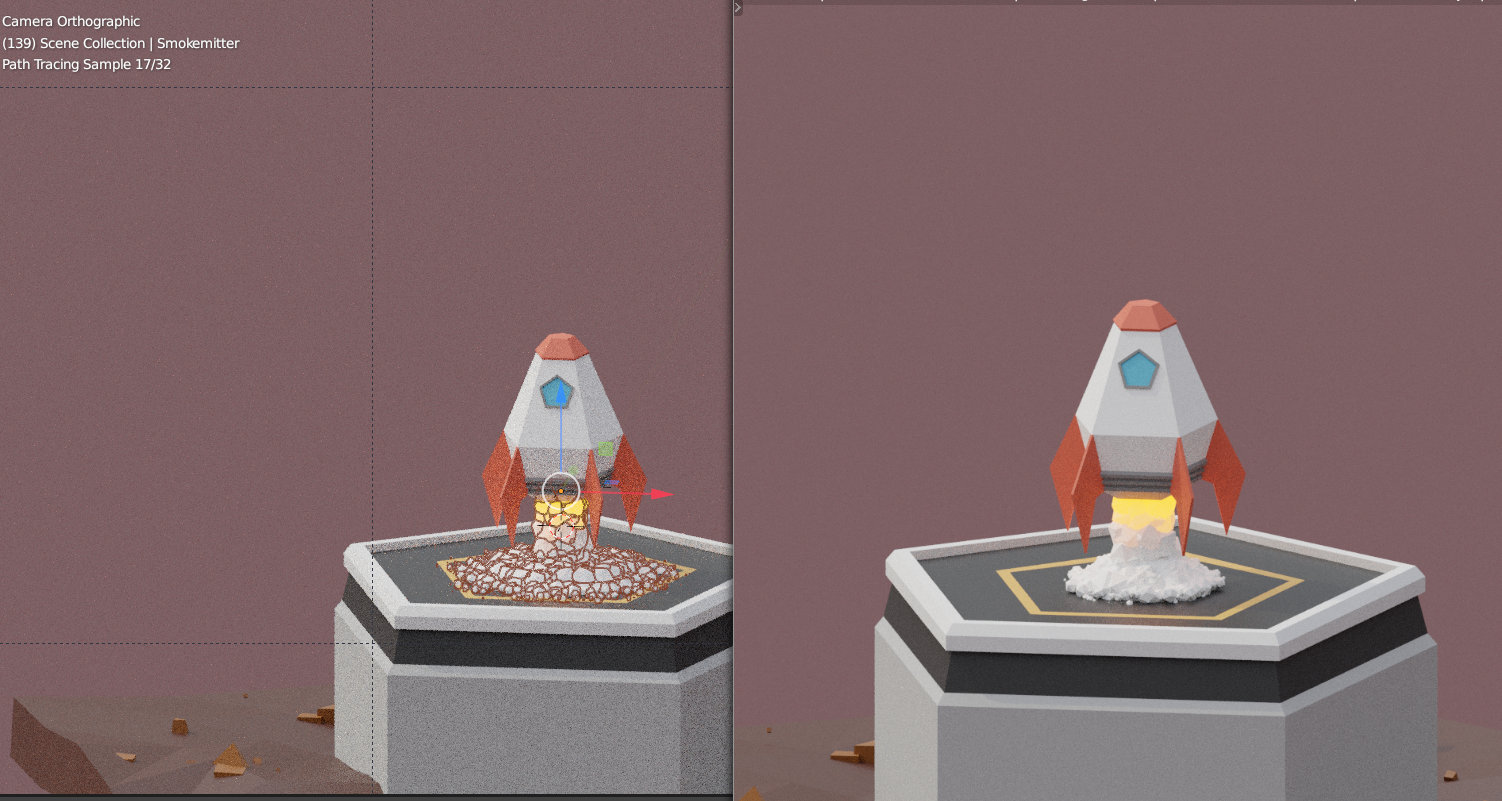
@johnisland I’ve tried all the other usual suspects, that I could think of and also some things that I didn’t expect to make a difference;
the result stays the same…
Like I said, I’ve seen a few people with similar problems with the smoke in this course, but yours seems to be something else..
I give up for now, but will look at it again tomorrow…
June 12, 2020 at 3:19 pm #58253God, thank you both so much for this unconditional help. It’s a weird problem, I guess doing it again will be fine. So it isn’t too urgent. Anyway, as I said in a previous post, it would be interesting to know what the problem is to solve it if it happens again in the future. I am using Blender 2.83, maybe it is a bug? I don’t know. Thanks again to both of you for getting involved <3
June 12, 2020 at 3:40 pm #58254@johnisland, I do not think it’s a bug, although that is of course a possibility…
I’ve tested it in 2.80, 2.83 and 2.90 and the result is the same every time.
June 12, 2020 at 3:44 pm #58255It is always a pleasure to solve a mystery! Too bad this one hasn’t been solved yet tho 🙁
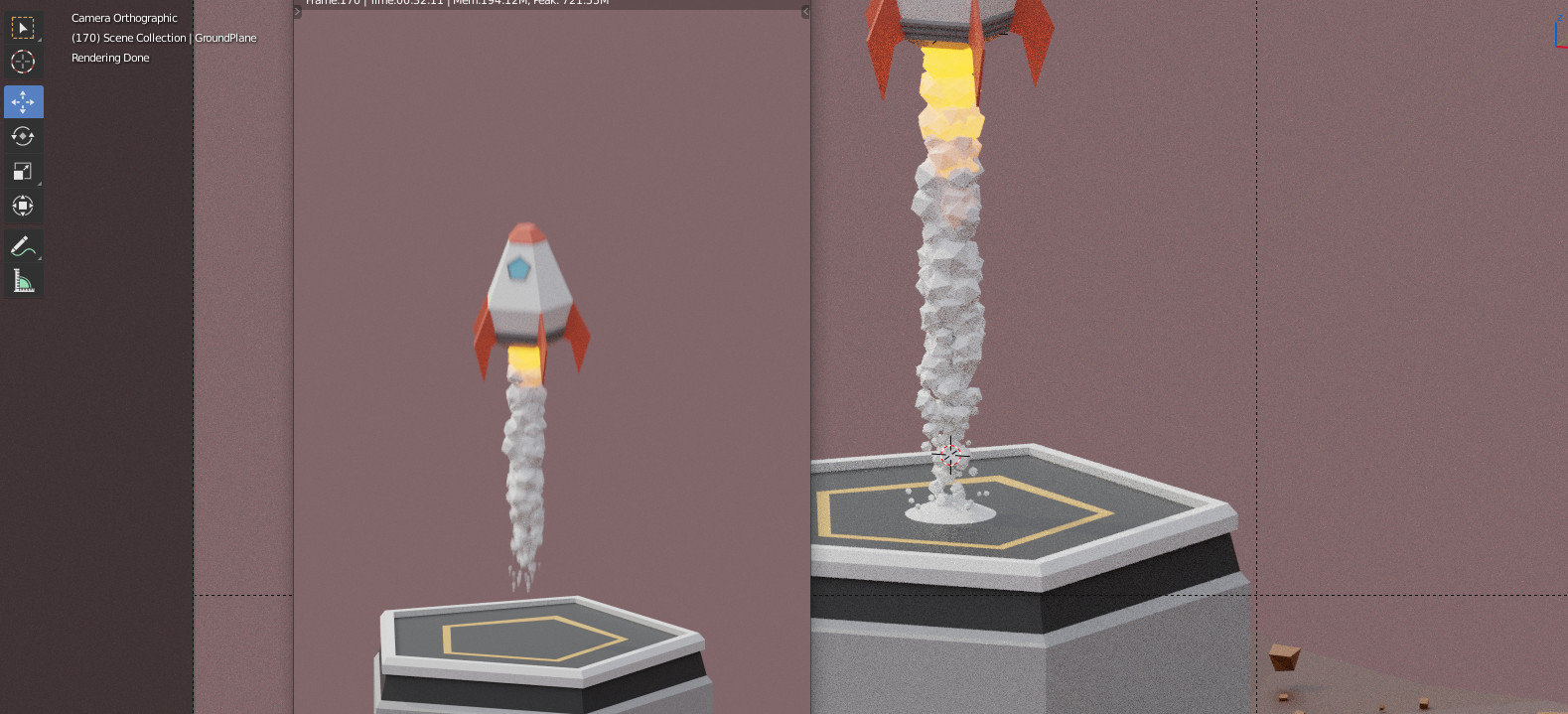
And it is weird. It is like there are two different scenes for rendering and viewport.
June 12, 2020 at 3:53 pm #58256Yep, It’s somehow not rendering particles that are ‘too old’, but rendering them in the viewport…
June 13, 2020 at 12:56 am #58257@johnisland I have found what is causing this, but I do not know why. It is caused by the keyframes on the Particle Lifetime (where have I seen this before? I’m sure it was with this course…). Remove the keyframes and you’re fine, at least the render is the same as the preview…but now both are wrong…
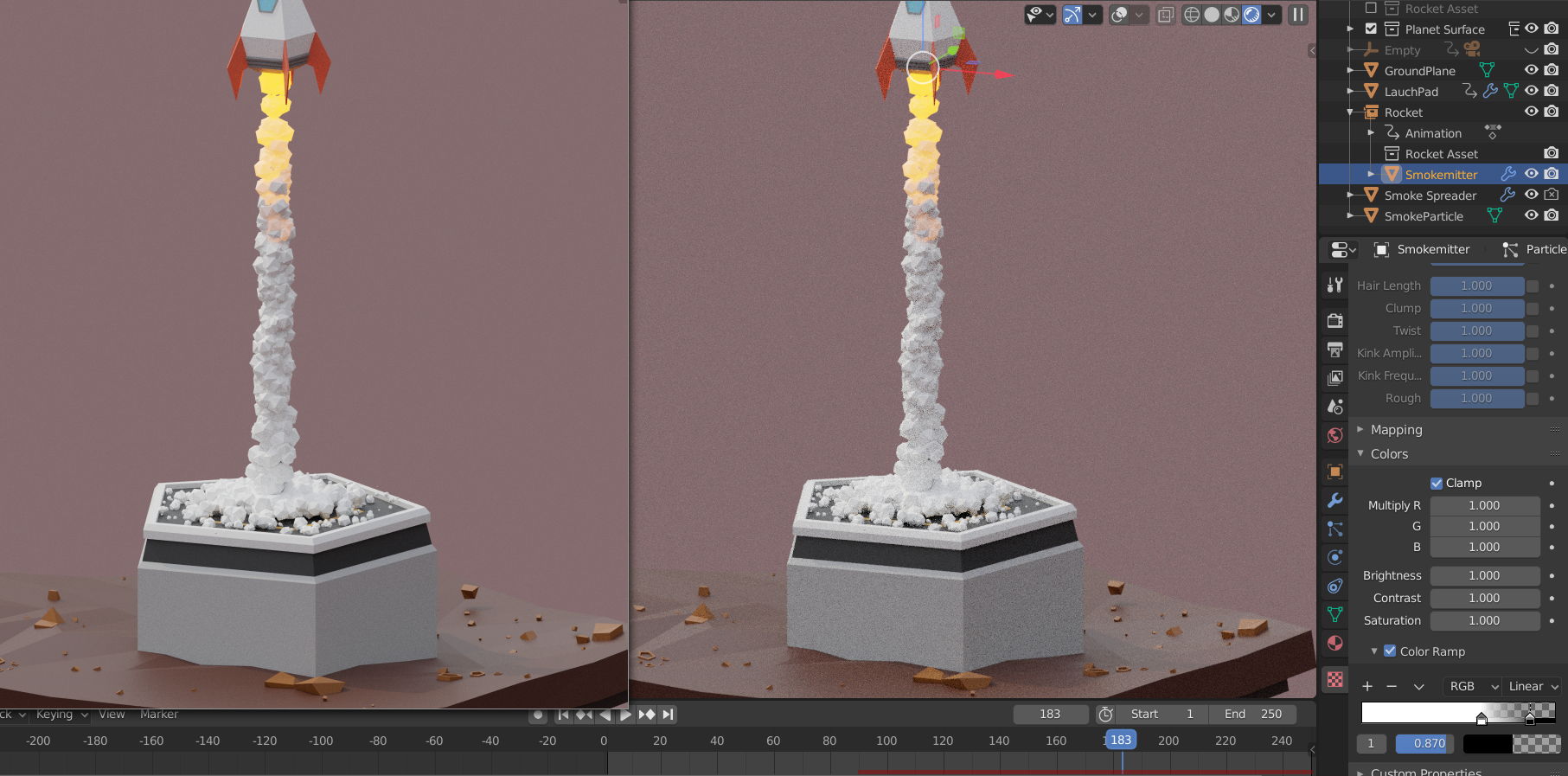
I removed the Motion Blur and the Denoiser here for testing purposes and moved the black flag on the Colorramp (for Particle size) a bit to the left to compensate a bit for the now longer lifetime of the smoke.
I’d guess that this is indeed a bug, but the Particle system is being completey re-written as we speak, so I wouldn’t report it.
June 14, 2020 at 5:02 pm #58258You’re right, it was that! I undid a lot of things, but that’s the only thing I didn’t touch (facepalm) haha. I suppose undo and redo will fix some issues right now for being so new to this. At this moment I’m in another course that is beyond my level, this rocket course surprised me because I was still quite clumsy. I will do it again soon and upload it here. Sorry for not seeing the message sooner. Thank you very much to you and to @michaelmirn really!
-
AuthorPosts


- The topic ‘Final render looks different than preview render’ is closed to new replies.